Why Look for Alternatives to Giselle?
While Giselle offers a unique solution for users looking to build custom AI applications without coding, it does have its limitations that prompt users to seek alternatives. One significant concern is the pricing structure, which may not be transparent enough for users who are exploring their options. The freemium model can sometimes restrict access to essential features, leading some users to feel that they are not getting the full value unless they upgrade to a paid plan. Additionally, certain use cases, particularly those requiring advanced customization or integration with existing tools, may not be fully supported by Giselle. This lack of flexibility can be a dealbreaker for users with more specific needs.
Another pain point is the limited functionality in certain areas, such as real-time collaboration and task management. Users who need to work closely with teams might find Giselle lacking in features that facilitate seamless communication and workflow. Furthermore, while Giselle is designed to enhance productivity through automation, it may not cater to users looking for robust AI-driven insights or those who prefer a more hands-on approach to application building. These limitations drive users to consider alternatives that offer a broader range of features and better alignment with their specific workflows.
Best Alternatives to Giselle in 2026
Glean - Best for Information Organization
Glean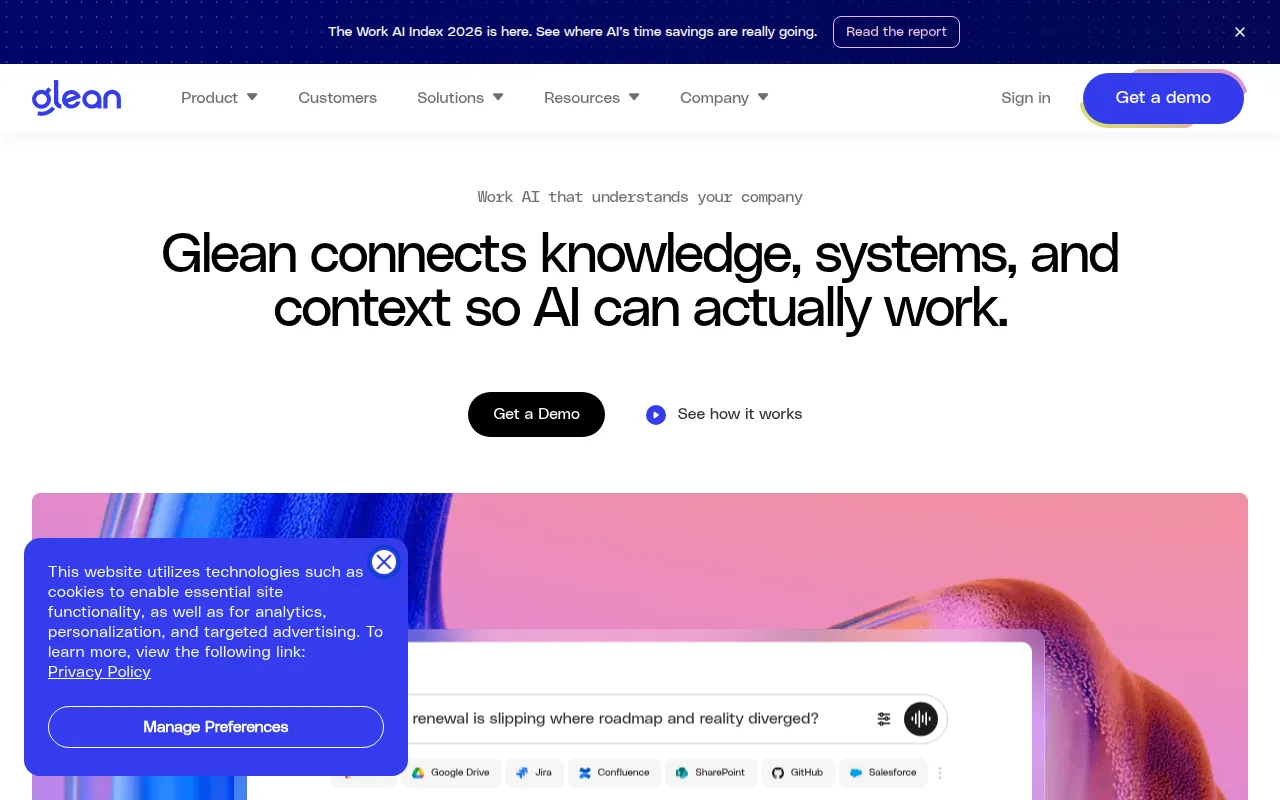 is an AI assistant that focuses on enhancing productivity through information organization and actionable insights. Unlike Giselle, which primarily serves as an app builder, Glean provides a platform that helps users streamline their information management. This makes it particularly appealing for professionals who deal with large volumes of data and require a tool that can sift through, organize, and present insights in a digestible format. Glean’s strength lies in its ability to analyze user data and provide tailored suggestions, making it a powerful companion for research-heavy tasks.
Glean also excels in collaboration features, allowing teams to work together seamlessly. This is a crucial advantage for users who need to share insights or collaborate on projects in real-time. While Giselle may offer limited collaboration functionalities, Glean's design encourages team interaction and collective productivity. For those who prioritize efficient information handling and teamwork, Glean stands out as a worthy alternative.
- Key Strength: Superior information organization and actionable insights.
- Key Strength: Enhanced collaboration features for teams.
- Key Strength: AI-driven suggestions tailored to user needs.
- Limitation: Pricing information is currently unavailable, which may deter some users.
Pricing: Freemium model. Best for: Professionals and teams focused on information management and collaboration.
NoteGenie - Best for Optimizing Note-Taking
NoteGenie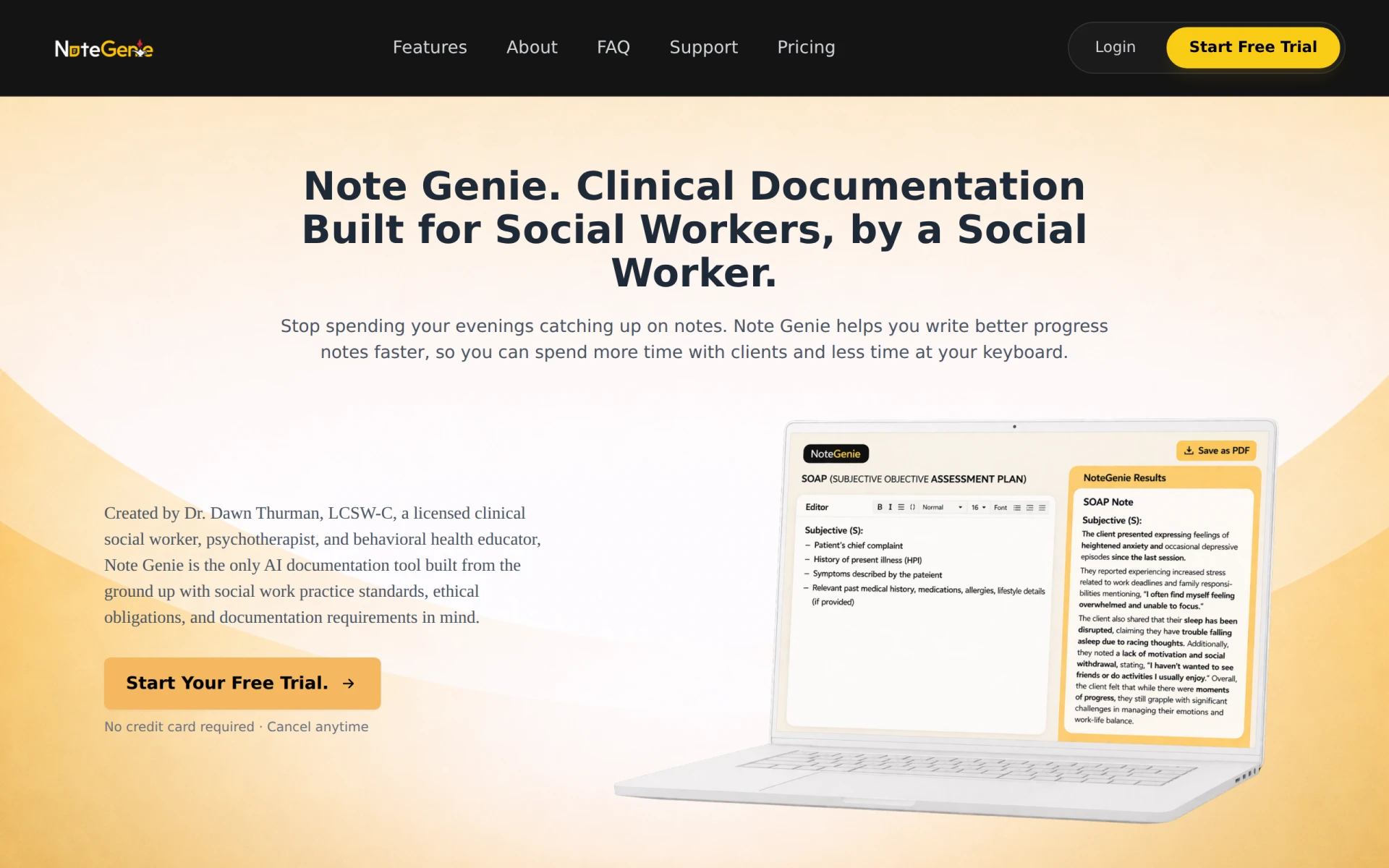 is an AI-powered tool specifically designed to optimize note-taking processes, making it an ideal alternative for users who find themselves overwhelmed by unorganized notes and information. Unlike Giselle, which is focused on app creation, NoteGenie offers users a streamlined approach to documenting ideas, meeting notes, and research findings. Its intelligent features help categorize and summarize notes, allowing users to retrieve information quickly and efficiently. This can be a game changer for students, researchers, and professionals alike who need to manage extensive information.
Moreover, NoteGenie's user-friendly interface and robust integration capabilities make it easy to incorporate into existing workflows. Users can seamlessly integrate their notes with other productivity tools, enhancing overall productivity. While Giselle may excel in app development, NoteGenie stands out in the realm of note management and is particularly beneficial for users who prioritize organized, easily accessible information.
- Key Strength: Efficient note organization and summarization features.
- Key Strength: Seamless integration with productivity tools.
- Key Strength: User-friendly interface designed for quick access.
- Limitation: Freemium model lacks detailed pricing information.
Pricing: Freemium model. Best for: Students and professionals focused on effective note-taking.
Ninja AI - Best for Intelligent Task Management
Ninja AI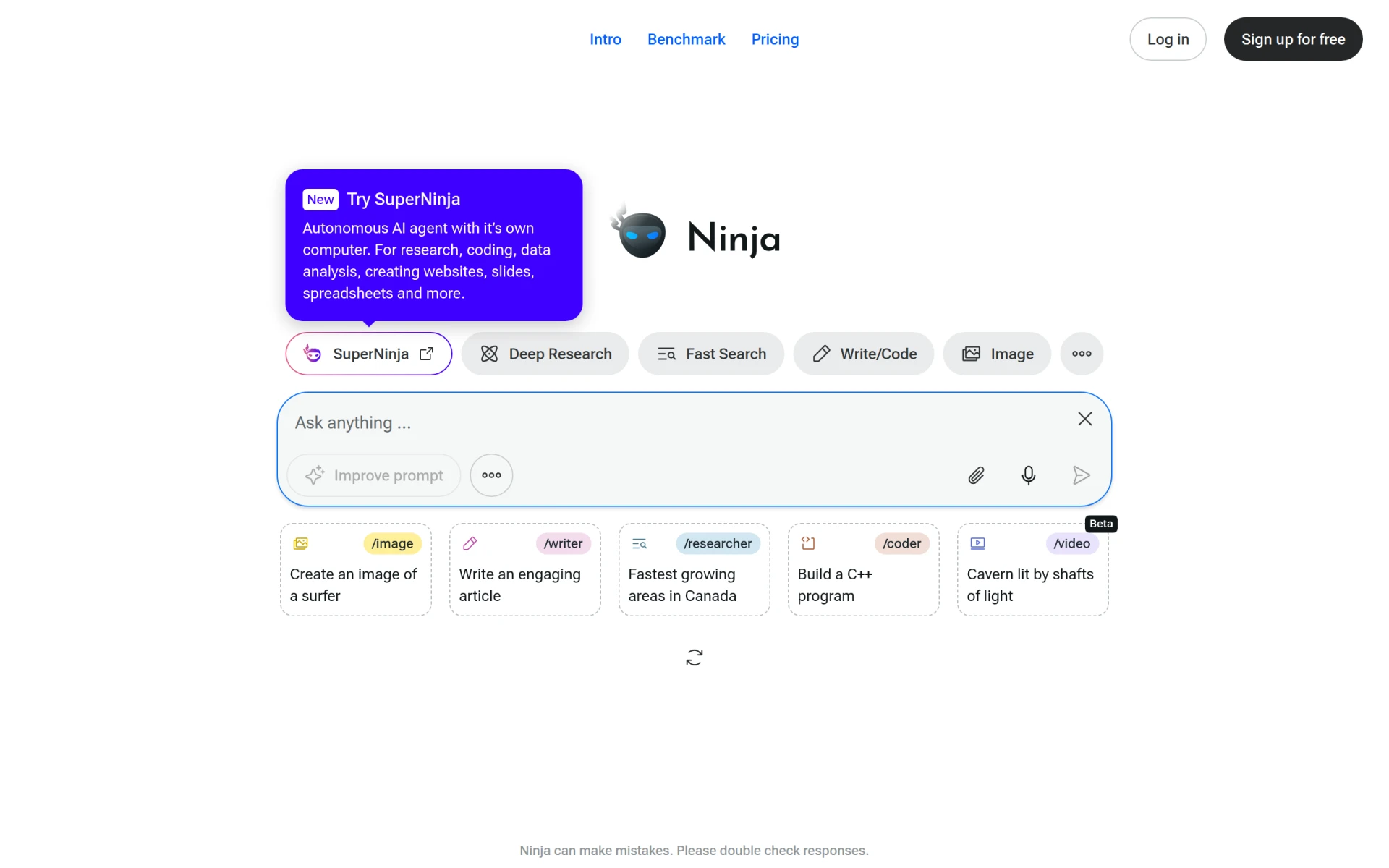 is an all-in-one AI agent designed to enhance productivity through intelligent task management and automation. This tool is particularly useful for users who manage multiple tasks and projects simultaneously. Unlike Giselle, which primarily focuses on app development, Ninja AI provides users with a comprehensive suite of features that help prioritize tasks, set reminders, and automate routine processes. This makes it an excellent choice for busy professionals who need to streamline their workflow and ensure that nothing falls through the cracks.
One of Ninja AI's standout features is its intelligent task prioritization, which adapts to users' habits and preferences over time. This allows for a personalized experience that can significantly boost productivity. While Giselle offers automation, it may not provide the same level of intelligent task management that Ninja AI does. For users looking for a tool that can handle task organization, reminders, and automation in a cohesive manner, Ninja AI is a solid alternative.
- Key Strength: Intelligent task prioritization based on user habits.
- Key Strength: Comprehensive automation features for routine tasks.
- Key Strength: User-friendly interface for easy navigation.
- Limitation: Pricing information is currently unavailable, which may lead to uncertainty.
Pricing: Freemium model. Best for: Busy professionals needing efficient task management.
Mina - Best for Meeting Productivity
Mina is an AI Meeting Assistant that elevates meeting productivity by listening, speaking, and executing tasks in real-time. This makes it a game-changing tool for teams that rely heavily on meetings for communication and decision-making. Unlike Giselle, which focuses on building apps, Mina is tailored specifically for enhancing the meeting experience. It captures discussions, summarizes key points, and assigns action items directly, reducing the administrative burden on team members.
The real-time execution of tasks is a significant advantage of Mina over Giselle. Users can focus on the discussion at hand without worrying about note-taking or task delegation, as Mina handles these automatically. For teams looking to maximize their meeting efficiency and minimize follow-up work, Mina is a compelling alternative that directly addresses common pain points associated with traditional meeting formats.
- Key Strength: Real-time task execution during meetings.
- Key Strength: Automatic summarization of discussions.
- Key Strength: Reduces administrative burden on team members.
- Limitation: Freemium model lacks public pricing details.
Pricing: Freemium model. Best for: Teams focused on improving meeting productivity.
ZoomMate - Best for Conversation Analysis
ZoomMate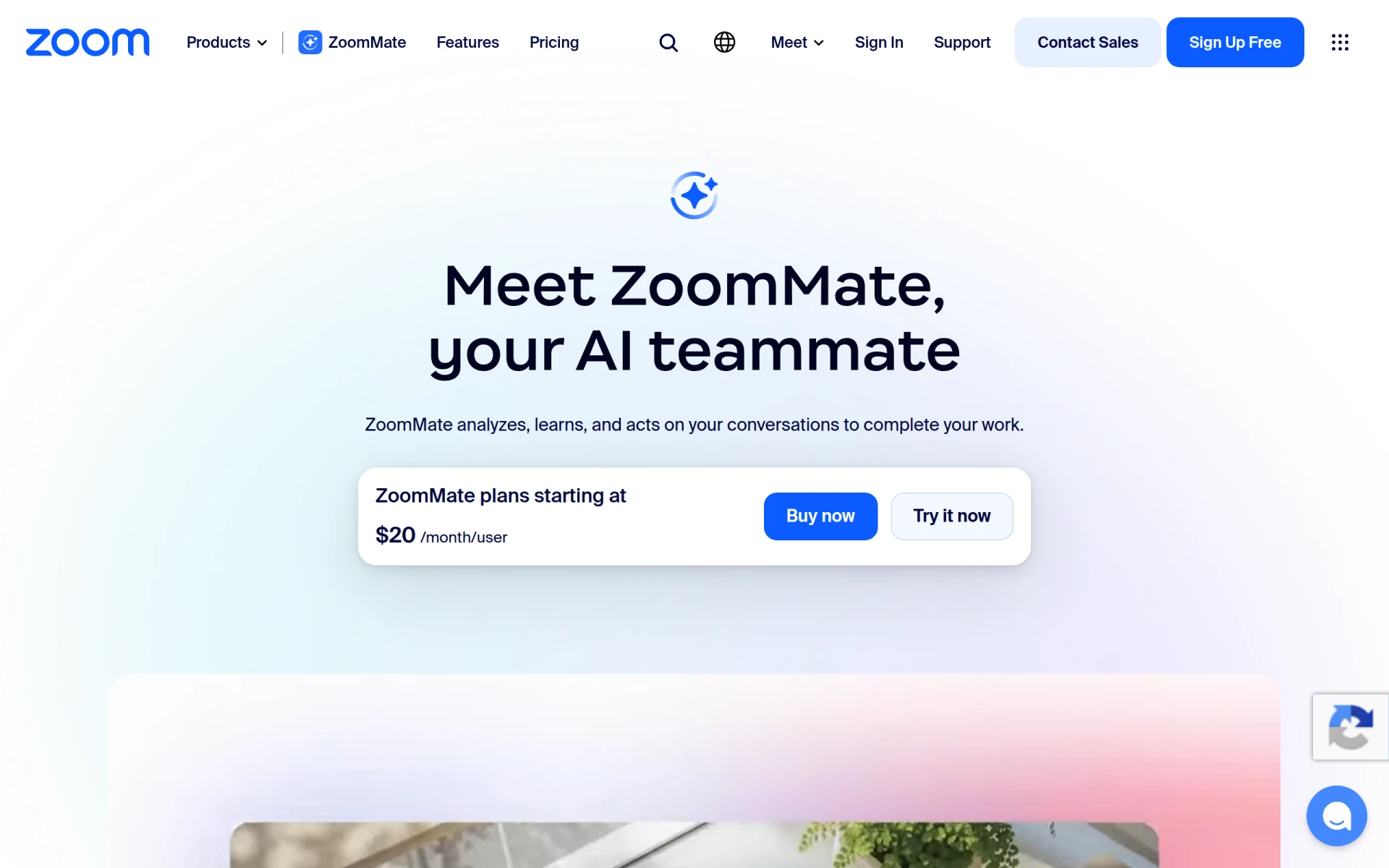 is an AI assistant that analyzes conversations to help users complete their work efficiently. Unlike Giselle, which is centered around creating applications, ZoomMate focuses on enhancing the quality and effectiveness of conversations, making it particularly useful for professionals involved in customer service, sales, or any role that requires extensive communication. ZoomMate can provide insights into conversation patterns and help users identify areas for improvement, which can lead to better outcomes in client interactions.
Additionally, ZoomMate offers features that facilitate follow-ups and task assignments based on conversation analysis. This can be a game changer for teams that need to ensure that all action items from discussions are tracked and completed. While Giselle primarily aids in the creation of applications, ZoomMate provides a unique value proposition centered around improving communication and task management, making it a great alternative for users who prioritize conversation efficiency.
- Key Strength: In-depth analysis of conversations for actionable insights.
- Key Strength: Facilitates follow-ups and task assignments based on discussions.
- Key Strength: Designed for professionals in customer-facing roles.
- Limitation: Pricing details are not publicly available, which may limit user interest.
Pricing: Freemium model. Best for: Professionals engaged in customer service or sales.
Anakin.ai - Best for Content Generation
Anakin.ai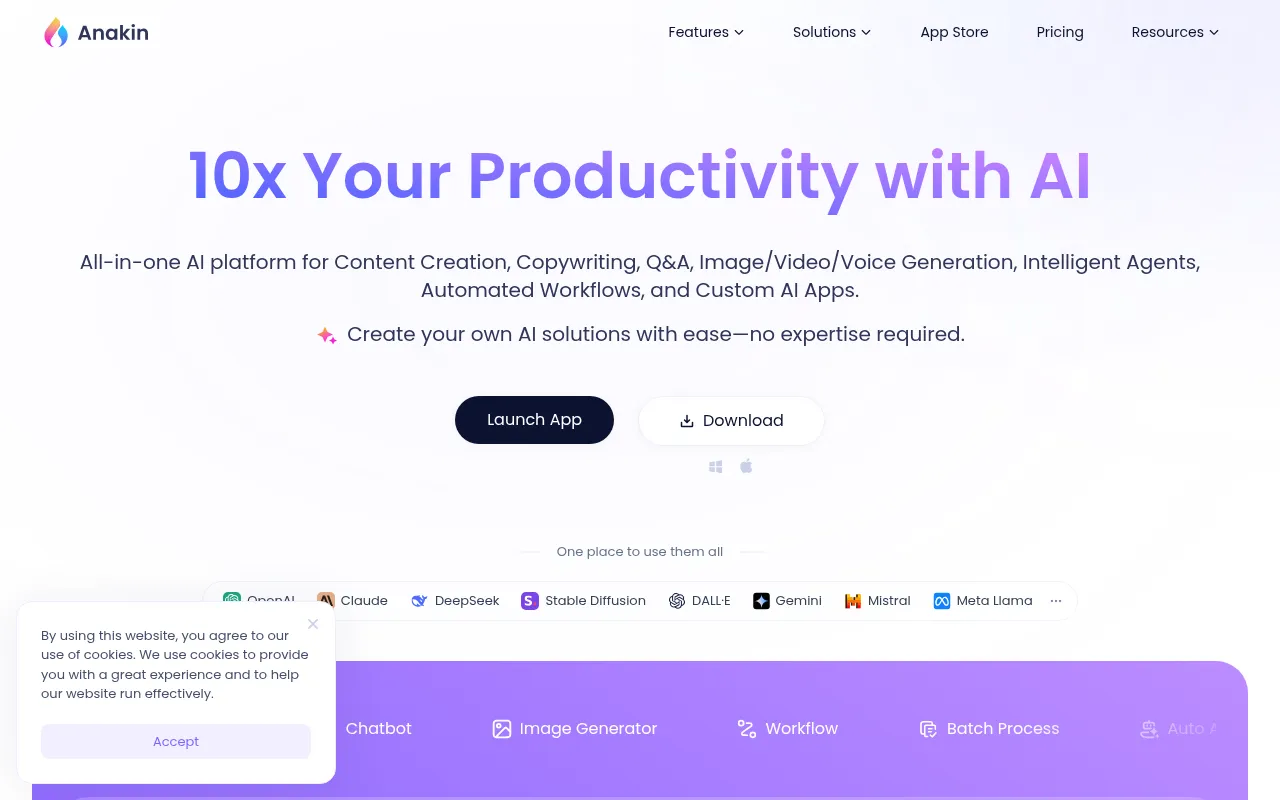 is a comprehensive AI platform that excels in content generation, automated workflows, and custom AI app creation. Unlike Giselle, which focuses on app building without coding, Anakin.ai provides a broader range of functionalities that include creating content and automating various workflows. This makes it an ideal choice for users who need a versatile tool that can handle multiple tasks, from writing blog posts to managing entire project workflows.
One of the standout features of Anakin.ai is its affordable pricing structure, starting at just $9.90 per month, which appeals to both individuals and small businesses. This competitive pricing, combined with its extensive feature set, positions Anakin.ai as a strong contender in the market. For users who want an all-in-one solution that includes content generation alongside app development capabilities, Anakin.ai is a fantastic alternative to Giselle.
- Key Strength: Versatile functionalities including content generation and workflow automation.
- Key Strength: Competitive pricing starting at $9.90 per month.
- Key Strength: Comprehensive feature set for diverse user needs.
- Limitation: Freemium model may restrict access to advanced features.
Pricing: Freemium model with paid plans starting at $9.90 per month. Best for: Users needing a versatile tool for content generation and workflow management.
Checklist.gg - Best for Workflow Optimization
Checklist.gg is an AI-powered checklist management tool designed to optimize workflow and enhance task organization. Unlike Giselle, which focuses on app building, Checklist.gg provides a straightforward interface for users to create, manage, and track checklists effectively. This tool is especially beneficial for users who thrive on visual task management and prefer a structured approach to their work. The simplicity of Checklist.gg allows users to quickly create checklists that can be shared with teams, making it a practical solution for collaborative projects.
In addition, Checklist.gg integrates with various productivity tools, ensuring that users can incorporate it into their existing workflows seamlessly. This flexibility, combined with its focus on checklist management, makes it a strong alternative for users who need to organize tasks without the complexity of building an application. While Giselle offers automation, Checklist.gg provides a tailored experience for users focused on task organization and completion.
- Key Strength: Streamlined checklist management for optimal task organization.
- Key Strength: Easy integration with existing productivity tools.
- Key Strength: User-friendly interface designed for quick checklist creation.
- Limitation: Pricing information is currently unavailable, which may hinder adoption.
Pricing: Freemium model. Best for: Users who prefer visual task management and checklist organization.
Plus AI - Best for Presentation Enhancement
Plus AI is an AI-powered presentation maker that significantly enhances the experience of creating presentations in PowerPoint and Google Slides. Unlike Giselle, which focuses on developing custom applications, Plus AI specializes in helping users produce visually appealing and professionally designed presentations quickly. This tool is particularly beneficial for users who often need to create impactful presentations but may lack the design skills or time to do so effectively. Plus AI offers features that automate design suggestions and content structuring, which can save users considerable time and effort.
Furthermore, Plus AI provides a 7-day free trial, allowing users to test its functionalities before committing to a paid plan. With plans starting at $10 per user per month, Plus AI offers an affordable solution for individuals and teams needing to enhance their presentation capabilities. For users who prioritize visual storytelling and need an efficient way to create presentations, Plus AI is a standout alternative to Giselle.
- Key Strength: Automates design suggestions for presentations.
- Key Strength: Integrates seamlessly with PowerPoint and Google Slides.
- Key Strength: Affordable pricing with a 7-day free trial.
- Limitation: Limited to presentation creation, lacking broader productivity features.
Pricing: 7-day free trial followed by plans starting at $10 per user per month. Best for: Users focused on creating visually appealing presentations.
Formula Generator - Best for Spreadsheet Users
Formula Generator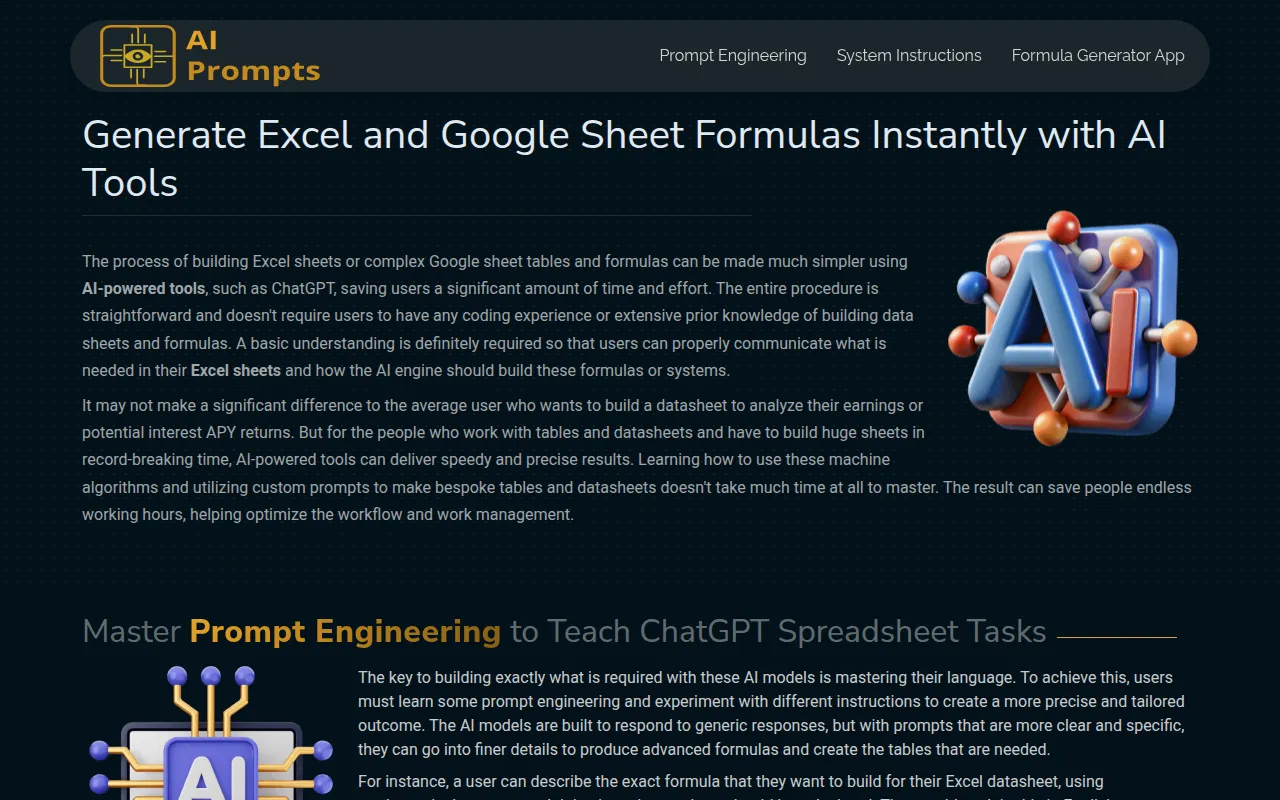 simplifies the process of creating Excel and Google Sheet formulas using AI, making it accessible for users who may not have coding experience. Unlike Giselle, which is primarily aimed at building applications, Formula Generator focuses specifically on enhancing the usability of spreadsheets. This tool is especially beneficial for users in data-heavy roles who frequently work with formulas and need a straightforward way to generate them without extensive knowledge of spreadsheet functions.
The ease of use and the ability to quickly create complex formulas can significantly enhance productivity for users who rely on spreadsheets for data analysis and reporting. While Giselle does provide automation features, Formula Generator is tailored for users who require specific assistance with formula creation. For those looking for a dedicated solution to streamline their spreadsheet tasks, Formula Generator is an excellent alternative.
- Key Strength: Simplifies the creation of spreadsheet formulas for non-coders.
- Key Strength: Designed specifically for users working with Excel and Google Sheets.
- Key Strength: Enhances productivity by reducing formula creation time.
- Limitation: Pricing information is currently unavailable.
Pricing: Freemium model. Best for: Users needing assistance with Excel and Google Sheet formulas.
Sigma AI Browser - Best for Private Browsing and Research
Sigma AI Browser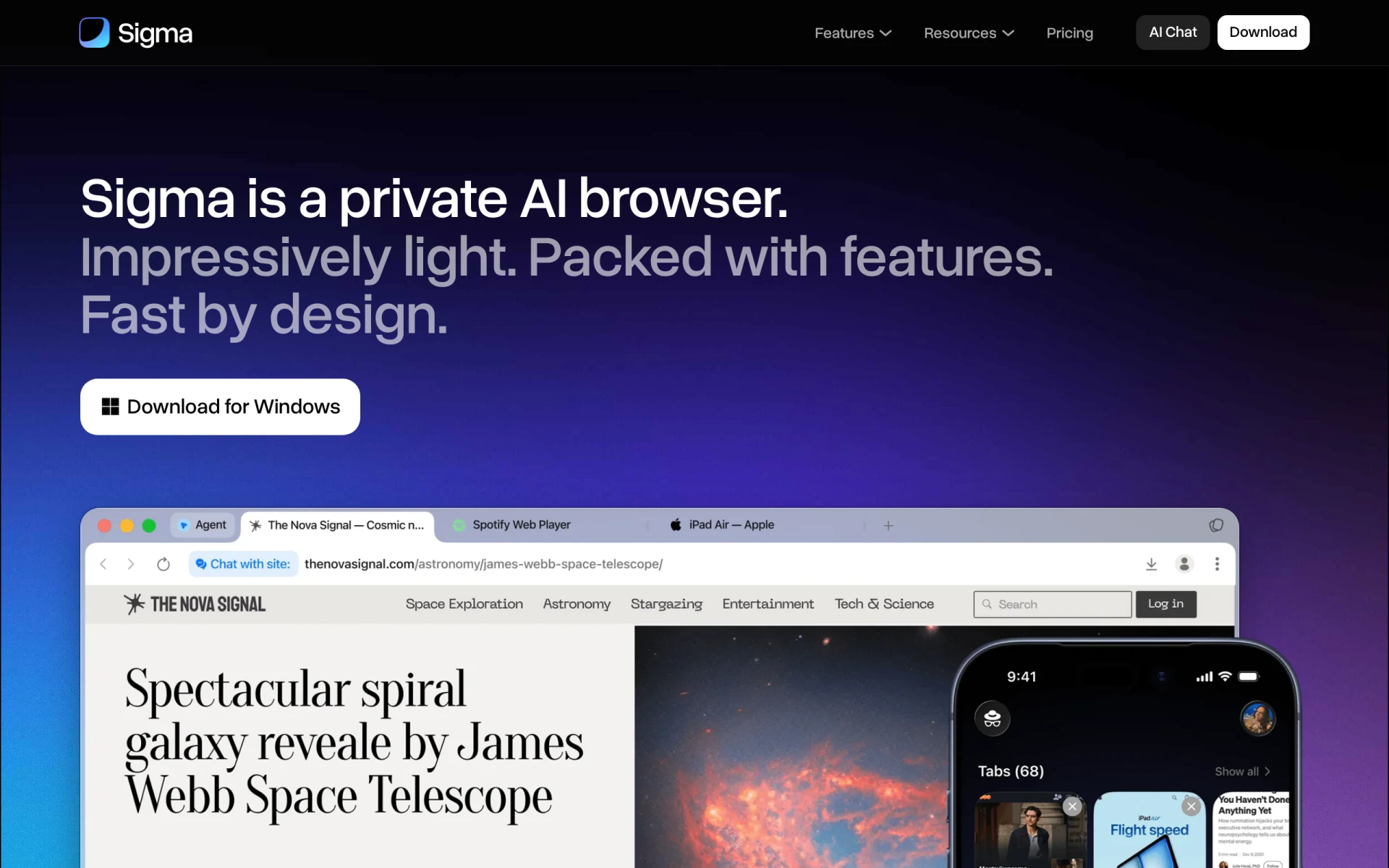 is a private AI-powered browser designed for efficient task management and research. Unlike Giselle, which focuses on app development, Sigma AI Browser provides users with a secure and efficient way to conduct online research while managing tasks. This tool is particularly useful for individuals who require privacy and security while browsing, making it a fitting choice for researchers and professionals who deal with sensitive information.
In addition to its privacy features, Sigma AI Browser offers built-in task management functionalities that simplify the research process. Users can organize their findings, set reminders, and track their progress all within the browser. This holistic approach to research and task management sets it apart from Giselle, which does not offer similar browser-based capabilities. For users who prioritize privacy and efficient research workflows, Sigma AI Browser presents a compelling alternative.
- Key Strength: Secure and private browsing experience for research.
- Key Strength: Integrated task management features for organizing findings.
- Key Strength: Designed specifically for researchers and professionals needing privacy.
- Limitation: Paid plans starting at $10 per month may not be appealing to all users.
Pricing: Freemium model with paid plans starting at $10 per month. Best for: Researchers and professionals needing a secure browsing experience.
Strawberry - Best for Task Automation
Strawberry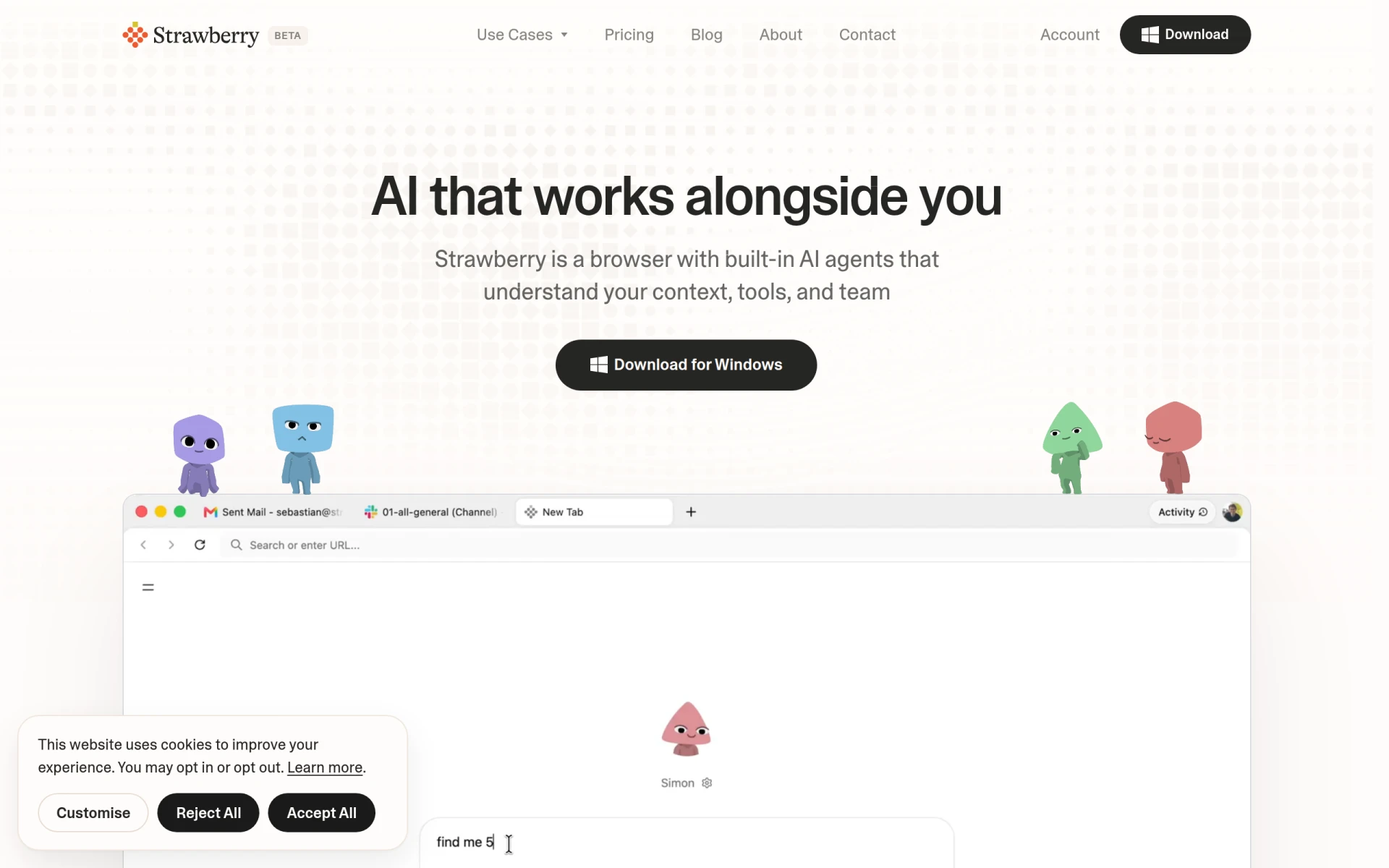 is an AI-powered browser that automates tasks and enhances productivity with built-in assistants. Unlike Giselle, which focuses on app development, Strawberry provides users with a browser-based solution designed for task automation. This is particularly beneficial for users who spend a significant amount of time online and require a tool that can help streamline their tasks directly within the browser environment. Strawberry's built-in assistants allow users to automate repetitive tasks, saving valuable time and increasing overall productivity.
Moreover, Strawberry offers tiered pricing starting at $20 per month, providing users with various options depending on their needs. This flexibility can be appealing for teams or individuals looking for a browser that adapts to their workflow. While Giselle serves a different purpose, Strawberry's focus on automation within the browsing experience makes it an attractive alternative for users who prioritize efficiency and task management online.
- Key Strength: Task automation directly within the browser.
- Key Strength: Built-in assistants to streamline online tasks.
- Key Strength: Flexible pricing options for different usage needs.
- Limitation: Pricing starts at $20 per month, which may deter budget-conscious users.
Pricing: Freemium model with tiered pricing starting at $20 per month. Best for: Users looking for browser-based task automation.
happycapy - Best for Workflow Automation
happycapy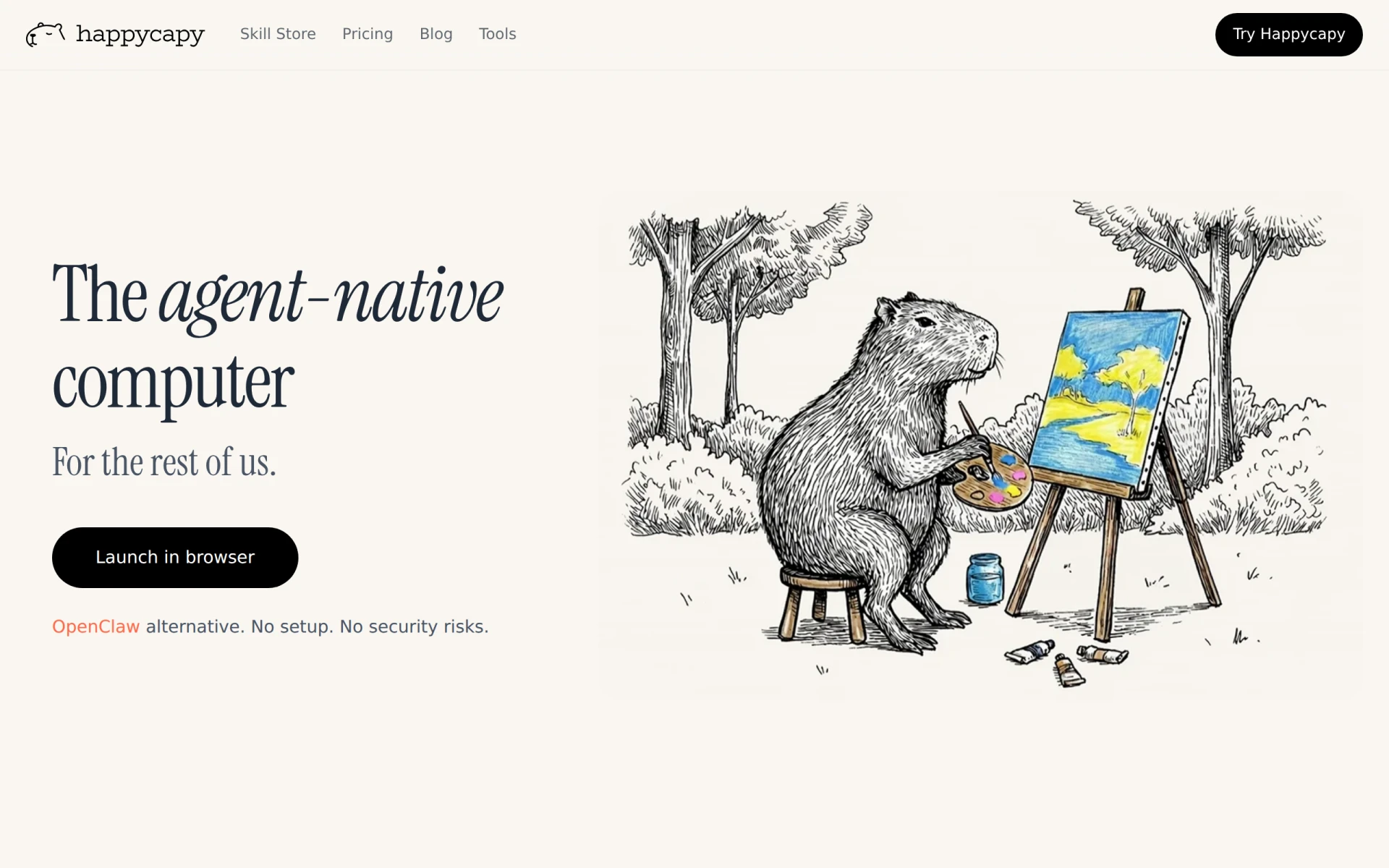 turns your browser into an AI-native computer, enabling efficient task delegation and workflow automation. This innovative approach sets it apart from Giselle, which focuses on app creation. happycapy provides users with a unique way to optimize their online tasks by integrating AI capabilities directly into their browsing experience. This can be particularly advantageous for users who need a tool that automates repetitive tasks and allows for easy delegation of responsibilities, making it ideal for team environments.
Additionally, happycapy offers a competitive pricing structure, starting at $20 per month, which provides users with access to its robust automation features. This pricing model makes it a viable option for teams looking to enhance their productivity without investing heavily in multiple separate tools. While Giselle focuses on application building, happycapy's emphasis on automation and delegation makes it an appealing alternative for users seeking efficiency in their everyday workflows.
- Key Strength: Integrates AI directly into the browsing experience for task automation.
- Key Strength: Facilitates easy delegation of tasks within teams.
- Key Strength: Competitive pricing for teams looking to enhance productivity.
- Limitation: Pricing may not be suitable for individual users seeking budget-friendly options.
Pricing: Freemium model with paid options starting at $20 per month. Best for: Teams focused on workflow automation and task delegation.
Heidi - Best for Dictation and Transcription
Heidi is an AI dictation tool that enables users to transcribe their voice directly into text effortlessly. This tool is particularly useful for professionals who prefer dictation over typing or who need to transcribe meetings, interviews, or notes quickly. Unlike Giselle, which primarily supports application building, Heidi offers a specialized service that focuses on voice-to-text conversion, making it a valuable tool for users who prioritize efficiency in note-taking and transcription.
The simplicity and effectiveness of Heidi's dictation capabilities mean that users can convert their thoughts into text with minimal effort, allowing for a smoother workflow. Additionally, Heidi offers various paid options to suit different user needs, providing flexibility for individuals or teams. For users who require a dedicated dictation tool to enhance their productivity, Heidi is an excellent alternative to Giselle.
- Key Strength: Efficient voice-to-text transcription capabilities.
- Key Strength: User-friendly interface designed for quick dictation.
- Key Strength: Flexible pricing options to accommodate various users.
- Limitation: Freemium model may have limitations on usage without a paid plan.
Pricing: Freemium model with various paid options. Best for: Users needing efficient dictation and transcription solutions.
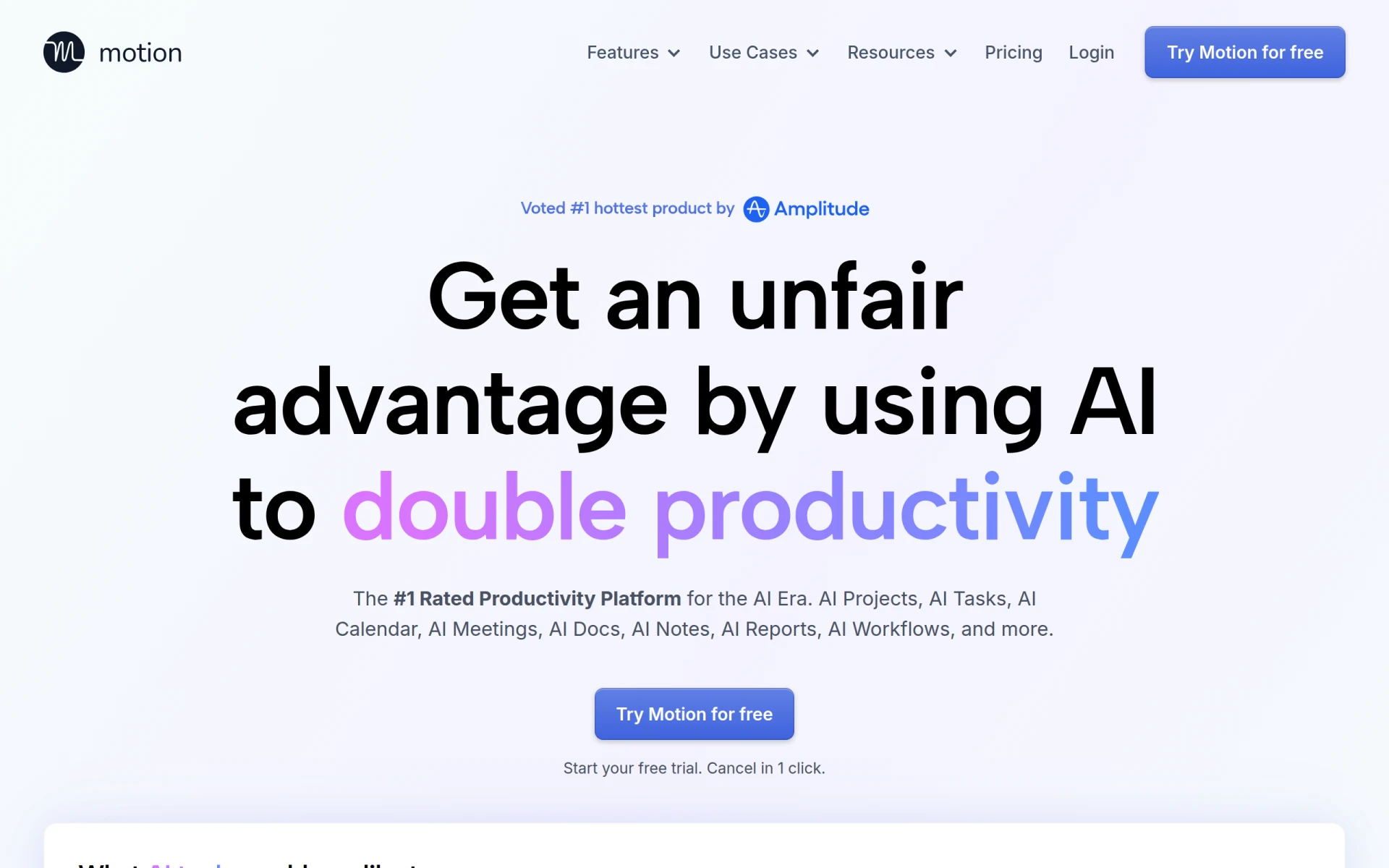
Motion - Best for Team Collaboration
Motion is an AI-powered productivity platform designed to streamline task management and enhance team collaboration. Unlike Giselle, which focuses on custom app development, Motion provides users with a comprehensive tool for managing tasks and projects in a collaborative environment. This makes it particularly suitable for teams that require effective communication and project tracking to achieve their goals. Motion's interface allows users to assign tasks, set deadlines, and monitor progress, facilitating a more organized workflow.
Moreover, Motion offers both monthly and annual subscription plans, making it accessible for individuals and teams of all sizes. This flexibility in pricing, combined with its robust collaboration features, positions Motion as a strong alternative for users looking to enhance their team productivity. For those who require a tool that emphasizes collaboration and task management, Motion is a compelling choice compared to Giselle.
- Key Strength: Comprehensive task management features for team collaboration.
- Key Strength: User-friendly interface designed for team organization.
- Key Strength: Flexible subscription options for different user needs.
- Limitation: May be too complex for individual users seeking a simpler solution.
Pricing: Monthly and annual subscription plans available. Best for: Teams focused on collaboration and task management.
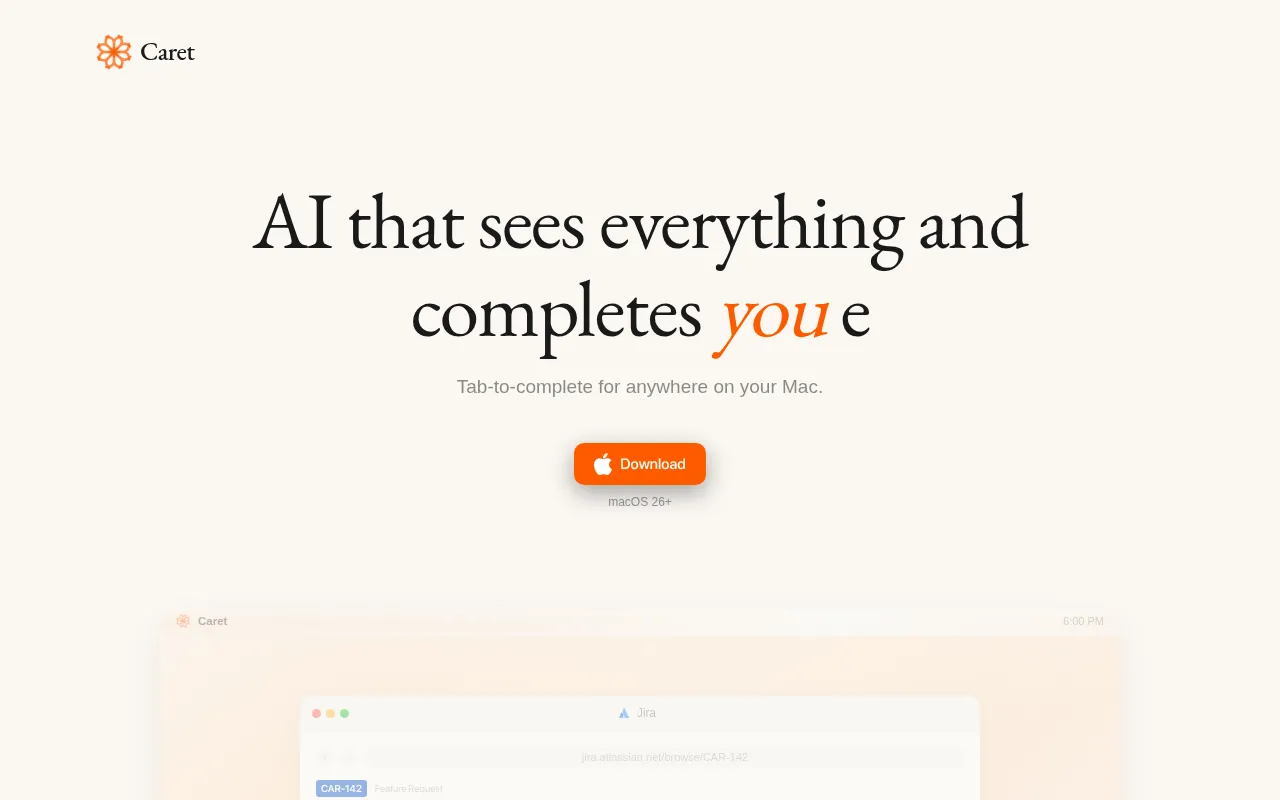
Caret - Best for Writing Assistance
Caret is an AI writing assistant that enhances productivity by completing thoughts across any Mac application. Unlike Giselle, which is centered around application building, Caret focuses on improving the writing process for users. This tool is particularly beneficial for writers, marketers, and professionals who need assistance with content creation and editing. Caret's ability to understand context and provide suggestions makes it a valuable addition to any writing workflow, streamlining the creative process.
Furthermore, Caret integrates seamlessly with various Mac applications, allowing users to benefit from its writing assistance wherever they work. This level of versatility is an advantage over Giselle, which may not offer the same breadth of applications. For individuals seeking a specialized writing tool that enhances productivity, Caret is a strong alternative to consider.
- Key Strength: Contextual writing assistance across Mac applications.
- Key Strength: Streamlines the writing process with intelligent suggestions.
- Key Strength: User-friendly and integrates easily with existing workflows.
- Limitation: Pricing information is currently unavailable, which may deter potential users.
Pricing: Freemium model. Best for: Writers and professionals needing writing assistance.
Feature Comparison Table
| Tool | Best For | Starting Price | Free Plan | Standout Feature |
|---|
| Giselle | Custom AI app creation | Free | Yes | No coding required |
| Glean | Information organization | Not available | Yes | AI-driven actionable insights |
| NoteGenie | Note-taking optimization | Not available | Yes | Efficient note organization |
| Ninja AI | Intelligent task management | Not available | Yes | Task prioritization |
| Mina | Meeting productivity | Not available | Yes | Real-time task execution |
| ZoomMate | Conversation analysis | Not available | Yes | Insights from conversations |
| Anakin.ai | Content generation | $9.90/mo | Yes | Automated workflows |
| Checklist.gg | Workflow optimization | Not available | Yes | Checklist management |
| Plus AI | Presentation enhancement | $10/mo | 7-day free trial | Design automation |
| Formula Generator | Spreadsheet formulas | Not available | Yes | AI-powered formula creation |
| Sigma AI Browser | Private browsing | $10/mo | Yes | Task management features |
| Strawberry | Task automation | $20/mo | Yes | Browser-based automation |
| happycapy | Workflow automation | $20/mo | Yes | Task delegation |
| Heidi | Dictation and transcription | Not available | Yes | Voice-to-text conversion |
| Motion | Team collaboration | Not available | Yes | Task management for teams |
| Caret | Writing assistance | Not available | Yes | Contextual suggestions |
How to Choose the Right Alternative to Giselle
Choosing the right alternative to Giselle depends on your specific needs and use cases. If you are focused on creating custom applications without the need for coding, Anakin.ai could be your best bet with its robust features and affordability. However, if your primary concern is managing tasks or projects efficiently, Ninja AI or Motion might be more suitable with their intelligent task management capabilities.
For users whose work revolves around information organization or note-taking, Glean and NoteGenie offer specialized functionalities that can significantly enhance productivity. On the other hand, if your role involves frequent meetings and you need to streamline the process, Mina is an excellent option for improving meeting productivity. Consider what specific features are essential for your workflow to make an informed decision.
Final Verdict
In conclusion, while Giselle is a valuable tool for building custom AI applications, it may not be the perfect fit for every user. For those seeking alternatives, tools like Anakin.ai and Ninja AI offer competitive features for content generation and task management. Ultimately, the best choice will depend on your specific needs, whether that be workflow automation, information organization, or enhancing team collaboration.