Autopilot
Freemium
Autopilot is a workflow automation tool that simplifies business processes through visual mapping and automation.
Discover top Microsoft Power Automate alternatives. Compare features, pricing, and user experience to find the best fit for your needs.

Looking for alternatives to
Microsoft Power Automate is a cloud-based automation tool that helps users create automated workflows between applications and services.
View Microsoft Power Automate Profile →Microsoft Power Automate is a robust automation platform that allows users to create automated workflows between different applications and services. However, despite its strengths, many users encounter limitations that prompt them to seek alternatives. One common concern revolves around the pricing structure. While Microsoft Power Automate offers a freemium model, the lack of transparent pricing details can create uncertainty for potential users. Many find themselves unsure of the costs associated with scaling their automations, especially for larger teams or businesses. This ambiguity can be a significant barrier, leading users to explore other options that provide clearer pricing models.
Another frequent pain point is the complexity of some workflows. While Power Automate is powerful, creating intricate automations can sometimes feel daunting, particularly for users without a technical background. The interface, while user-friendly for basic tasks, may overwhelm those trying to implement more advanced workflows. This complexity can lead to inefficiencies and frustration, prompting users to look for simpler, more intuitive alternatives that can accomplish similar tasks without the steep learning curve. Finally, there are specific use cases that Microsoft Power Automate may not address effectively, such as deep integration with niche applications or advanced AI-driven automation, which can drive users to seek out tools that align more closely with their unique needs.
Autopilot is an innovative workflow automation tool that stands out for its visual mapping capabilities, making it particularly suitable for users who prefer a more graphical approach to automation. Unlike Microsoft Power Automate, which can be complex for users accustomed to visual interfaces, Autopilot simplifies the automation process by allowing users to create workflows through drag-and-drop functionality. This intuitive design makes it easier for non-technical users to visualize their processes and identify areas for improvement. Businesses looking to streamline their operational workflows without diving deep into technical details should consider Autopilot as a viable alternative.
Moreover, Autopilot excels in its ability to integrate seamlessly with a variety of applications, making it a versatile tool for businesses of all sizes. Its focus on visual mapping not only enhances user engagement but also boosts collaboration among team members by allowing them to share and modify workflows easily. While Microsoft Power Automate provides extensive integrations, Autopilot's user-friendly design and straightforward approach can be more appealing to teams looking for efficiency without the complexity. For organizations that prioritize ease of use and visual representation of workflows, Autopilot is an excellent choice.
Pricing: Check the official website for details. Best for: Teams seeking a user-friendly visual automation tool.
Make is a powerful workflow automation tool that excels in connecting various applications and services to streamline processes. Its versatility sets it apart from Microsoft Power Automate, especially for users who need to integrate a wide array of apps seamlessly. Make allows users to create complex workflows with multiple steps and conditions, enabling intricate automations that can handle various scenarios. This makes it particularly suitable for businesses that rely heavily on diverse software ecosystems and require a tool that can adapt to their specific needs.
Another notable advantage of Make is its commitment to enhancing productivity through automation. Users can automate repetitive tasks across different platforms, saving time and reducing the potential for human error. While Microsoft Power Automate offers automation capabilities, Make's flexibility in connecting numerous apps allows for more tailored solutions. For teams that need to create customized workflows that cater specifically to their operational requirements, Make provides a compelling alternative that balances complexity with user-friendliness.
Pricing: Check the official website for details. Best for: Businesses with diverse software needs looking for custom automation.
Automata is a workflow automation tool specifically designed to enhance team productivity by streamlining business processes. It offers a range of features that facilitate collaboration and communication among team members, making it an appealing alternative to Microsoft Power Automate. While Power Automate focuses heavily on integration and automation, Automata places significant emphasis on improving team dynamics and efficiency, which can be particularly beneficial for organizations with numerous collaborative projects. Teams that require a solution specifically tailored to boosting collective productivity will find Automata to be a strong contender.
One of Automata's standout features is its ease of use, allowing teams to set up automations without extensive technical knowledge. This is particularly advantageous for businesses that may not have dedicated IT resources but still wish to implement automation. The ability to create workflows that promote collaboration, combined with its user-friendly interface, makes Automata an excellent choice for organizations seeking to improve their internal processes. Compared to Microsoft Power Automate, Automata's focus on teamwork and productivity can make it a more attractive option for businesses prioritizing collaborative automation.
Pricing: Check with the company for details. Best for: Teams focused on enhancing collaboration and productivity.
Integrately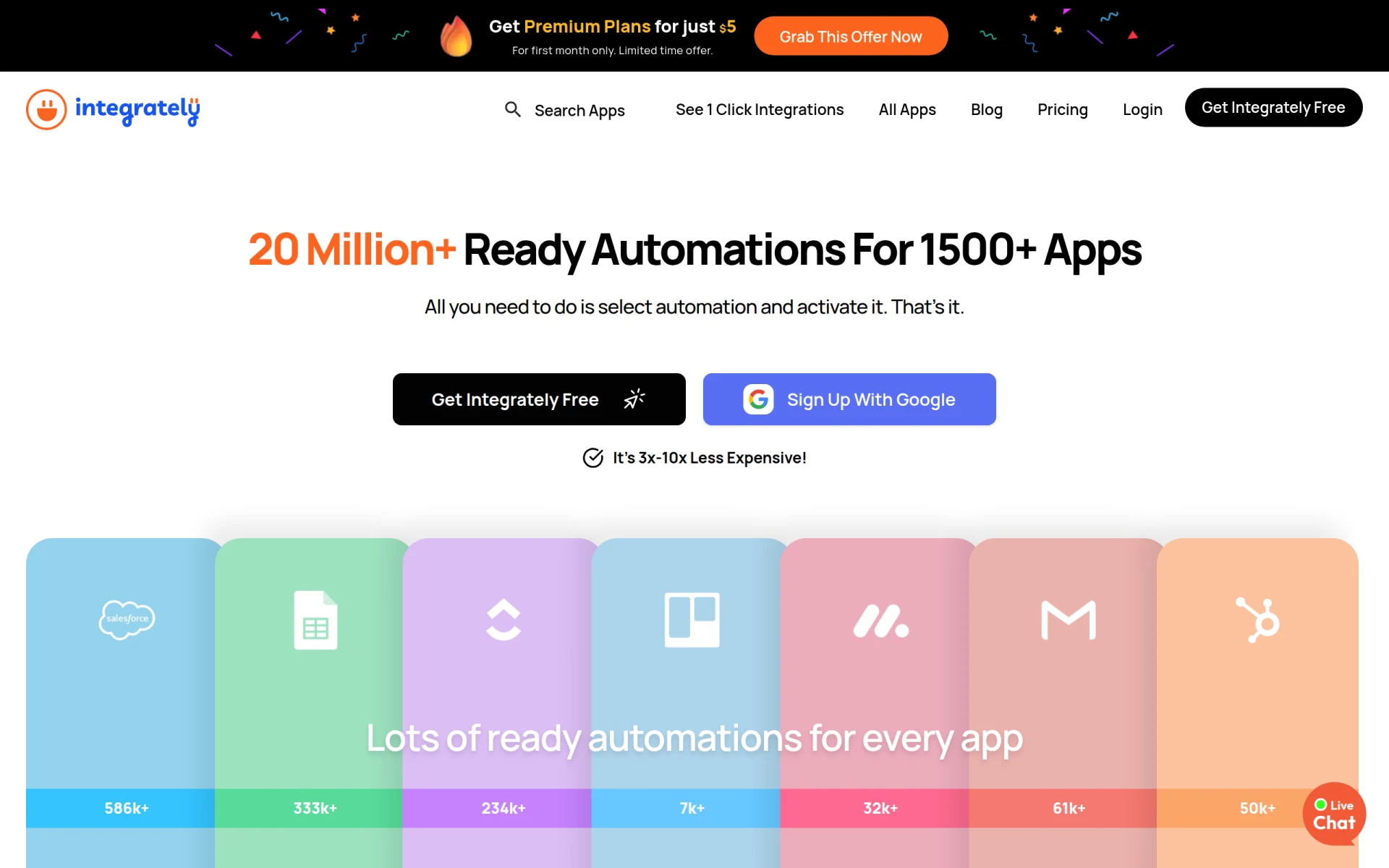 is an automation tool designed to simplify the integration of over 1500 applications with ready-to-use automations. Its primary appeal lies in its straightforward approach, allowing users to set up automations quickly and without technical skills. This feature makes Integrately an excellent alternative to Microsoft Power Automate, especially for small businesses or startups that need to implement automation rapidly without getting bogged down by complexity. Users can leverage pre-built workflows to get started immediately, ensuring that they can automate essential tasks quickly and effectively.
Furthermore, Integrately's user-friendly platform empowers non-technical users to create automations with minimal effort. This ease of use is a significant advantage over Microsoft Power Automate, where users may face a steeper learning curve. By simplifying the process of connecting applications and automating tasks, Integrately allows businesses to enhance productivity without requiring extensive training or resources. For users seeking a rapid deployment of automation solutions, Integrately stands out as a top choice.
Pricing: Free plan available; premium plans start at $5 for the first month. Best for: Small businesses needing fast and simple automation solutions.
Activepieces is an AI-first workflow automation tool that allows teams to automate tasks across various applications with minimal coding knowledge. This focus on artificial intelligence gives Activepieces an edge over Microsoft Power Automate, particularly for teams looking to harness AI capabilities to enhance their workflows. The platform's intelligent automation features enable users to streamline processes that require decision-making based on data inputs, making it ideal for businesses that want to leverage AI to improve efficiency and accuracy in their operations.
Activepieces also offers a straightforward user experience, making it accessible for users who may not have a technical background. This ease of use is complemented by its robust AI capabilities, allowing teams to automate complex tasks that would typically require significant manual effort. By combining user-friendliness with advanced AI features, Activepieces positions itself as a compelling alternative for organizations seeking to innovate their automation processes. For those looking to implement AI-driven solutions without extensive coding, Activepieces is an excellent choice.
Pricing: Free forever plan available, paid tiers starting at $16 per month. Best for: Organizations seeking AI-driven automation without extensive coding.
AutoLaunched focuses on providing seamless workflow automation for businesses looking to optimize their processes. Its straightforward approach to creating and managing automated workflows makes it a significant contender against Microsoft Power Automate. AutoLaunched simplifies the automation journey, allowing users to create workflows quickly and effectively without delving into complex technical details. This accessibility is particularly beneficial for organizations that want to enhance their operational efficiency without investing significant time in training or implementation.
Moreover, AutoLaunched emphasizes integration capabilities, enabling users to connect various applications and automate repetitive tasks effortlessly. Its focus on seamless workflow management ensures that users can maximize their productivity while minimizing the risk of errors. For teams that prioritize simplicity and efficiency in their automation processes, AutoLaunched offers a compelling alternative to Microsoft Power Automate, streamlining the implementation of automated workflows. Organizations seeking quick, effective automation solutions will find AutoLaunched to be a valuable option.
Pricing: Check the official website for details. Best for: Teams seeking a straightforward approach to workflow automation.
IBM Business Automation Workflow (BPM) is a comprehensive solution designed to automate digital workflows across various environments, making it an excellent choice for enterprise-level organizations. Unlike Microsoft Power Automate, which caters to a wide range of users, IBM BPM focuses on providing robust features that meet the complex needs of large businesses. Its ability to handle extensive data processing and integrate with various enterprise systems sets it apart as a powerful tool for organizations seeking to streamline their operations at scale.
IBM BPM excels in its ability to provide detailed analytics and reporting, allowing organizations to monitor their workflows effectively. This capability is crucial for enterprises that need to ensure compliance and optimize their processes continuously. While Microsoft Power Automate offers some reporting features, IBM BPM's enterprise-centric approach provides a more comprehensive solution for businesses that require in-depth insights into their operations. For large organizations seeking a powerful automation tool to manage their workflows effectively, IBM BPM is a strong alternative.
Pricing: Check directly with IBM for pricing details. Best for: Large enterprises needing robust automation solutions.
Lutra AI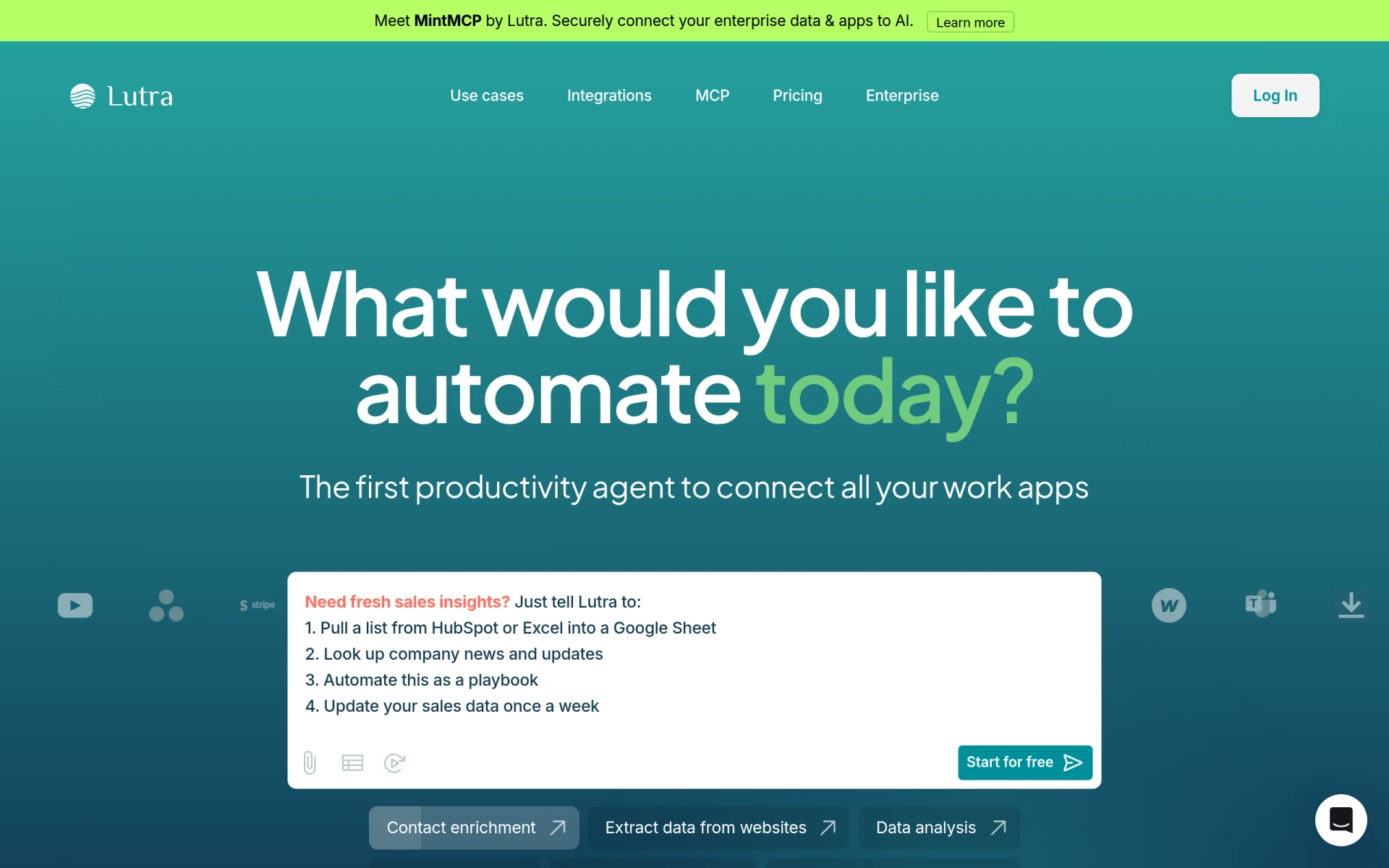 is an automation tool designed to enhance workflow efficiency by connecting various applications and processing data effectively. Its focus on data-driven automation sets it apart from Microsoft Power Automate, particularly for organizations that prioritize data handling and integration. Lutra AI allows users to automate tasks while ensuring that data flows seamlessly between applications, making it ideal for businesses that rely on accurate and timely information across their operations.
The platform's simple and transparent pricing model based on subscriptions and usage credits makes it accessible for organizations of all sizes. While Microsoft Power Automate offers a variety of pricing tiers, Lutra AI's straightforward approach may appeal to businesses looking for clarity in their expenses. For teams that need to automate data processing tasks efficiently and effectively, Lutra AI serves as a strong alternative, combining ease of use with powerful automation capabilities.
Pricing: Check the official website for subscription details. Best for: Organizations focused on automating data processing tasks.
Pabbly Connect is an automation tool that enables users to integrate applications and automate repetitive tasks without any coding knowledge. Its no-code approach makes it an attractive alternative to Microsoft Power Automate, especially for users who may not have technical expertise. Pabbly Connect simplifies the automation process, allowing businesses to create workflows quickly and efficiently, which is essential for organizations looking to streamline operations without investing heavily in technical resources.
Additionally, Pabbly Connect offers a variety of integration options with numerous applications, enabling users to automate tasks across different platforms seamlessly. This flexibility is crucial for businesses that utilize multiple software solutions and require a unified approach to automation. While Microsoft Power Automate also provides integration capabilities, Pabbly Connect's no-code approach can make it more accessible for users seeking to implement automation without the steep learning curve. For organizations looking for a straightforward, no-code solution for task automation, Pabbly Connect is an excellent choice.
Pricing: $79/month or $249 for lifetime access. Best for: Users seeking a no-code solution for task automation.
Creatio is an AI-powered no-code platform that enables users to automate workflows and create applications efficiently. Its emphasis on no-code solutions makes it a strong alternative to Microsoft Power Automate, especially for businesses looking to develop custom applications without extensive programming knowledge. Creatio allows users to design workflows and applications in a visual interface, enabling faster implementation and reducing the time to market for new solutions. This capability is particularly valuable for organizations that require flexibility in their development processes.
Moreover, Creatio's AI-driven features enhance the automation experience, enabling users to implement intelligent workflows that can adapt to changing business needs. This adaptability is a significant advantage over Microsoft Power Automate, where users may face limitations in customizing workflows to suit their specific requirements. For businesses that prioritize innovation and need a no-code platform for workflow automation and application development, Creatio stands out as an excellent alternative.
Pricing: Check with the company for details. Best for: Organizations seeking a no-code solution for workflow automation and application development.
Pipefy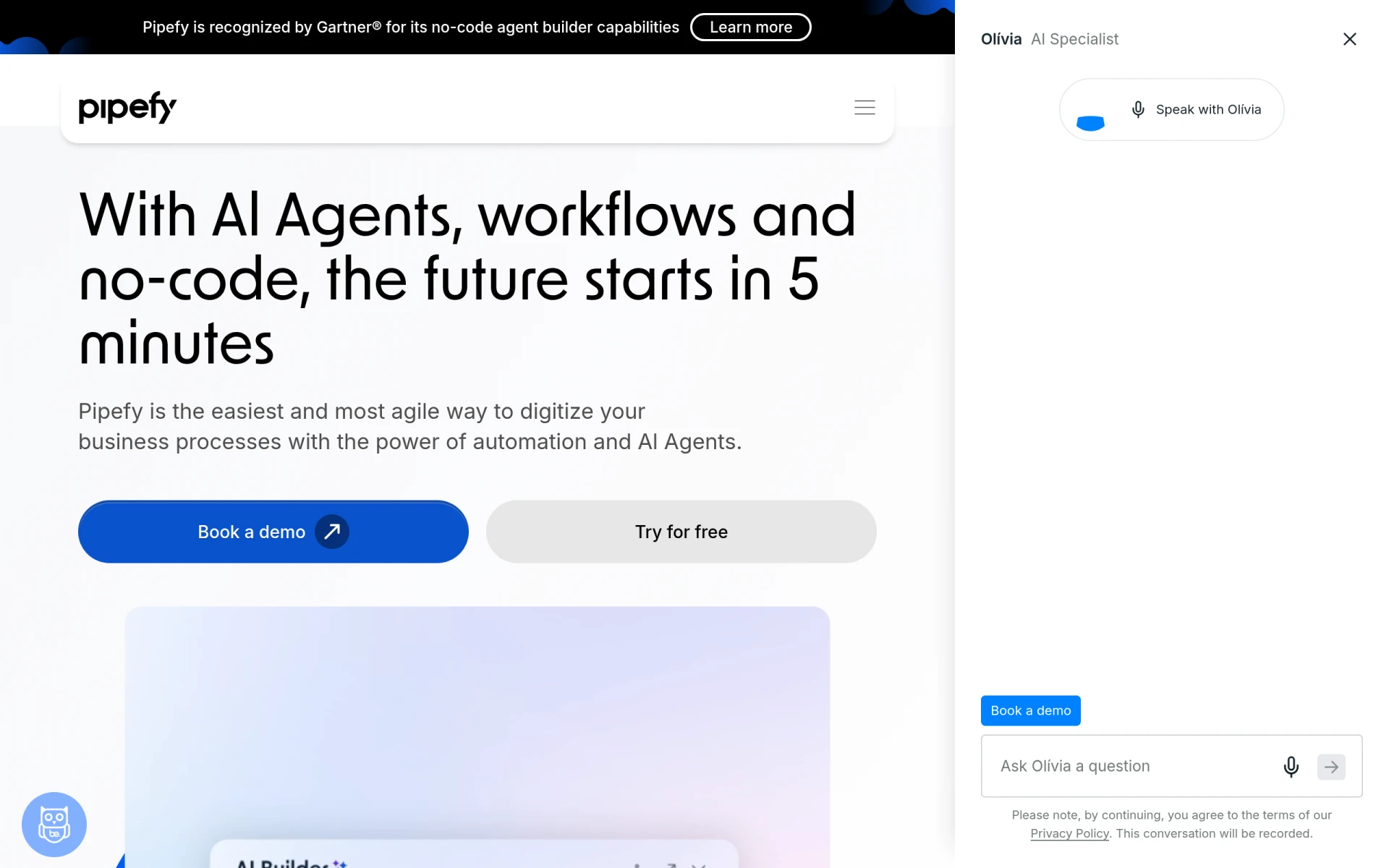 is a no-code workflow automation platform that enables teams to streamline processes using AI Agents. Its focus on process management makes it a compelling alternative to Microsoft Power Automate, particularly for organizations seeking to enhance their operational efficiency without requiring advanced technical skills. Pipefy allows users to design and manage workflows visually, providing a clear overview of processes and enabling quick adjustments as needed. This ease of use is essential for teams that want to implement automation without extensive training or resources.
Additionally, Pipefy's AI Agents offer intelligent process optimization, allowing teams to automate tasks while ensuring that workflows remain efficient. This capability sets it apart from Microsoft Power Automate, where users may need to implement optimizations manually. For businesses looking to leverage no-code solutions for process management and automation, Pipefy presents a strong alternative that combines simplicity with powerful features.
Pricing: Check the official website for details. Best for: Teams looking for no-code solutions for process management.
Flokzu is a workflow automation tool designed to streamline business processes and improve efficiency. Its focus on process optimization makes it a noteworthy alternative to Microsoft Power Automate, particularly for organizations that seek to enhance their operational workflows. Flokzu enables users to create and manage workflows visually, providing a user-friendly interface that simplifies the automation process. This ease of use is especially beneficial for teams that may not have extensive technical expertise but still want to implement effective automation solutions.
Moreover, Flokzu emphasizes collaboration and communication among team members, allowing for better engagement in the workflow design process. This collaborative approach can lead to improved outcomes and a more cohesive team environment. While Microsoft Power Automate offers robust features, Flokzu’s focus on streamlining business processes and enhancing team dynamics makes it a compelling choice for organizations prioritizing efficiency and collaboration. For those looking to optimize their operational workflows, Flokzu serves as an effective alternative.
Pricing: Check the official website for details. Best for: Organizations focused on streamlining business processes and enhancing collaboration.
| Tool | Best For | Starting Price | Free Plan | Standout Feature |
|---|---|---|---|---|
| Microsoft Power Automate | General automation | Freemium | Yes | Extensive app integrations |
| Autopilot | Visual workflow mapping | Freemium | Yes | User-friendly drag-and-drop interface |
| Make | Versatile integrations | Freemium | Yes | Complex workflow creation |
| Automata | Team productivity | Freemium | Yes | Collaboration features |
| Integrately | Quick setups | $5/mo | Yes | Pre-built automations |
| Activepieces | AI-driven automation | $16/mo | Yes | Intelligent workflow capabilities |
| AutoLaunched | Seamless workflow automation | Freemium | Yes | Quick setup |
| IBM BPM | Enterprise solutions | Freemium | Yes | Comprehensive analytics |
| Lutra AI | Data processing automation | Freemium | Yes | Data-driven automation focus |
| Pabbly Connect | No-code automation | $79/mo | Yes | No-code integration |
| Creatio | No-code application development | Freemium | Yes | AI-powered no-code platform |
| Pipefy | No-code process management | Freemium | Yes | AI Agents for optimization |
| Flokzu | Streamlining business processes | Freemium | Yes | User-friendly visual design |
When considering an alternative to Microsoft Power Automate, it's essential to evaluate your specific needs and the unique features that each tool offers. If your organization values visual workflow design and ease of use, tools like Autopilot or Pipefy may be the best fit. These platforms offer intuitive interfaces that allow users to create and manage workflows without extensive technical knowledge, making them ideal for teams that prioritize simplicity.
For organizations that require advanced integrations and AI capabilities, Make or Activepieces might be more suitable. These tools provide robust features that allow for complex automation and intelligent decision-making, catering to businesses that need to optimize intricate workflows. Additionally, if your team is focused on enhancing collaboration and productivity, Automata or Flokzu may provide the right balance of automation and team engagement.
Finally, consider your budget and the pricing structures of the alternatives. Tools like Integrately offer quick setups at an affordable price, while Pabbly Connect provides a no-code solution for those who want to automate tasks without a heavy investment. By assessing your specific requirements, team dynamics, and budget constraints, you can make an informed decision on the best alternative to Microsoft Power Automate.
In conclusion, the best alternative to Microsoft Power Automate will depend on your specific use case and organizational needs. For visual workflow mapping, Autopilot excels, while Make stands out for versatile integrations. If AI-driven automation is a priority, Activepieces is an excellent choice. For no-code solutions, Pabbly Connect and Creatio offer valuable options. Ultimately, evaluating the unique features and strengths of each tool will help you find the perfect fit for your automation needs.
Autopilot is a workflow automation tool that simplifies business processes through visual mapping and automation.
Make is a versatile workflow automation tool that connects apps and services to streamline processes and enhance productivity.
Automata is a workflow automation tool designed to streamline business processes and enhance team productivity.
Integrately is an automation tool that enables users to connect over 1500 apps with ready-to-use automations, requiring no technical skills.
Activepieces is an AI-first workflow automation tool that helps teams automate tasks across various applications without needing extensive coding knowledge.
AutoLaunched offers seamless workflow automation for businesses looking to optimize their processes.
IBM Business Automation Workflow helps automate digital workflows to enhance productivity and efficiency across various environments.
Lutra AI helps automate workflows by connecting various apps and processing data efficiently.
Pabbly Connect is an automation tool that enables users to integrate applications and automate repetitive tasks without coding.
Creatio is an AI-powered no-code platform designed to automate workflows and create applications efficiently.
Pipefy is a no-code workflow automation platform that enables teams to streamline processes using AI Agents.
Flokzu is a workflow automation tool designed to streamline business processes and improve efficiency.
Many users seek alternatives due to concerns over pricing transparency and limitations in functionality. Exploring other platforms can provide more flexible options tailored to specific automation needs.
One of the top alternatives is Zapier, known for its user-friendly interface and extensive app integrations. It allows users to automate workflows seamlessly with a wide variety of services.
Many alternatives offer clearer pricing structures or more affordable plans. Platforms like Integromat (now Make) provide tiered pricing that can accommodate different levels of usage without hidden fees.
Yes, several alternatives offer free tiers, such as Zapier and IFTTT, which allow users to automate basic workflows at no cost. These options are great for small projects or personal use.
Start by mapping out your existing workflows and identifying key integrations. Research the new platform's capabilities and utilize any migration tools they offer to streamline the transition.
A frequent concern is the potential loss of existing workflows and data. It's essential to back up your automation settings and understand the new platform’s features to ensure a smooth transition.
Weekly roundup of new AI tools, launches, and trending software. No spam — unsubscribe anytime.
No credit card required · Cancel anytime
Weekly roundup of new AI tools, launches, and trending software. No spam — unsubscribe anytime.
No credit card required · Cancel anytime