Why Look for Alternatives to Octoparse AI?
While Octoparse AI has positioned itself as a robust solution for automating workflows without the need for coding, it is not without its limitations. Many users find that the free plan, while appealing, comes with restrictions that may not meet the needs of more complex projects. For example, users may encounter limitations in the number of tasks they can automate simultaneously or the types of applications they can connect with. Additionally, some users report that Octoparse AI's user interface can be somewhat cumbersome, particularly when trying to set up more intricate workflows. This can lead to frustration for teams looking for a more intuitive experience.
Another common pain point is the pricing structure. While the starting price of $29 per month for the paid subscription seems reasonable, it can quickly add up for teams that require multiple licenses or advanced features. Furthermore, some users have expressed that Octoparse AI lacks certain advanced functionalities, such as deep integrations with other specialized software or comprehensive reporting tools. These limitations may drive users to seek alternatives that offer more flexibility, better pricing, or enhanced capabilities tailored to specific workflow automation needs.
Best Alternatives to Octoparse AI in 2026
Activepieces - Best for Teams Needing AI-Driven Automation
Activepieces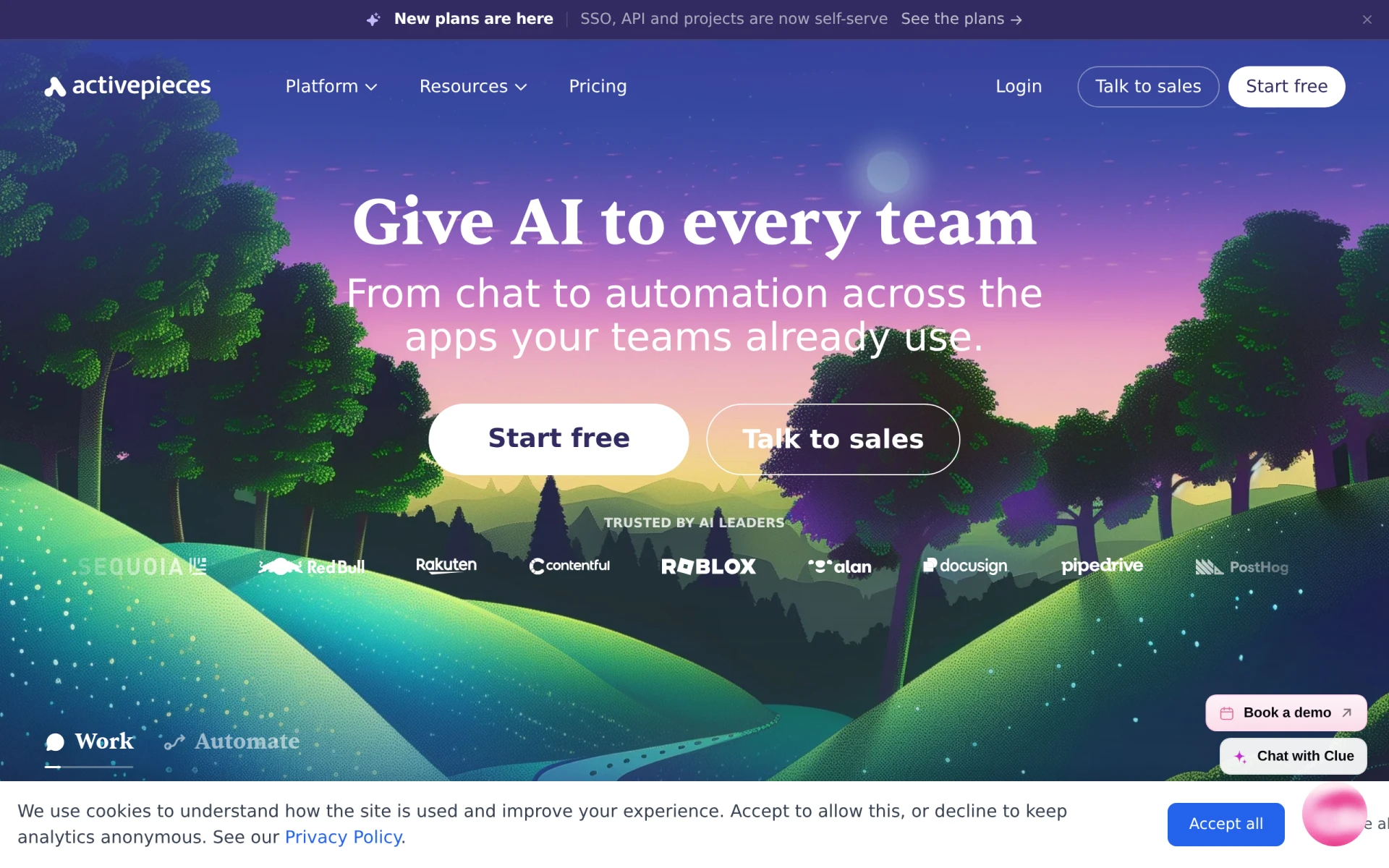 stands out as a powerful AI-first workflow automation tool designed specifically for teams looking to streamline their processes across various applications. Unlike Octoparse AI, which primarily focuses on workflow automation through web scraping, Activepieces provides a broader range of automation capabilities. This includes the ability to connect a multitude of applications, making it an ideal choice for teams that utilize diverse software solutions. Its intuitive interface allows users to create automated workflows quickly, even if they have minimal coding experience. This ease of use, combined with the AI-driven features, ensures that teams can enhance their productivity without the steep learning curve often associated with other tools.
Moreover, Activepieces offers a free forever plan, allowing teams to explore its features without any financial commitment. As they grow or need more advanced functionalities, they can easily transition to the paid tier starting at $16 per month. This flexibility makes Activepieces a cost-effective solution for startups and small teams that require powerful automation without breaking the bank. In comparison, Octoparse AI's more rigid pricing model may not accommodate the varying needs of users as effectively.
- Key Strength: AI-driven automation that enhances workflow creation and efficiency.
- Key Strength: Offers a broader range of app integrations compared to Octoparse AI.
- Key Strength: Intuitive user interface that simplifies the automation process.
- Limitation: Limited advanced features in the free plan compared to the paid tier.
Pricing: Free forever plan; paid tier starts at $16/month. Best for: Teams needing AI-driven automation across multiple applications.
Creatio - Best for Custom Applications and Workflow Automation
Creatio is an AI-powered no-code platform that excels in automating workflows and creating custom applications efficiently. Unlike Octoparse AI, which primarily serves as a web scraping tool, Creatio empowers users to design tailored applications that suit their specific business needs. This flexibility is particularly beneficial for organizations looking to develop unique solutions without extensive coding knowledge. Users can easily modify workflows and applications as their requirements evolve, making Creatio a versatile choice for dynamic teams.
The platform also emphasizes user experience, offering a visually appealing interface that simplifies the development process. This contrasts with Octoparse AI, where users sometimes encounter a steeper learning curve for more complex automation tasks. Furthermore, while pricing information for Creatio is not publicly available, the company encourages potential users to reach out directly for customized quotes, suggesting a more personalized approach to pricing that can adapt to various organizational needs. This level of customization can be particularly attractive for larger enterprises or those with specific automation requirements.
- Key Strength: Allows for the creation of custom applications tailored to specific business needs.
- Key Strength: No-code environment facilitates fast workflow automation.
- Key Strength: Visually appealing interface that enhances user experience.
- Limitation: Lack of transparent pricing may deter some users.
Pricing: Contact for details. Best for: Businesses needing custom applications and advanced workflow automation.
Lutra AI - Best for Simple and Transparent Pricing Models
Lutra AI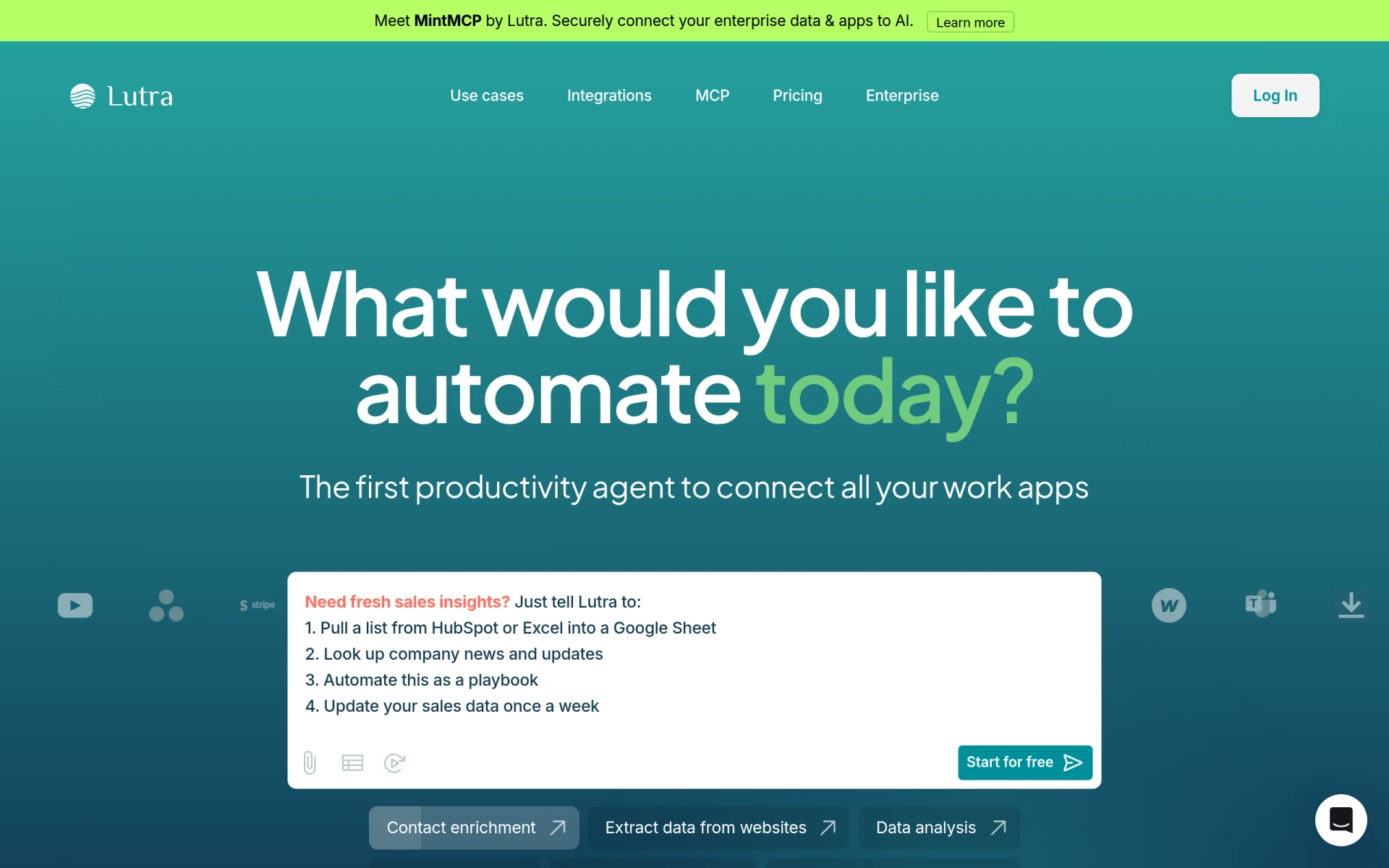 offers a straightforward approach to workflow automation, connecting various applications and processing data efficiently. Its focus on simplicity makes it an excellent alternative to Octoparse AI for users who prioritize ease of use and affordability. With Lutra AI, users can automate tasks across multiple platforms without the need for complex setups, making it ideal for small to medium-sized businesses that require quick and effective solutions. The tool's clean interface and step-by-step guides make it accessible even for those with limited technical expertise.
In terms of pricing, Lutra AI adopts a transparent subscription model with usage credits, allowing users to pay only for what they need. This flexibility can be more appealing than Octoparse AI's structured pricing, especially for businesses that may not require constant automation. Furthermore, Lutra AI's ability to integrate with various applications ensures that users can create a seamless workflow without being locked into a single ecosystem. This adaptability is a significant advantage for teams that rely on diverse software tools for their operations.
- Key Strength: Simple and transparent pricing model based on subscriptions and usage credits.
- Key Strength: User-friendly interface that simplifies the automation process.
- Key Strength: Strong integration capabilities with multiple applications.
- Limitation: May lack some advanced features found in more complex tools.
Pricing: Subscription-based with usage credits. Best for: Small to medium-sized businesses needing affordable, straightforward automation solutions.
IBM BPM - Best for Large Enterprises Needing Comprehensive Automation
IBM Business Automation Workflow (BPM) is a sophisticated solution designed to automate digital workflows and enhance productivity across various environments. Unlike Octoparse AI, which is more suited for specific automation tasks, IBM BPM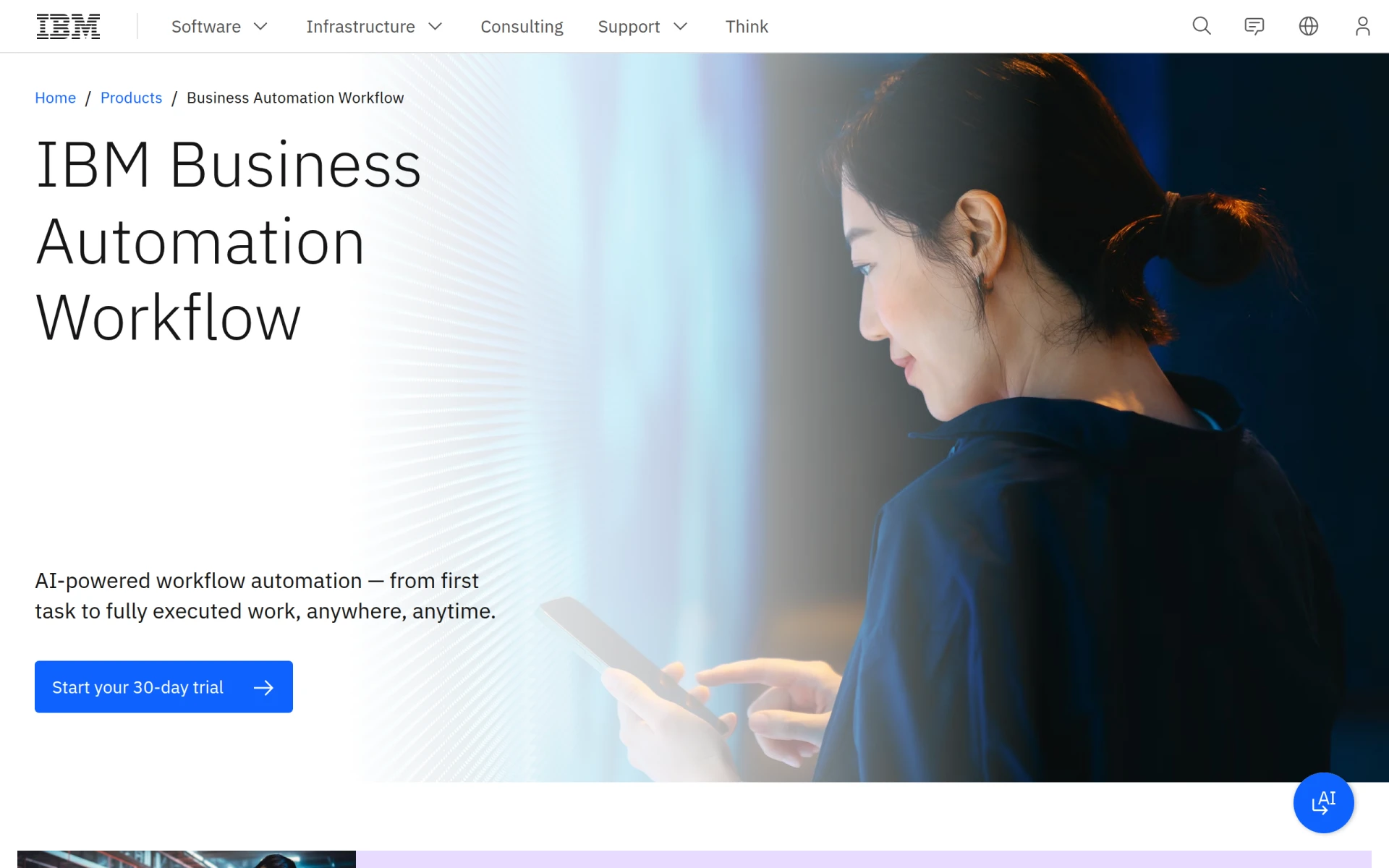 provides a comprehensive platform that caters to large enterprises with complex workflows. Its robust features allow organizations to manage intricate processes, ensuring that all aspects of automation are covered, from data collection to analytics. This makes it a fitting choice for businesses with extensive operational needs that require a high level of customization and control.
IBM BPM also excels in integrating with other IBM solutions and third-party applications, providing a seamless experience for users. The platform's scalability ensures that businesses can expand their automation capabilities as they grow, a critical feature for large organizations. However, potential users should be mindful that IBM BPM does not provide transparent pricing information on its website, requiring users to contact IBM directly for quotes. This can be a drawback for some who prefer upfront clarity on costs, especially when comparing with competitors like Octoparse AI.
- Key Strength: Comprehensive automation capabilities tailored for large enterprises.
- Key Strength: Strong integration capabilities with other IBM products and third-party applications.
- Key Strength: High level of customization to fit complex workflows.
- Limitation: Lack of transparent pricing may deter budget-conscious users.
Pricing: Contact for details. Best for: Large enterprises needing comprehensive and scalable automation solutions.
Autopilot - Best for Visual Workflow Mapping
Autopilot is a user-friendly workflow automation tool that simplifies business processes through visual mapping and automation. It is an excellent alternative to Octoparse AI for users who prefer a visual approach to workflow creation. With Autopilot, users can easily drag and drop various elements to create workflows, making the automation process intuitive and straightforward. This visual mapping feature is particularly beneficial for teams looking to quickly design and modify workflows without getting bogged down by complex coding or technical details.
Moreover, Autopilot’s focus on customer journey mapping allows businesses to automate interactions with their clients seamlessly. This is a distinct advantage over Octoparse AI, which mainly focuses on task automation rather than customer engagement. However, potential users should be aware that pricing information is currently unavailable on their website, which may pose challenges for those seeking to evaluate costs against competitors. Despite this limitation, Autopilot's visual approach and customer-focused features make it a compelling choice for marketing teams and customer service departments.
- Key Strength: Visual mapping interface that simplifies workflow creation.
- Key Strength: Strong focus on customer journey automation.
- Key Strength: Intuitive design suitable for non-technical users.
- Limitation: Lack of transparent pricing information.
Pricing: Pricing information is currently unavailable. Best for: Marketing teams and customer service departments looking for visual workflow automation.
Microsoft Power Automate - Best for Integration with Microsoft Ecosystem
Microsoft Power Automate is a cloud-based automation tool that allows users to create automated workflows between various applications and services. It is particularly advantageous for businesses already invested in the Microsoft ecosystem, as it seamlessly integrates with tools such as Microsoft 365, SharePoint, and Dynamics 365. This level of integration is a significant advantage over Octoparse AI, which may not offer the same depth of compatibility with popular enterprise software. Users can automate complex processes that span multiple Microsoft applications, enhancing overall productivity and efficiency.
Moreover, Microsoft Power Automate provides a wide range of templates and connectors, enabling users to kickstart their automation efforts quickly. This resource-rich environment is beneficial for users looking to implement automation without starting from scratch. However, like many other tools on this list, pricing details are not explicitly provided on the website, which can create challenges for organizations seeking clear cost comparisons. Despite this limitation, Power Automate’s integration capabilities and extensive support resources make it an excellent choice for organizations utilizing Microsoft products.
- Key Strength: Seamless integration with Microsoft Office and other Microsoft products.
- Key Strength: Extensive library of templates and connectors.
- Key Strength: Cloud-based platform allows for accessibility and collaboration.
- Limitation: Lack of transparent pricing can make budgeting difficult.
Pricing: Pricing details not provided. Best for: Organizations heavily using Microsoft products seeking integrated automation solutions.
Pipefy - Best for No-Code Workflow Automation
Pipefy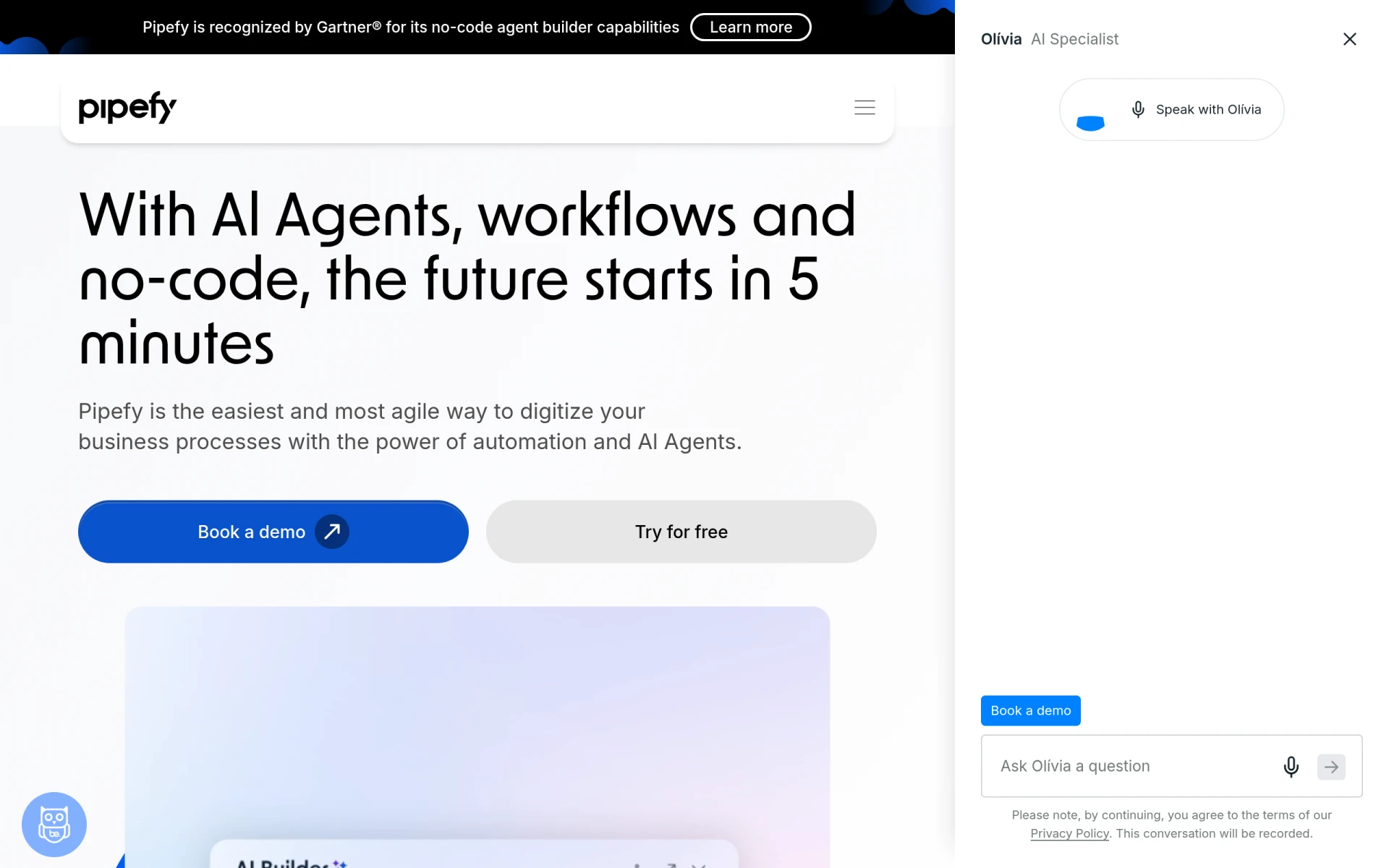 is a no-code workflow automation platform that empowers teams to streamline processes using AI Agents. Unlike Octoparse AI, which primarily focuses on web scraping, Pipefy allows users to build and manage workflows without any technical expertise. This makes it a suitable alternative for organizations that want to empower all team members to participate in the automation process. The user-friendly interface and customizable templates enable users to quickly set up and modify workflows according to their needs, enhancing productivity across teams.
Additionally, Pipefy offers a variety of features, including automated task assignments and real-time tracking, which can significantly improve workflow efficiency. This automation of mundane tasks frees up team members to focus on more strategic initiatives. However, while Pipefy offers a free plan, specific pricing details for its paid tiers are only available through direct inquiries. This lack of transparency may pose challenges for users comparing it to Octoparse AI, especially those with budget constraints.
- Key Strength: No-code environment allows for easy workflow creation and management.
- Key Strength: Customizable templates enhance usability and flexibility.
- Key Strength: Real-time tracking features improve workflow oversight.
- Limitation: Lack of transparent pricing may deter budget-conscious users.
Pricing: Free plan available; additional pricing options upon inquiry. Best for: Teams seeking no-code solutions for workflow automation.
Browse AI - Best for Data Scraping Automation
Browse AI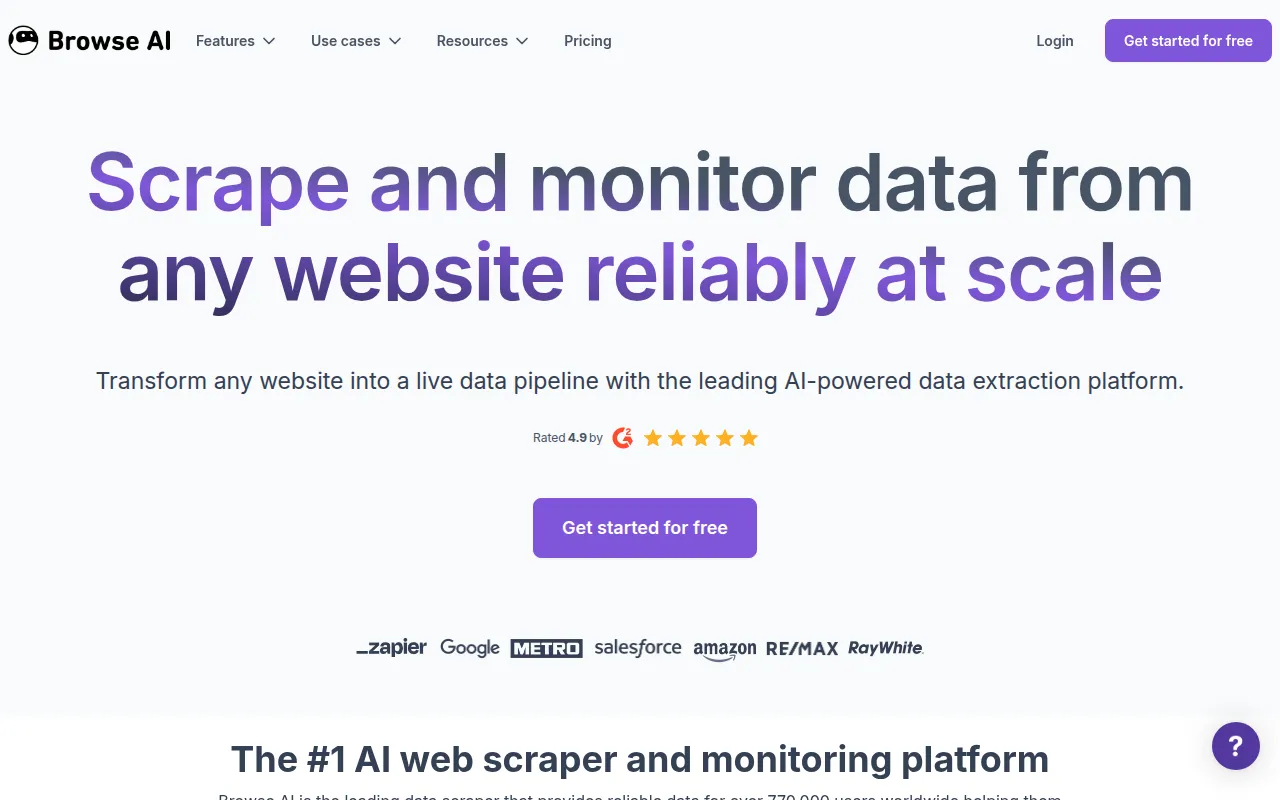 is an automation tool designed for users looking to scrape and monitor data from websites without any coding skills. Its primary focus on data extraction makes it a compelling alternative to Octoparse AI, especially for businesses that rely heavily on data-driven decision-making. Browse AI simplifies the process of capturing data from various sources, allowing users to set up automated scraping tasks quickly. This ease of use is a significant advantage for teams that may not have dedicated technical resources to manage complex scraping workflows.
Additionally, Browse AI provides features such as scheduling and monitoring, ensuring that users can keep their data up-to-date without constant manual intervention. While Octoparse AI may offer similar functionality, Browse AI's specialized focus on data scraping provides a more streamlined experience. However, users should be aware that pricing details are currently unavailable on the Browse AI website, which may make it challenging to assess whether it fits within their budget. Despite this limitation, its user-friendly design and data-centric features make it an attractive choice for businesses focused on data collection.
- Key Strength: Simplifies data scraping and monitoring processes.
- Key Strength: User-friendly interface requires no coding skills.
- Key Strength: Scheduling features ensure data remains current.
- Limitation: Lack of transparent pricing information.
Pricing: Pricing details currently unavailable. Best for: Businesses focused on data scraping and monitoring.
Pabbly Connect - Best for Integrating Multiple Applications
Pabbly Connect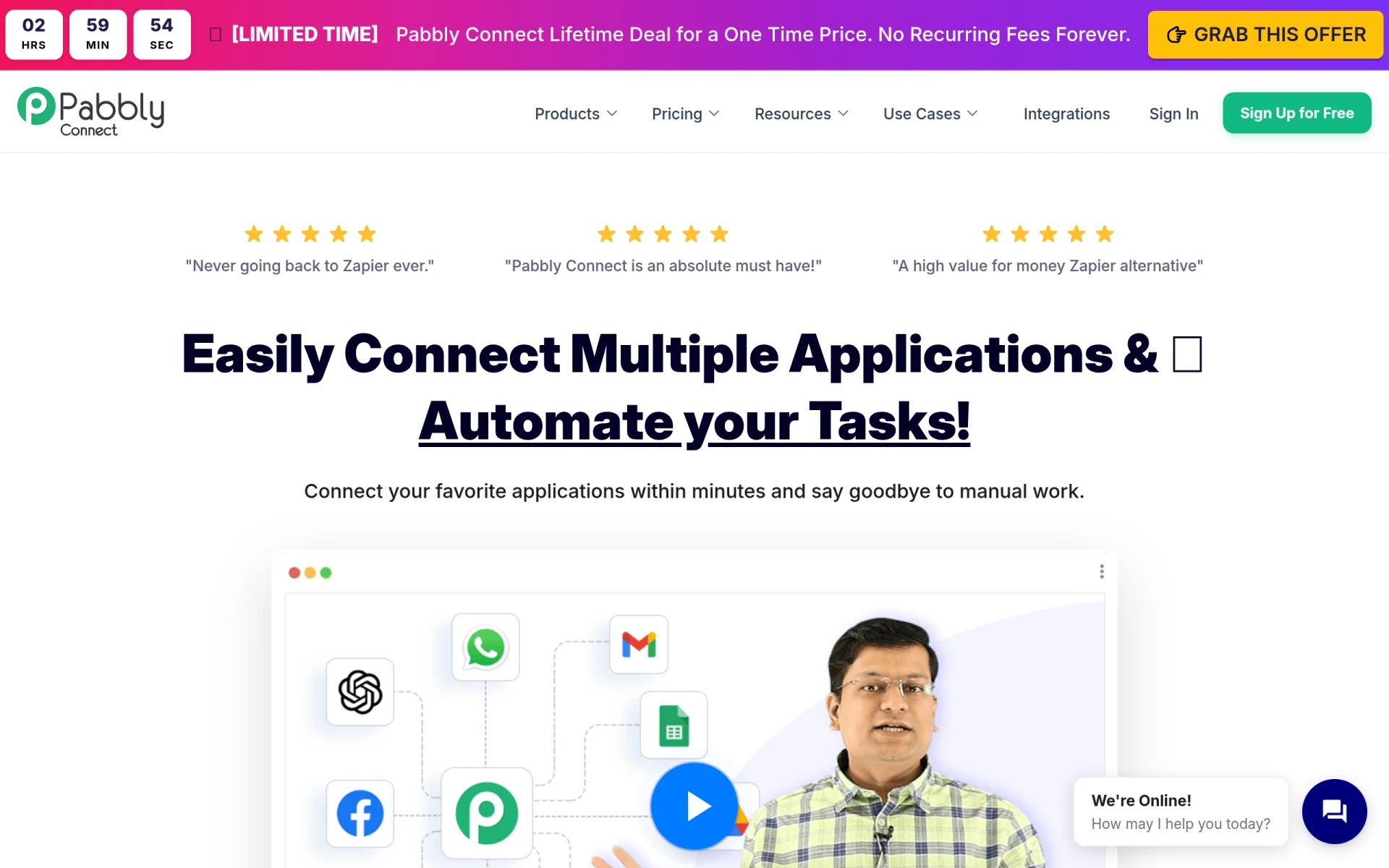 is an automation tool that enables users to integrate various applications and automate repetitive tasks without coding. Its focus on connecting different software solutions makes it an excellent alternative to Octoparse AI, particularly for businesses looking to streamline their operations across multiple platforms. Pabbly Connect’s ability to create workflows that span various applications ensures that teams can eliminate manual data entry and reduce the risk of errors, ultimately enhancing productivity.
In addition to its integration capabilities, Pabbly Connect offers a robust set of features, including multi-step automation and real-time data transfer, which can significantly improve workflow efficiency. While Octoparse AI focuses on specific automation tasks, Pabbly Connect provides a more comprehensive solution for organizations looking to connect disparate systems. However, it is worth noting that Pabbly Connect's pricing starts at $79/month, which may be higher than some other alternatives. This cost may be a consideration for smaller teams or startups with tight budgets.
- Key Strength: Powerful integration capabilities across multiple applications.
- Key Strength: Multi-step automation streamlines complex workflows.
- Key Strength: Real-time data transfer reduces manual errors.
- Limitation: Higher starting price may deter budget-conscious users.
Pricing: Starting at $79/month or $249 for lifetime access. Best for: Organizations needing advanced integration capabilities across multiple applications.
Make - Best for Flexible Workflow Automation
Make is a versatile workflow automation tool that connects various apps and services to streamline processes and enhance productivity. Unlike Octoparse AI, which is more specialized, Make provides a broader range of automation capabilities, making it suitable for organizations with diverse operational needs. Its flexibility allows users to create custom workflows that can adapt to changing business requirements, ensuring that automation aligns with their specific goals. This adaptability makes Make a valuable alternative for businesses looking to implement a wide range of automated tasks.
Additionally, Make offers a user-friendly interface that simplifies the workflow creation process, allowing even non-technical users to participate in automation efforts. The platform supports various applications, ensuring that businesses can integrate their existing tools seamlessly. However, potential users should be aware that pricing details for Make are not explicitly listed on the official website, which may pose challenges when comparing it to Octoparse AI. Despite this limitation, the tool's versatility and strong integration capabilities make it a compelling choice for organizations seeking flexible automation solutions.
- Key Strength: Versatile automation capabilities for a wide range of applications.
- Key Strength: User-friendly interface that encourages participation from all team members.
- Key Strength: Strong support for integrating various tools and services.
- Limitation: Lack of transparent pricing information may hinder decision-making.
Pricing: Pricing details not provided. Best for: Organizations seeking flexible automation solutions that can adapt to various needs.
Feature Comparison Table
| Tool | Best For | Starting Price | Free Plan | Standout Feature |
|---|
| Octoparse AI | Workflow automation | $29/mo or Free | Yes | No coding required |
| Activepieces | AI-driven automation | $16/mo or Free | Yes | AI-first workflow design |
| Creatio | Custom applications | Contact for details | No | No-code app development |
| Lutra AI | Affordable automation | Subscription-based | Yes | Transparent pricing model |
| IBM BPM | Enterprise automation | Contact for details | No | Comprehensive workflow management |
| Autopilot | Visual workflow mapping | Contact for details | No | Customer journey automation |
| Microsoft Power Automate | Microsoft ecosystem integration | Contact for details | No | Seamless Microsoft integration |
| Pipefy | No-code automation | Contact for details | Yes | Customizable templates |
| Browse AI | Data scraping | Unavailable | No | User-friendly scraping |
| Pabbly Connect | Application integration | $79/mo or $249 for lifetime access | Yes | Multi-step automation |
| Make | Flexible automation | Contact for details | No | Wide application support |
How to Choose the Right Alternative to Octoparse AI
Choosing the right alternative to Octoparse AI largely depends on your specific needs and the context in which you plan to use the automation tool. For businesses primarily focused on data scraping, tools like Browse AI or Activepieces may be more appropriate due to their specialized features and user-friendly interfaces. If your organization requires robust automation capabilities alongside custom application development, Creatio or IBM BPM could be the best fit. These platforms provide powerful solutions for complex workflows, which may be essential for larger teams or enterprises.
On the other hand, if budget constraints are a significant factor, consider alternatives like Lutra AI or Pabbly Connect, which offer transparent pricing models and a range of functionalities that can adapt to smaller teams or startups. Additionally, for organizations already entrenched in the Microsoft ecosystem, Microsoft Power Automate can provide seamless integration and automation capabilities that align well with existing tools. Ultimately, the key is to assess your specific requirements, including budget, desired functionalities, and ease of use, to make an informed decision.
Final Verdict
In conclusion, while Octoparse AI offers valuable automation capabilities, its limitations prompt users to explore alternatives that better fit their unique needs. For teams seeking AI-driven automation, Activepieces shines, while Creatio and IBM BPM cater to those needing custom applications and comprehensive solutions. Smaller teams may find Lutra AI or Pabbly Connect to be the most budget-friendly options. Ultimately, the choice of the right tool will depend on your specific use case, desired features, and budget constraints.