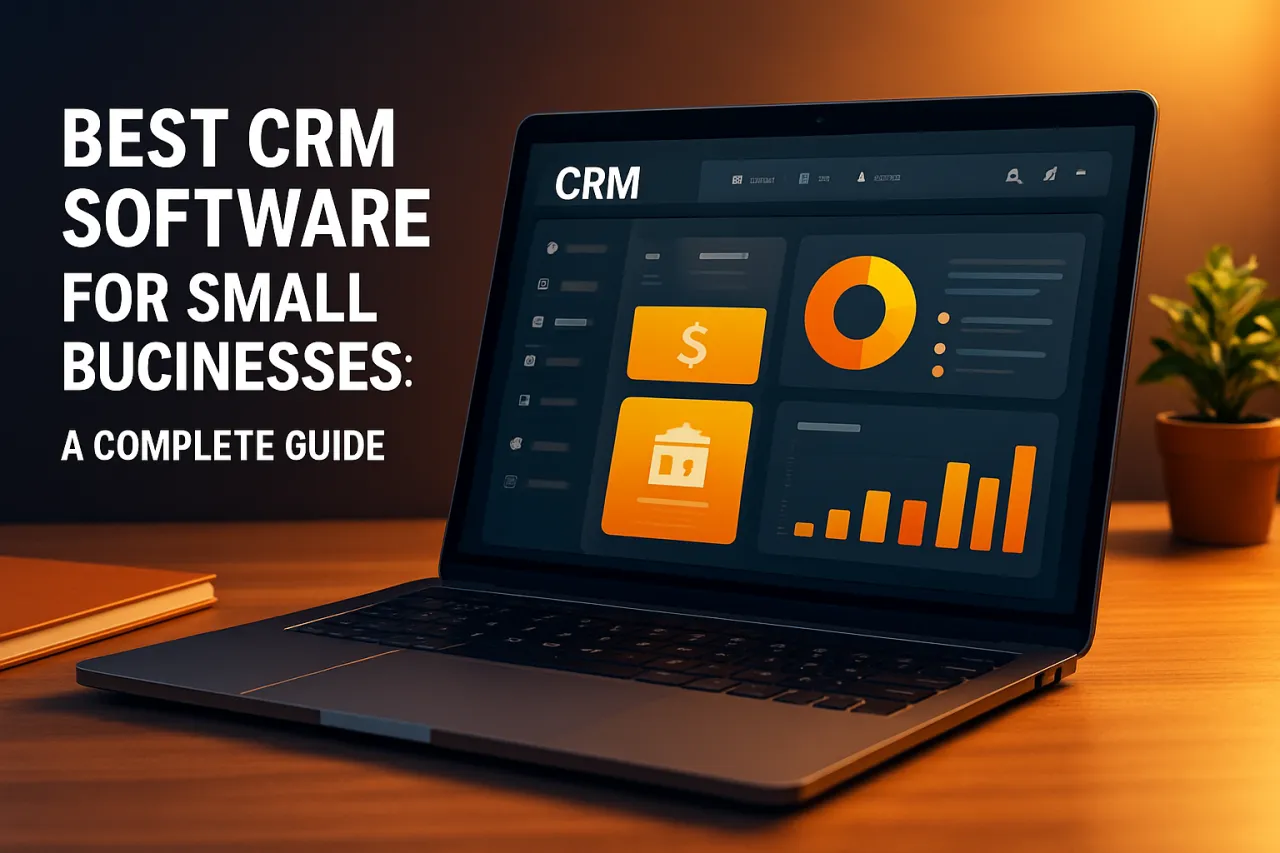
Best CRM Software for Small Businesses: A Complete Guide
Introduction
In today's competitive landscape, small businesses need robust tools to manage customer relationships effectively. Customer Relationship Management (CRM) software has become essential for small businesses looking to streamline their processes, enhance customer engagement, and drive sales growth. However, with numerous options available, choosing the right CRM can be a daunting task. This guide aims to simplify your decision-making process by offering an in-depth look at the best CRM software for small businesses.
Selecting the right CRM system can significantly impact your business efficiency and customer satisfaction. Whether you're looking for basic contact management or advanced automation features, understanding what each platform offers is crucial. In this guide, we will explore various CRM solutions, their features, pricing, and real-world success stories that demonstrate their effectiveness.
What Is CRM Software
CRM software refers to a category of tools designed to help businesses manage their interactions with customers and potential clients. These systems store customer data, track interactions, and automate various tasks related to sales, marketing, and customer service. By centralizing customer information, CRM software enables businesses to improve communication, personalize customer experiences, and enhance overall operational efficiency.
As small businesses often have limited resources, CRM systems can level the playing field by providing access to advanced capabilities typically reserved for larger enterprises. In essence, CRM software acts as the backbone for nurturing customer relationships, driving loyalty, and ultimately increasing revenue.
Why It Matters
Implementing a CRM system is not just about managing contacts; it's about fostering relationships and building trust with your customers. For small businesses, where each customer interaction can significantly influence growth, a CRM can provide insights that lead to improved customer satisfaction. Furthermore, as businesses scale, having a dependable CRM system in place ensures that customer interactions remain consistent and personalized, which is key to retaining clients.
Best Software / Methods / Strategies
1. HubSpot CRM
Overview
HubSpot CRM is a popular choice among small businesses due to its robust features and free tier option. It offers tools for email tracking, pipeline management, and reporting, making it accessible for users with varying levels of expertise.
Strengths
- User-friendly interface
- Extensive integration options
- Strong marketing automation capabilities
Limitations
- Limited features in the free version
- Can become costly as you scale with paid add-ons
Best for
Businesses looking for an all-in-one solution with marketing capabilities.
Pricing overview
Free tier available; paid plans start at $45/month.
2. Salesforce Essentials
Overview
Salesforce Essentials is tailored for small businesses with a focus on sales and customer service. It provides a comprehensive set of tools to manage customer relationships and track sales opportunities.
Strengths
- Highly customizable
- Strong analytics and reporting tools
- Extensive app marketplace for integrations
Limitations
- Steeper learning curve for new users
- Can be expensive for smaller teams
Best for
Small businesses planning for growth and requiring advanced features.
Pricing overview
Starts at $25/user/month.
3. Zoho CRM
Overview
Zoho CRM is known for its affordability and comprehensive feature set. It includes tools for sales automation, marketing analytics, and customer support, making it a versatile option for small businesses.
Strengths
- Cost-effective pricing plans
- Flexible customization options
- Strong mobile application
Limitations
- User interface can be cluttered
- Customer support response times can vary
Best for
Budget-conscious businesses needing a wide range of features.
Pricing overview
Free version available; paid plans start at $14/user/month.
4. Pipedrive
Overview
Pipedrive is a sales-focused CRM that emphasizes pipeline management. Its visual interface helps sales teams stay organized and focused on closing deals.
Strengths
- Intuitive design and user experience
- Excellent for sales tracking
- Strong automation features
Limitations
- Limited marketing capabilities
- Higher pricing compared to some competitors
Best for
Sales teams looking for a focused and easy-to-use CRM.
Pricing overview
Plans start at $15/user/month.
5. Freshsales
Overview
Freshsales is part of the Freshworks suite of products and offers a CRM solution with integrated phone and email capabilities. Its AI-driven insights help sales teams identify leads and prioritize outreach.
Strengths
- AI-based lead scoring
- Integrated communication tools
- User-friendly interface
Limitations
- May lack some advanced features of larger CRMs
- Limited reporting options in lower tiers
Best for
Small teams needing integrated communication tools and AI features.
Pricing overview
Free tier available; paid plans start at $15/user/month.
How to Choose the Right Solution
When selecting a CRM for your small business, consider the following criteria:
- Business size and needs: Assess your team's size and specific needs.
- Budget: Determine how much you're willing to invest in a CRM system.
- Features: Identify must-have features such as automation, reporting, and integration capabilities.
- Scalability: Choose a system that can grow with your business.
- User-friendliness: Ensure the interface is intuitive for your team.
Common Mistakes
Small businesses often make several common mistakes when implementing a CRM:
- Ignoring team input: Not considering user feedback can lead to low adoption rates.
- Overlooking training: Skipping training sessions can hinder effective use of the software.
- Neglecting data quality: Failing to maintain clean data can result in poor customer insights.
Frequently Asked Questions
1. What is CRM software used for?
CRM software is used to manage customer interactions, streamline processes, and analyze customer information.
2. How much does CRM software cost?
Pricing varies widely, with options ranging from free to several hundred dollars per month, depending on features and user count.
3. Can CRM software integrate with other tools?
Most CRM systems offer integrations with various applications, such as email marketing tools and project management software.
4. Is CRM software suitable for all business sizes?
While CRM software is beneficial for all business sizes, small businesses can particularly benefit from the automation and organization it provides.
5. How do I know which CRM is right for my business?
Evaluate your specific needs, budget, and the features offered by different CRM options to find the best fit.
Conclusion
Choosing the right CRM software is essential for small businesses aiming to enhance customer relationships and streamline operations. With a variety of options available, understanding the strengths and limitations of each can help you make an informed decision. Consider your business's unique needs, budget, and growth potential when selecting a CRM. By avoiding common pitfalls and leveraging the right tools, you'll be well on your way to building lasting customer relationships and driving your business forward.
About the Author
Digital Marketing Expert
A seasoned digital marketing expert, Ali Mirza focuses on making tech accessible to everyday users. He covers AI Tools tools, comparisons, and buying guides on Softedin.