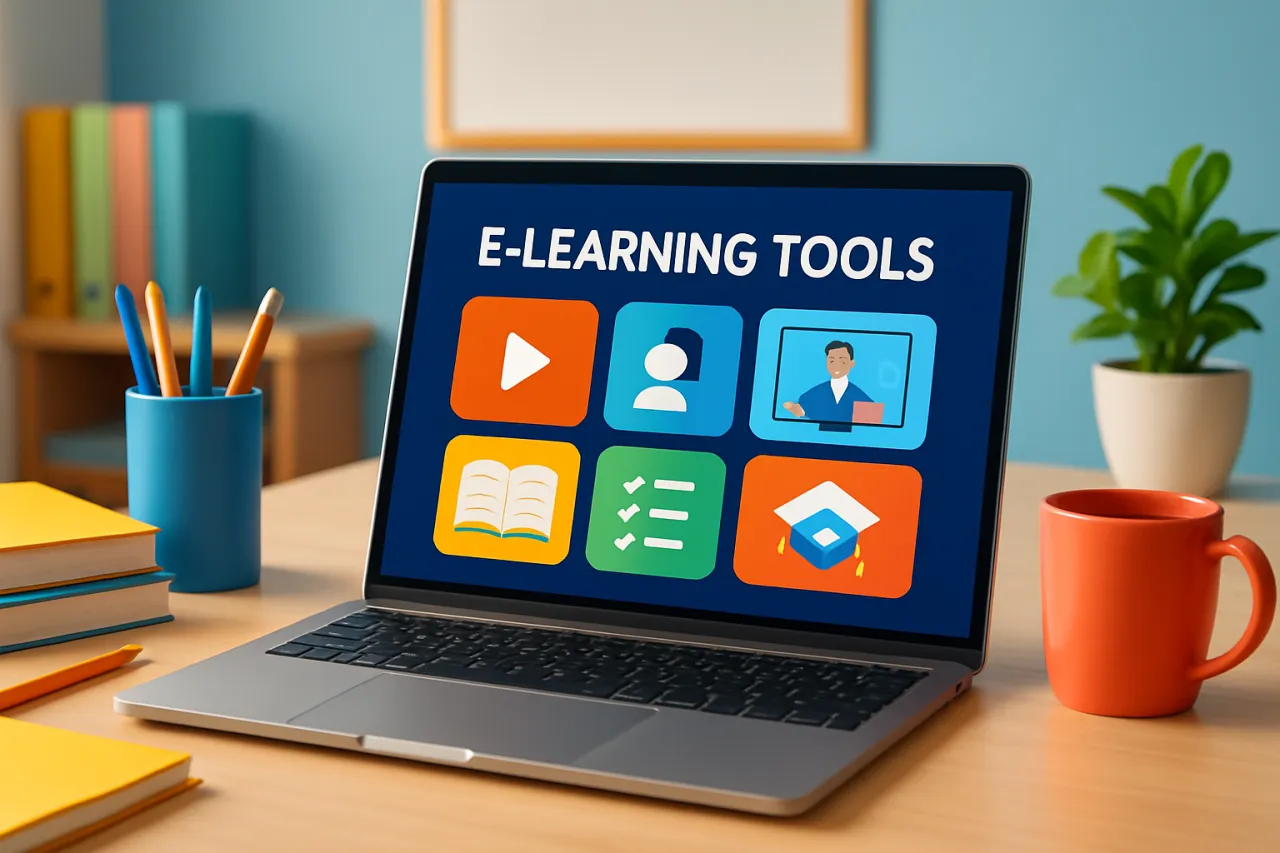
Best E-learning Tools for Educators: A Comprehensive Guide
Introduction
Educators are increasingly integrating e-learning tools into their teaching practices to enhance classroom experiences and engage students effectively. With the rise of digital education, having the right teaching software is crucial for both in-person and remote learning environments. This comprehensive guide reviews the best e-learning software available today, outlining their features, benefits, and user feedback. By the end of this article, educators will be equipped to make informed choices about the tools that best suit their teaching needs.
What Is E-learning?
E-learning refers to the use of electronic media and technology in education. It encompasses a wide range of learning tools and platforms, from Learning Management Systems (LMS) to collaborative apps that facilitate communication and interaction among students and teachers. By leveraging these technologies, educators can create dynamic and personalized learning experiences that cater to diverse student needs.
Why It Matters
As education systems continue to evolve, the importance of effective e-learning tools becomes ever more pronounced. These tools not only help streamline administrative tasks but also enhance student engagement and learning outcomes. By choosing the right e-learning software, educators can foster a more inclusive and interactive learning environment, ultimately improving educational effectiveness and student satisfaction.
Best E-learning Tools for Educators
1. Google Classroom
Overview: Google Classroom is a free web-based platform designed to facilitate communication and collaboration between educators and students.
Strengths:
- User-friendly interface
- Integrates seamlessly with other Google tools
- Supports various file types and formats
Limitations:
- Limited customization options
- Primarily designed for K-12 education
Best for:
Teachers looking for a straightforward and accessible platform for managing coursework and communication.
Pricing overview:
Free for educational institutions with a Google account.
2. Moodle
Overview: Moodle is an open-source Learning Management System (LMS) that offers a customizable platform for educators to create online courses.
Strengths:
- Highly customizable
- Active community support
- Extensive plugin library for added functionality
Limitations:
- Steeper learning curve
- Requires hosting and maintenance
Best for:
Institutions needing a tailored e-learning solution.
Pricing overview:
Free, but hosting and additional features may incur costs.
3. Canvas
Overview: Canvas is a cloud-based LMS known for its intuitive design and robust feature set, aimed at enhancing the teaching and learning experience.
Strengths:
- User-friendly interface
- Mobile-friendly design
- Strong integration capabilities with third-party tools
Limitations:
- Can be expensive for smaller institutions
- Some features may require additional training
Best for:
Higher education institutions seeking a comprehensive LMS solution.
Pricing overview:
Pricing varies, typically based on institution size and needs.
4. Edmodo
Overview: Edmodo is a social learning platform that connects educators, students, and parents to facilitate collaboration and communication.
Strengths:
- Social media-like interface
- Strong focus on student engagement
- Free basic features
Limitations:
- Limited advanced features compared to other LMS
- May not meet all institutional needs
Best for:
K-12 educators looking to enhance student interaction.
Pricing overview:
Free with optional premium features.
5. Immersive Fox
Overview: Immersive Fox offers immersive and interactive learning experiences through virtual reality and gamification.
Strengths:
- Engaging learning experiences
- Supports remote learning
- Suitable for various subjects
Limitations:
- Requires VR equipment
- Higher setup costs
Best for:
Educators looking to create engaging, immersive learning environments.
Pricing overview:
Pricing varies based on licensing and setup requirements.
How to Choose the Right Solution
When evaluating e-learning tools, consider the following criteria:
- Usability: Is the platform intuitive for both educators and students?
- Features: Does it offer the necessary functionality for your teaching style?
- Integration: Can it connect with other tools you currently use?
- Support: What kind of customer support and community resources are available?
- Cost: Does it fit within your budget, considering both upfront and ongoing costs?
Common Mistakes
Here are some common pitfalls to avoid when selecting e-learning tools:
- Failing to assess the specific needs of your students and curriculum.
- Overlooking the importance of user training and support.
- Ignoring integration capabilities with existing systems.
- Underestimating the time required for implementation and adaptation.
Frequently Asked Questions
-
What are the key features to look for in e-learning tools?
Look for usability, integration capabilities, customization options, and support resources. -
Are e-learning tools suitable for all education levels?
Yes, many e-learning tools cater to various levels, from K-12 to higher education. -
What is the average cost of e-learning software?
Costs can vary widely, from free platforms to custom solutions costing thousands of dollars per year. -
How can I ensure student engagement with e-learning tools?
Choose tools that support interactive features, such as discussions, quizzes, and multimedia content. -
Is training necessary for using e-learning tools?
Yes, training can significantly enhance the effectiveness of e-learning tools for both educators and students.
Conclusion
Choosing the right e-learning tools is essential for educators aiming to enhance their teaching practices and improve student engagement. By considering factors such as usability, features, and integration capabilities, educators can select tools that effectively meet their needs. Avoiding common pitfalls will ensure a smoother transition into digital education, ultimately benefiting both teachers and students alike.
About the Author
Software Reviewer
A seasoned software reviewer, Hassan Baig focuses on making tech accessible to everyday users. He covers Cybersecurity tools, comparisons, and buying guides on Softedin.