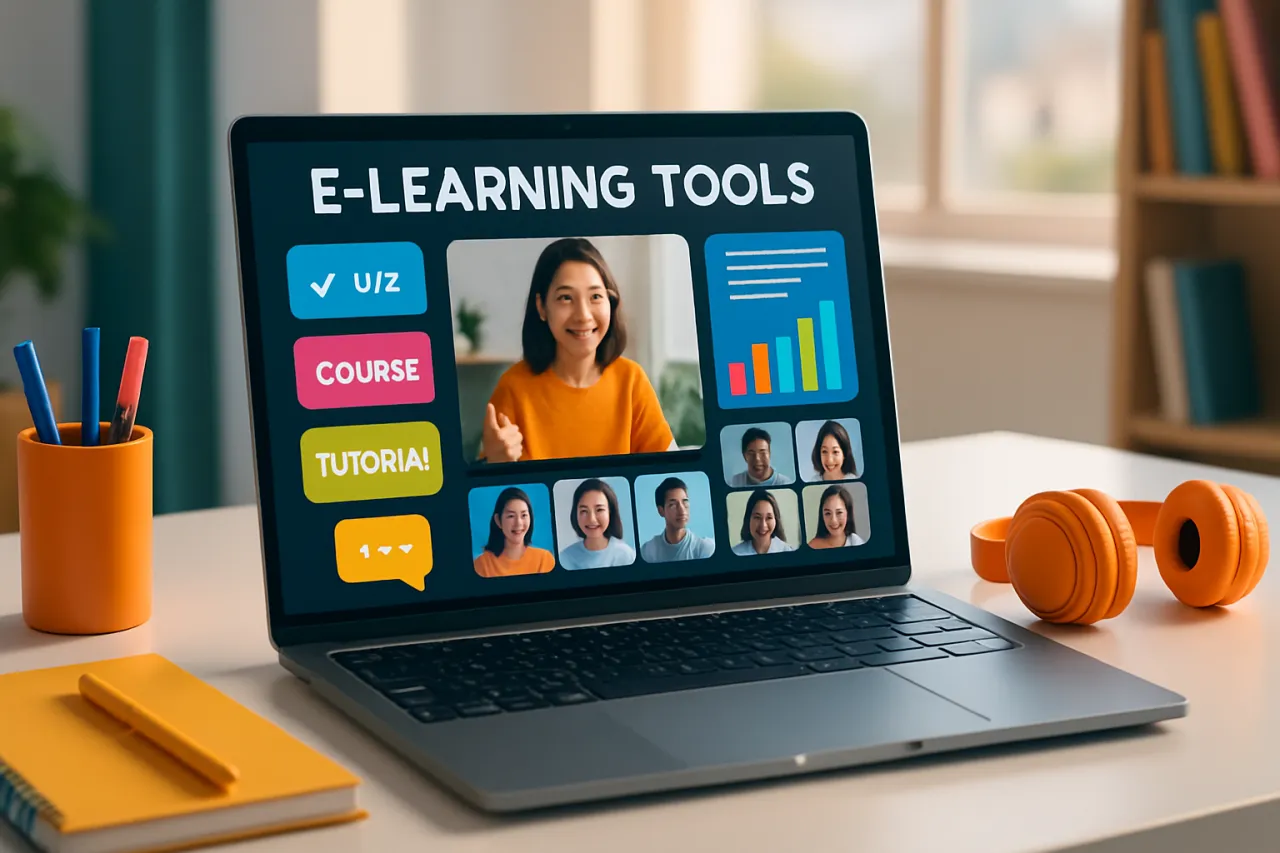
Best E-Learning Tools for Engaging Students Online
Introduction
As education continues to evolve, the shift towards online learning has become more pronounced, making the selection of effective e-learning tools crucial for educators. The effectiveness of online teaching hinges on the ability to engage students in a virtual environment, which presents unique challenges compared to traditional classrooms. This article will delve into the best e-learning tools available in 2026, examining their features, pricing, and real-world applications.
Educators are often faced with the task of maintaining student interest and participation in a digital format, where distractions abound and personal interaction is limited. The right software can bridge this gap, offering interactive features that foster engagement, collaboration, and a more personalized learning experience. Readers will learn about various tools tailored for different educational needs, enabling them to make informed choices that enhance their online teaching strategies.
What Is E-Learning?
E-learning refers to the use of electronic technologies to access educational curriculum outside of a traditional classroom. This can include a wide range of formats, from fully online courses to blended learning environments that integrate in-person instruction with online elements. As technology progresses, e-learning tools have become more sophisticated, incorporating multimedia content, interactive assessments, and real-time communication capabilities.
Why It Matters
The importance of e-learning tools cannot be overstated, especially in a post-pandemic world where online education has gained significant traction. Engaging students through these tools not only enhances learning outcomes but also prepares them for a workforce increasingly reliant on digital skills. Choosing the right e-learning software can lead to improved student retention, higher satisfaction rates, and overall better academic performance.
Best Software / Methods / Strategies
1. Zoom
Overview
Zoom has become synonymous with online meetings and virtual classrooms. It offers a robust platform for live interactive sessions, allowing educators to share screens, record lessons, and break students into smaller discussion groups.
Strengths
- User-friendly interface
- Breakout rooms for group activities
- Recording capability for later review
Limitations
- Primarily focused on live instruction, lacks built-in assessment tools
- Free version has time limits for group sessions
Best for
Teachers looking for a reliable platform for live classes and discussions.
Pricing overview
Zoom offers a free tier with limited features, while paid plans start at $149.90 per year per license.
2. Google Classroom
Overview
Google Classroom integrates seamlessly with Google Workspace, providing educators with a free platform to create, distribute, and grade assignments. It simplifies the management of class materials and fosters collaboration among students.
Strengths
- Free for educational institutions
- Integration with other Google tools (Docs, Drive, Forms)
- Intuitive interface for both teachers and students
Limitations
- Limited customization options
- Relies on Google ecosystem, which may not suit all users
Best for
Educators seeking a straightforward, no-cost solution for managing classes and assignments.
Pricing overview
Google Classroom is free for educational institutions using Google Workspace for Education.
3. Moodle
Overview
Moodle is an open-source learning platform that provides educators with the flexibility to create customized courses. It supports various types of content, assessments, and collaborative tools, making it suitable for diverse learning environments.
Strengths
- Highly customizable with extensive plugins
- Strong community support and resources
- Suitable for both K-12 and higher education
Limitations
- Requires technical expertise for setup and maintenance
- Can be overwhelming for users new to LMS platforms
Best for
Educational institutions looking for a customizable and scalable learning management system.
Pricing overview
Moodle is free to use, but hosting and customization may incur costs.
4. Edmodo
Overview
Edmodo is a social learning platform designed to connect educators, students, and parents. It facilitates communication and collaboration, allowing teachers to create assignments and quizzes while offering a space for student interaction.
Strengths
- Social media-like interface for easy navigation
- Built-in assessment tools and analytics
- Focus on community building among users
Limitations
- Limited features compared to more comprehensive LMS solutions
- May not be suitable for larger institutions with complex needs
Best for
Teachers looking for a community-oriented platform that encourages collaboration.
Pricing overview
Edmodo is free for educators, with premium features available through subscriptions.
5. Kahoot!
Overview
Kahoot! is an interactive game-based learning platform that allows educators to create quizzes and activities to engage students. Its gamification approach makes learning fun and competitive, encouraging participation.
Strengths
- Highly engaging and interactive
- Easy to create and share quizzes
- Suitable for all age groups
Limitations
- Primarily focused on quizzes, lacking in-depth course management features
- May not suit all learning styles
Best for
Teachers looking to enhance engagement through gamified learning experiences.
Pricing overview
Kahoot! offers a free version, with premium plans starting at $3 per month.
How to Choose the Right Solution
Selecting the right e-learning tool involves several considerations:
- Educational Goals: Define your learning objectives; different tools excel in various areas.
- User Experience: Look for platforms that are intuitive and easy to navigate for both educators and students.
- Budget: Consider your financial constraints and evaluate free vs. paid options.
- Integration: Ensure the tool integrates well with other systems and software used in your educational environment.
- Support and Resources: Investigate the availability of customer support and learning resources to assist users.
Common Mistakes
When adopting e-learning tools, educators often make several common mistakes:
- Underestimating Training Needs: Failing to provide adequate training for both educators and students can lead to underutilization of the platform.
- Neglecting Feedback: Not soliciting feedback from users can hinder the effectiveness of the tool and its adoption.
- Overcomplicating Processes: Selecting tools that are too complex for the intended audience may result in frustration and disengagement.
Frequently Asked Questions
-
What are the key features to look for in e-learning tools? Key features include user interface, assessment capabilities, collaborative tools, and integration options with existing systems.
-
Are there free e-learning tools available? Yes, many effective e-learning tools such as Google Classroom and Edmodo offer free versions.
-
How can I keep students engaged during online classes? Incorporate interactive elements, use gamification strategies, and ensure that lessons are varied and dynamic.
-
What is the importance of assessments in e-learning? Assessments help gauge student understanding, provide feedback, and guide instructional decisions.
-
Can e-learning tools support hybrid learning models? Yes, many e-learning platforms are designed to support both in-person and online learning, making them suitable for hybrid models.
Conclusion
As online education continues to grow, the selection of effective e-learning tools is vital for fostering student engagement. The tools reviewed in this article offer various features and capabilities, catering to different educational environments and goals. By carefully evaluating options based on your specific needs and considering common pitfalls, educators can enhance their online teaching strategies and improve student outcomes. For further insights, explore our detailed guide on the best e-learning tools for educators and consider specialized solutions like Ascend.io for data-driven educational experiences.
About the Author
Senior Tech Writer
With a background in Design Tools, Gregory Morris brings hands-on expertise to evaluating the latest Design Tools tools. He has reviewed hundreds of SaaS products for startups and enterprises alike.