

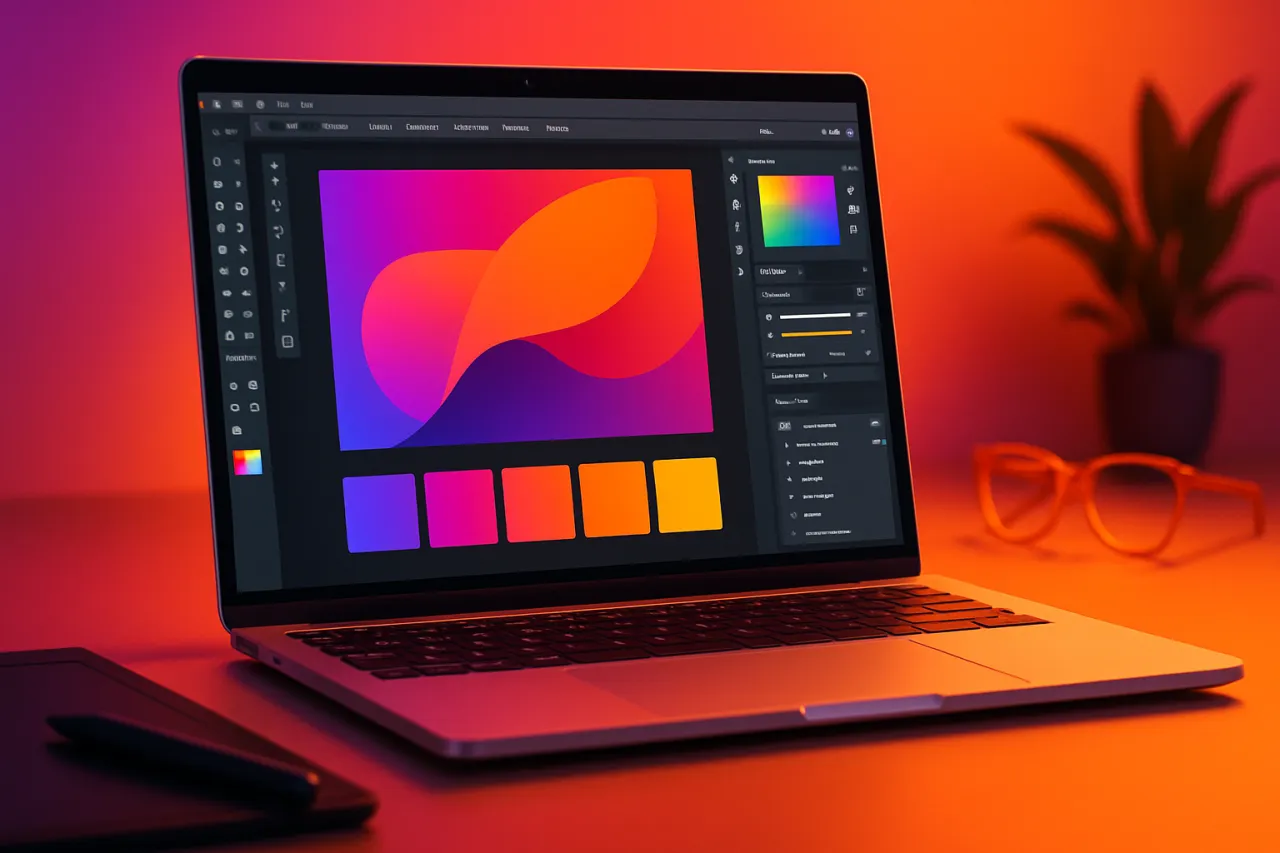
Best Graphic Design Tools for Freelancers in 2024
Introduction
Freelancing in the graphic design world is both exciting and challenging. With the rise of remote work, designers are finding opportunities to showcase their creativity from anywhere. However, with countless tools available, picking the right graphic design software can feel overwhelming. In this article, we’ll walk you through the best graphic design tools that cater specifically to freelancers in 2024, focusing on affordability and user-friendliness.
Whether you’re crafting logos, marketing materials, or social media graphics, the right tools can enhance your productivity and creativity. By the end of this guide, you'll have a clear understanding of the essential features to look for and a curated list of tools that will suit various design needs.
What Is Graphic Design?
Graphic design is the art of visual communication through typography, imagery, color, and layout. It encompasses everything from branding and advertising to digital art and web design. For freelancers, having access to effective graphic design tools is crucial. These tools not only help bring ideas to life but also facilitate collaboration with clients and other creatives.
Why It Matters
Choosing the right graphic design tools can significantly impact the quality of your work and your efficiency as a freelancer. The right software will allow you to execute your vision seamlessly and ensure that your projects meet client expectations. Moreover, staying updated with the latest tools can give you a competitive edge in a crowded marketplace.
Best Graphic Design Tools for Freelancers in 2024
1. Canva
Overview: Canva remains a favorite among freelancers for its user-friendly interface and extensive library of templates and design elements.
Strengths:
- Intuitive drag-and-drop functionality
- Vast library of templates for various projects
- Collaboration features for client feedback
Limitations:
- Limited customization compared to advanced software
- Some features require a premium subscription
Best for: Beginners and those needing quick designs without extensive graphic design knowledge.
Pricing Overview: Free tier available; Pro version starts at approximately $12.99/month.
2. Adobe Illustrator
Overview: As an industry standard, Adobe Illustrator is a powerful vector graphics editor used by professionals worldwide.
Strengths:
- Extensive tools for precision and creativity
- Infinite scalability of designs
- Integrates well with other Adobe products
Limitations:
- Steep learning curve for new users
- Subscription-based pricing can be expensive
Best for: Experienced designers creating detailed illustrations, logos, and complex graphics.
Pricing Overview: Monthly subscription starts at about $20.99.
3. Affinity Designer
Overview: Affinity Designer is a cost-effective alternative to Adobe Illustrator, offering powerful vector and raster design capabilities.
Strengths:
- One-time purchase instead of subscription
- Robust features for both vector and raster work
- Fast performance and responsive interface
Limitations:
- Smaller community and fewer tutorials than Adobe
- Some advanced features may be lacking
Best for: Designers looking for a budget-friendly option without sacrificing quality.
Pricing Overview: Approximately $54.99 for a one-time purchase.
4. Figma
Overview: Figma is a cloud-based design tool popular for UI/UX design but also great for general graphic design.
Strengths:
- Real-time collaboration features
- Cross-platform accessibility
- Strong prototyping capabilities
Limitations:
- Requires an internet connection for full functionality
- Some features can be overwhelming for beginners
Best for: Teams and freelancers who need to collaborate on projects.
Pricing Overview: Free for individual use; paid plans start at $12/month per editor.
5. Photojaanic
Overview: Photojaanic specializes in photo editing and design, making it ideal for freelancers focused on creating visual content for print and social media.
Strengths:
- Great for photo-based designs and layouts
- Easy to use with a variety of templates
- Affordable pricing options
Limitations:
- Not as versatile for graphic design compared to others
- Limited features for advanced graphic design
Best for: Freelancers working primarily with photos or looking to create photo books.
Pricing Overview: Free basic features; paid plans start at $9.99/month.
How to Choose the Right Solution
When selecting graphic design tools, consider the following criteria:
- Skill level: Beginners may prefer user-friendly tools like Canva, while advanced users might opt for Adobe Illustrator.
- Project type: Choose software that aligns with the kind of design work you do most frequently.
- Budget: Determine your budget for software. Some options have free versions, while others are subscription-based.
- Collaboration needs: If you work with clients or teams, look for tools with strong collaboration features.
Common Mistakes
- Overcomplicating designs: Stick to clean and simple designs.
- Ignoring platform requirements: Always ensure your design meets the specifications for the platform it will be used on.
- Neglecting client feedback: Incorporate client input into your design process to avoid revisions late in the game.
Frequently Asked Questions
1. What is the best graphic design tool for beginners?
Canva is often recommended for beginners due to its intuitive interface and extensive template library.
2. Are there any free graphic design tools?
Yes, many tools like Canva and Figma offer free versions with limited features.
3. How much should I expect to pay for graphic design software?
Prices vary widely; expect to pay anywhere from free to $50 per month, depending on the software.
4. Can I use multiple graphic design tools together?
Absolutely! Many designers use a combination of tools to leverage their strengths.
5. What features should I look for in graphic design software?
Look for ease of use, collaboration features, and the ability to customize templates and designs.
Conclusion
Choosing the right graphic design tools can be pivotal for freelancers looking to enhance their work quality and efficiency. By understanding what each tool offers—and its limitations—you can make informed decisions that align with your creative needs and budget. Whether you're a novice or an experienced designer, these tools provide a range of functionalities to help you deliver outstanding graphic designs in 2024. Don't forget to explore Photojaanic for photo-based projects and check out our guide on the Best Graphic Design Tools for Small Businesses for more insights.
About the Author
Tech Blogger
Shahzad Lodhi brings 7 years of industry experience to every review. Specializing in Project Management, He cuts through the marketing noise to deliver honest, practical insights.


