

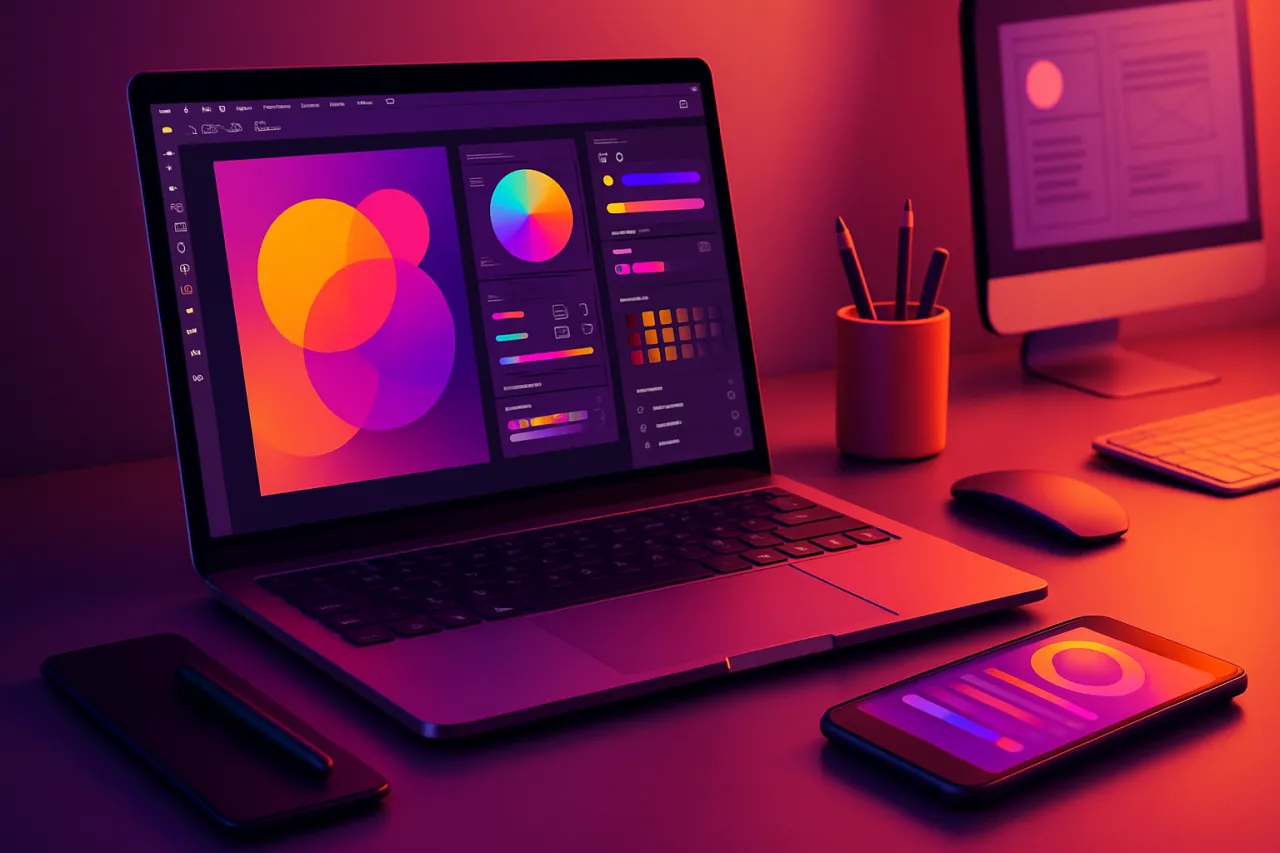
Best Graphic Design Tools for Freelancers in 2026
Introduction
In the fast-paced world of freelancing, graphic designers often face resource constraints and the challenge of finding effective design tools that meet their needs. With numerous options available, it can be overwhelming to choose the right software that not only enhances creativity but also helps manage client relationships effectively. This article aims to identify the best graphic design tools for freelancers in 2026, compare their features, and discuss how they can improve creative outcomes within varying budget constraints.
As freelancers juggle multiple projects and clients, having the right tools can significantly affect their productivity and quality of work. From vector graphics and photo editing to project management and client collaboration, the right software can streamline workflows and enhance the final product. By the end of this article, you will have a clearer understanding of the best graphic design tools available and how they can cater to your unique freelance needs.
What Are Graphic Design Tools?
Graphic design tools are software applications that allow users to create, edit, and manipulate visual content. These tools range from simple applications for basic image editing to advanced software for professional graphic design. They enable designers to create everything from logos and marketing materials to websites and social media graphics.
In recent years, the demand for graphic design tools has surged, particularly among freelancers who need versatile solutions that can adapt to different projects and budgets. With advancements in technology, many graphic design tools now offer cloud-based capabilities, collaboration features, and integration with other software, making them essential for modern freelancers.
Why It Matters
Choosing the right graphic design tools is crucial for freelancers who want to deliver high-quality work efficiently. The right software can enhance creativity, improve workflow, and enable effective communication with clients. Additionally, understanding the strengths and limitations of each tool can help freelancers make informed decisions that align with their specific needs and budget. By investing in the right tools, freelancers can not only improve their output but also build a strong professional reputation.
Best Graphic Design Tools for Freelancers
Adobe Creative Cloud
Overview: Adobe Creative Cloud is a comprehensive suite of graphic design tools, including Photoshop, Illustrator, and InDesign. It offers powerful features for photo editing, vector graphics, and desktop publishing.
Strengths:
- Extensive features suitable for various design projects.
- Industry-standard tools widely recognized by clients.
- Regular updates and a large community for support.
Limitations:
- Subscription-based pricing can be expensive for freelancers.
- Steep learning curve for beginners.
Best for: Professionals who require advanced functionalities and are willing to invest in their tools.
Pricing overview: Monthly subscription starts around $20.99/month for individual apps, or $54.99/month for the entire suite.
Canva
Overview: Canva is an online graphic design tool that empowers users to create stunning visuals quickly and easily. It offers a user-friendly interface with thousands of templates, images, and design elements.
Strengths:
- Intuitive drag-and-drop interface.
- Extensive library of templates and stock images.
- Collaboration features for team projects.
Limitations:
- Limited functionalities compared to more advanced design software.
- Some features require a paid subscription.
Best for: Freelancers who need to create quick designs without extensive design skills.
Pricing overview: Free version available; Pro version starts at $12.99/month.
Affinity Designer
Overview: Affinity Designer is a vector graphic design software that provides a powerful alternative to Adobe Illustrator. It is ideal for creating illustrations and detailed designs.
Strengths:
- One-time purchase model makes it cost-effective.
- High-performance with smooth operation on different devices.
- Offers a wide range of design tools and features.
Limitations:
- Lesser-known than Adobe, which may affect client perception.
- Limited integration with other tools compared to Adobe.
Best for: Freelancers looking for a robust design tool without the ongoing subscription fees.
Pricing overview: One-time payment of approximately $54.99.
Figma
Overview: Figma is a cloud-based design tool that is highly regarded for UI/UX design. It allows for real-time collaboration, making it a favorite among teams.
Strengths:
- Excellent for collaborative projects with multiple stakeholders.
- Versatile for both web and mobile design.
- Supports plugins for extended functionality.
Limitations:
- Requires a stable internet connection for optimal performance.
- May lack some advanced features found in traditional graphic design software.
Best for: Freelancers working on web design or UI/UX projects that require collaboration.
Pricing overview: Free tier available; professional tier starts at $12/month.
How to Choose the Right Solution
When selecting graphic design tools, freelancers should consider several factors:
- Budget: Assess whether to opt for subscription-based models or one-time purchases.
- Skill Level: Choose tools that match your design expertise, ensuring they are not too complex to use.
- Project Type: Consider the types of projects you will work on most frequently and choose tools that cater to those needs.
- Collaboration Needs: If you work with clients or teams, prioritize tools that facilitate effective communication and collaboration.
Common Mistakes
Freelancers often make several common mistakes when selecting graphic design tools:
- Rushing the decision without considering long-term needs.
- Overlooking the importance of integration with other tools used for project management or client communication.
- Failing to explore free trials or demos before committing to a purchase.
Frequently Asked Questions
1. What are the best graphic design tools for beginners?
Beginner-friendly tools like Canva and Adobe Spark offer intuitive interfaces and templates to get started with graphic design.
2. Are there free graphic design tools available?
Yes, tools like Canva and GIMP provide free versions with basic features suitable for freelancers.
3. How do I decide between Adobe Creative Cloud and alternatives?
Consider your budget, the complexity of projects, and your level of expertise when choosing between Adobe and other graphic design software.
4. Can I use graphic design tools for client presentations?
Yes, many graphic design tools, including Canva and Figma, offer features that help create visually appealing client presentations.
5. What should I look for in client management tools?
Look for features that allow for easy communication, file sharing, and project tracking to enhance workflow with clients.
Conclusion
In conclusion, choosing the right graphic design tools is essential for freelancers looking to enhance their creative output while managing client relationships effectively. From Adobe Creative Cloud for comprehensive design needs to user-friendly options like Canva, there are tools available for every budget and skill level. By carefully evaluating your needs and considering the strengths and limitations of each tool, you can find the perfect graphic design solution that aligns with your freelance goals.
About the Author
Digital Marketing Expert
Asad Latif brings 7 years of industry experience to every review. Specializing in Social Media, He cuts through the marketing noise to deliver honest, practical insights.


