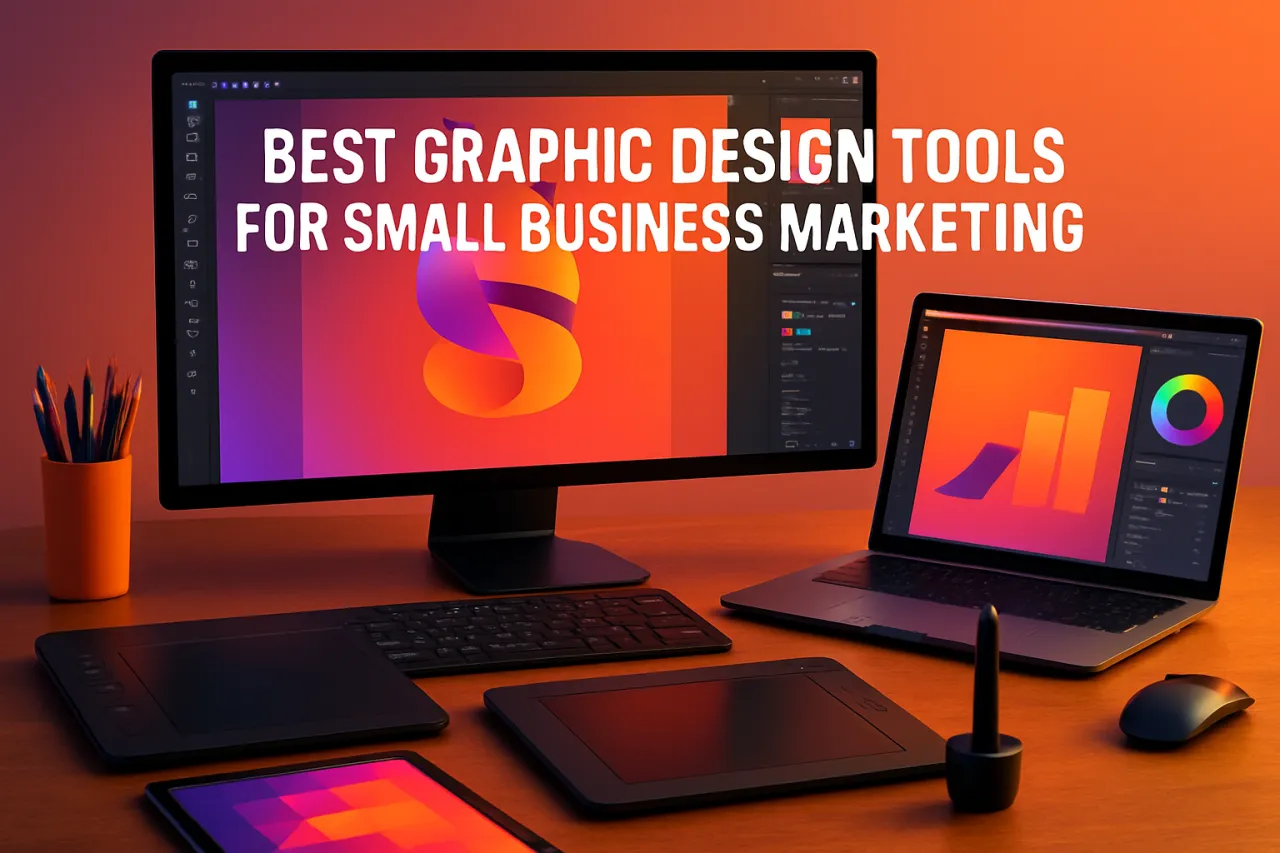
Best Graphic Design Tools for Small Business Marketing
Introduction
Creating eye-catching marketing materials is crucial for small businesses looking to stand out in a crowded market. However, many entrepreneurs find themselves struggling with design skills or feel overwhelmed by the cost of hiring professionals. Luckily, there are numerous graphic design tools available that can empower small business owners to create stunning visuals with ease and affordability.
In this article, we’ll explore some of the best graphic design tools tailored for small business marketing. Each tool will be evaluated based on its strengths, limitations, and ideal use cases, providing you with the insights needed to make an informed decision.
What Is Graphic Design Software?
Graphic design software refers to applications that enable users to create visual content. These tools vary widely in complexity, from user-friendly platforms designed for beginners to advanced tools favored by professional designers. For small businesses, the right graphic design software can streamline the creation of marketing materials like social media graphics, flyers, and logos.
Why It Matters
Effective marketing materials can significantly enhance a small business's visibility and brand identity. With the right graphics, businesses can communicate their message more clearly and attract potential customers. By utilizing graphic design tools, small business owners can achieve professional results without the hefty price tag often associated with hiring a designer.
Best Software / Methods / Strategies
Canva
- Overview: Canva is a popular online graphic design tool that offers a vast library of templates and design elements.
- Strengths: User-friendly interface, extensive template library, and collaborative features.
- Limitations: Some advanced features and assets require a paid subscription.
- Best for: Beginners and those needing quick designs.
- Pricing overview: Free plan available; Pro subscription starts at $12.99/month.
Adobe Express
- Overview: Formerly known as Adobe Spark, Adobe Express allows users to create stunning visuals with ease.
- Strengths: High-quality templates, integration with Adobe Creative Cloud, and robust editing tools.
- Limitations: Limited functionality compared to full Adobe software.
- Best for: Small businesses already using Adobe products.
- Pricing overview: Free plan available; paid plans start at $9.99/month.
Visme
- Overview: Visme is a versatile design tool that caters to presentations, infographics, and social media graphics.
- Strengths: Comprehensive design features, and the ability to create interactive content.
- Limitations: The learning curve may be steep for complete beginners.
- Best for: Businesses focusing on presentations and infographics.
- Pricing overview: Free version available; paid plans start at $15/month.
Snappa
- Overview: Snappa simplifies graphic design with its intuitive drag-and-drop interface.
- Strengths: Quick design creation, good for social media graphics, and a library of stock photos.
- Limitations: Limited template options compared to some competitors.
- Best for: Social media marketers and bloggers.
- Pricing overview: Free plan available; Pro plan starts at $10/month.
How to Choose the Right Solution
When selecting a graphic design tool, consider the following:
- User-friendliness: Ensure the tool is easy to navigate, especially if you lack design experience.
- Features: Assess what design features are essential for your business needs.
- Cost: Evaluate your budget and compare the pricing of different tools to find the best fit.
Common Mistakes
- Ignoring Branding: Consistency in colors, fonts, and styles is crucial for brand identity.
- Overcomplicating Designs: Simplicity often leads to more effective communication.
- Neglecting Mobile Optimization: Ensure that designs look good on mobile devices, crucial for social media marketing.
Frequently Asked Questions
- What is the best graphic design tool for beginners? Canva is often recommended for those new to graphic design.
- Are there free graphic design tools? Yes, tools like Canva and Snappa offer free versions.
- How can I create logos for my business? Many tools, including Canva and Adobe Express, provide logo design features.
- Can I collaborate with others on these tools? Yes, many graphic design tools have collaboration features that allow team members to work together.
- Do I need design experience to use these tools? No, most graphic design tools are designed to be user-friendly for beginners.
Conclusion
Incorporating graphic design tools into your small business marketing strategy can elevate your brand’s presence and engagement. By utilizing platforms like Canva, Adobe Express, Visme, and Snappa, you can create professional-quality visuals tailored to your needs without breaking the bank. Remember to evaluate your specific requirements and avoid common design mistakes to maximize the effectiveness of your marketing materials.
About the Author
Software Analyst
A seasoned software analyst, Muneeb Durrani focuses on making tech accessible to everyday users. He covers AI Tools tools, comparisons, and buying guides on Softedin.