

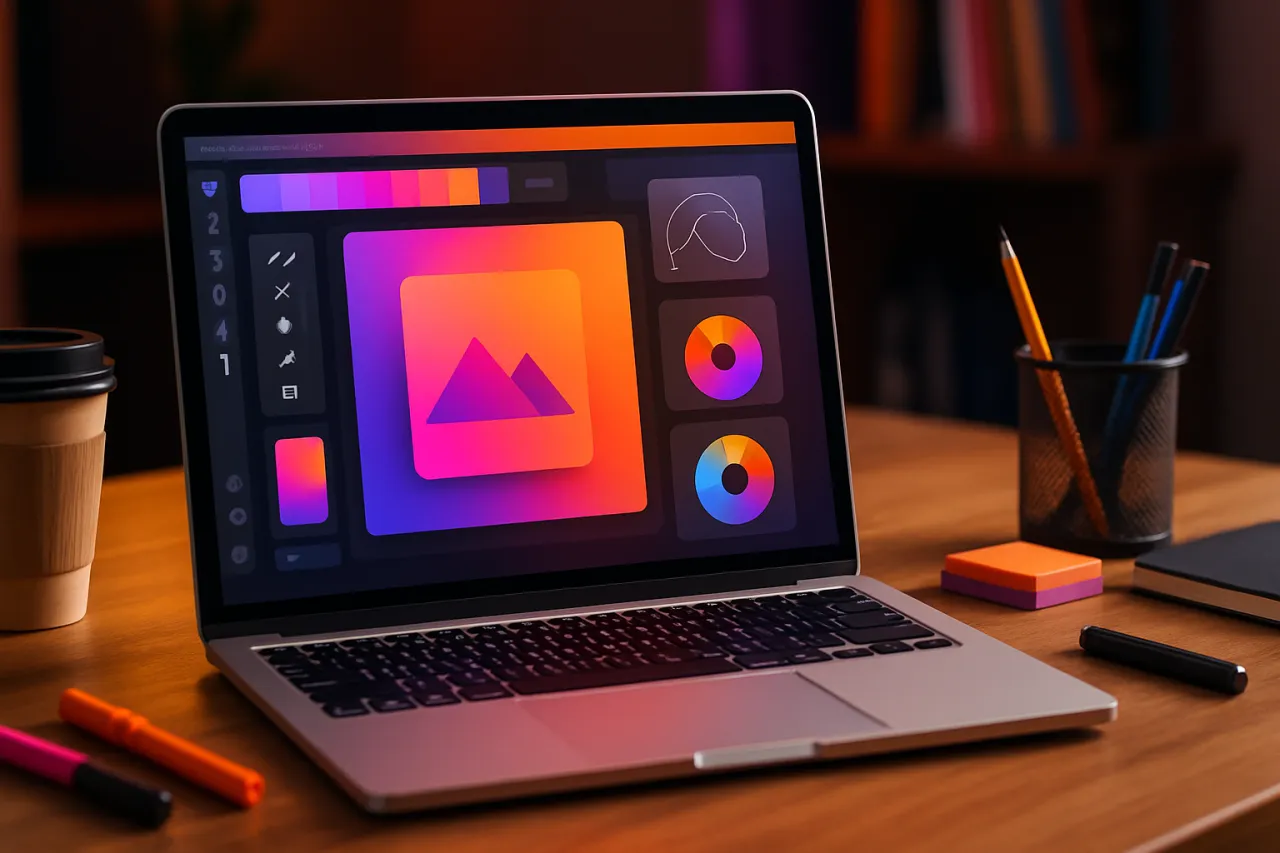
Best Graphic Design Tools for Startups: Creating Visual Content on a Budget
Introduction
In today’s visually-driven market, startups face the challenge of creating high-quality graphics on a limited budget. Compelling visual content is essential for branding and marketing, yet many startups may not have the resources to hire professional designers or invest in expensive software. Fortunately, a variety of budget-friendly graphic design tools cater specifically to the needs of startups, allowing them to produce stunning visuals without the hefty price tag.
This article explores some of the best graphic design tools available for startups in 2026. We will examine their essential features, pricing structures, and user experiences to help you make informed decisions about your design needs.
What Is Graphic Design Software?
Graphic design software encompasses a range of applications that enable users to create, edit, and manipulate visual content. This software varies widely in complexity and functionality, from simple online tools for beginners to advanced applications used by professional designers. For startups, selecting the right graphic design software is crucial for developing a consistent brand identity, engaging marketing materials, and effective social media presence.
Why It Matters
Choosing the right graphic design tools can significantly impact a startup's ability to communicate its brand message effectively. Quality visuals can enhance user engagement, improve marketing results, and establish a professional appearance. With many affordable options available, startups can compete with larger companies while staying within budget constraints. Understanding what tools are available and their capabilities can empower startups to create impactful visuals that resonate with their target audience.
Best Software / Methods / Strategies
Canva
Overview
Canva is a user-friendly graphic design platform that offers a range of templates and design elements, making it accessible for users with little to no design experience.
Strengths
- Intuitive drag-and-drop interface
- Extensive library of templates and stock images
- Collaborative features for team projects
Limitations
- Some advanced features require a paid subscription
- Limited customization options compared to professional software
Best for
Beginners and small teams looking to create marketing materials quickly and easily.
Pricing overview
Free plan available; Pro version starts at $12.99/month.
Adobe Express
Overview
Adobe Express (formerly Adobe Spark) allows users to create stunning graphics, web pages, and short videos with minimal effort.
Strengths
- Integration with Adobe Creative Cloud
- Pre-designed templates tailored for various purposes
- User-friendly mobile app for on-the-go editing
Limitations
- Limited features compared to full Adobe software
- Can become expensive with premium assets
Best for
Users familiar with Adobe products and those looking for a simple way to create promotional content.
Pricing overview
Free plan available; Premium features start at $9.99/month.
Visme
Overview
Visme is a versatile design tool that focuses on creating presentations, infographics, and reports, making it ideal for startups looking to communicate data visually.
Strengths
- Wide range of templates and design assets
- Interactive elements for enhanced presentations
- Analytics features to track engagement
Limitations
- Some advanced features may require a paid plan
- Learning curve for first-time users
Best for
Startups that need to produce data-driven presentations and engaging visual content.
Pricing overview
Free version available; paid plans start at $15/month.
Snappa
Overview
Snappa is an online design tool focused on creating social media graphics, blog images, and ads quickly and efficiently.
Strengths
- Simplified design process with pre-set dimensions for various platforms
- Access to high-quality stock photos
- User-friendly interface ideal for non-designers
Limitations
- Limited templates compared to competitors
- The free version has restrictions on downloads
Best for
Social media managers and marketers looking to create quick and effective graphics.
Pricing overview
Free version available; Pro plan starts at $10/month.
How to Choose the Right Solution
When selecting the best graphic design tool for your startup, consider the following criteria:
- Ease of use: Look for intuitive interfaces that require minimal design skills.
- Features: Identify what features are essential for your projects, such as templates, image editing capabilities, or collaboration options.
- Pricing: Ensure the tool fits within your budget while still offering the necessary features.
- Integration: Consider whether the tool integrates well with other software you are using, such as social media platforms or content management systems.
Common Mistakes
Startups often make several common mistakes when selecting graphic design tools:
- Neglecting collaboration features: As teams grow, having tools that support collaboration can streamline workflows.
- Overlooking scalability: Choose a tool that can grow with your business to avoid needing to switch software later.
- Ignoring user feedback: Research user reviews and experiences to ensure the tool meets your needs effectively.
Frequently Asked Questions
1. What are the best graphic design tools for startups?
Some of the best options include Canva, Adobe Express, Visme, and Snappa.
2. Are there free graphic design tools available?
Yes, many tools offer free versions, such as Canva and Snappa, with various features.
3. How much should a startup spend on graphic design software?
Costs can vary widely, with tools available for free up to $15/month or more for premium features.
4. Can I collaborate with my team using these tools?
Most of these platforms offer collaboration features, making it easy to work with team members on design projects.
5. Do I need prior design experience to use these tools?
No, many of these tools are designed for beginners and offer pre-made templates to simplify the design process.
Conclusion
Choosing the right graphic design tool is crucial for startups aiming to create impactful visual content on a budget. There are numerous affordable options available, each with its strengths and limitations. By evaluating your specific needs and considering factors such as ease of use, features, and pricing, you can select a tool that helps your startup thrive in today’s competitive market. With the right software, you can create visuals that not only capture attention but also effectively communicate your brand message to your audience.
About the Author
Software Analyst
Fatima Sheikh is a software analyst with 10+ years of experience reviewing and testing Cloud Computing software. She helps businesses find the right digital tools to scale their operations.


