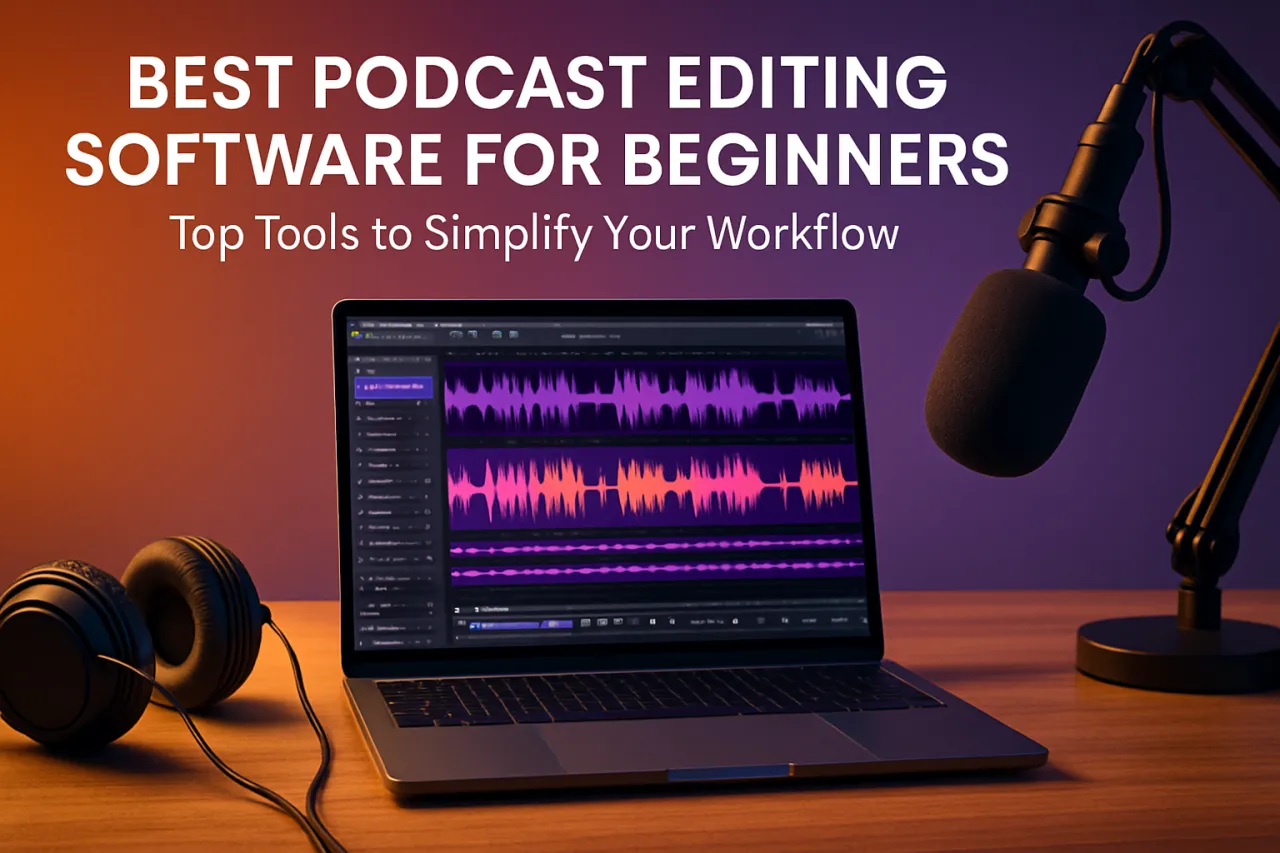
Best Podcast Editing Software for Beginners: Top Tools to Simplify Your Workflow
Introduction
Starting a podcast can be an exciting journey, but the editing process often feels daunting for beginners. With the right podcast editing software, you can streamline your workflow, enhance your audio quality, and ensure your final product sounds professional. This article will guide you through some of the best tools available that cater specifically to novice podcasters, highlighting their user-friendly features and essential capabilities.
Whether you are looking to remove background noise, add music, or edit out mistakes, choosing the right software can make all the difference. In this article, you will learn about various podcast editing tools, their strengths, and what to consider when making your selection.
What Is Podcast Editing Software?
Podcast editing software is a digital application designed to help users modify and produce audio recordings. These tools allow you to cut, trim, and arrange audio clips, apply effects, adjust sound levels, and export your final product in various formats. For beginners, intuitive interfaces and straightforward functionalities are essential, as they help ease the learning curve and reduce the frustration often associated with audio editing.
Why It Matters
Selecting the right podcast editing software is crucial for beginners aiming to create engaging content. The right tool not only enhances audio quality but also saves time and effort in the editing process. As podcasting continues to grow in popularity, having access to user-friendly tools can set you apart from the competition and help you produce polished episodes that attract and retain listeners.
Best Podcast Editing Software for Beginners
Audacity
- Overview: Audacity is a free, open-source audio editing tool that’s perfect for beginners.
- Strengths: It offers a wide range of features including multi-track editing, effects, and support for various audio formats.
- Limitations: The interface can feel cluttered, and it may have a steeper learning curve than some other tools.
- Best for: Users looking for a comprehensive free option that can grow with their skills.
- Pricing overview: Free.
Adobe Podcast
- Overview: Adobe Podcast is a cloud-based editing tool known for its simplicity and powerful features.
- Strengths: With its user-friendly interface, it allows for easy audio enhancements, including noise reduction and automatic leveling.
- Limitations: Requires an Adobe subscription, which may not be ideal for all beginners.
- Best for: Users who want advanced features with a user-friendly design. Explore Adobe Podcast
- Pricing overview: Subscription-based.
GarageBand
- Overview: GarageBand is Apple’s free audio editing software, ideal for Mac users.
- Strengths: Known for its intuitive interface and robust features, it allows users to create music and podcasts alike.
- Limitations: Limited to Apple devices, which may restrict accessibility for some users.
- Best for: Beginners who are already in the Apple ecosystem.
- Pricing overview: Free.
Reaper
- Overview: Reaper is a powerful audio editing software that offers a free trial and affordable lifetime licensing.
- Strengths: Highly customizable and suitable for multi-track recording and editing.
- Limitations: The extensive features can overwhelm new users, and the interface may not be as intuitive.
- Best for: Beginners who plan to grow into more complex audio editing.
- Pricing overview: Free trial, with a one-time purchase for a license.
How to Choose the Right Solution
When selecting podcast editing software, consider the following factors:
- Ease of Use: Look for tools with intuitive interfaces to minimize the learning curve.
- Features: Determine what functionalities you need, such as multi-track editing or effects.
- Cost: Evaluate your budget and consider free options versus subscription-based software.
- Compatibility: Ensure the software is compatible with your operating system and audio formats.
Common Mistakes
- Overlooking Compatibility: Always check if the software works with your computer and audio files.
- Ignoring User Reviews: Read what other beginners have experienced with the software to avoid common pitfalls.
- Not Exploring Features: Take the time to explore all features; many tools have capabilities that can enhance your workflow.
Frequently Asked Questions
-
What is the best free podcast editing software for beginners?
Audacity is a great option as it offers a wide range of features at no cost. -
Can I edit podcasts on my phone?
Yes, many apps like GarageBand for iOS allow you to edit directly on your smartphone. -
How much does podcast editing software typically cost?
Prices can range from free to subscription-based software costing around $20/month. -
What should I look for in podcast editing software?
Consider ease of use, features, cost, and compatibility with your system. -
Is it worth paying for podcast editing software?
Paid software often offers advanced features and better support, which can be beneficial as you scale your podcasting efforts.
Conclusion
Choosing the right podcast editing software is a crucial step for beginners looking to produce high-quality audio content. Whether you opt for free options like Audacity or invest in tools like Adobe Podcast, understanding your needs and potential limitations is key. Always prioritize user-friendly features to make the editing process smoother and more enjoyable. With the right tools, you can elevate your podcasting game and engage your audience effectively.
About the Author
Digital Marketing Expert
David White is passionate about helping teams discover the right software. As a digital marketing expert, He specializes in AI Tools solutions and has been featured in multiple tech publications.