

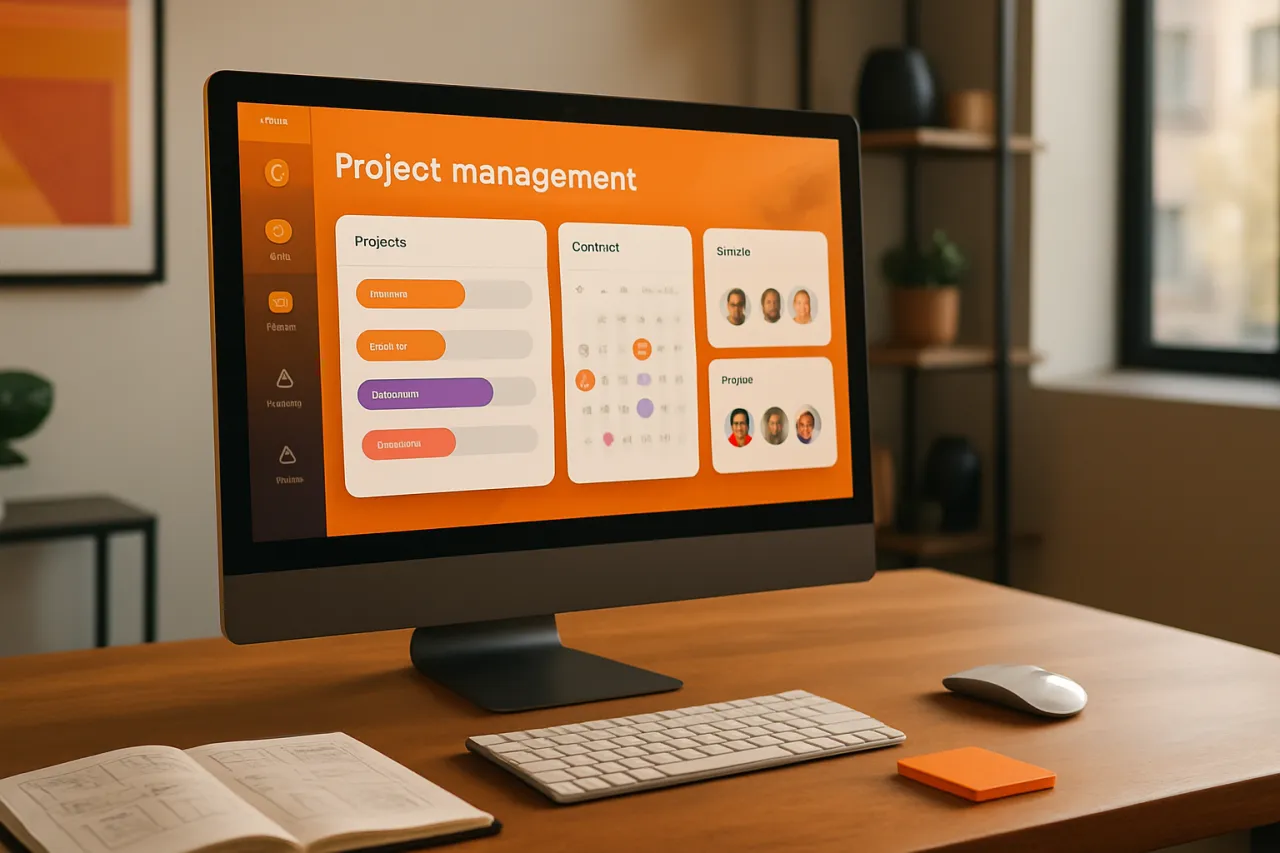
Exploring the Best Project Management Tools for Creative Agencies
Introduction
In the fast-paced world of creative agencies, effective project management is crucial for meeting client expectations and achieving team goals. With multiple projects running concurrently, teams often encounter challenges such as miscommunication, missed deadlines, and resource allocation issues. This article explores the best project management tools available for creative agencies, focusing on how these tools can streamline workflows and foster collaboration.
Creative agencies thrive on innovation and creativity, but these qualities can sometimes lead to chaos without proper management. The right project management tools can help mitigate these challenges by providing structure and transparency to the workflow. Readers will learn about various tools, their strengths, limitations, and how they can enhance the project management experience for creative teams.
What Is Project Management?
Project management involves the planning, execution, and monitoring of projects to achieve specific goals within a defined timeline and budget. In the context of creative agencies, this often means coordinating teams of designers, marketers, and developers to deliver high-quality work to clients. Effective project management helps ensure that all team members are aligned, tasks are prioritized, and resources are allocated efficiently.
Why It Matters
For creative agencies, project management tools are not just about tracking tasks; they are essential for maintaining creativity while ensuring productivity. With the right tools, teams can enhance collaboration, streamline communication, and keep projects on track. This is particularly important in an industry where deadlines are tight, and client expectations are high. By leveraging effective project management solutions, agencies can improve their overall efficiency and client satisfaction.
Best Software / Methods / Strategies
1. Asana
Overview
Asana is a versatile project management tool that allows teams to organize their work, set deadlines, and track progress. With features like task assignments, project timelines, and collaborative boards, Asana helps creative teams stay on top of their projects.
Strengths
- User-friendly interface
- Robust task management features
- Integrates well with other tools
Limitations
- May be overwhelming for small teams
- Advanced features require a premium subscription
Best for
Teams looking for a comprehensive project management solution that supports collaboration.
Pricing overview
Free tier available; premium plans start at $10.99 per user/month.
2. Trello
Overview
Trello uses a card-based system that allows teams to visualize their projects on boards. It is particularly effective for creative agencies that prefer a more flexible and visual approach to project management.
Strengths
- Intuitive drag-and-drop interface
- Highly customizable boards
- Good for brainstorming and idea tracking
Limitations
- Limited reporting features
- May not be ideal for complex project management needs
Best for
Teams that appreciate a visual approach to project management and need flexibility.
Pricing overview
Free tier available; business class plans start at $12.50 per user/month.
3. Monday.com
Overview
Monday.com is an all-in-one work operating system that enables teams to build their workflows. It offers various templates catered to creative projects, making it easy to manage tasks, timelines, and team collaboration.
Strengths
- Highly customizable workflows
- Automation features to streamline repetitive tasks
- Excellent customer support
Limitations
- Can become complex without proper setup
- Pricing can escalate with added features
Best for
Creative teams needing a customizable platform to manage diverse projects.
Pricing overview
Plans start at $8 per user/month, with a free trial available.
4. ClickUp
Overview
ClickUp is a feature-rich project management tool that combines task management, time tracking, and goal setting in one platform. It is designed to replace multiple tools, making it suitable for creative agencies with diverse project needs.
Strengths
- Extensive features for task management and collaboration
- Customizable views (list, board, calendar)
- Affordable pricing tiers
Limitations
- Can be overwhelming for new users
- Some features may feel redundant
Best for
Agencies looking for a multifunctional tool that covers all aspects of project management.
Pricing overview
Free tier available; paid plans start at $5 per user/month.
How to Choose the Right Solution
When evaluating project management tools for creative agencies, consider the following criteria:
- User Interface: Opt for a tool with a clean and intuitive interface that your team can quickly adopt.
- Integration Capabilities: Ensure the tool integrates with existing software used by your team, such as design applications and communication tools.
- Customization Options: Look for solutions that allow you to tailor workflows and templates to fit your specific project needs.
- Scalability: Choose a tool that can grow with your agency as your client base and team expand.
- Budget: Consider the pricing structure and whether it aligns with your budget while meeting your project management needs.
Common Mistakes
Here are some common pitfalls to avoid when implementing project management tools:
- Overcomplicating Workflows: Keep it simple; avoid adding too many features that can lead to confusion.
- Neglecting Training: Ensure all team members are adequately trained on the tool to maximize its potential.
- Ignoring Feedback: Regularly seek input from your team on the tool’s effectiveness and make adjustments as necessary.
Frequently Asked Questions
1. What are the key features to look for in project management tools for creative agencies?
Look for task management, collaboration features, time tracking, and reporting capabilities.
2. How can project management tools enhance creativity in teams?
They provide structure and clarity, allowing team members to focus on creative tasks without getting bogged down by administrative issues.
3. Are free project management tools effective for creative agencies?
Free tools can be effective for small teams but may lack advanced features needed for larger projects.
4. How do I ensure team adoption of a new project management tool?
Provide training, demonstrate its benefits, and encourage feedback to facilitate smoother adoption.
5. Can project management tools integrate with existing software?
Most modern project management tools offer integrations with various software applications, enhancing their functionality.
Conclusion
Choosing the right project management tool is essential for creative agencies looking to improve their workflow and collaboration. Each of the tools discussed offers unique strengths and limitations, catering to different needs and preferences. By understanding these tools and their capabilities, agencies can make informed decisions that enhance project execution and foster a more productive environment. Remember to evaluate your specific requirements and team dynamics when selecting a solution that best fits your agency's needs.
About the Author
Tech Blogger
Shahzad Lodhi brings 7 years of industry experience to every review. Specializing in Project Management, He cuts through the marketing noise to deliver honest, practical insights.


