

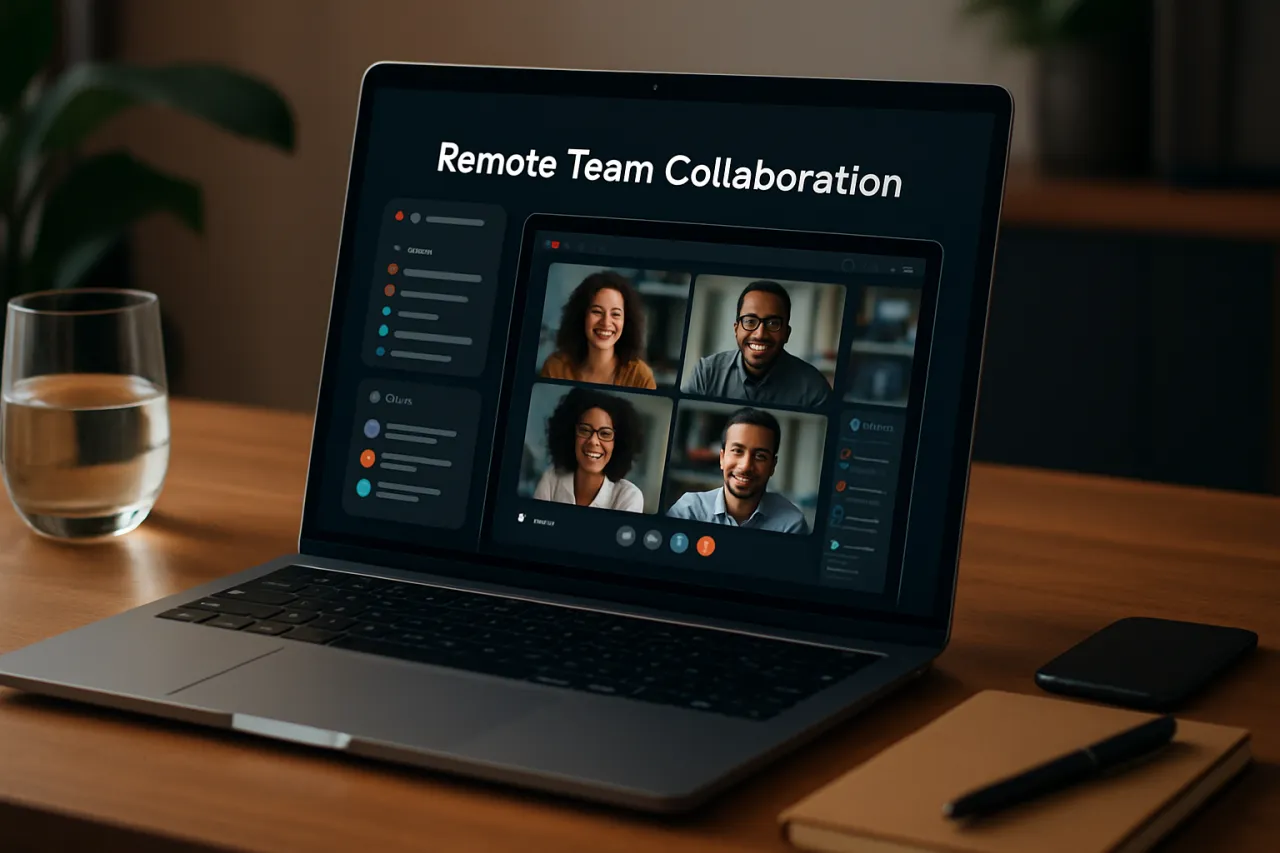
Best Software for Managing Remote Teams Effectively
Introduction
Managing remote teams presents unique challenges that can hinder productivity and collaboration. As organizations increasingly adopt remote work, the need for effective remote team management software has never been more critical. This article will explore the best software solutions available for enhancing remote team collaboration and productivity, providing valuable insights to help teams succeed in a distributed environment.
In today's fast-paced world, remote teams must overcome barriers such as communication gaps, differing time zones, and lack of cohesion. This article aims to provide recommendations based on specific team needs and features, ensuring that you find the right tools to streamline your remote work processes and foster a collaborative culture.
What Is Remote Team Management?
Remote team management refers to the strategies and software tools employed to coordinate, oversee, and support teams that work outside a traditional office setting. It encompasses various elements such as communication, project management, time tracking, and performance evaluation. By leveraging technology, managers can create an effective remote work environment that fosters collaboration and maintains team morale.
Why It Matters
The shift to remote work has led to significant changes in how teams operate. Without the right tools, remote teams can struggle with miscommunication, isolation, and decreased productivity. Effective remote team management software addresses these challenges by facilitating communication, providing project visibility, and improving collaboration. Understanding the available solutions can help organizations make informed decisions that enhance team performance and employee satisfaction.
Best Software for Managing Remote Teams
1. Slack
Overview
Slack is a popular communication platform designed for teams to collaborate in real time. It offers channels for organized discussions, direct messaging, and integration with various productivity tools.
Strengths
- Intuitive interface that promotes quick collaboration
- Extensive integration options with other tools
- Supports file sharing and collaborative document editing
Limitations
- Can become overwhelming with multiple channels
- Limited functionality for project management
Best for
Teams looking for a centralized communication hub.
Pricing overview
Offers a free tier with limited features; paid plans start at $6.67 per user/month.
2. Trello
Overview
Trello is a visual project management tool that uses boards, lists, and cards to help teams organize tasks and workflows.
Strengths
- Highly visual interface that enhances task tracking
- Flexible structure suitable for various project types
- Integrates with numerous other applications
Limitations
- Can lack advanced project management features for complex projects
- Limited reporting capabilities
Best for
Teams looking for a simple and visual task management solution.
Pricing overview
Free version available; paid plans start at $5 per user/month.
3. Asana
Overview
Asana is a comprehensive project management tool that helps teams plan, organize, and track their work efficiently.
Strengths
- Robust task management with timelines and dependencies
- Excellent for team collaboration and communication
- Customizable dashboards for tracking progress
Limitations
- Can be overwhelming for new users due to its features
- Pricing can be high for larger teams
Best for
Teams needing advanced project management capabilities.
Pricing overview
Offers a free tier; premium plans start at $10.99 per user/month.
4. Zoom
Overview
Zoom is a widely used video conferencing tool that facilitates virtual meetings, webinars, and online collaboration.
Strengths
- High-quality video and audio
- User-friendly interface
- Supports large meetings with many participants
Limitations
- Limited features on the free plan
- Security concerns have been raised in the past
Best for
Teams needing reliable video communication.
Pricing overview
Free version available; paid plans start at $149.90 per year for pro features.
5. Full Venue
Overview
Full Venue is a collaborative workspace designed for remote teams, combining project management, communication, and file-sharing tools in one platform.
Strengths
- All-in-one solution for project management and communication
- Customizable workspaces for different teams or projects
- Strong focus on user experience and ease of use
Limitations
- May lack some advanced features found in specialized tools
- Pricing may be a consideration for smaller teams
Best for
Teams looking for an integrated solution with all necessary features.
Pricing overview
Pricing information is available on request, with options for monthly or annual subscriptions.
6. Kanwas
Overview
Kanwas is a shared context board that allows remote teams to visualize and manage projects collaboratively.
Strengths
- Unique approach to project management using visual boards
- Encourages team collaboration and brainstorming
- Easy to use with a minimal learning curve
Limitations
- May not suit teams that prefer traditional project management tools
- Limited reporting features
Best for
Teams that thrive on visual collaboration and brainstorming.
Pricing overview
Free version available; premium features start at $8 per user/month.
How to Choose the Right Solution
When selecting the right software for managing remote teams, consider the following criteria:
- Team size and structure: Choose software that can scale with your team.
- Communication needs: Determine if your team requires primarily chat, video, or project management tools.
- Integration capabilities: Ensure the software can integrate with other tools your team already uses.
- User experience: Opt for software that is intuitive and easy for your team to adopt.
- Budget: Factor in costs and evaluate the pricing plans available.
Common Mistakes
- Neglecting team input: Failing to involve team members in the selection process can lead to poor adoption.
- Overcomplicating tools: Using too many software solutions can overwhelm team members and lead to confusion.
- Ignoring training: Not providing adequate training can result in underutilization of the tools.
Frequently Asked Questions
-
What is the best software for remote team management?
There is no one-size-fits-all answer, as the best software depends on the specific needs of your team. Tools like Slack, Trello, and Zoom are popular choices. -
How can I improve communication in my remote team?
Utilizing dedicated communication tools like Slack or Microsoft Teams can enhance collaboration and ensure everyone stays connected. -
Are there free options available for remote team management software?
Yes, many tools offer free versions, including Slack, Trello, and Zoom, which can be effective for smaller teams. -
What features should I look for in remote team management software?
Key features include communication tools, task management, project visibility, and integration capabilities with other software. -
How can I ensure my remote team stays productive?
Setting clear expectations, utilizing appropriate tools, and maintaining regular check-ins can help keep your remote team focused and productive.
Conclusion
Managing remote teams effectively requires the right tools and strategies. By understanding the unique challenges of remote work and leveraging software solutions designed to enhance collaboration and productivity, teams can thrive in a distributed environment. Evaluate your team's specific needs, consider the software options discussed, and make informed decisions that will support your remote team's success.
About the Author
Tech Journalist
Kevin Young brings 3 years of industry experience to every review. Specializing in CRM, He cuts through the marketing noise to deliver honest, practical insights.


