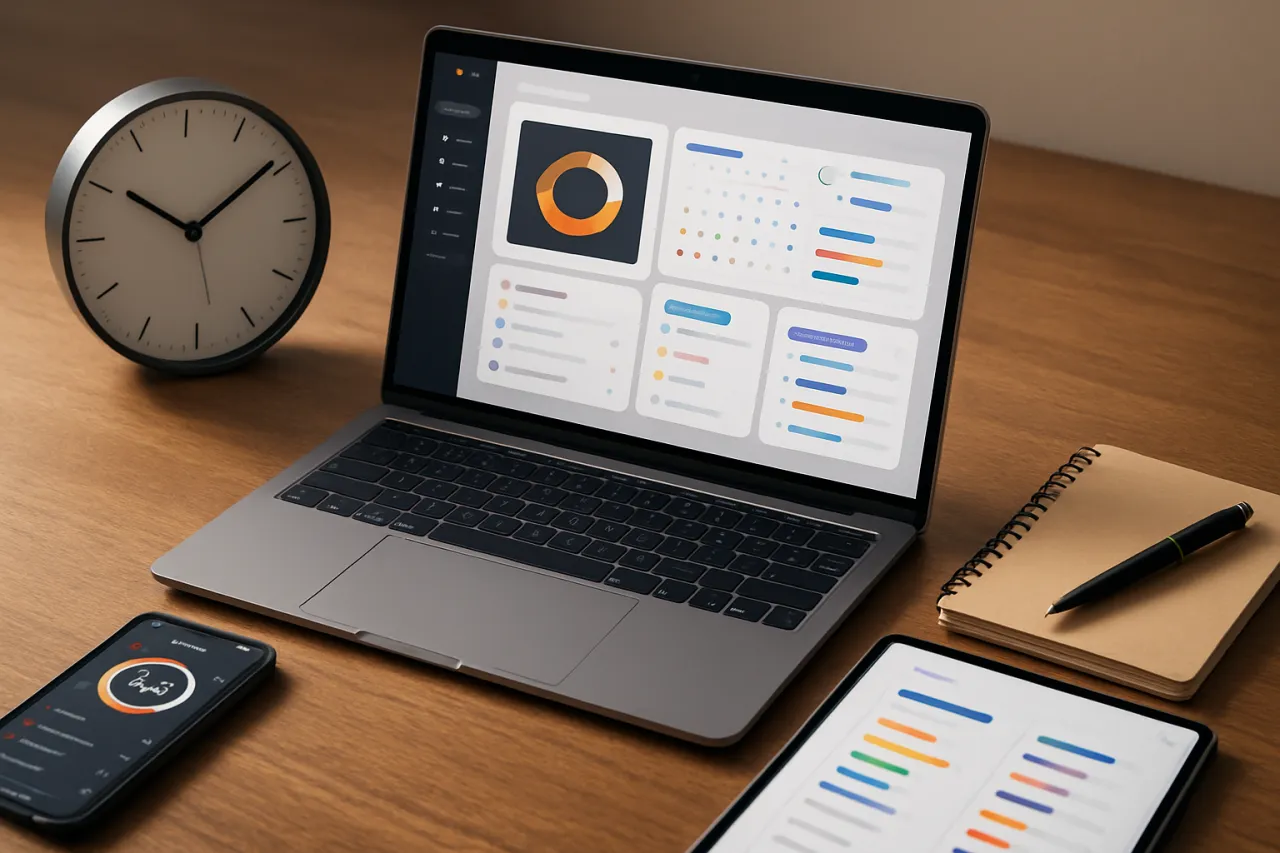
Best Time Management Tools for Busy Professionals
Introduction
In today's fast-paced work environment, busy professionals often find themselves overwhelmed by their responsibilities. Effective time management is crucial for maintaining productivity, reducing stress, and achieving work-life balance. This article presents a curated list of the best time management tools available, focusing on how they cater specifically to the needs of professionals who juggle multiple tasks daily.
From tracking tasks to optimizing schedules, these tools can significantly enhance your productivity. We will explore the features, strengths, limitations, and pricing of each tool, providing you with all the information needed to make an informed decision.
What Is Time Management?
Time management refers to the process of planning and exercising conscious control over how much time you spend on specific activities. Good time management enables an individual to complete more in a shorter period, lowers stress, and leads to career success. For busy professionals, mastering time management is not just beneficial; it's essential for thriving in a competitive landscape.
Why It Matters
With the increasing demands on professionals today, effective time management tools can be a game changer. They help prioritize tasks, facilitate collaboration, and ensure that deadlines are met without sacrificing quality. By integrating these tools into your workflow, you can create a more organized and efficient work environment, leaving you with more time to focus on what truly matters.
Best Software / Methods / Strategies
Todoist
- Overview: Todoist is a robust task management tool that allows users to create to-do lists, set priorities, and collaborate on projects.
- Strengths: User-friendly interface, cross-platform support, and powerful integrations with other tools.
- Limitations: The free version has limited features; some users may find the premium features necessary for advanced use.
- Best for: Individuals and teams looking for a straightforward task management solution.
- Pricing overview: Free tier available; premium plans start at approximately $3 per month.
Trello
- Overview: Trello employs a card and board system for managing projects and tasks visually.
- Strengths: Highly customizable, easy to use, and excellent for team collaboration.
- Limitations: May become cluttered with complex projects; lacks advanced reporting features.
- Best for: Teams seeking a visual approach to project management.
- Pricing overview: Free tier available; business class starts at $12.50 per user per month.
Asana
- Overview: Asana is a comprehensive project management tool that helps teams organize work and track progress.
- Strengths: Great for task assignments, timeline views, and project tracking.
- Limitations: Can be overwhelming for new users due to its extensive features.
- Best for: Medium to large teams needing robust project oversight.
- Pricing overview: Free version available; premium plans start at $10.99 per user per month.
RescueTime
- Overview: RescueTime tracks how you spend your time on applications and websites, providing insights to improve productivity.
- Strengths: Automatic tracking, detailed reports, and goal-setting features.
- Limitations: Some users may find the reporting features complex; not ideal for team collaboration.
- Best for: Individuals wanting to identify time-wasting habits.
- Pricing overview: Free tier available; premium features start at $12 per month.
How to Choose the Right Solution
When selecting a time management tool, consider the following criteria:
- User Experience: Ensure the tool is intuitive and matches your workflow.
- Features: Identify essential features such as task tracking, integrations, and reporting.
- Scalability: Choose tools that can grow with your needs, particularly if you plan to expand your team.
- Budget: Evaluate the pricing structure to ensure it fits within your financial constraints.
Common Mistakes
Busy professionals often make the following mistakes:
- Overcomplicating the Process: Using too many features can lead to confusion.
- Neglecting Regular Review: Failing to regularly review and adjust your task list can lead to missed deadlines.
- Ignoring Team Collaboration: Not utilizing collaborative features can hinder team productivity.
Frequently Asked Questions
1. What are the key features to look for in time management tools?
Look for task tracking, scheduling, reporting, and integration capabilities with other tools.
2. Are time management tools suitable for remote teams?
Yes, many tools are designed for collaboration, making them ideal for remote work environments.
3. Can I use multiple time management tools simultaneously?
While possible, it’s often better to choose one main tool to avoid fragmentation.
4. How do I measure the effectiveness of a time management tool?
Track your productivity levels and task completion rates before and after implementation.
5. Are there free time management tools available?
Yes, many effective time management tools offer free versions with limited features.
Conclusion
Choosing the right time management tool can significantly enhance productivity for busy professionals. By understanding the strengths and limitations of each option, you can make an informed choice that suits your specific needs. Remember to consider your workflow, team collaboration needs, and budget before selecting a solution. With the right tool in hand, you can reclaim your time and focus on achieving your professional goals.
About the Author
Tech Journalist
Michael Williams brings 4 years of industry experience to every review. Specializing in SaaS, He cuts through the marketing noise to deliver honest, practical insights.