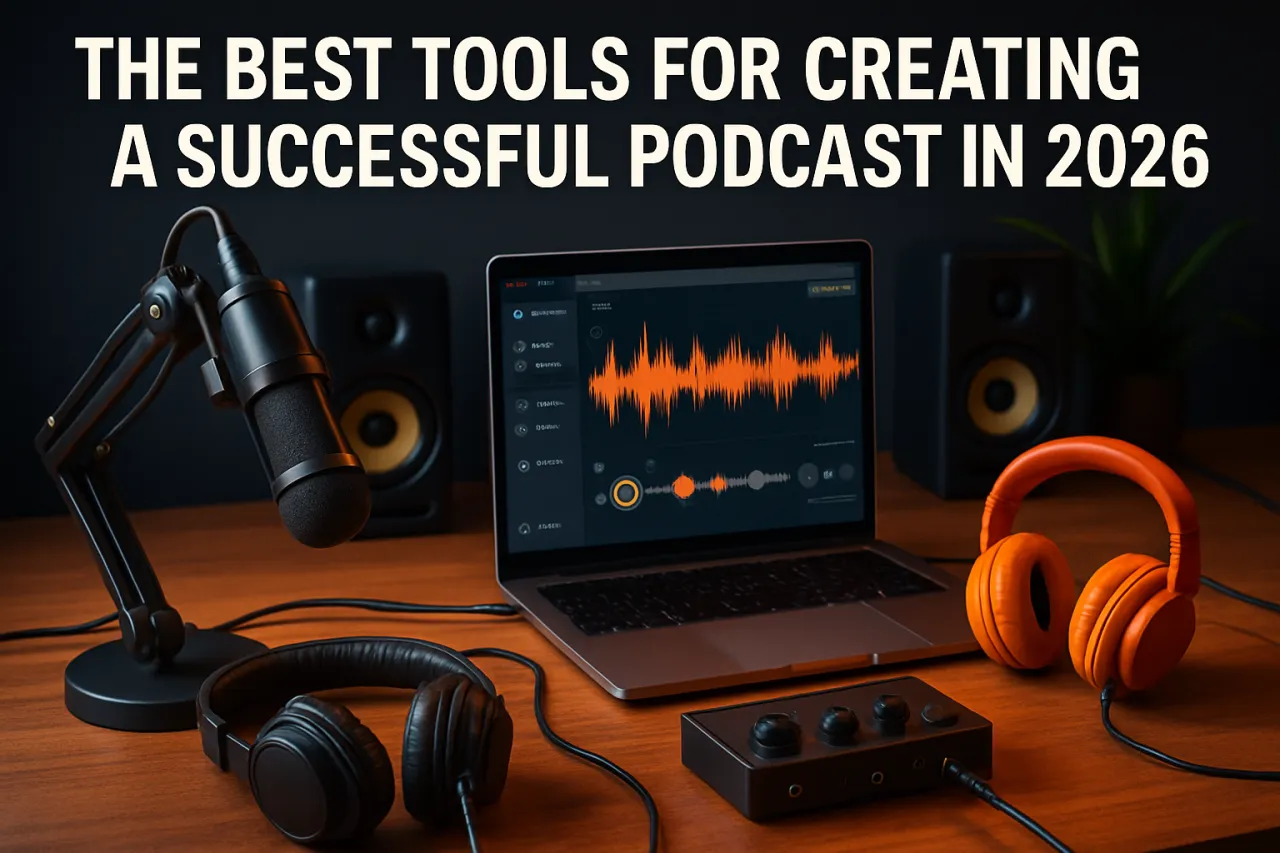
The Best Tools for Creating a Successful Podcast in 2026
Introduction
Starting a podcast can feel like navigating a maze, especially with so many tools available. Whether you're a complete novice aiming to share your insights or a seasoned pro ready to enhance your production quality, having the right tools at your fingertips is crucial. This article spotlights the best tools for podcast creation, covering everything from audio recording and editing software to reliable hosting platforms that help you reach your audience.
With the podcasting landscape continuously evolving, finding the right tools can streamline your workflow and elevate your show. In this guide, we’ll explore essential podcast tools that cater to various needs, ensuring you have the foundation to create engaging content and build a loyal listener base.
What Is Podcast Creation?
Podcast creation encompasses the entire process of producing audio content for distribution via the internet. This includes planning, recording, editing, and finally hosting your episodes on platforms where listeners can access them. The popularity of podcasts has surged over the past few years, making it more important than ever to utilize effective tools that can help you craft high-quality audio content.
Why It Matters
Choosing the right tools for podcast creation is vital for several reasons. Quality audio can make or break the listener's experience, so investing in reliable recording and editing software is essential. Additionally, efficient hosting solutions ensure that your podcast is distributed seamlessly to various platforms, maximizing your reach. By understanding and selecting the best podcast tools, you can enhance the quality of your content and attract a wider audience.
Best Software / Methods / Strategies
Audio Recording Tools
Overview: Recording clear, professional-sounding audio is a must for any podcaster. Tools like Audacity and Adobe Audition are popular choices among creators.
Strengths:
- Audacity is free and open-source, making it accessible for beginners.
- Adobe Audition offers advanced features for professional editing.
Limitations:
- Audacity has a steeper learning curve for some users.
- Adobe Audition requires a subscription, which can be a barrier for new podcasters.
Best for: Beginners and professionals seeking a robust audio editing solution.
Pricing overview: Audacity is free, while Adobe Audition starts at approximately $20.99/month.
Editing Software
Overview: Editing is where you polish your audio to perfection. Tools like GarageBand (for Mac users) and Reaper are excellent for post-production work.
Strengths:
- GarageBand is user-friendly and perfect for beginners.
- Reaper is highly customizable and affordable with a free trial.
Limitations:
- GarageBand is limited to Mac users.
- Reaper may require time to learn due to its extensive features.
Best for: Mac users and those looking for a powerful, flexible editing tool.
Pricing overview: GarageBand is free, while Reaper offers a free trial and costs $60 for a license.
Podcast Hosting Solutions
Overview: Hosting platforms are crucial for distributing your podcast to various directories like Apple Podcasts and Spotify. Popular options include Buzzsprout and Podbean.
Strengths:
- Buzzsprout is user-friendly and provides excellent analytics.
- Podbean offers unlimited hosting and monetization options.
Limitations:
- Buzzsprout has a storage limit for free accounts.
- Podbean's advanced features can be overwhelming for new users.
Best for: Creators looking for user-friendly hosting with analytics.
Pricing overview: Buzzsprout starts at $12/month, while Podbean has plans starting at $9/month.
How to Choose the Right Solution
When selecting podcast tools, consider your budget, technical skills, and the type of content you want to create. For beginners, free tools like Audacity and GarageBand might be ideal for starting out. As your podcast grows, investing in premium editing software and hosting solutions can enhance your production quality and listener experience.
Common Mistakes
- Neglecting Sound Quality: Always prioritize clear audio. Poor sound can drive listeners away.
- Inconsistent Release Schedule: Consistency helps build an audience; try to have a regular release schedule.
- Ignoring Marketing: Don’t just publish your podcast; promote it on social media and other platforms to attract listeners.
Frequently Asked Questions
1. What equipment do I need to start a podcast?
Basic equipment includes a good microphone, headphones, and recording software.
2. How do I edit my podcast?
You can use software like Audacity or GarageBand to trim audio, add music, and improve sound quality.
3. How long should my podcast episodes be?
Most episodes range from 20 to 60 minutes, but it depends on your content and audience preference.
4. Can I record remotely with guests?
Yes! Tools like Zencastr and Riverside.fm allow you to record high-quality audio with remote guests.
5. How do I promote my podcast?
Utilize social media, create engaging visuals, and consider cross-promoting with other podcasts.
Conclusion
Creating a successful podcast in 2026 is more accessible with the right tools. By selecting appropriate audio recording, editing, and hosting solutions, you can ensure your podcast is professional and engaging. Remember to focus on quality and consistency to build a loyal audience. Whether you're just starting or looking to enhance your production, these tools can help you navigate your podcasting journey effectively.
About the Author
Content Strategist
With a background in SaaS, Tiffany Perez brings hands-on expertise to evaluating the latest SaaS tools. She has reviewed hundreds of SaaS products for startups and enterprises alike.