

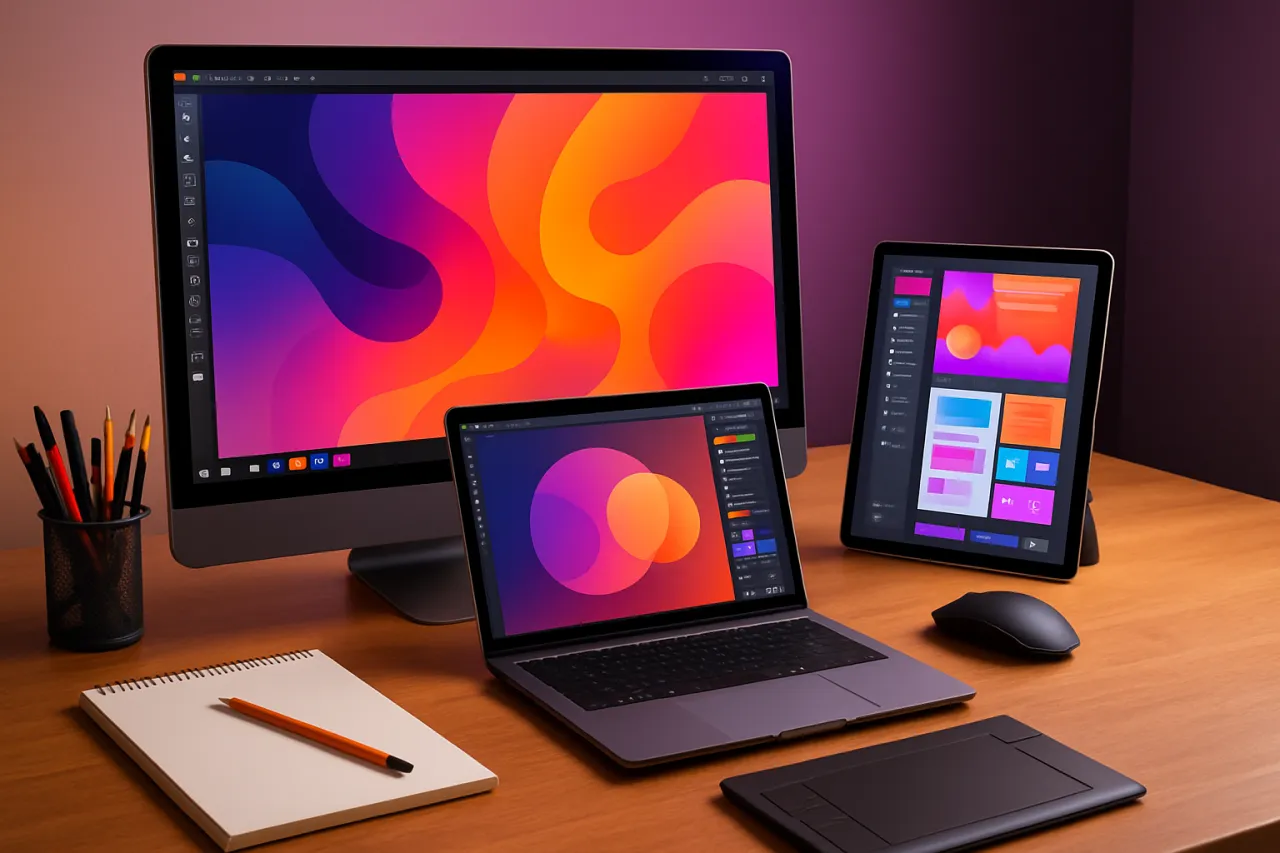
Best Tools for Freelance Designers to Enhance Creativity and Productivity
Introduction
Freelance designers often juggle multiple projects at once, making it crucial to find ways to enhance both creativity and productivity. Whether you’re a graphic designer, web designer, or an illustrator, having the right tools can significantly optimize your workflow. In this article, we’ll explore a selection of tools that can elevate your design process and help you work more efficiently.
Navigating the world of design tools can be overwhelming, especially with the constantly evolving technology landscape. That’s why we’re diving deep into the best software options available, providing insights into their features, strengths, and limitations. By the end of this read, you’ll have a clearer understanding of how to select the right tools for your freelance design needs.
What Are Design Tools?
Design tools encompass a wide range of software applications that assist designers in creating visual content. These tools can vary from graphic design software and prototyping tools to project management applications and collaboration platforms. Each tool serves a distinct purpose, whether it’s creating stunning visuals, managing client feedback, or streamlining the overall design process.
Why It Matters
For freelance designers, efficiency and creativity are paramount. The right tools not only enhance your design capabilities but also help you manage your time better, allowing you to focus on what you do best—designing. With the right software, you can tackle projects more effectively, collaborate seamlessly with clients, and ultimately deliver high-quality work that meets client expectations.
Best Software / Methods / Strategies
1. Adobe Creative Cloud
- Overview: Adobe Creative Cloud offers a suite of applications including Photoshop, Illustrator, and InDesign, widely regarded as industry standards for design work.
- Strengths: Extensive features, industry recognition, and a rich library of resources and tutorials.
- Limitations: Subscription model can be costly, and the learning curve can be steep for beginners.
- Best for: Designers who require robust tools for graphic design, photo editing, and layout design.
- Pricing overview: Monthly subscription starts around $52.99/month for the entire suite.
2. Figma
- Overview: Figma is a cloud-based design tool focused on user interface and user experience design, facilitating real-time collaboration.
- Strengths: Excellent for team collaboration, easy sharing of files, and prototyping capabilities.
- Limitations: Limited offline capabilities and may have a learning curve for those used to traditional design software.
- Best for: UI/UX designers and teams working on web and mobile applications.
- Pricing overview: Free tier available; paid plans start at $12/month per editor.
3. Canva
- Overview: Canva is a user-friendly graphic design tool that offers a wide range of templates for everything from social media posts to presentations.
- Strengths: Easy to use, extensive library of templates, and suitable for non-designers.
- Limitations: Limited customization compared to professional tools like Adobe.
- Best for: Freelancers who need quick designs without complex software.
- Pricing overview: Free version available; Pro version starts at $12.99/month.
4. Trello
- Overview: Trello is a project management tool that uses boards, lists, and cards to help keep projects organized.
- Strengths: Simple interface, flexible organization, and great for tracking progress.
- Limitations: Might lack advanced features for larger teams or complex projects.
- Best for: Freelancers who need a straightforward way to manage multiple projects.
- Pricing overview: Free for basic use; Business Class starts at $12.50/user/month.
5. Slack
- Overview: Slack is a communication platform that allows teams to collaborate and share files in real-time.
- Strengths: Integrates with many other tools, facilitates quick communication, and supports various file types.
- Limitations: May become overwhelming with too many channels, and search functionality can be limited in the free version.
- Best for: Designers working with teams or clients who need constant communication.
- Pricing overview: Free tier available; paid plans start at $6.67/user/month.
How to Choose the Right Solution
When selecting the right tools, consider the following criteria:
- Your Design Needs: Identify the specific tasks you need the tools for, such as graphic design, project management, or client communication.
- Budget: Evaluate your budget and determine which tools provide the best value at an acceptable price.
- Collaboration Requirements: If you work with teams or clients, prioritize tools that facilitate collaboration.
- Learning Curve: Consider how quickly you can learn to use the tool effectively.
Common Mistakes
- Not Trialing Tools: Always take advantage of free trials to test the software before committing.
- Overloading on Features: Choose tools that meet your immediate needs rather than opting for overly complex tools that may not add value.
- Neglecting Updates: Keep your software updated to ensure you have the latest features and security patches.
Frequently Asked Questions
1. What are the essential tools every freelance designer should have?
Essential tools include Adobe Creative Cloud, Figma, and Trello for project management.
2. How can I improve my productivity as a freelance designer?
Utilize tools that streamline your workflow, such as project management software and effective communication platforms.
3. Are there free design tools available?
Yes, tools like Canva and Figma offer free versions that are quite powerful.
4. How do I manage client feedback effectively?
Use collaborative tools like Figma or Slack to gather and implement client feedback in real time.
5. What should I prioritize when selecting design tools?
Focus on your specific use cases, budget constraints, and the need for collaboration features.
Conclusion
Navigating the landscape of design tools can be daunting, but understanding your needs will help you select software that enhances your creativity and productivity. Whether you choose comprehensive suites like Adobe Creative Cloud or more specialized platforms like Figma, the right tools can make a notable difference in your freelance design workflow. Remember to evaluate your options based on functionality, budget, and your personal working style to find the perfect fit for your design journey.
About the Author
Tech Journalist
Christopher Davis brings 8 years of industry experience to every review. Specializing in AI Tools, He cuts through the marketing noise to deliver honest, practical insights.


