

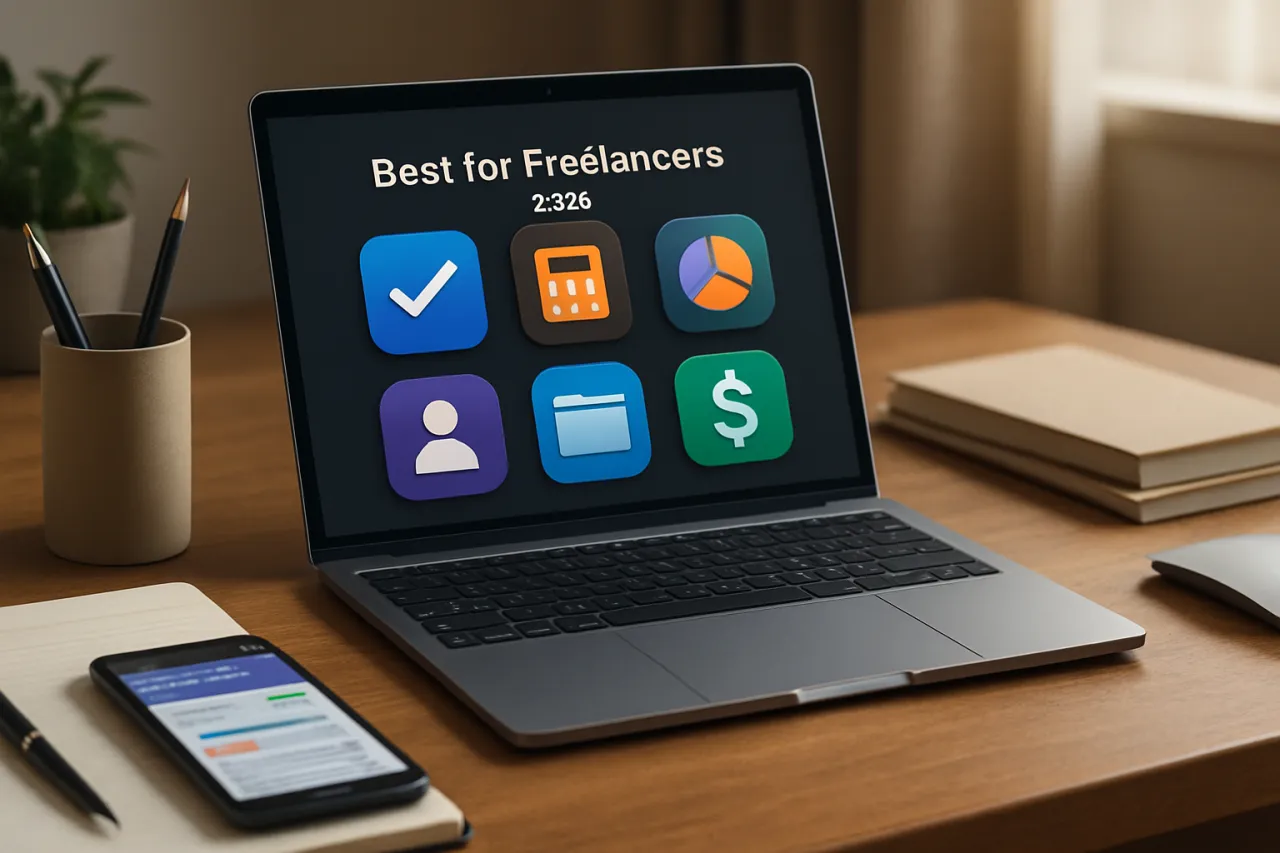
Best Tools for Freelancers: Must-Have Software in 2026
Introduction
In the ever-evolving landscape of freelancing, having the right tools can make all the difference in productivity and success. As we step into 2026, the demand for efficient software that can help freelancers manage their diverse tasks has never been higher. With increased competition and the need for effective time management, the right tools can help freelancers not only meet client expectations but also maintain a healthy work-life balance.
This article will explore the best tools available for freelancers in 2026, addressing common questions about tool selection and management. From project management applications to invoicing software, we'll provide insights into how each tool can enhance your freelancing efficiency and help you stay organized in a fast-paced environment.
What Is Freelancer Tools?
Freelancer tools encompass a wide range of software solutions designed to assist individuals who work independently across various industries such as writing, graphic design, programming, and consulting. These tools streamline workflows, enhance productivity, and facilitate better communication between freelancers and their clients. In 2026, as remote work continues to be the norm, the importance of having effective tools cannot be overstated.
Why It Matters
Choosing the right tools is crucial for freelancers looking to thrive in a competitive market. With the right software, freelancers can automate mundane tasks, enhance communication, and gain insights into their performance. Furthermore, effective tools can help manage multiple projects simultaneously, ensuring that deadlines are met without compromising quality. In essence, the right tools not only improve efficiency but can also impact overall job satisfaction and client retention.
Best Software / Methods / Strategies
1. Project Management Tools
Overview
Project management tools are essential for freelancers juggling multiple projects. Software like Trello, Asana, and ClickUp allows for task organization, deadline tracking, and team collaboration.
Strengths
- User-friendly interfaces that simplify task management
- Collaboration features for working with clients or teams
- Customizable workflows to match specific project needs
Limitations
- Some tools may have a learning curve for new users
- Advanced features can come at a higher price
Best for
Freelancers who manage multiple projects or collaborate frequently with others.
Pricing overview
Most offer free tiers, with premium plans ranging from $10 to $25 per user per month.
2. Invoicing Software
Overview
Invoicing software helps freelancers manage billing and payments efficiently. Tools like FreshBooks and Invoice Ninja allow for easy invoice creation, expense tracking, and client management.
Strengths
- Simplifies the invoicing process
- Automated reminders for clients regarding due payments
- Comprehensive financial reporting features
Limitations
- Some may lack integration with other tools
- Advanced features often require higher subscription plans
Best for
Freelancers looking for a streamlined billing process and financial oversight.
Pricing overview
Prices typically start at around $15 per month, with more advanced functionalities available at higher tiers.
3. Time Tracking Tools
Overview
Time tracking tools are vital for freelancers to monitor how much time they spend on different projects. Applications like Toggl and Harvest provide users with insights into their productivity and help ensure accurate billing.
Strengths
- Enables precise tracking of billable hours
- Reporting features that showcase productivity trends
- Integrations with project management and invoicing tools
Limitations
- Some users may find manual time entry tedious
- Free versions may have limited features
Best for
Freelancers who bill clients based on hours worked or want to improve time management.
Pricing overview
Most tools offer free trials, with plans starting around $10 per month.
4. Communication Tools
Overview
Effective communication is vital for freelancers. Tools such as Slack and Microsoft Teams facilitate real-time communication and file sharing, ensuring that freelancers stay connected with clients and collaborators.
Strengths
- Instant messaging and video conferencing capabilities
- Integrations with other productivity tools
- Organized channels for different projects or topics
Limitations
- May become overwhelming with numerous notifications
- Some features are limited in free versions
Best for
Freelancers working with teams or clients who require consistent communication.
Pricing overview
Free versions available, with premium options starting at $6 per user per month.
5. Cloud Storage Solutions
Overview
Cloud storage solutions like Google Drive and Dropbox offer freelancers a secure way to store and share files with clients. These tools provide easy access to documents from anywhere.
Strengths
- Convenient file sharing and collaboration features
- Automatic backups to prevent data loss
- Accessible from multiple devices
Limitations
- Security concerns regarding sensitive data
- Free storage may be limited and require upgrades
Best for
Freelancers who need reliable access to files and collaboration capabilities.
Pricing overview
Google Drive offers 15GB for free, with paid plans starting at $1.99 per month for additional storage.
How to Choose the Right Solution
When selecting tools, freelancers should consider several factors:
- Usability: The tool should be intuitive and easy to use without extensive training.
- Features: Assess whether the software includes the features necessary for your specific needs.
- Integration: Look for tools that integrate seamlessly with others you already use to avoid disruptions.
- Cost: Consider your budget and whether the software offers good value for its features.
Common Mistakes
Freelancers often make mistakes such as:
- Overcomplicating their toolset with too many applications.
- Not utilizing the full capabilities of the tools they choose.
- Ignoring security features, especially when handling sensitive client information.
Frequently Asked Questions
1. What are the must-have tools for freelancers in 2026?
The essential tools include project management software, invoicing tools, time tracking applications, communication platforms, and cloud storage solutions.
2. How do I choose the right invoicing software?
Look for user-friendliness, integration with existing tools, and the ability to automate billing processes.
3. Can I use free tools as a freelancer?
Yes, many tools offer free versions with limited features, suitable for freelancers just starting out.
4. What is the importance of time tracking for freelancers?
Time tracking helps ensure that you bill clients accurately and provides insights into productivity to improve work habits.
5. How do I ensure my data is secure in cloud storage?
Choose reputable providers that offer encryption and two-factor authentication to protect your files.
Conclusion
As freelancing continues to grow in popularity, the right tools will play a pivotal role in a freelancer's success. By selecting the best software tailored to your specific needs, you can enhance productivity, streamline management, and ultimately deliver better results for your clients. Remember to evaluate your options carefully, considering both the strengths and limitations of each tool to make informed decisions that will benefit your freelancing journey.
About the Author
Product Reviewer
Crystal Wright is a product reviewer with 6+ years of experience reviewing and testing Analytics software. She helps businesses find the right digital tools to scale their operations.


