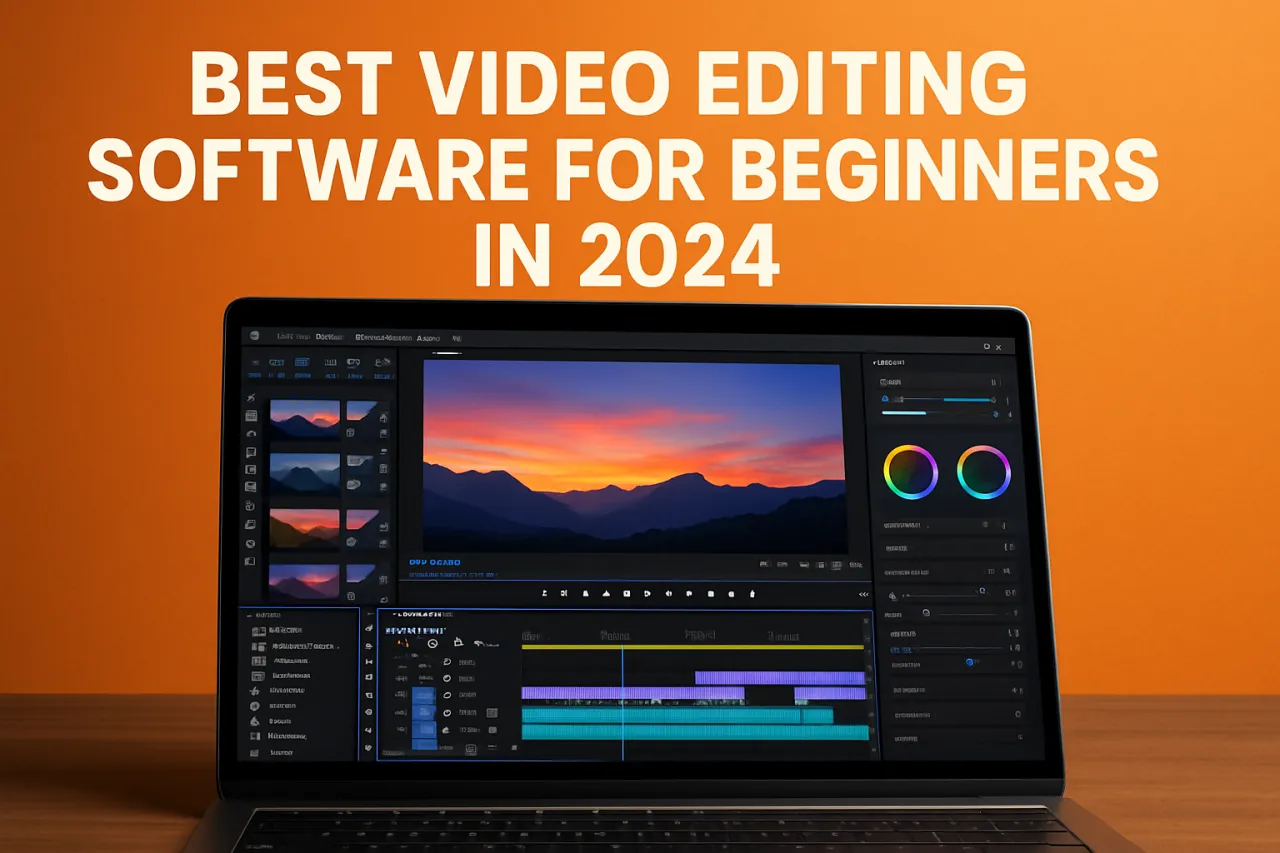
Best Video Editing Software for Beginners in 2024
Introduction
Video editing can be an intimidating task for beginners. With a plethora of software options available, choosing the right one can often feel overwhelming. For those new to the world of video production, user-friendly interfaces and essential features are paramount. In this article, we will explore the best video editing software for beginners in 2024, highlighting key features, strengths, and limitations of each tool. You'll walk away with a clearer understanding of what each software offers and how to choose the right one for your needs.
What Is Video Editing Software?
Video editing software is a program that allows users to manipulate video footage, adding effects, transitions, and audio to create polished final products. These tools range from simple applications designed for casual users to professional-grade software used in the film industry. For beginners, the focus should be on ease of use, accessibility, and essential features that facilitate learning and creativity.
Why It Matters
Choosing the right video editing software is crucial for beginners, as it can significantly impact the learning curve and overall experience. The right tool can help you create high-quality videos without overwhelming you with complex features. Understanding your options allows you to make informed decisions, enhancing your video editing skills while avoiding frustration.
Best Software for Beginners
iMovie
- Overview: iMovie is Apple's free video editing software, ideal for Mac users. It offers a straightforward interface and plenty of features for basic video editing.
- Strengths:
- Intuitive interface
- High-quality templates
- Integration with other Apple products
- Limitations:
- Only available on macOS and iOS
- Limited advanced features compared to professional software
- Best for: Casual users seeking a simple, effective solution for home videos.
- Pricing overview: Free with Apple devices.
OpenShot
- Overview: OpenShot is an open-source video editor known for its user-friendly design and robust feature set, suitable for various platforms.
- Strengths:
- Cross-platform compatibility (Windows, Mac, Linux)
- Unlimited layers and tracks
- Easy-to-use drag-and-drop interface
- Limitations:
- Performance can lag with large video files
- Limited advanced effects compared to other software
- Best for: Beginners looking for a free, versatile editing tool.
- Pricing overview: Free.
Filmora
- Overview: Filmora is a popular choice among beginners, offering an easy-to-navigate interface and various built-in effects.
- Strengths:
- Wide range of effects and transitions
- User-friendly interface
- Regular updates and improvements
- Limitations:
- Watermark on free version
- Some advanced features require a paid subscription
- Best for: Beginners wanting to create engaging videos with minimal effort.
- Pricing overview: Starts at $49.99 per year.
DaVinci Resolve
- Overview: While primarily known for its advanced color grading features, DaVinci Resolve offers a free version that is quite powerful for beginners.
- Strengths:
- Professional-grade features available in the free version
- Excellent color correction tools
- Comprehensive audio editing capabilities
- Limitations:
- Steeper learning curve for total beginners
- Requires a more powerful computer for optimal performance
- Best for: Beginners willing to invest time in learning advanced tools.
- Pricing overview: Free version available; Studio version starts at $295. Check out our detailed page on DaVinci Resolve for more information.
Adobe Premiere Elements
- Overview: Adobe Premiere Elements is a simplified version of Adobe Premiere Pro, tailored for casual users who want a professional touch without the complexity.
- Strengths:
- Guided edits for beginner assistance
- Excellent organization features
- Limitations:
- Limited to video editing; lacks some advanced professional features
- One-time payment may be steep for casual users
- Best for: Beginners who want a mix of ease and professional features.
- Pricing overview: Approximately $99.99 one-time purchase.
How to Choose the Right Solution
When selecting video editing software as a beginner, consider the following criteria:
- Ease of Use: Look for intuitive interfaces that allow you to focus on creativity rather than getting bogged down by complex features.
- Essential Features: Ensure the software has the necessary tools you need for your projects, such as trimming, transitions, and audio editing.
- Community and Support: A strong user community can be invaluable for beginners, offering tutorials, forums, and troubleshooting assistance.
- Budget: Consider your budget for software. Many quality options are available for free or at a reasonable price.
Common Mistakes
- Ignoring System Requirements: Always check if your computer meets the software's requirements to ensure smooth performance.
- Overlooking Tutorials: Many beginners skip tutorials, which can help you maximize the software's potential.
- Choosing Complex Software Too Soon: Starting with too advanced software can lead to frustration and hinder your learning process.
Frequently Asked Questions
- What is the best free video editing software for beginners? OpenShot and iMovie are excellent free options for novices.
- Is it necessary to pay for video editing software? Not always; many free tools provide robust features. However, paid software may offer better support and advanced features.
- Can I edit videos on my phone? Yes, there are several mobile apps available for video editing, including iMovie and FilmoraGo.
- What features should I look for in beginner software? Look for user-friendly interfaces, basic editing tools, and access to tutorials.
- How long does it take to learn video editing? The learning curve varies, but with practice, many beginners become comfortable within a few weeks.
Conclusion
Choosing the right video editing software as a beginner can set the stage for your creative journey. With options like iMovie, OpenShot, and DaVinci Resolve, you have powerful tools at your disposal, each catering to different needs and preferences. Take your time to explore the features and interfaces of these software options. Remember to focus on learning and practicing your editing skills without the pressure of mastering complex software right away. Happy editing!
About the Author
AI Tools Researcher
Mariam Iqbal brings 8 years of industry experience to every review. Specializing in Email Marketing, She cuts through the marketing noise to deliver honest, practical insights.