Guide to Choosing the Best Video Editing Tools for Content Creators
Introduction
Video content has become a cornerstone for engaging audiences in the digital landscape. Whether you're a YouTuber, social media influencer, or business looking to enhance your brand’s presence, selecting the right video editing tool is crucial. With countless options available, it can be overwhelming to determine which software best suits your needs.
In this guide, we will explore the best video editing tools for content creators, considering various factors such as ease of use, features, and pricing. By the end of this article, you’ll have a clearer understanding of the tools available and how to choose the right one for your content creation journey.
What Is Video Editing Tool?
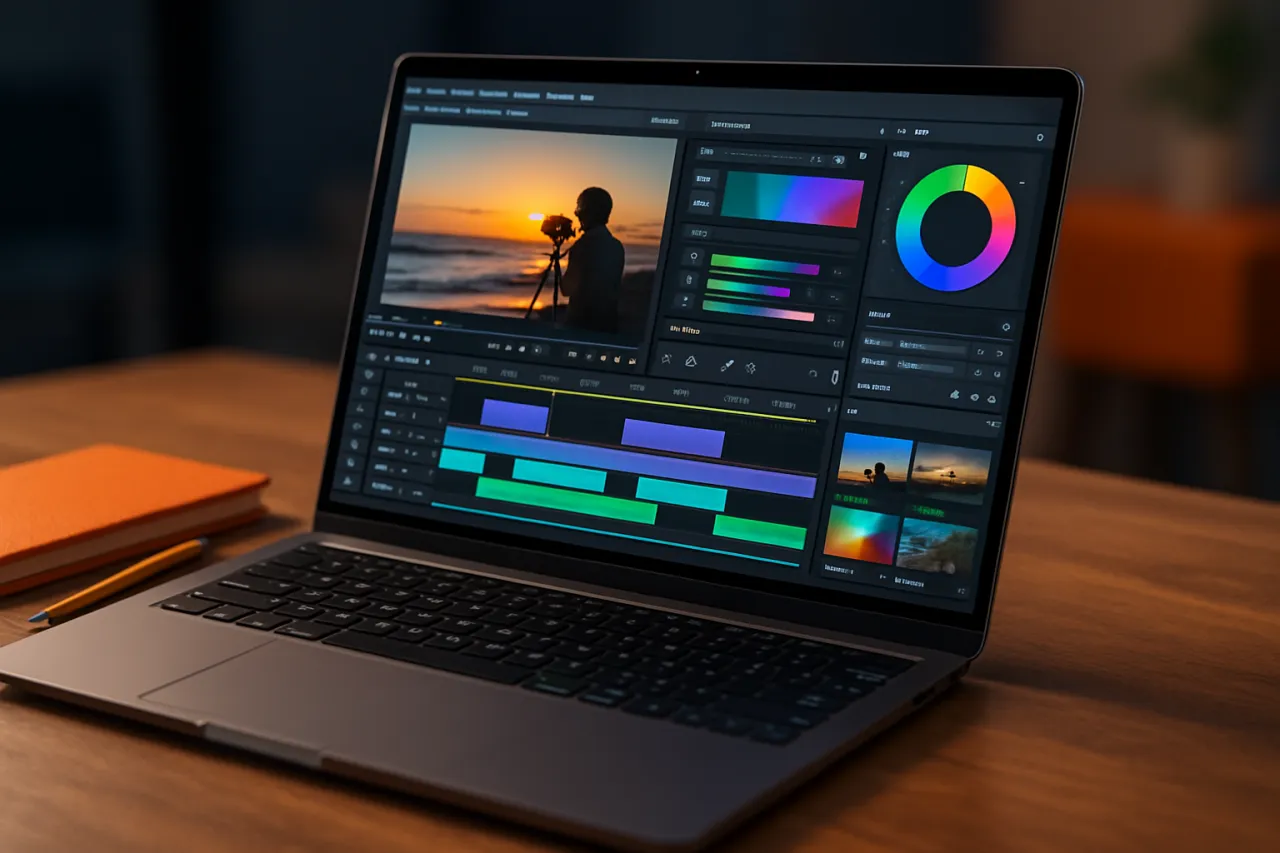
A video editing tool is software that allows users to manipulate and rearrange video footage to create a new, edited version. These tools enable users to cut, trim, and combine clips, add effects, transitions, and audio, and export the finished product in various formats. Video editing can range from simple tasks like cutting out unwanted footage to complex projects involving multiple layers of video and audio.
Why It Matters
Choosing the right video editing tool is essential for maximizing your productivity and enhancing the quality of your content. A well-suited video editor can significantly improve your workflow, making it easier to produce engaging videos that resonate with your audience. Moreover, the right software can help you save time, allowing you to focus on creativity rather than technical challenges.
Best Video Editing Tools for Content Creators
Adobe Premiere Pro
- Overview: Adobe Premiere Pro is a professional-grade video editing software widely used among filmmakers and content creators alike. It offers a comprehensive set of features that cater to both beginners and experienced editors.
- Strengths: Supports various formats, extensive editing capabilities, integration with other Adobe products.
- Limitations: Can be overwhelming for beginners, requires a subscription.
- Best for: Professional content creators and those looking for advanced editing features.
- Pricing overview: Monthly subscription starting at approximately $20.99.
Final Cut Pro
- Overview: Final Cut Pro is Apple's flagship video editing software, known for its intuitive interface and powerful performance. It’s optimized for macOS, offering seamless integration with other Apple products.
- Strengths: Fast rendering speeds, magnetic timeline, excellent for high-resolution video.
- Limitations: Only available for macOS, higher initial cost compared to other software.
- Best for: Mac users and professional editors.
- Pricing overview: One-time purchase of around $299.99.
DaVinci Resolve
- Overview: DaVinci Resolve is a free video editing software that has gained popularity for its robust features, including color correction and audio post-production.
- Strengths: Comprehensive free version, professional-grade color correction tools.
- Limitations: Steeper learning curve for beginners, may require higher system specifications.
- Best for: Editors looking for a free, professional-grade option.
- Pricing overview: Free version available; Studio version costs approximately $295.
Filmora
- Overview: Filmora is a user-friendly video editing tool that caters to beginners and intermediate users. It provides a variety of effects and templates to enhance video projects.
- Strengths: Easy to learn, extensive library of effects and presets.
- Limitations: Limited advanced features compared to professional software.
- Best for: Beginners and casual content creators.
- Pricing overview: Monthly subscription starting at around $7.99 or a one-time fee of $69.99.
How to Choose the Right Solution
When selecting a video editing tool, consider the following criteria:
- Skill Level: Choose software that matches your experience. Beginners may prefer intuitive tools like Filmora, while advanced editors may opt for Premiere Pro.
- Features: Identify the specific features you need, such as color correction, audio editing, or multi-camera support.
- Pricing: Evaluate your budget. Free tools like DaVinci Resolve offer robust capabilities, while others may require a subscription or a one-time payment.
- Platform Compatibility: Ensure the software is compatible with your operating system.
Common Mistakes
- Ignoring System Requirements: Always check if your computer meets the software’s specifications to avoid performance issues.
- Overlooking Tutorials: Many software options provide tutorials. Utilize these resources to quickly get up to speed with the tool.
- Not Trying Before Buying: Take advantage of free trials or versions to test the software before committing to a purchase.
Frequently Asked Questions
1. What is the best free video editing software?
DaVinci Resolve is often regarded as the best free option due to its professional features and capabilities.
2. Can I use multiple video editing tools?
Yes, many content creators use multiple tools to take advantage of specific features unique to each software.
3. How much does video editing software typically cost?
Pricing varies widely, from free options to subscriptions around $20 per month and one-time purchases up to $300.
4. Do I need a powerful computer for video editing?
Yes, video editing can be resource-intensive, so a computer with a good CPU, RAM, and graphics card is recommended.
5. What features should I look for in video editing software?
Look for features like multi-track editing, audio editing tools, effects, and color correction capabilities.
Conclusion
Choosing the right video editing tool can significantly impact your content creation process. By evaluating your needs and considering the strengths and limitations of each software, you can find the best fit for your projects. Whether you opt for a professional tool like Adobe Premiere Pro or a beginner-friendly option like Filmora, the right software will empower you to create engaging videos that captivate your audience.
About the Author
Software Analyst
Fatima Sheikh is a software analyst with 10+ years of experience reviewing and testing Cloud Computing software. She helps businesses find the right digital tools to scale their operations.