

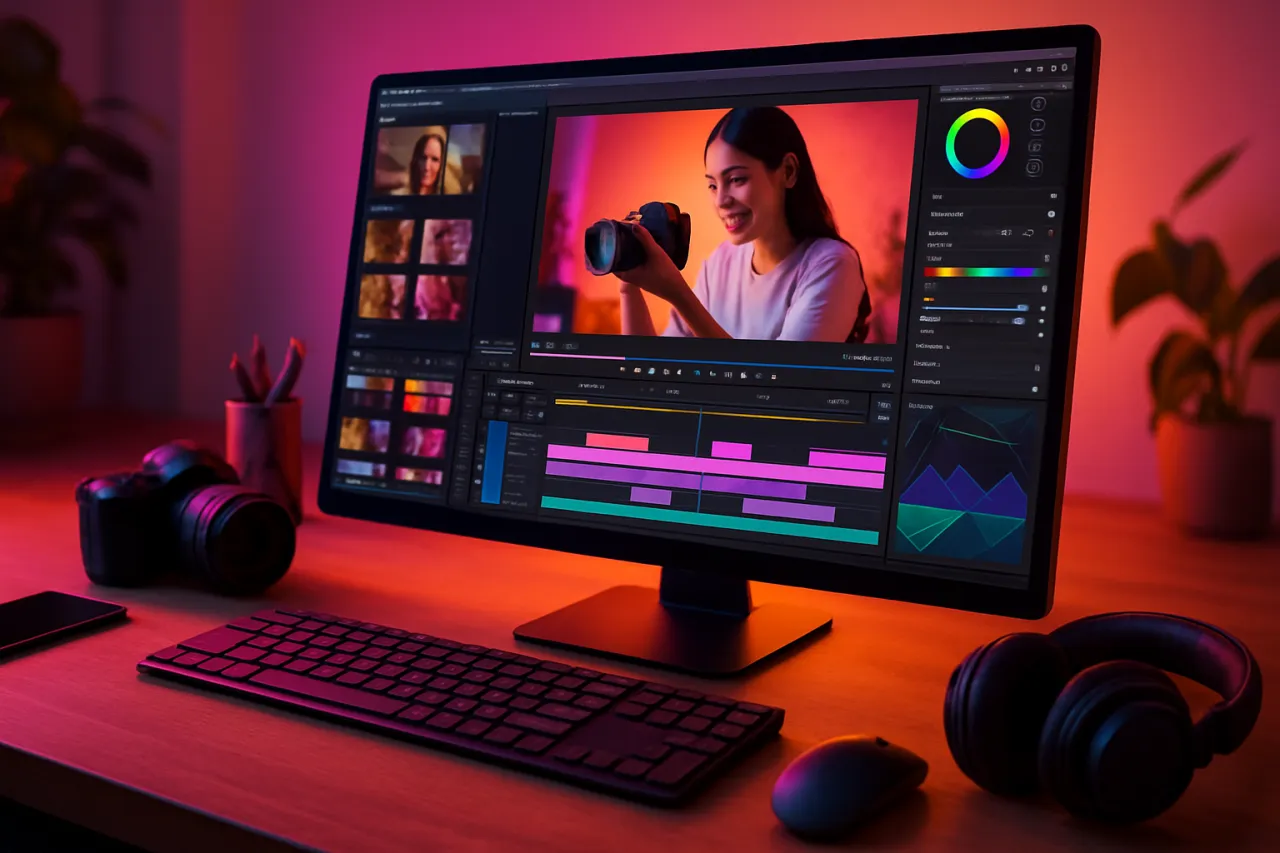
Best Video Editing Tools for Content Creators in 2024
Introduction
In the ever-evolving world of content creation, having the right video editing tools can significantly boost your productivity and creativity. Whether you're a seasoned professional or just starting out, the tools you choose can make or break your projects. With so many options available in 2024, it can be daunting to find the best video editing software that suits your needs.
This article aims to simplify that process for you. We'll explore a variety of video editing tools that are not only powerful but also user-friendly and affordable. By the end, you'll have a clear understanding of which tools align with your content creation goals, helping you enhance your videos and engage your audience more effectively.
What Is Video Editing Software?
Video editing software allows users to manipulate and arrange video footage, audio, and visual effects to create a finished product. These tools range from simple mobile apps to complex desktop software that offers advanced editing capabilities. The primary purpose of video editing is to create a cohesive story or presentation that resonates with viewers.
Why It Matters
In today's digital landscape, engaging video content is crucial for reaching and retaining audiences. With platforms like YouTube, TikTok, and Instagram, content creators need efficient and effective editing tools to stand out. The right video editing software can help you improve the quality of your videos, streamline your workflow, and ultimately grow your audience.
Best Video Editing Tools for Content Creators
1. Adobe Premiere Pro
- Overview: Adobe Premiere Pro is a top-tier professional video editing software used by filmmakers and content creators alike. It offers a comprehensive suite of tools for editing, color grading, and sound mixing.
- Strengths: Highly customizable interface, extensive effects library, strong collaboration features, and cross-platform compatibility.
- Limitations: Subscription-based pricing can be steep for casual users; steep learning curve for beginners.
- Best for: Professionals and serious hobbyists who need advanced editing capabilities.
- Pricing overview: Monthly subscriptions typically start around $20.99.
2. Final Cut Pro
- Overview: Exclusively for Mac users, Final Cut Pro is known for its intuitive interface and powerful editing capabilities, making it a favorite among Apple users.
- Strengths: Magnetic timeline, excellent performance on Mac hardware, and robust features for HDR and 360-degree video.
- Limitations: Only available for macOS, which limits accessibility for Windows users.
- Best for: Mac users looking for professional-grade editing tools.
- Pricing overview: One-time purchase of $299.99.
3. DaVinci Resolve
- Overview: DaVinci Resolve offers a unique combination of professional-grade editing, color correction, and audio post-production tools all in one platform.
- Strengths: Industry-leading color grading capabilities, free version available, and comprehensive audio editing tools.
- Limitations: Interface can be overwhelming for beginners; requires a powerful computer for optimal performance.
- Best for: Editors who prioritize color grading and audio mixing.
- Pricing overview: Free version available; Studio version costs $299.
4. Camtasia
- Overview: Camtasia is a user-friendly video editing tool ideal for creating educational and training videos. It combines screen recording and video editing in one package.
- Strengths: Simple drag-and-drop interface, great for beginners, and built-in templates for quick editing.
- Limitations: Limited advanced editing features compared to other software; primarily aimed at instructional content.
- Best for: Educators and trainers needing straightforward editing tools.
- Pricing overview: One-time cost of $249.
5. Filmora
- Overview: Filmora is designed for novice content creators, offering a simple interface with a variety of effects and transitions.
- Strengths: Intuitive design, plenty of built-in effects, and affordable pricing options.
- Limitations: Some advanced features are limited; watermarks on videos in the free version.
- Best for: Beginners looking for an easy-to-use video editor.
- Pricing overview: Subscription plans starting around $19.99 per month or a one-time payment option of $69.99.
How to Choose the Right Solution
When selecting the right video editing tool for your needs, consider the following:
- Skill Level: Are you a beginner or an experienced editor? Choose software that matches your proficiency.
- Budget: Determine how much you can spend. There are excellent free options as well as premium tools.
- Features Needed: Identify what features are essential for your projects, such as advanced effects, color correction, or audio editing.
- Compatibility: Ensure the software is compatible with your operating system and hardware.
Common Mistakes
- Overcomplicating Choices: Many creators get overwhelmed by the number of features; start with what you need and grow from there.
- Ignoring System Requirements: Always check whether your device can handle the software to avoid performance issues.
- Neglecting Tutorials: Many software tools offer tutorials and user communities; take advantage of these resources to accelerate your learning curve.
Frequently Asked Questions
1. What is the best free video editing software?
DaVinci Resolve offers a robust free version that includes many professional features.
2. Can I use video editing software on my mobile device?
Yes, tools like FilmoraGo and InShot are designed for mobile editing.
3. How important is video editing for content creation?
Video editing is crucial for improving the quality and engagement of your content.
4. What features should I look for in video editing software?
Look for ease of use, effects and transitions, audio editing capabilities, and export options.
5. Is it worth paying for video editing software?
If you require advanced features and support, a paid tool may be worth the investment.
Conclusion
Choosing the right video editing tool is essential for any content creator looking to enhance their projects. Whether you prefer something simple like Filmora or a professional-grade tool like Adobe Premiere Pro, the right choice depends on your specific needs, budget, and skill level. By understanding the strengths and limitations of each software, you can find the best video editing tools that will help you create engaging and high-quality content. Take your time to explore these options and consider your unique requirements, and you’ll be well on your way to producing exceptional video content in 2024.
About the Author
UX Researcher
With a background in Email Marketing, Heather Hill brings hands-on expertise to evaluating the latest Email Marketing tools. She has reviewed hundreds of SaaS products for startups and enterprises ali...


