

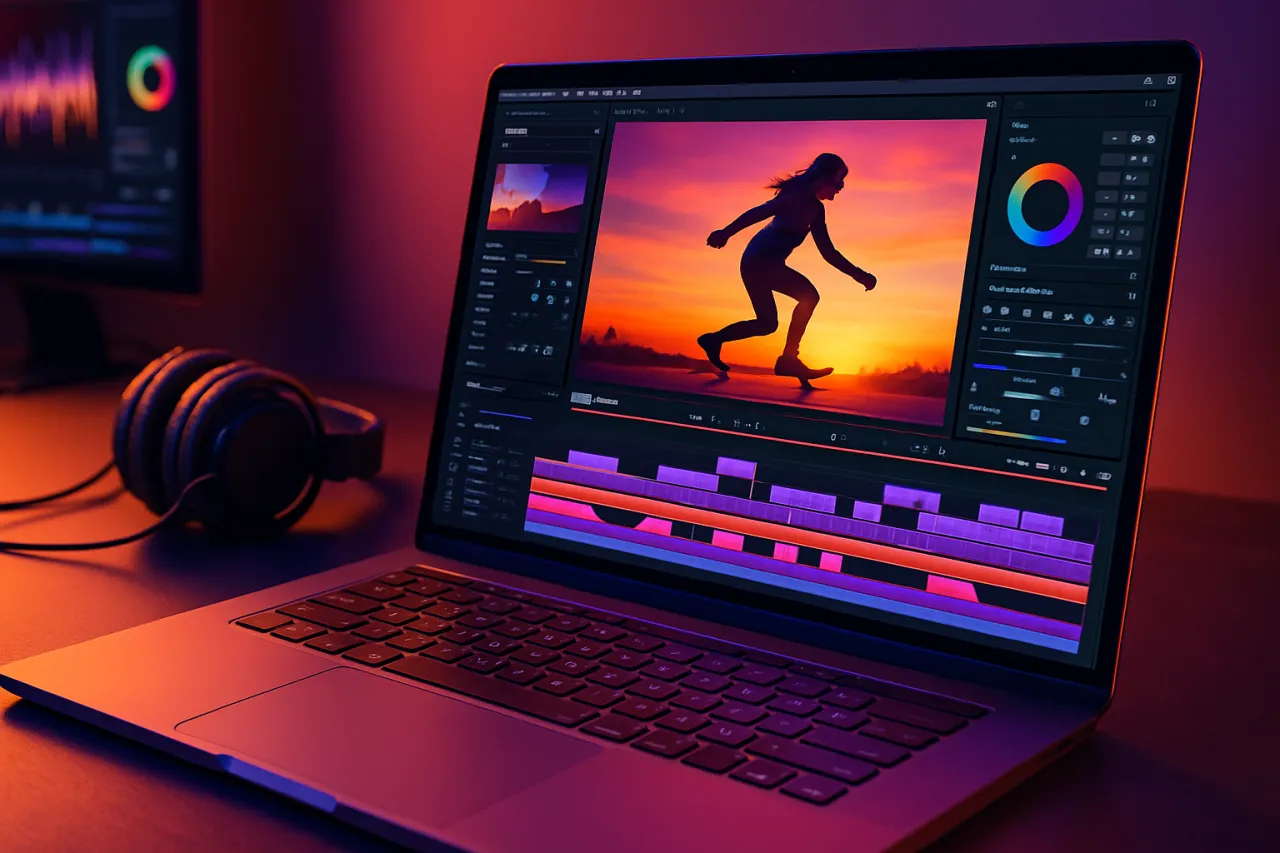
Best Video Editing Tools for Content Creators in 2024
Introduction
In the fast-paced world of content creation, video editing has become a crucial skill for creators looking to engage their audiences effectively. With the rise of platforms like TikTok, Instagram, and YouTube, the demand for high-quality video content has never been greater. However, many creators face challenges such as limited editing experience, time constraints, and the need for tools that are both powerful and user-friendly. In this article, we'll explore the best video editing tools available for content creators in 2024, highlighting options that simplify the editing process and cater to various skill levels.
Whether you're a seasoned videographer or just starting out, you’ll find tools that fit your needs. We’ll provide detailed comparisons, expert recommendations, and real user testimonials to help you make informed choices.
What Are Video Editing Tools?
Video editing tools are software applications designed to help users create and manipulate video content. These tools range from basic apps for beginners to advanced software for professional filmmakers. They allow users to cut, trim, add effects, and enhance video quality, enabling creators to produce polished and engaging content.
In recent years, the landscape of video editing tools has expanded significantly, with many platforms offering cloud-based solutions that facilitate collaboration and accessibility. This evolution has made it easier than ever for creators to share their work and engage with their audiences.
Why It Matters
Choosing the right video editing tool directly impacts your workflow and the quality of your content. With so many options available, it can be overwhelming to find one that meets your specific needs. A good video editing tool can save you time, enhance your creativity, and ultimately improve your content's engagement. In contrast, an unsuitable tool can lead to frustration and hinder your production process.
Best Software / Methods / Strategies
1. HitPaw Edimakor
Overview
HitPaw Edimakor is a user-friendly video editing tool designed for beginners and casual users. It offers a straightforward interface, making it easy for anyone to start editing videos without a steep learning curve.
Strengths
- Intuitive drag-and-drop interface
- Quick access to essential editing features
- Affordable pricing plans
Limitations
- Limited advanced features for professional users
- Fewer integrations compared to competitors
Best for
Beginners and social media influencers looking for quick edits.
Pricing overview
Plans start at a very affordable monthly rate, making it accessible for individual creators.
2. Kinovi
Overview
Kinovi is a powerful video editing platform that combines advanced editing capabilities with a user-friendly design. It provides a range of tools suited for both novice and experienced editors.
Strengths
- Comprehensive feature set including color correction and audio editing
- Cloud-based collaboration options
- Regular updates with new features
Limitations
- May require a learning curve for complete beginners
- Higher pricing tier for full feature access
Best for
Content creators who want a balance of ease-of-use and professional features.
Pricing overview
Offers tiered pricing, with a free version available that includes basic features.
3. Adobe Premiere Rush
Overview
Adobe Premiere Rush is designed for creators on the go. It enables users to edit videos quickly and share them across multiple platforms seamlessly.
Strengths
- Mobile-friendly interface
- Integrates with Adobe Creative Cloud
- Excellent for quick edits and social media content
Limitations
- Limited features compared to Adobe Premiere Pro
- Subscription-based pricing model can add up
Best for
Mobile content creators and those looking to produce quick social media videos.
Pricing overview
Monthly subscription with a free trial available.
4. Final Cut Pro X
Overview
Final Cut Pro X is a professional-grade video editing software for Mac users. It offers a robust set of features that cater to serious filmmakers and video editors.
Strengths
- High-performance editing with advanced tools
- Supports 360-degree video editing
- One-time purchase instead of a subscription
Limitations
- Mac-only software
- Steeper learning curve for beginners
Best for
Professional video editors and filmmakers looking for comprehensive editing capabilities.
Pricing overview
Available for a one-time purchase, making it a cost-effective option for long-term use.
How to Choose the Right Solution
When selecting a video editing tool, consider the following criteria:
- Skill Level: Evaluate your experience and choose a tool that aligns with your skills.
- Editing Needs: Determine the type of content you'll be creating and select a software that offers relevant features.
- Budget: Compare pricing options and look for tools that provide good value for your investment.
- Platform Compatibility: Ensure the software is compatible with your operating system and devices.
- User Support: Check the availability of tutorials, support forums, or customer service.
Common Mistakes
- Choosing a Tool Without Testing: Always take advantage of free trials to explore the features before committing.
- Ignoring System Requirements: Make sure your hardware can support the software to avoid performance issues.
- Underestimating Learning Curve: Some advanced tools may require time to master; factor this into your decision.
Frequently Asked Questions
1. What is the best video editing tool for beginners?
HitPaw Edimakor is highly recommended for beginners due to its user-friendly interface and essential features.
2. Are there free video editing tools available?
Yes, many tools like Kinovi and Adobe Premiere Rush offer free versions with limited features.
3. How can I improve my video editing skills?
Practice regularly, utilize online tutorials, and experiment with different editing tools.
4. What features should I look for in a video editing tool?
Look for basic editing features, effects, transitions, and export options that suit your content needs.
5. Can I edit videos on my mobile device?
Yes, tools like Adobe Premiere Rush are designed specifically for mobile editing, making it convenient for on-the-go creation.
Conclusion
In 2024, the landscape of video editing tools is rich with options catering to various needs and skill levels. Whether you're a beginner looking to dive into video editing or a seasoned professional aiming for advanced features, there's a tool that fits your requirements. Weigh your options carefully, test out the software where possible, and choose a solution that enhances your workflow while meeting your creative vision. With the right tool in hand, you can take your content creation to the next level.
About the Author

Software Architecture | Tech Blogger
Experienced Senior Software Engineer with a passion for building dynamic, scalable, and user-friendly web applications. With extensive experience in software development, I specialize in designing and...


