

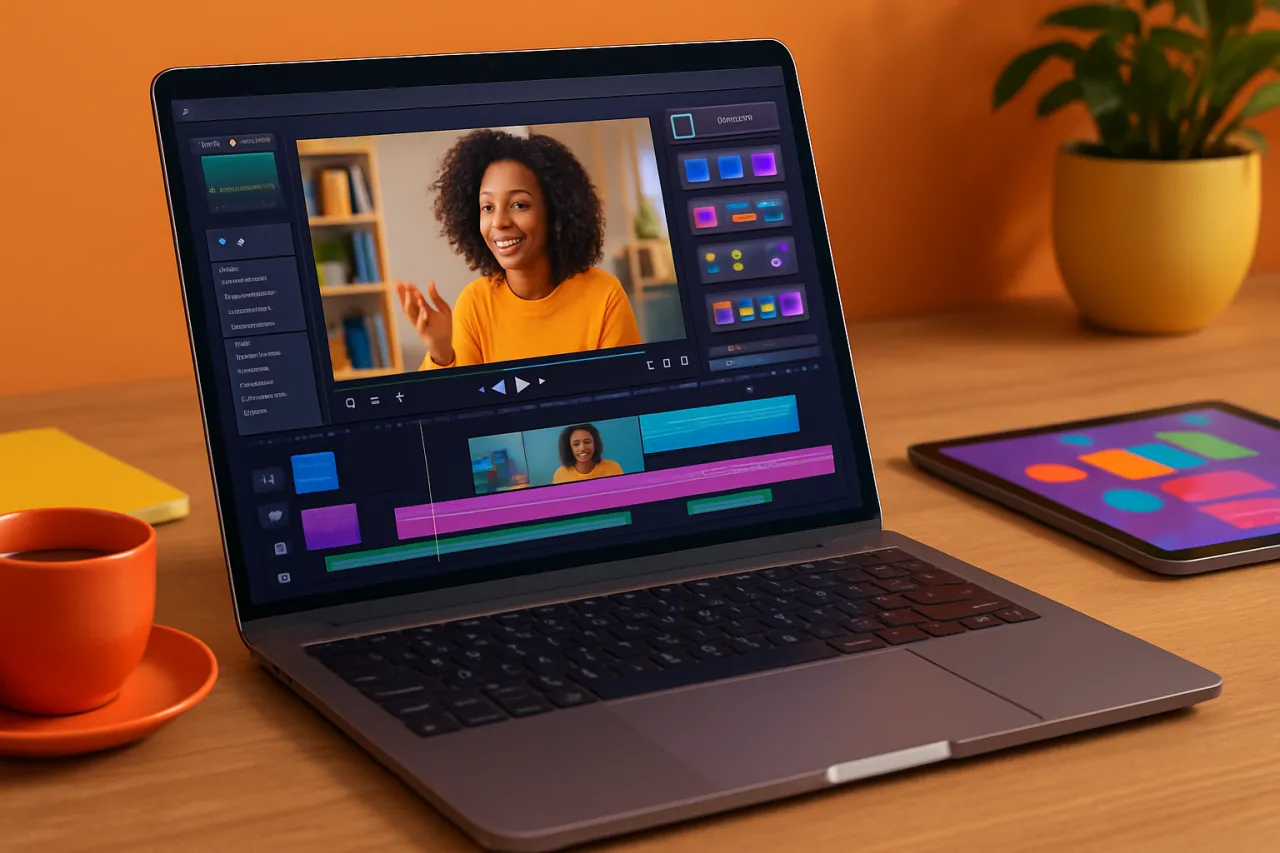
Best Video Editing Tools for E-learning Content Creators
Introduction
In today's digital landscape, video content plays a crucial role in enhancing the learning experience for students. E-learning content creators are continuously seeking effective video editing tools that not only improve the quality of their educational materials but also engage students in meaningful ways. The challenge lies in selecting the right tools that cater specifically to the unique demands of e-learning, from integrating interactive features to simplifying complex concepts through visuals.
This article will explore the best video editing tools tailored for e-learning content creators, examining their features, strengths, and limitations. By the end of this guide, you will have a better understanding of which tools can elevate your e-learning videos and why they may be the right fit for your needs.
What Is Video Editing for E-learning?
Video editing for e-learning involves the process of manipulating and rearranging video footage to create instructional videos that facilitate learning. This can include adding graphics, animations, voiceovers, and interactive elements that enhance student engagement. The goal is to produce high-quality videos that promote understanding and retention of information, making complex subjects more accessible.
Why It Matters
As educational institutions and organizations increasingly adopt online learning modalities, the demand for high-quality video content is at an all-time high. Engaging videos can significantly improve the learning experience, increase student satisfaction, and boost retention rates. By utilizing the right video editing tools, educators can create visually appealing and informative content that captivates learners and supports their educational journeys.
Best Video Editing Tools for E-learning Content Creators
1. Camtasia
Overview
Camtasia is a powerful screen recording and video editing software that's particularly popular among educators. It allows users to create professional-looking videos with ease.
Strengths
- User-friendly interface with drag-and-drop functionality
- Extensive library of templates and assets
- Built-in quizzes and interactivity features
Limitations
- Limited advanced editing features compared to professional tools
- Higher price point than some competitors
Best for
Beginner to intermediate content creators looking for an all-in-one solution.
Pricing overview
Starts at $249.00 for a one-time purchase.
2. Adobe Premiere Pro
Overview
Adobe Premiere Pro is a professional video editing tool used widely in the industry. It's highly versatile and supports various formats, making it ideal for e-learning content creators who want to produce high-quality videos.
Strengths
- Powerful editing features and tools
- Seamless integration with other Adobe products
- Supports 4K and higher resolution editing
Limitations
- Steeper learning curve for beginners
- Subscription-based pricing model
Best for
Experienced content creators needing advanced editing features.
Pricing overview
Starts at $20.99/month.
3. Filmora
Overview
Filmora is an intuitive video editing software offering a range of features that cater to educators and content creators alike. Its easy-to-use interface makes it accessible for those new to video editing.
Strengths
- Extensive library of effects, transitions, and titles
- Simple and intuitive interface
- Affordable pricing options
Limitations
- Limited advanced editing features compared to higher-end software
- Watermark on videos in the free version
Best for
Newer educators or those with basic editing needs.
Pricing overview
Starts at $39.99/year.
4. AI Video Cut
Overview
AI Video Cut uses advanced AI technology to help content creators streamline their video editing process. It automates tasks like cutting unnecessary parts, allowing educators to focus on content quality.
Strengths
- AI-driven automation speeds up the editing process
- User-friendly interface
- Ideal for quick edits
Limitations
- Limited manual editing options
- May not suit detailed editing requirements
Best for
Content creators looking for efficiency and speed in video production.
Pricing overview
Free version available with premium features at $29/month.
5. STORYD
Overview
STORYD is designed for creating engaging presentations and videos that can transform standard lecture content into captivating visual experiences.
Strengths
- Focus on storytelling and visual learning
- Templates specifically for educational content
- Easy to use for non-designers
Limitations
- Limited advanced video editing capabilities
- Subscription model may not suit all budgets
Best for
Educators focused on storytelling in their e-learning videos.
Pricing overview
Starts at $15/month.
How to Choose the Right Solution
When selecting the right video editing tool for your e-learning needs, consider the following criteria:
- Ease of use: Look for intuitive interfaces that require minimal training.
- Features and capabilities: Assess whether the tool has the specific features you need, such as interactivity or animation.
- Pricing: Evaluate whether the pricing fits your budget, especially if you are considering a subscription model.
- Support and resources: Determine if the tool offers sufficient tutorials, customer support, and community resources.
Common Mistakes
E-learning content creators often fall into these pitfalls:
- Neglecting audience engagement: Failing to include engaging elements can lead to disengagement from learners.
- Overcomplicating visuals: Using too many effects can distract from the educational content.
- Ignoring resolution and quality: Poor video quality can detract from the overall learning experience.
Frequently Asked Questions
1. What features should I look for in video editing software for e-learning?
Key features include ease of use, interactivity options, templates for educational content, and the ability to export in multiple formats.
2. How important is video quality in e-learning?
High video quality is crucial as it affects learner engagement and comprehension.
3. Can I use free video editing tools for e-learning?
Yes, but be cautious of limitations like watermarks or reduced features.
4. How can I make my videos more engaging?
Incorporate animations, quizzes, and varied visuals to keep viewers interested.
5. Is it necessary to use advanced editing tools for e-learning videos?
Not necessarily. The choice depends on your content needs and your comfort level with editing software.
Conclusion
Choosing the right video editing tool is essential for e-learning content creators. Each tool offers distinct features that cater to different needs and expertise levels. By understanding the strengths and limitations of each option, you can select the best software to create engaging and effective educational videos. Evaluate your requirements, consider your budget, and remember that the goal is to enhance the learning experience through quality video content.
About the Author
Senior Tech Writer
A seasoned senior tech writer, Matthew Wilson focuses on making tech accessible to everyday users. He covers Email Marketing tools, comparisons, and buying guides on Softedin.


