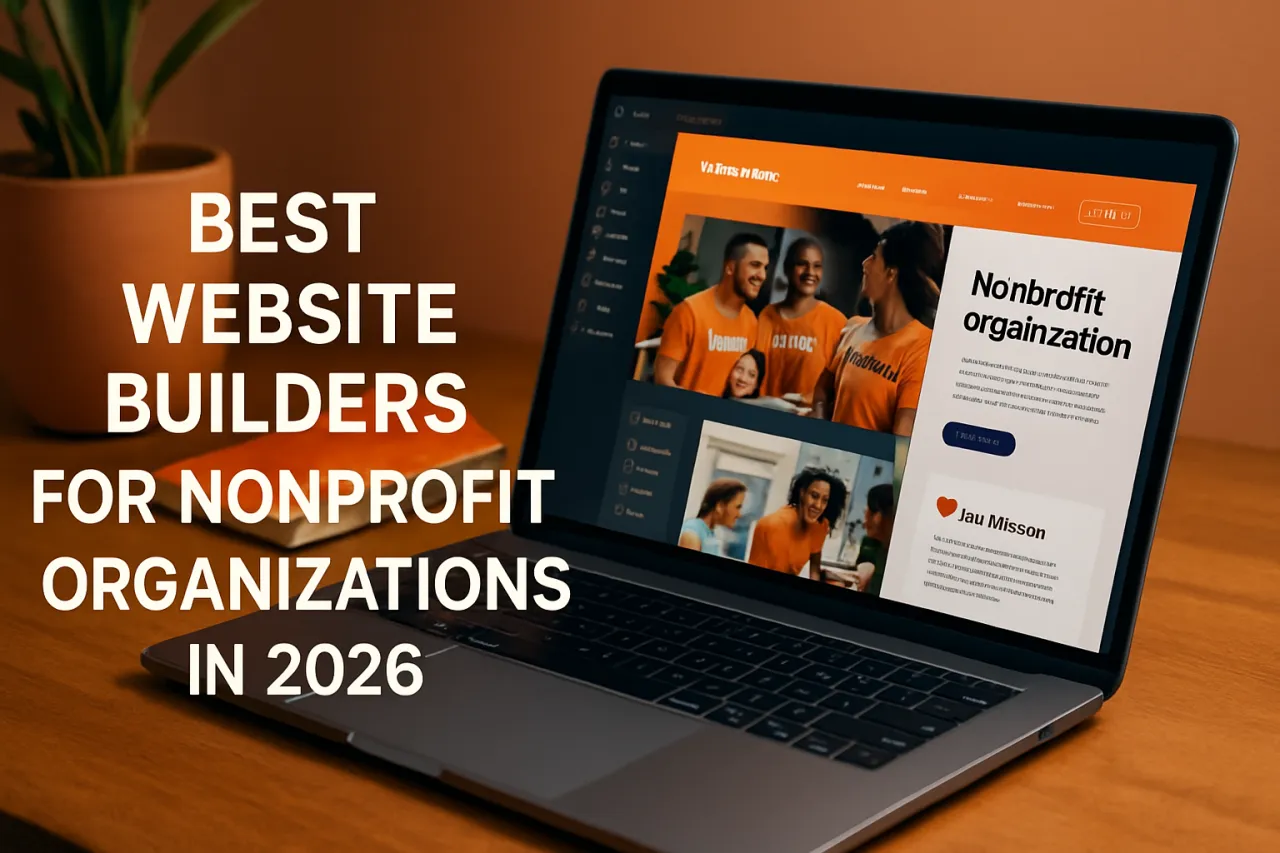
Best Website Builders for Nonprofit Organizations in 2026
Introduction
In today's digital landscape, having an effective online presence is crucial for nonprofit organizations. A well-designed website not only serves as a hub for information but also enhances outreach, facilitates donations, and engages volunteers. However, many nonprofits face challenges in building a website that reflects their mission and engages their audience effectively. This article will explore the best website builders tailored specifically for nonprofit organizations, focusing on ease of use, pricing, and design flexibility.
By the end of this article, you will gain insights into the most suitable website builders for nonprofits, helping you make informed decisions that align with your organization's goals.
What Is a Website Builder?
A website builder is a software tool that allows individuals and organizations to create websites without needing extensive coding knowledge. These platforms typically offer drag-and-drop interfaces, customizable templates, and various features to help users design and launch their websites quickly. For nonprofit organizations, a website builder can provide a cost-effective way to establish an online presence, promote their cause, and engage with their communities.
Why It Matters
For nonprofits, a website is more than just a digital presence; it's a vital tool for communication and fundraising. A well-structured website can effectively convey the mission, showcase projects, and attract support and volunteers. Moreover, with the increasing reliance on digital platforms for information and engagement, selecting the right website builder is essential for nonprofits aiming to maximize their impact and outreach.
Best Software / Methods / Strategies
1. Wix
Overview: Wix is a user-friendly website builder that offers a variety of templates and customization options specifically for nonprofits.
Strengths:
- Intuitive drag-and-drop interface.
- Extensive library of templates designed for nonprofits.
- Integrated donation tools.
Limitations:
- Limited flexibility in template editing.
- Some features may require a premium plan.
Best for: Organizations looking for an easy-to-use platform without extensive technical knowledge.
Pricing overview: Free basic plan available; premium plans start at approximately $14/month.
2. Squarespace
Overview: Squarespace is known for its visually appealing designs and robust features, making it ideal for nonprofits that want to emphasize aesthetics.
Strengths:
- Beautiful, professionally designed templates.
- Built-in tools for blogging and e-commerce.
- 24/7 customer support.
Limitations:
- Slightly steeper learning curve than simpler builders.
- Limited third-party integrations compared to other platforms.
Best for: Nonprofits that prioritize visual storytelling and need comprehensive e-commerce features.
Pricing overview: Starts at $12/month for personal use; nonprofit discounts may be available.
3. WordPress.com
Overview: WordPress.com is a flexible website builder based on the popular WordPress content management system (CMS), ideal for organizations that want more control over their site.
Strengths:
- Highly customizable with thousands of themes and plugins.
- SEO-friendly capabilities.
- Strong community support and resources.
Limitations:
- Can require more technical knowledge for advanced customization.
- Some features and plugins require a paid plan.
Best for: Nonprofits needing extensive customization and control over their website.
Pricing overview: Free plan available; premium plans start around $4/month.
4. Launched
Overview: Launched is a website builder designed for event-driven organizations, focusing on simplicity and speed.
Strengths:
- Quick setup for event sites and fundraising pages.
- User-friendly interface tailored for nonprofits.
- Supports ticket sales and donations.
Limitations:
- Limited design flexibility compared to competitors.
- Fewer integrations available.
Best for: Nonprofits focused on events and fundraising initiatives.
Pricing overview: Starts at $10/month with event-focused features included.
5. Tokens Forge
Overview: Tokens Forge is a unique website builder that allows nonprofits to incorporate cryptocurrency donations easily.
Strengths:
- Built-in support for crypto donations.
- Simple interface for managing content and donations.
- Focus on modern fundraising methods.
Limitations:
- May not appeal to all donor demographics.
- Limited templates compared to other builders.
Best for: Nonprofits interested in embracing cryptocurrency as a donation method.
Pricing overview: Free basic plan with premium features available at a cost.
How to Choose the Right Solution
When selecting a website builder for your nonprofit, consider the following criteria:
- Ease of Use: Assess how intuitive the platform is, especially for team members who may not have technical skills.
- Design Flexibility: Look for customizable templates that can align with your organization's branding.
- Features: Ensure the builder supports essential nonprofit functionalities, such as donation integration and event management.
- Pricing: Evaluate your budget and explore discounts specifically for nonprofits.
Common Mistakes
Nonprofit organizations often make the following mistakes when choosing a website builder:
- Overlooking Mobile Responsiveness: Ensure your website is mobile-friendly, as many users will access it via smartphones.
- Ignoring SEO: Neglecting SEO can limit your visibility. Choose a builder with solid SEO capabilities.
- Focusing Solely on Aesthetics: While a beautiful design is important, functionality and user experience should take precedence.
Frequently Asked Questions
1. Which website builder is best for small nonprofits?
Wix and Squarespace are both excellent choices for small nonprofits due to their ease of use and built-in donation features.
2. Can I use a free website builder for my nonprofit?
Yes, many platforms offer free plans, but they may come with limitations such as branding or fewer features.
3. What features should I look for in a nonprofit website builder?
Look for donation integration, event management, and the ability to create engaging content easily.
4. How important is mobile responsiveness for my nonprofit's website?
Very important, as many users will access your site on mobile devices. A responsive design ensures a positive user experience across all devices.
5. Are there specific discounts for nonprofits on website builders?
Many website builders offer discounts for nonprofits, so be sure to inquire about special pricing options.
Conclusion
Choosing the right website builder can significantly impact the effectiveness of your nonprofit's online presence. By evaluating your needs, assessing the strengths and limitations of various platforms, and considering the unique aspects of your organization, you can select a website builder that enhances your mission and outreach. Whether you prioritize ease of use, aesthetic design, or advanced functionalities, there is a solution out there that can help your nonprofit thrive online.
About the Author
Digital Marketing Expert
David White is passionate about helping teams discover the right software. As a digital marketing expert, He specializes in AI Tools solutions and has been featured in multiple tech publications.