

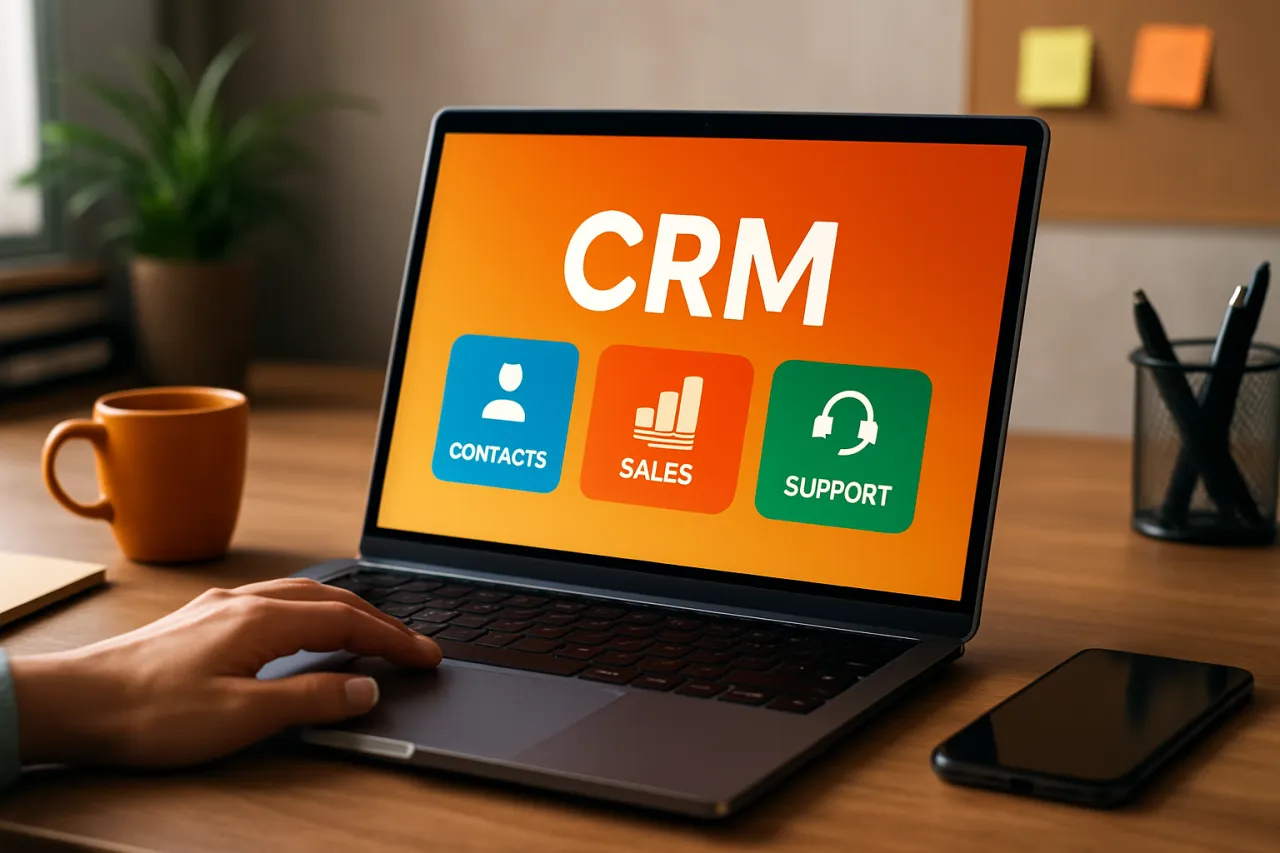
How to Choose the Best CRM for Small Businesses
Introduction
Choosing the right Customer Relationship Management (CRM) software can be a daunting task for small business owners. With numerous options available, each boasting unique features and pricing models, identifying the best CRM can feel overwhelming. A CRM is not just a tool; it’s an essential part of your business strategy, impacting customer satisfaction and operational efficiency.
Small businesses often face specific challenges when selecting a CRM, such as budget constraints and the need for user-friendly interfaces. This guide aims to simplify the decision-making process, helping you understand essential CRM features and what to prioritize based on your business needs. By the end of this article, you will be equipped with the knowledge to choose a CRM that effectively enhances your customer relationships, streamlines operations, and ultimately supports growth.
What Is CRM?
Customer Relationship Management (CRM) software is a technology that manages a company’s relationships and interactions with potential customers and clients. The goal of CRM is simple: improve business relationships to grow the business. A CRM system helps businesses streamline processes, stay connected to customers, and improve profitability.
Typically, a CRM system consolidates customer information, documents interactions, tracks sales, and manages projects, all in one place. This centralization allows teams to access important data easily, leading to more informed decisions and better customer service.
Why It Matters
Investing in the right CRM can transform your small business operations. A well-chosen CRM enhances customer satisfaction by ensuring timely follow-ups and personalized communication. It can also automate mundane tasks, freeing up your team to focus on strategic initiatives. Moreover, with the right CRM, you can gain insights through analytics, helping you understand customer behavior and preferences, ultimately leading to better business strategies.
Best Software / Methods / Strategies
HubSpot CRM
- Overview: HubSpot CRM is a popular choice among small businesses due to its free tier and user-friendly interface.
- Strengths: Intuitive design, robust free version, excellent integration with other HubSpot tools.
- Limitations: Advanced features require paid plans, which can get expensive as you scale.
- Best for: Businesses looking for a no-cost entry point into CRM.
- Pricing overview: Free tier available; paid plans start at $50/month.
Zoho CRM
- Overview: Zoho CRM offers a comprehensive suite of features tailored for small to medium-sized businesses.
- Strengths: Highly customizable, strong automation capabilities, and competitive pricing.
- Limitations: User interface can be overwhelming for newcomers.
- Best for: Businesses that need extensive customization options.
- Pricing overview: Plans start at $12/user/month.
Salesforce Essentials
- Overview: Salesforce Essentials is designed specifically for small businesses, providing essential CRM features in a straightforward package.
- Strengths: Powerful features, excellent customer support, and scalability.
- Limitations: Can be expensive, and the learning curve may be steep for some users.
- Best for: Businesses planning for growth and requiring advanced features.
- Pricing overview: Starts at $25/user/month.
Pipedrive
- Overview: Pipedrive is a sales-focused CRM that emphasizes pipeline management.
- Strengths: User-friendly interface, visual sales pipeline, and strong reporting tools.
- Limitations: Limited features for marketing automation.
- Best for: Sales teams focused on closing deals.
- Pricing overview: Plans start at $14.90/user/month.
JustBuildThings
- Overview: JustBuildThings is a versatile CRM that provides tools for managing customer relationships and automating workflows.
- Strengths: Simple setup, affordable plans, and an easy-to-navigate dashboard.
- Limitations: Lacks some advanced features found in larger CRMs.
- Best for: Startups and small teams needing an accessible CRM solution.
- Pricing overview: Starts at $10/user/month.
How to Choose the Right Solution
When selecting a CRM for your small business, consider the following criteria:
- Budget: Determine how much you’re willing to spend and consider both initial costs and ongoing fees.
- Features: Identify must-have features based on your business needs, such as sales tracking, customer support, and reporting.
- Ease of Use: Look for a user-friendly interface that minimizes the learning curve for your team.
- Scalability: Choose a CRM that can grow with your business, offering more features and integrations over time.
- Integration Capabilities: Ensure that the CRM can integrate with other tools you use, such as email marketing software and accounting systems.
Common Mistakes
Avoid these pitfalls when choosing a CRM:
- Choosing Based Solely on Price: While budget is important, prioritizing features and usability is crucial for long-term satisfaction and effectiveness.
- Overlooking User Feedback: Failing to gather input from your team can lead to selecting a tool that doesn’t meet their needs.
- Ignoring Training and Support: Selecting a complex CRM without considering the training available can hinder adoption and use.
- Not Defining Goals: Without clear objectives, it’s difficult to assess whether a CRM is meeting your needs.
Frequently Asked Questions
- What features should I prioritize in a CRM for my small business? Focus on sales tracking, customer support, and ease of integration with existing tools.
- How much should I budget for a small business CRM? Most small business CRMs range from $10 to $50 per user per month, depending on features.
- Is it necessary to have a CRM for a small business? While not mandatory, a CRM can significantly enhance customer relationships and operational efficiency.
- Can I switch CRMs later? Yes, most CRMs allow for data migration, but it's important to plan for this transition carefully.
- What is the difference between free and paid CRM solutions? Free CRMs often have limited features, while paid options typically provide advanced functionalities and support.
Conclusion
Selecting the best CRM for your small business is a critical decision that can significantly impact your customer interactions and operational efficiency. By understanding the key features, evaluating your specific business needs, and avoiding common mistakes, you can make an informed choice. Remember to consider both immediate requirements and future growth to ensure that your CRM solution remains relevant as your business evolves.
About the Author
Tech Journalist
Aqib Naqvi is a tech journalist with 9+ years of experience reviewing and testing E-commerce software. He helps businesses find the right digital tools to scale their operations.