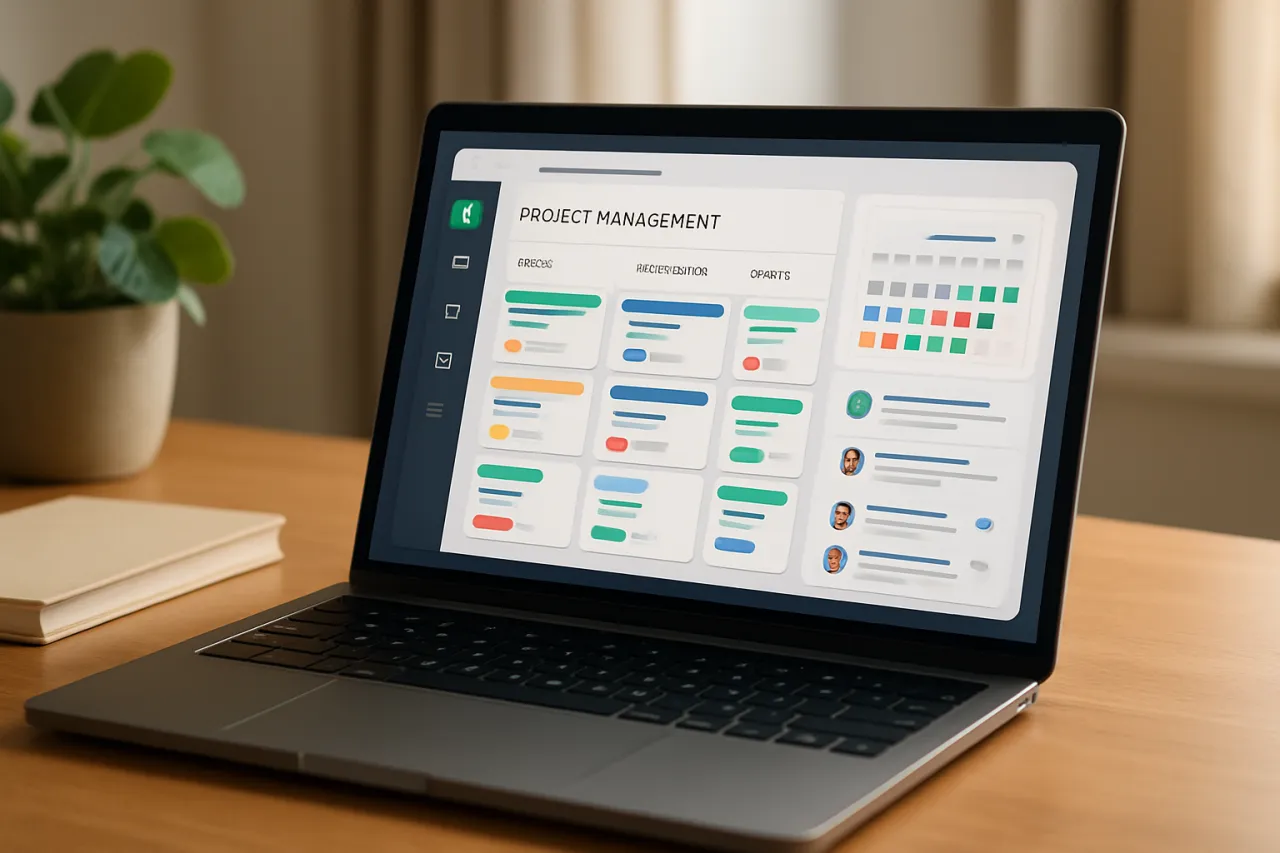
How to Choose the Best Project Management Software for Remote Teams
Introduction
In today's increasingly digital workplace, remote teams often face unique challenges around collaboration and project tracking. Poor communication and unclear project visibility can lead to decreased productivity and missed deadlines. Thus, choosing the right project management software becomes crucial for remote teams looking to maintain efficiency and organization.
This guide will walk you through the essential steps to select the best project management software tailored for remote teams. We will explore key features to consider, cost implications, and common pitfalls to avoid. Unique insights from experienced team leaders will also enrich this guide, providing practical value to your software selection process.
What Is Project Management Software?
Project management software is a tool designed to facilitate project planning, execution, and monitoring. It allows teams to collaborate more effectively, track progress, allocate resources, and maintain deadlines. For remote teams, this becomes even more critical as team members often work in different locations and time zones.
Key Features of Project Management Software
- Task assignment and tracking
- Time tracking and reporting
- Collaboration tools (chat, file sharing, etc.)
- Integration with other tools (e.g., calendars, email)
- Customizable dashboards and reporting
Why It Matters
Selecting the right project management software can significantly impact your team’s productivity and morale. An ideal solution fosters better communication, enhances transparency, and helps streamline workflows. For remote teams, where face-to-face interaction is limited, these features are essential for ensuring everyone is aligned and engaged in their work. By investing time in selecting the right software, you can reduce frustrations and create a more cohesive team environment.
Best Software / Methods / Strategies
1. Trello
Overview: Trello utilizes a card-based system for organizing tasks and projects, making it visually appealing and easy to use.
Strengths: User-friendly interface, excellent for visual learners, and integrates with many other apps.
Limitations: Lacks advanced features for complex project management.
Best for: Small to medium-sized teams who prefer a visual approach to task management.
Pricing overview: Free tier available, with paid plans starting at $10 per user per month.
2. Asana
Overview: Asana provides a robust platform for managing tasks, projects, and team communication all in one place.
Strengths: Offers a wide range of features, including timelines and reporting tools, ideal for tracking complex projects.
Limitations: May require a learning curve for new users due to its extensive capabilities.
Best for: Teams of all sizes looking for a comprehensive project management solution.
Pricing overview: Free version available, with premium plans starting at $13.49 per user per month.
3. Monday.com
Overview: Monday.com provides a highly customizable platform that allows teams to tailor their workflows according to specific needs.
Strengths: Flexibility in project tracking, visually engaging interface, and strong automation capabilities.
Limitations: Can become costly, especially for larger teams.
Best for: Teams that require customization and automation in their project management.
Pricing overview: Plans start at $8 per user per month with a minimum user requirement.
4. ClickUp
Overview: ClickUp is an all-in-one project management tool that combines task management, time tracking, and documentation.
Strengths: Highly customizable, integrates with numerous other tools, and provides a variety of views (Gantt, list, etc.).
Limitations: Some users report it can be overwhelming due to the number of features available.
Best for: Larger teams or those with diverse project management needs.
Pricing overview: Free version available, with paid plans starting at $5 per user per month.
How to Choose the Right Solution
When selecting project management software for remote teams, consider the following evaluation criteria:
- User-friendliness: Ensure that the software is intuitive and easy for all team members to adopt.
- Collaboration features: Look for tools that promote effective communication and collaboration among team members.
- Integration capabilities: Choose software that can easily integrate with other tools your team already uses.
- Scalability: Assess whether the software can grow with your team as your project needs evolve.
- Cost: Evaluate your budget and ensure that the pricing model aligns with your team's requirements.
Common Mistakes
When selecting project management software, avoid these common pitfalls:
- Ignoring user feedback: Always involve team members in the decision-making process to ensure their needs are met.
- Overcomplicating the choice: Stick to essential features that align with team workflows rather than getting swayed by unnecessary bells and whistles.
- Neglecting training: Provide adequate training for your team to ensure a smooth transition to new software.
Frequently Asked Questions
1. What features should I look for in project management software?
Look for task tracking, collaboration tools, time reporting, and integration with other software you use.
2. How much does project management software cost?
Pricing varies widely, typically ranging from free versions to around $15 per user per month for more advanced features.
3. Can project management software help with remote team collaboration?
Absolutely! These tools are designed to enhance communication and streamline workflows for remote teams.
4. Is it necessary for all team members to use the same project management software?
While not necessary, it helps create consistency and improves communication if all team members use the same tool.
5. How can I ensure my team uses the new software effectively?
Provide comprehensive training and encourage feedback to improve adoption and usage among team members.
Conclusion
Choosing the right project management software for remote teams is a critical decision that can affect productivity and team dynamics. By thoroughly evaluating your options and considering the unique needs of your team, you can select a solution that fosters collaboration and enhances project visibility. Remember to involve your team in the decision-making process and provide adequate training to ensure a smooth transition. With the right software in place, your remote team can work more effectively and achieve greater success.
About the Author
SaaS Analyst
Maham Zaidi brings 11 years of industry experience to every review. Specializing in Project Management, She cuts through the marketing noise to deliver honest, practical insights.