How to Choose the Right CRM Software for Small Businesses
Introduction
Choosing the right Customer Relationship Management (CRM) software can be a daunting task for small business owners. With countless options available, it’s essential to find a solution that meets your unique needs and helps streamline your business operations. This guide will demystify the CRM selection process, answering crucial questions about features, user needs, and potential pitfalls.
In today’s competitive landscape, a good CRM system can enhance customer satisfaction, improve sales processes, and provide valuable insights into customer behavior. Whether you're just starting or looking to upgrade your existing system, understanding what to look for in CRM software is vital. By the end of this article, you’ll be equipped to make an informed decision and select the best CRM for your small business.
What Is CRM Software?
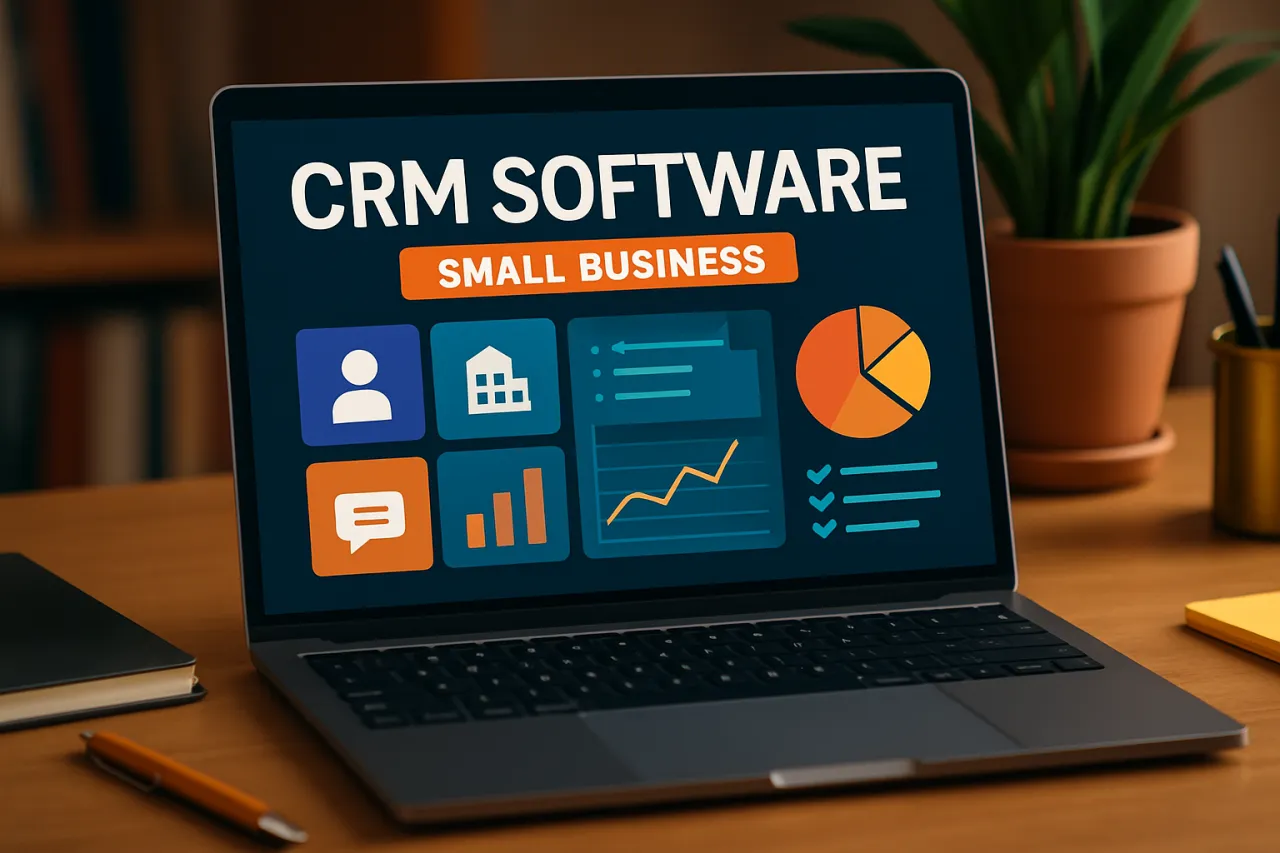
Customer Relationship Management (CRM) software is a tool designed to help businesses manage their interactions with current and potential customers. It centralizes customer information, streamlines processes, and improves profitability through better customer insights. CRM systems can track customer interactions, manage sales pipelines, and automate marketing tasks, allowing businesses to foster stronger relationships with their clients.
Why It Matters
For small businesses, the right CRM software can be a game changer. It not only helps in organizing customer data but also provides tools for collaboration among team members. Without a proper CRM, businesses may struggle with disorganized customer information, missed opportunities, and inefficient communication. Selecting the right CRM can lead to improved customer retention, increased sales, and better overall productivity.
Best Software / Methods / Strategies
1. HubSpot CRM
- Overview: HubSpot CRM offers a free tier that provides essential CRM functionalities, making it an attractive option for small businesses.
- Strengths: Easy to use, robust reporting features, and a plethora of integrations.
- Limitations: Advanced features are only available in paid tiers.
- Best for: Businesses looking for a user-friendly interface and cost-effective solutions.
- Pricing overview: Free basic version; paid plans start at $45/month.
2. Zoho CRM
- Overview: Zoho CRM is a powerful tool that offers extensive customization options and automation capabilities.
- Strengths: Affordable pricing plans and a wide array of features including AI-driven insights.
- Limitations: User interface can be overwhelming for some users.
- Best for: Businesses that require tailored solutions and scalability.
- Pricing overview: Plans start at $12/user/month.
3. Salesforce Essentials
- Overview: Salesforce Essentials is a compact version of Salesforce, tailored for small businesses, providing essential CRM functionalities.
- Strengths: Comprehensive features and strong support resources.
- Limitations: Can be expensive with additional features; steep learning curve for new users.
- Best for: Businesses seeking an established platform with robust features.
- Pricing overview: Starts at $25/user/month.
4. Pipedrive
- Overview: Pipedrive is a sales-focused CRM that emphasizes visual management of sales processes.
- Strengths: Simple to use with a highly visual interface and excellent sales pipeline management.
- Limitations: Limited marketing automation features compared to competitors.
- Best for: Sales-driven teams needing an intuitive tool to manage leads.
- Pricing overview: Plans start at $15/user/month.
How to Choose the Right Solution
When selecting a CRM for your small business, consider the following evaluation criteria:
- Identify Your Needs: Understand your business processes and customer interactions to determine what features you require.
- User-Friendliness: Look for a system that is intuitive and easy for your team to adopt.
- Scalability: Ensure the software can grow with your business, accommodating more users and additional features as needed.
- Integration Capabilities: Check if the CRM integrates with other tools your business uses, such as email marketing platforms or accounting software.
- Cost: Assess whether the pricing structure fits your budget, considering both initial costs and potential future expenses.
Common Mistakes
- Overlooking User Needs: Failing to gather input from team members can lead to choosing a system that doesn’t meet everyone’s needs.
- Ignoring Scalability: Selecting a CRM that doesn’t scale with your business can hinder growth.
- Choosing Based on Hype: Avoid selecting a CRM solely based on marketing claims; instead, focus on real user reviews and case studies.
- Neglecting Support and Training: Ensure the chosen CRM offers adequate support and training to ensure your team can effectively utilize the software.
Frequently Asked Questions
1. What features should I look for in CRM software?
Look for contact management, sales automation, reporting features, and integration capabilities.
2. Is CRM software worth the investment for small businesses?
Yes, effective CRM can lead to improved customer relationships, increased sales, and better data organization.
3. Can I try CRM software before purchasing?
Most CRM providers offer free trials or freemium versions, allowing you to test the software before committing.
4. How do I ensure my team adopts the CRM?
Provide training and support, and seek feedback from your team during the selection process to ensure buy-in.
5. What are the common misconceptions about CRM software?
Many believe CRMs are only for large businesses, but they offer significant benefits to small businesses as well.
Conclusion
Choosing the right CRM software is crucial for small businesses looking to streamline operations and enhance customer relationships. By understanding your unique needs, evaluating potential options carefully, and avoiding common pitfalls, you can select a CRM that supports your business's growth and success. Take the time to explore different options and consider trial versions to find the perfect fit for your team. Remember, the best CRM is one that aligns with your business goals and is embraced by your team. For example, tools like HireAra can support your recruitment processes once you have a CRM in place. Best of luck in your CRM selection journey!
About the Author
SaaS Analyst
Hira Qureshi brings 8 years of industry experience to every review. Specializing in Email Marketing, She cuts through the marketing noise to deliver honest, practical insights.