

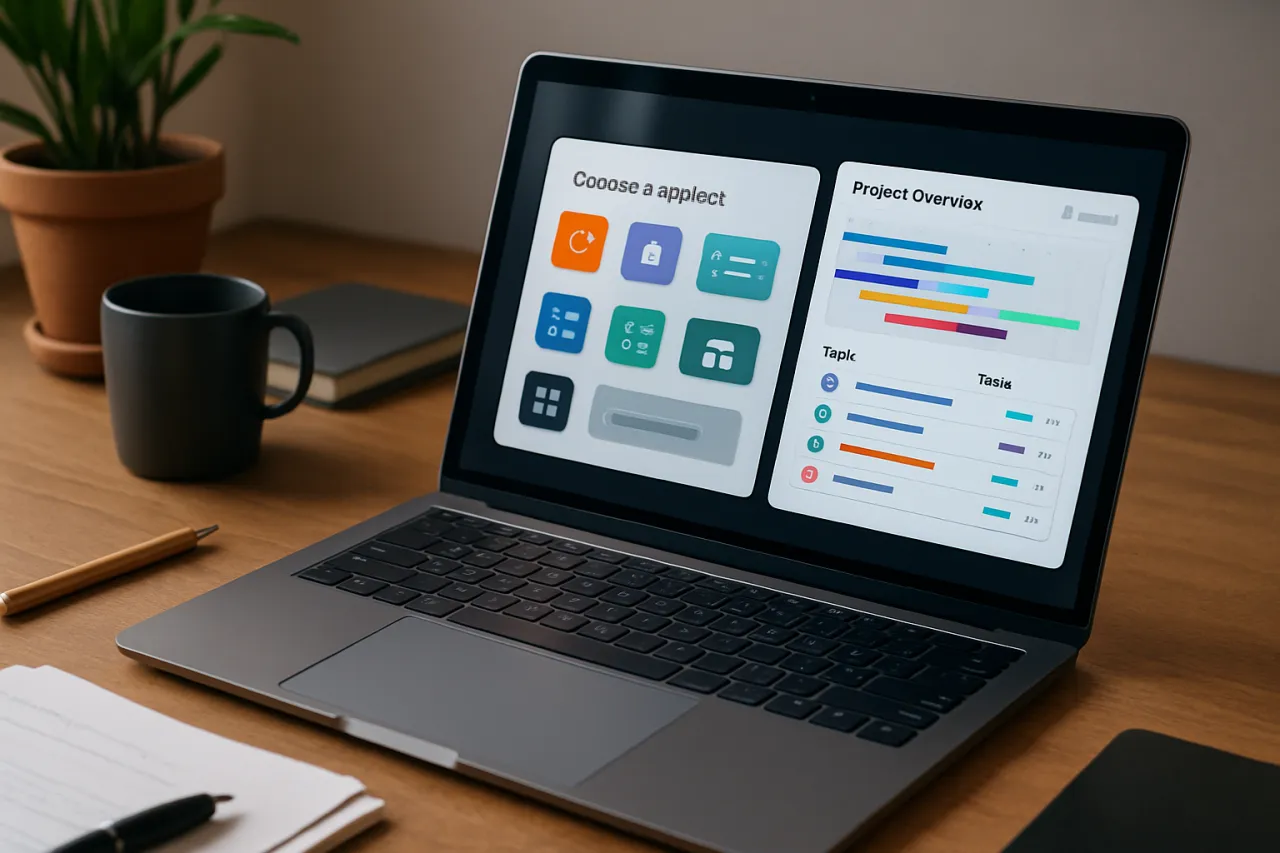
How to Choose the Right Project Management Software for Your Team
Introduction
In today’s fast-paced work environment, selecting the right project management software can feel like trying to navigate a labyrinth. With countless options promising to enhance productivity and streamline workflows, it’s easy to get lost in the sea of features and functionalities. This guide is designed to help you cut through the noise and make an informed decision that aligns with your unique team needs.
Choosing the right software is crucial. A tool that fits your workflow can significantly boost collaboration and efficiency, while the wrong choice may lead to confusion and frustration. In this article, we’ll explore key features to consider, common mistakes to avoid, and provide real-life examples to guide your selection process.
What Is Project Management Software
Project management software is a digital tool that helps teams plan, execute, and oversee projects from start to finish. These tools often include features for task management, scheduling, resource allocation, budget tracking, and communication. The primary goal is to enhance collaboration among team members and ensure projects are completed on time and within budget.
Different project management software solutions cater to various industries and project types, offering a mix of functionalities that can be tailored to meet specific requirements. Whether you're managing a small team or coordinating large-scale projects, finding the right software is essential for success.
Why It Matters
Selecting the right project management software can lead to increased productivity, improved communication, and better resource management. When teams have access to the right tools, they can collaborate effectively, stay organized, and maintain transparency throughout the project lifecycle. Moreover, choosing software that aligns with your workflow can minimize the learning curve and reduce the risk of project delays.
On the other hand, investing in the wrong software can create additional challenges. Teams may become overwhelmed by unnecessary features or struggle with a complicated interface, leading to frustration and inefficiency. Thus, understanding how to choose the right software is not just beneficial—it's essential.
Best Software / Methods / Strategies
1. Full Venue
- Overview: Full Venue is a comprehensive project management tool designed for teams of all sizes, focusing on collaboration and transparency.
- Strengths: Offers robust features like task tracking, document sharing, and real-time updates, making it ideal for teams needing strong collaboration tools.
- Limitations: May be overwhelming for smaller teams or those with simpler project needs due to its extensive features.
- Best for: Businesses with complex projects requiring detailed tracking and collaboration.
- Pricing overview: Pricing is tiered based on team size and features, with free trials available.
2. Kanwas
- Overview: Kanwas is a shared context board tool that emphasizes visual project management.
- Strengths: Its intuitive interface allows teams to visualize tasks and progress, making it easy to adapt and pivot as projects evolve.
- Limitations: May lack some advanced features found in other project management software, which might be necessary for larger teams.
- Best for: Creative teams or those who prefer visual project management methods.
- Pricing overview: Offers a free version with basic features and paid plans for advanced functionalities.
3. Asana
- Overview: Asana is one of the leading project management solutions, known for its user-friendly design and versatility.
- Strengths: Offers a range of features including task assignments, deadlines, and integration with various tools like Slack and Google Drive.
- Limitations: Can become cluttered with large projects, and some users find the setup process complex.
- Best for: Teams looking for a flexible tool that can adapt to various project styles.
- Pricing overview: Free tier available; premium plans start at a reasonable monthly fee per user.
4. Trello
- Overview: Trello uses boards, lists, and cards to organize tasks and projects visually.
- Strengths: Extremely user-friendly and customizable, making it suitable for teams that prefer a straightforward approach to project management.
- Limitations: Lacks advanced project tracking features, which may be necessary for larger or more complex projects.
- Best for: Small teams or individuals managing simple projects.
- Pricing overview: Free version with premium options available for additional features.
How to Choose the Right Solution
When evaluating project management software, consider the following criteria:
- Team Size: Ensure the software can accommodate your team size, as some tools are better suited for small teams while others handle large groups well.
- Features Needed: Identify which features are essential for your team, such as task management, time tracking, or reporting.
- Ease of Use: Look for software that is intuitive and easy to navigate, reducing the learning curve for your team.
- Integration Capabilities: Ensure the tool can integrate with other software and tools your team already uses, such as email, calendars, and communication platforms.
- Budget: Determine what you can afford, and consider both upfront costs and ongoing subscription fees.
Common Mistakes
When selecting project management software, here are some common mistakes to avoid:
- Overlooking Team Input: Not involving team members in the selection process can lead to resistance and dissatisfaction with the chosen tool.
- Ignoring Scalability: Choosing software that works for your current needs but isn’t scalable for future growth can create problems down the line.
- Focusing Solely on Features: While features are important, prioritize usability and support as these elements can greatly impact adoption and satisfaction.
- Not Testing Software: Failing to take advantage of free trials or demos can result in missing out on potential issues that may arise when using the software.
Frequently Asked Questions
1. What features should I look for in project management software?
Look for task management, collaboration tools, time tracking, reporting features, and integrations with other tools you use.
2. How do I know if a project management tool is user-friendly?
Consider reading reviews, watching demo videos, or trying a free trial to assess the interface and usability.
3. What is the cost of project management software?
Costs vary widely, from free versions with limited features to premium plans that can range from $10 to $50 per user per month.
4. Can project management software help with remote teams?
Yes, many tools offer features specifically designed for remote collaboration, such as video conferencing integrations, chat features, and document sharing.
5. How long does it take to implement project management software?
Implementation time varies depending on the tool and your team's size and complexity, but it can range from a few days to several weeks.
Conclusion
Choosing the right project management software is a crucial step for any team looking to enhance its productivity and collaboration. By understanding your team's unique needs, evaluating potential solutions based on key criteria, and avoiding common pitfalls, you can find a tool that not only meets your current requirements but also supports your future growth. Remember to involve your team in the decision-making process to ensure everyone is on board and ready to embrace the new tool. With the right project management software in place, your team can focus on what truly matters—delivering successful projects.
About the Author
Tech Blogger
A seasoned tech blogger, Ahmed Khan focuses on making tech accessible to everyday users. He covers Video Editing tools, comparisons, and buying guides on Softedin.


