

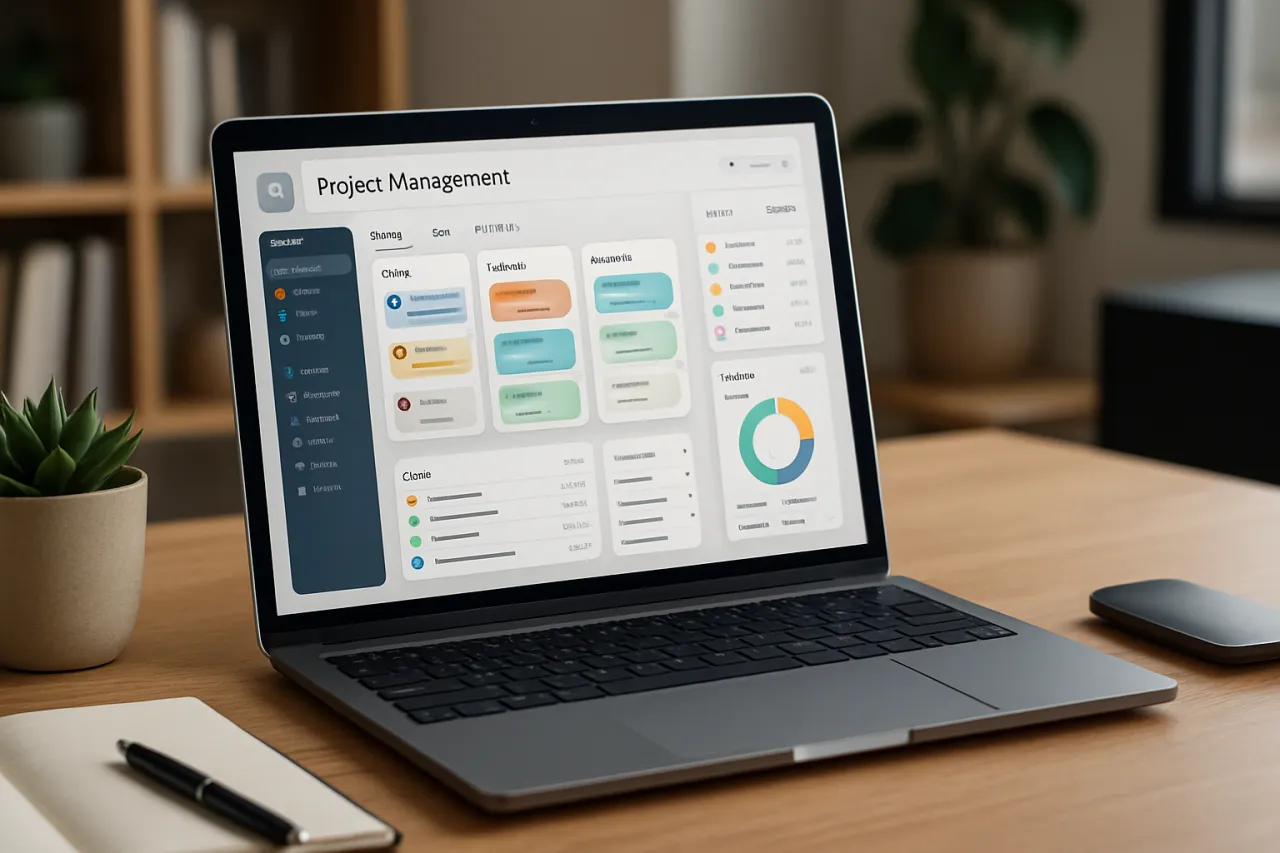
How to Choose the Right Project Management Software for Your Team
Introduction
In today's fast-paced business environment, effective project management is crucial for team productivity and success. Finding the right project management software can be a game changer, enabling teams to collaborate efficiently, track progress, and meet deadlines. Yet, with numerous options available, choosing the right tool can feel overwhelming.
This guide aims to help you navigate the complexities of selecting project management software that fits your team's unique size, needs, and budget. You will learn about essential features to prioritize, common pitfalls to avoid, and a comparison of popular tools. By the end of this article, you will have the knowledge needed to make informed decisions tailored to your team's requirements.
What Is Project Management Software?
Project management software is a digital platform designed to assist teams in planning, executing, and monitoring projects. These tools facilitate collaboration and communication among team members, making it easier to track progress, assign tasks, set deadlines, and share resources. From simple to-do lists to sophisticated project portfolios, the software varies widely in functionality and complexity.
Why It Matters
Choosing the right project management software is essential for several reasons. A suitable tool can improve team collaboration, streamline workflows, and enhance transparency. In contrast, the wrong choice may lead to confusion, decreased productivity, and wasted resources. Understanding the features that matter most to your team can help you avoid costly mistakes and ensure successful project outcomes.
Best Software / Methods / Strategies
Trello
- Overview: Trello uses a card-based system to manage tasks and projects, making it highly visual and user-friendly.
- Strengths: Intuitive design, customizable boards, ideal for small to medium teams.
- Limitations: Lacks advanced reporting features and may not be suitable for complex projects.
- Best for: Teams that prefer a visual approach to project management.
- Pricing overview: Free tier available; paid plans start at $12.50 per user/month.
Asana
- Overview: Asana offers a robust project management experience with task assignments, timelines, and project tracking features.
- Strengths: Comprehensive features, integrations with numerous apps, strong task management capabilities.
- Limitations: The interface can be overwhelming for new users; some features require higher-tier plans.
- Best for: Medium to large teams needing detailed project tracking.
- Pricing overview: Free tier available; premium plans start at $10.99 per user/month.
Monday.com
- Overview: Monday.com is a flexible work operating system that allows teams to manage any aspect of their workflow.
- Strengths: Highly customizable, visual project tracking, excellent for diverse teams.
- Limitations: Can become pricey as team size grows; some users find it overly complex.
- Best for: Teams looking for a customizable platform that can adapt to various workflows.
- Pricing overview: Plans start at $10 per user/month.
Basecamp
- Overview: Basecamp simplifies project management with to-do lists, file sharing, and messaging features.
- Strengths: User-friendly interface, excellent communication tools, fixed pricing for unlimited users.
- Limitations: Limited customizability, lacks advanced project tracking options.
- Best for: Small teams or startups seeking a straightforward solution.
- Pricing overview: Flat fee of $99/month for unlimited users.
How to Choose the Right Solution
When evaluating project management software, consider the following criteria:
- Team Size: Ensure the tool accommodates your team size without excessive costs.
- Features: Identify key features you need, such as task assignments, deadlines, or reporting tools.
- User Experience: Choose software with an intuitive interface to facilitate quick adoption.
- Integrations: Check if the tool integrates with existing software your team uses.
- Budget: Determine your budget and find tools that offer the best value for your needs.
Common Mistakes
- Choosing Based on Trends: Avoid selecting software solely because it’s popular; consider your team’s specific needs.
- Neglecting User Training: Don't overlook the importance of onboarding; invest time in training to maximize the tool's potential.
- Ignoring Scalability: Ensure the software can grow with your team; switching tools later can be disruptive and costly.
Frequently Asked Questions
- What features should I look for in project management software?
Look for task management, collaboration tools, file sharing, and reporting features. - Can I use project management software for remote teams?
Yes, many tools are designed specifically for remote collaboration, including features like video conferencing and file sharing. - Is there a free project management tool available?
Yes, tools like Trello and Asana offer free versions with essential features. - How do I ensure my team adopts the new software?
Involve your team in the selection process and provide adequate training on the new tool. - What is the average cost of project management software?
Pricing varies widely, from free plans to around $10-$12 per user/month for basic features.
Conclusion
Selecting the right project management software is pivotal for improving your team's productivity and collaboration. By understanding the unique needs of your team and considering factors like features, user experience, and budget, you can make an informed choice. Avoid common pitfalls and remember that the right tool can enhance your project workflows significantly. For more information on project management tools suited for remote teams, check out our Best Project Management Tools for Remote Teams.
About the Author
Startup Advisor
Ryan Martin brings 6 years of industry experience to every review. Specializing in Video Editing, He cuts through the marketing noise to deliver honest, practical insights.
