

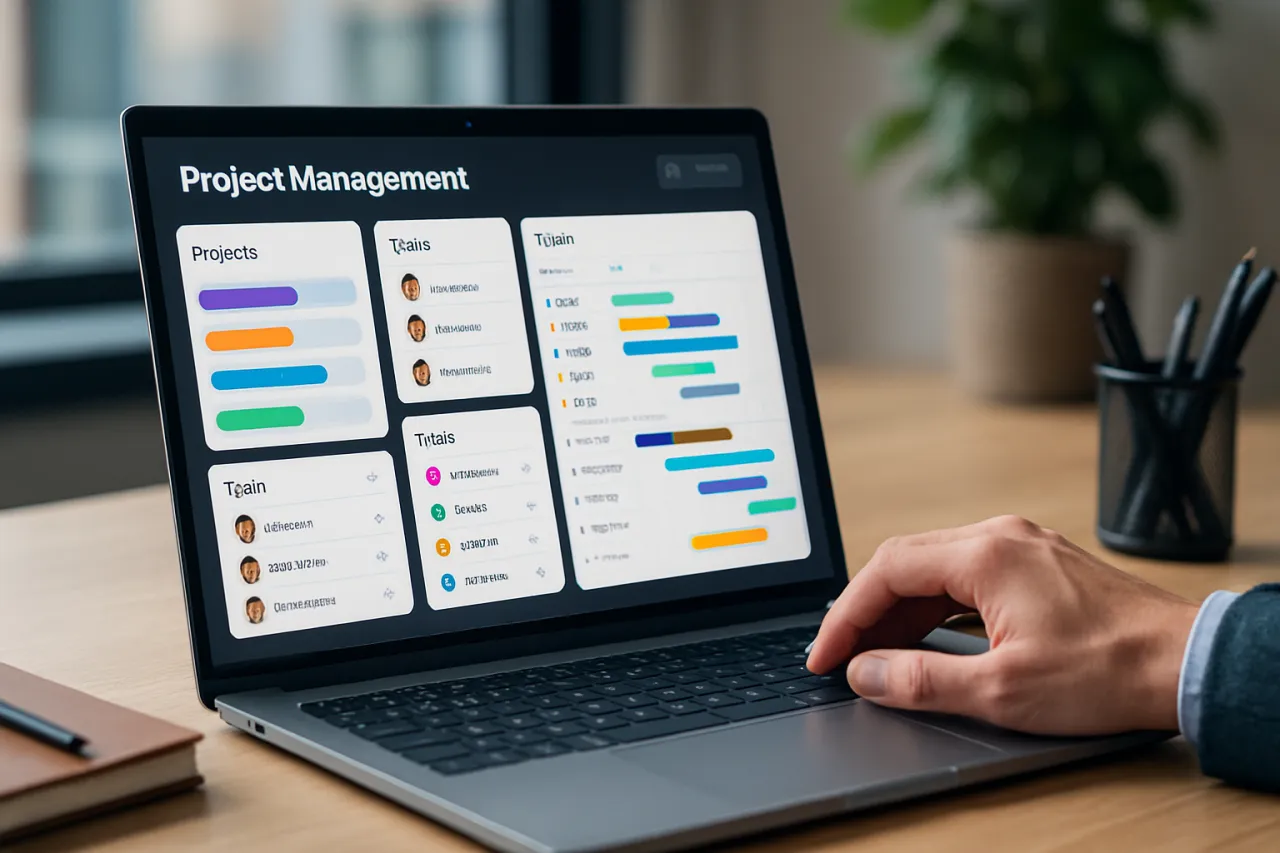
How to Choose the Right Project Management Software for Your Team
Introduction
Choosing the right project management software is essential for any team aiming to enhance productivity and streamline collaboration. With numerous options available, the selection process can be overwhelming. This article will guide you through the essential features to look for, pricing considerations, and integration capabilities, ensuring you make an informed choice that fits your team's specific needs.
In today's fast-paced work environment, effective project management tools are more than just a luxury; they are a necessity. The right software can facilitate communication, track progress, and manage resources, ultimately leading to better project outcomes. In this guide, we will explore what project management software is, why it’s significant, and how you can choose the best solution for your team.
What Is Project Management Software?
Project management software encompasses tools designed to help teams plan, organize, and manage project tasks and resources. These tools can vary in complexity from simple task lists to comprehensive platforms that include features for time tracking, collaboration, and reporting. By using project management software, teams can effectively coordinate their efforts, track progress, and ensure that projects are completed on time and within budget.
Why It Matters
Selecting the right project management software can significantly impact your team's efficiency and collaboration. Poor choices can lead to wasted time, miscommunication, and even project failure. A well-suited tool not only enhances workflow but also aligns with your team's unique needs and working style. Understanding how to choose the right solution is crucial for maximizing your resources and achieving your project goals.
Best Software / Methods / Strategies
1. Asana
- Overview: Asana is a versatile project management tool that enables teams to organize tasks and projects through customizable workflows.
- Strengths: User-friendly interface, strong collaboration features, and robust reporting capabilities.
- Limitations: May become complex for larger projects; limited offline functionality.
- Best for: Teams looking for flexibility and ease of use.
- Pricing overview: Free tier available; paid plans start at $10.99 per user/month.
2. Trello
- Overview: Trello is a visual project management tool that uses boards, lists, and cards to help teams track projects and tasks.
- Strengths: Intuitive design, easy to use, flexible for various project types.
- Limitations: Limited features in the free version; might lack depth for complex projects.
- Best for: Small teams and simple projects requiring visual organization.
- Pricing overview: Free tier available; premium plans start at $10 per user/month.
3. Monday.com
- Overview: Monday.com is a highly customizable platform that allows teams to manage projects, workflows, and tasks through visual dashboards.
- Strengths: Extensive customization options, powerful automation features, and good integration capabilities.
- Limitations: Can be overwhelming for beginners; higher costs for advanced features.
- Best for: Teams needing extensive customization and detailed project tracking.
- Pricing overview: Plans start at $8 per user/month.
4. ClickUp
- Overview: ClickUp is an all-in-one project management solution that combines task management, document sharing, and goal tracking.
- Strengths: Comprehensive features, highly customizable, adaptable to various methodologies.
- Limitations: Steeper learning curve due to the number of features; potential for information overload.
- Best for: Teams requiring an all-in-one solution with flexibility.
- Pricing overview: Free version available; paid plans start at $5 per user/month.
How to Choose the Right Solution
When evaluating project management software, consider the following criteria:
- Team Size: Ensure the software can accommodate your team’s scale.
- Feature Set: Identify the features that are essential for your workflow (task management, collaboration, reporting).
- Integrations: Check if the software integrates with the tools you already use (e.g., Slack, Google Drive).
- Ease of Use: Look for an intuitive interface to minimize the learning curve.
- Budget: Determine your budget and consider the pricing models available.
Common Mistakes
- Ignoring Team Input: Failing to involve your team in the selection process can lead to dissatisfaction with the chosen tool.
- Overlooking Training Needs: Assuming team members will intuitively understand how to use new software can lead to underutilization.
- Focusing Solely on Features: While features are important, consider user experience and support as well.
Frequently Asked Questions
What features should I look for in project management software?
Look for task management, collaboration tools, file sharing, reporting, and integration capabilities.
How can I assess my team’s needs before choosing software?
Conduct surveys or meetings to gather input on current challenges and desired features.
Is there a free trial for project management software?
Many tools offer free trials or freemium versions, allowing teams to test before committing.
How important are integrations when choosing software?
Integrations are crucial for ensuring seamless workflows and minimizing disruptions.
What if my team doesn't like the chosen software?
Be open to feedback and consider switching tools or customizing the current one based on team input.
Conclusion
Choosing the right project management software is a critical decision that can enhance your team's productivity and collaboration. By understanding your team’s specific needs and evaluating the available options carefully, you can select a tool that not only meets your requirements but also supports your workflow effectively. Remember to involve your team in the decision-making process to ensure the software is embraced and utilized to its full potential.
About the Author
Digital Tools Expert
Andrew Garcia is passionate about helping teams discover the right software. As a digital tools expert, He specializes in E-commerce solutions and has been featured in multiple tech publications.


