

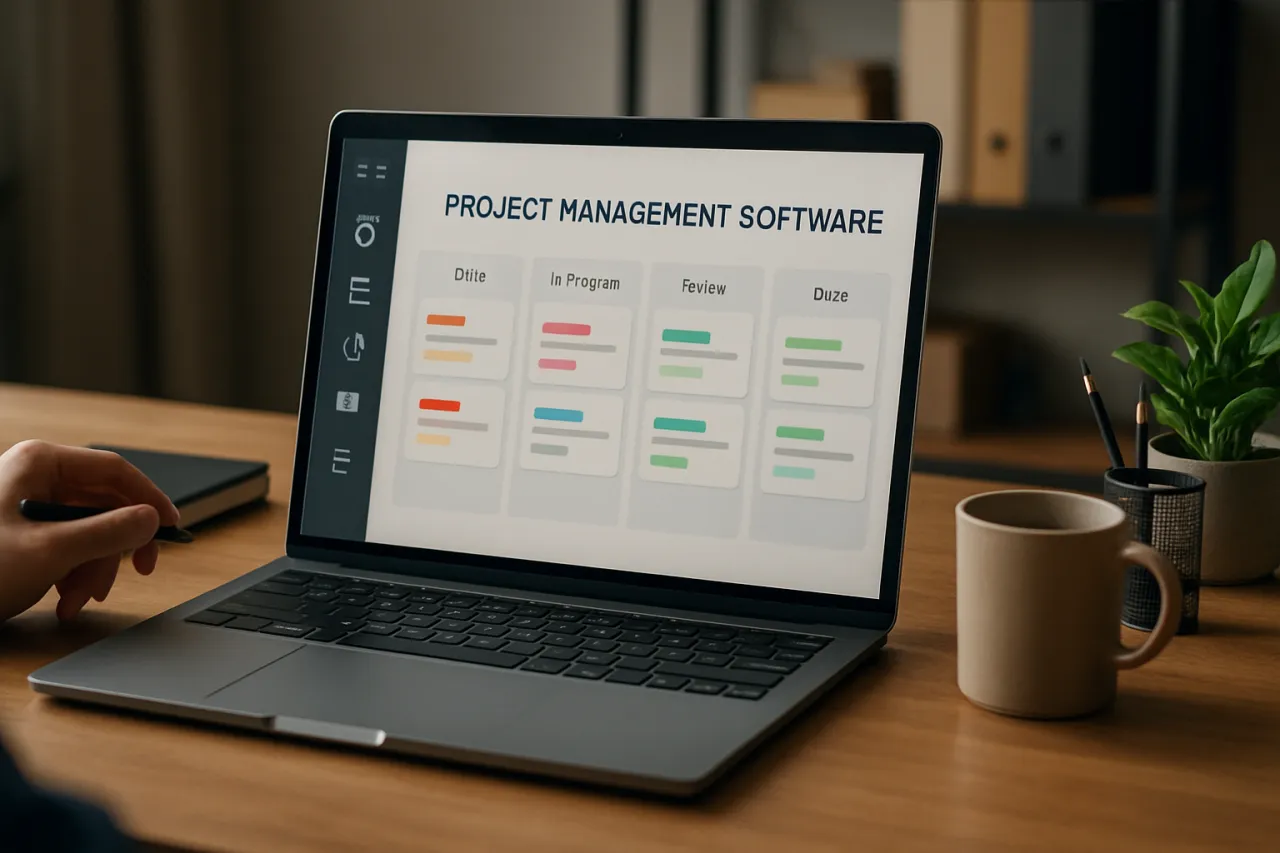
How to Choose the Right Project Management Software for Your Team
Introduction
In today’s fast-paced work environment, selecting the right project management software is critical for teams aiming to boost productivity and ensure project success. With countless options available, the challenge lies not just in identifying the best tools but also in aligning them with your team's specific needs and workflows. This guide will walk you through the essential considerations for project management software selection, helping you make informed choices that serve your team's goals.
Many teams struggle with inefficient communication and organization, often leading to project delays and frustration. The right project management tool can streamline processes, facilitate collaboration, and enhance visibility into project progress. By the end of this article, you will have a robust framework for assessing different software options and making a choice that aligns with your team's unique requirements.
What Is Project Management Software?
Project management software refers to a suite of tools designed to assist in planning, organizing, and managing resource tools and developing resource estimates. These applications help teams collaborate more effectively by providing functionalities such as task assignment, scheduling, time tracking, and reporting. They can be crucial for remote teams, where traditional in-person communication methods are impractical.
Most project management tools offer a centralized platform for team members to share updates, manage deadlines, and keep track of project milestones, thus fostering accountability and collaboration.
Why It Matters
Choosing the right project management software is more than just a technical decision; it can significantly impact team dynamics, productivity, and ultimately, project outcomes. A well-chosen tool can lead to better task prioritization, efficient resource allocation, and improved communication among team members. Conversely, the wrong choice can exacerbate existing issues, creating more confusion and hindering project success.
Best Software / Methods / Strategies
1. Trello
- Overview: Trello is a visual project management tool that uses boards, lists, and cards to help teams organize tasks and projects. It is very flexible and can be customized according to specific workflows.
- Strengths: Easy to use, visually intuitive, great for small teams, free version available.
- Limitations: May be limited for larger teams or complex projects, lacks advanced reporting features.
- Best for: Small to medium-sized teams looking for simplicity and visual task management.
- Pricing overview: Free tier available; business class starts around $10 per user/month.
2. Asana
- Overview: Asana is a comprehensive project management tool that allows teams to track their work with tasks, timelines, and dashboards. It integrates well with various applications and offers robust reporting features.
- Strengths: Offers a wide range of project views, excellent for collaboration and tracking progress.
- Limitations: Can be overwhelming for new users due to its numerous features; higher pricing may be a concern for smaller teams.
- Best for: Teams that require extensive project tracking and reporting capabilities.
- Pricing overview: Free tier available; premium plans start at $10.99 per user/month.
3. Monday.com
- Overview: Monday.com is a highly customizable work operating system that empowers teams to run projects and workflows with ease. It features a color-coded interface to enhance visibility.
- Strengths: Highly customizable, allows for visual tracking, suitable for teams of all sizes.
- Limitations: Can be expensive, particularly for larger teams; the learning curve may be steep for new users.
- Best for: Teams that want flexibility and customization tailored to their workflows.
- Pricing overview: Plans start at $8 per user/month for the basic tier.
4. ClickUp
- Overview: ClickUp is an all-in-one project management tool that combines tasks, docs, goals, and chat in one platform. It aims to replace multiple productivity tools.
- Strengths: Highly flexible, offers many features in a single platform, competitive pricing.
- Limitations: Can be complex due to numerous features; initial setup can be time-consuming.
- Best for: Teams looking for a comprehensive solution with a wide range of features.
- Pricing overview: Free tier available; paid plans start at $5 per user/month.
How to Choose the Right Solution
When selecting project management software, consider the following evaluation criteria:
- Team Size and Structure: Understand how many users will require access to the software. Larger teams may need tools that scale effectively.
- Feature Requirements: List the features most important to your team, such as time tracking, file sharing, or integration with other tools.
- User Experience: Evaluate how intuitive the interface is. A steep learning curve can hinder productivity.
- Budget: Determine your budget for software tools and compare the pricing models of different options.
- Integration Capabilities: Check if the software integrates with other tools your team already uses, such as email, calendars, or document storage solutions.
Common Mistakes
When selecting project management software, avoid these common pitfalls:
- Ignoring Team Input: Involve your team in the selection process; their feedback can provide insights into what features are essential.
- Overlooking Scalability: Choose a tool that can grow with your team, especially if you plan to expand your operations.
- Focusing Solely on Cost: While budget is important, prioritizing features and user experience can lead to better long-term results.
- Neglecting Training Needs: Ensure that your team is trained to use the new software effectively to maximize its benefits.
Frequently Asked Questions
1. How can I ensure my team will use the new project management software?
Engage your team in the selection process and provide adequate training to ensure everyone is comfortable using the tool.
2. Are there free project management tools available?
Yes, many project management tools offer free tiers or trials, such as Trello and ClickUp, which can be effective for small teams.
3. What features should I look for in project management software?
Key features to consider include task management, collaboration tools, reporting capabilities, and integrations with other software.
4. Can project management software help with remote teams?
Absolutely! Many project management tools are designed to facilitate communication and collaboration among remote teams, making them essential for distributed workforces.
5. How often should I reevaluate our chosen project management software?
It’s good practice to reassess your software annually or whenever your team’s workflow or size changes significantly.
Conclusion
Selecting the right project management software can enhance your team's efficiency and project outcomes. By understanding your team's specific needs, evaluating key features, and avoiding common pitfalls, you can make an informed decision that aligns with your project goals. Remember to involve your team in the selection process, and consider both current requirements and future growth to ensure lasting success.
About the Author
Software Reviewer
A seasoned software reviewer, Nathan Lee focuses on making tech accessible to everyday users. He covers Video Editing tools, comparisons, and buying guides on Softedin.


