

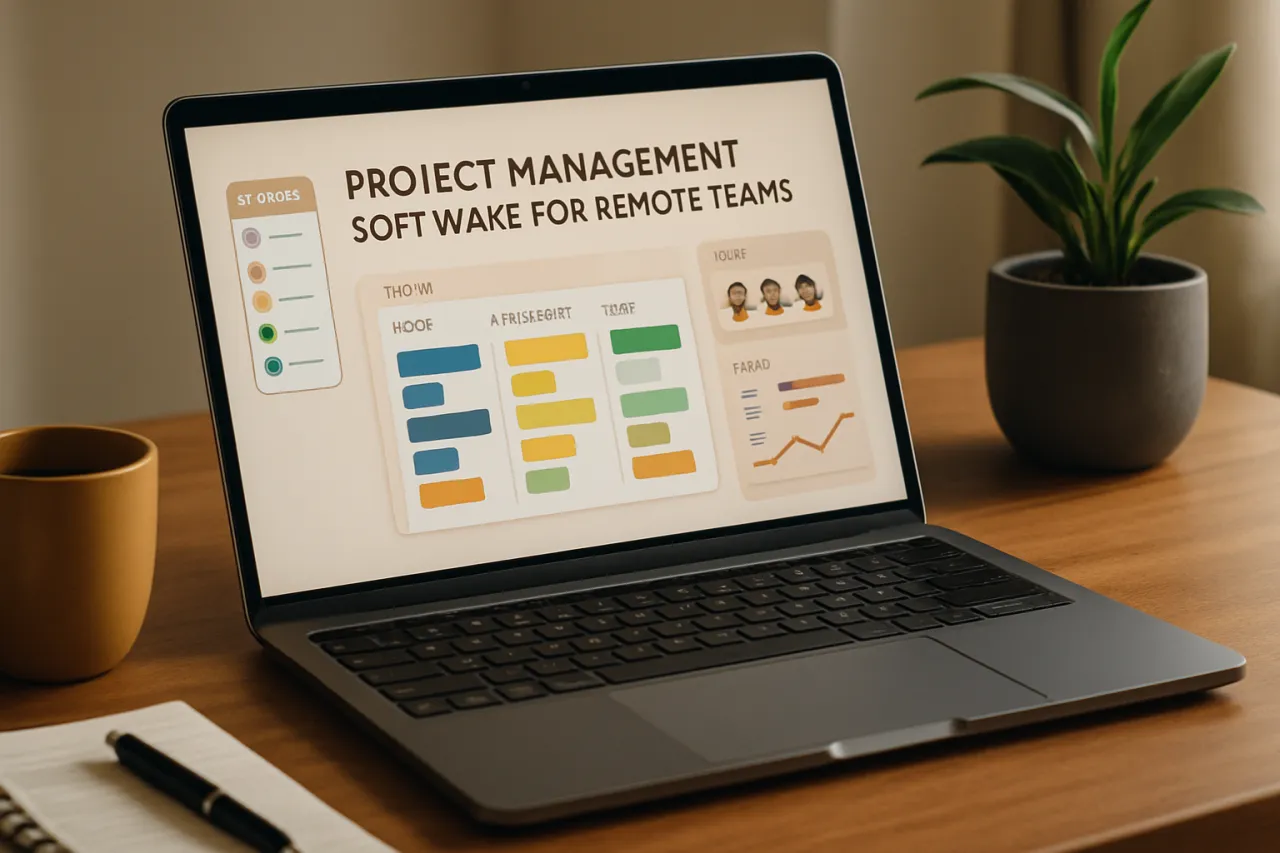
How to Choose Project Management Software for Remote Teams
Introduction
In today's digital landscape, remote work has become the norm for many teams. However, managing projects across different locations presents unique challenges. Selecting the right project management software is crucial for ensuring effective collaboration, communication, and productivity within remote teams. This guide will help you navigate the selection process, highlighting key features, integration capabilities, and usability factors to consider.
Choosing the right project management tools can transform how your remote team operates. With the right software, you can streamline workflows, enhance communication, and boost overall efficiency. In this article, we will discuss the fundamental aspects you need to know to make an informed decision.
What Is Project Management Software?
Project management software refers to a suite of tools designed to assist project managers and teams in planning, executing, and monitoring projects. These platforms facilitate task assignment, progress tracking, and resource management, enabling teams to collaborate more effectively, especially in remote settings. The software often includes features like time tracking, reporting, file sharing, and communication channels integrated into one platform.
Why It Matters
Investing in the right project management software is essential for remote teams. Poor communication and lack of visibility into project progress can lead to missed deadlines and decreased productivity. With the right tools, you can ensure that everyone is on the same page, that tasks are clearly defined, and that accountability is maintained. Understanding the importance of project management software will empower you to choose a solution that aligns with your team's unique needs.
Best Software / Methods / Strategies
1. Altera
- Overview: Altera is a workflow automation tool designed to simplify project management for remote teams.
- Strengths: Offers customizable workflows, automation features, and integration with other tools.
- Limitations: May require a learning curve for new users.
- Best for: Teams needing automation and integration capabilities.
- Pricing overview: Pricing is tiered based on features and number of users.
2. TheLoops
- Overview: TheLoops provides a comprehensive platform for team collaboration and project tracking.
- Strengths: User-friendly interface, strong communication features, and excellent customer support.
- Limitations: Limited advanced reporting features compared to competitors.
- Best for: Teams that prioritize communication and ease of use.
- Pricing overview: Offers a free tier with limited features and paid plans for more advanced needs.
3. Trello
- Overview: Trello is a visual project management tool that uses boards and cards to organize tasks.
- Strengths: Intuitive layout, flexibility, and vast integration options.
- Limitations: Can become cluttered with large projects, lacking advanced reporting.
- Best for: Smaller teams or projects that benefit from a visual approach.
- Pricing overview: Free version available; paid plans unlock additional features.
4. Asana
- Overview: Asana helps teams manage work projects with task lists, timelines, and calendars.
- Strengths: Robust features for task management, excellent reporting, and team collaboration.
- Limitations: Can be overwhelming for new users due to its extensive features.
- Best for: Medium to large teams needing detailed project tracking.
- Pricing overview: Free version with basic features; premium plans available for advanced functionalities.
How to Choose the Right Solution
When evaluating project management software for your remote team, consider the following criteria:
- User Experience: Choose software that is easy to navigate and use, minimizing the learning curve for your team.
- Collaboration Features: Look for tools that enhance communication, such as chat features, comment sections, and file sharing.
- Integration Capabilities: Ensure the software can integrate with the tools your team already uses, such as email, calendars, and other productivity apps.
- Reporting and Analytics: Select software that provides insights into project progress, allowing for better decision-making and resource allocation.
- Pricing: Assess your budget and the value each tool provides to ensure you’re making a cost-effective decision.
Common Mistakes
- Ignoring Team Input: Failing to involve team members in the selection process can lead to choosing software that doesn’t meet their needs.
- Overlooking Scalability: Choosing a tool that works well now but won’t scale as your team grows can cause future disruptions.
- Neglecting Training: Underestimating the importance of training can lead to poor adoption and ineffective use of the software.
Frequently Asked Questions
1. What features should I prioritize in project management software for remote teams?
Look for communication tools, task tracking, project timelines, and integration capabilities.
2. Is project management software necessary for small remote teams?
While it’s not required, it can significantly improve organization and productivity, even for smaller teams.
3. How can I ensure my team adopts the new project management tool?
Provide training, encourage feedback, and demonstrate how the software improves workflows.
4. Can project management software help with time management?
Yes, many tools include time tracking features to help teams manage their time better.
5. What is the average cost of project management software?
Pricing varies widely, but many tools offer free versions or tiered pricing based on features and user numbers.
Conclusion
Choosing the right project management software for remote teams requires careful consideration of various factors, including usability, collaboration features, and integration capabilities. By understanding your team's unique needs and avoiding common pitfalls, you can make a well-informed decision that enhances your team's productivity and collaboration. Take the time to evaluate different options and involve your team in the process to ensure a successful transition to your new project management tool.
About the Author
Digital Tools Expert
Jonathan Phillips is passionate about helping teams discover the right software. As a digital tools expert, He specializes in Analytics solutions and has been featured in multiple tech publications.
