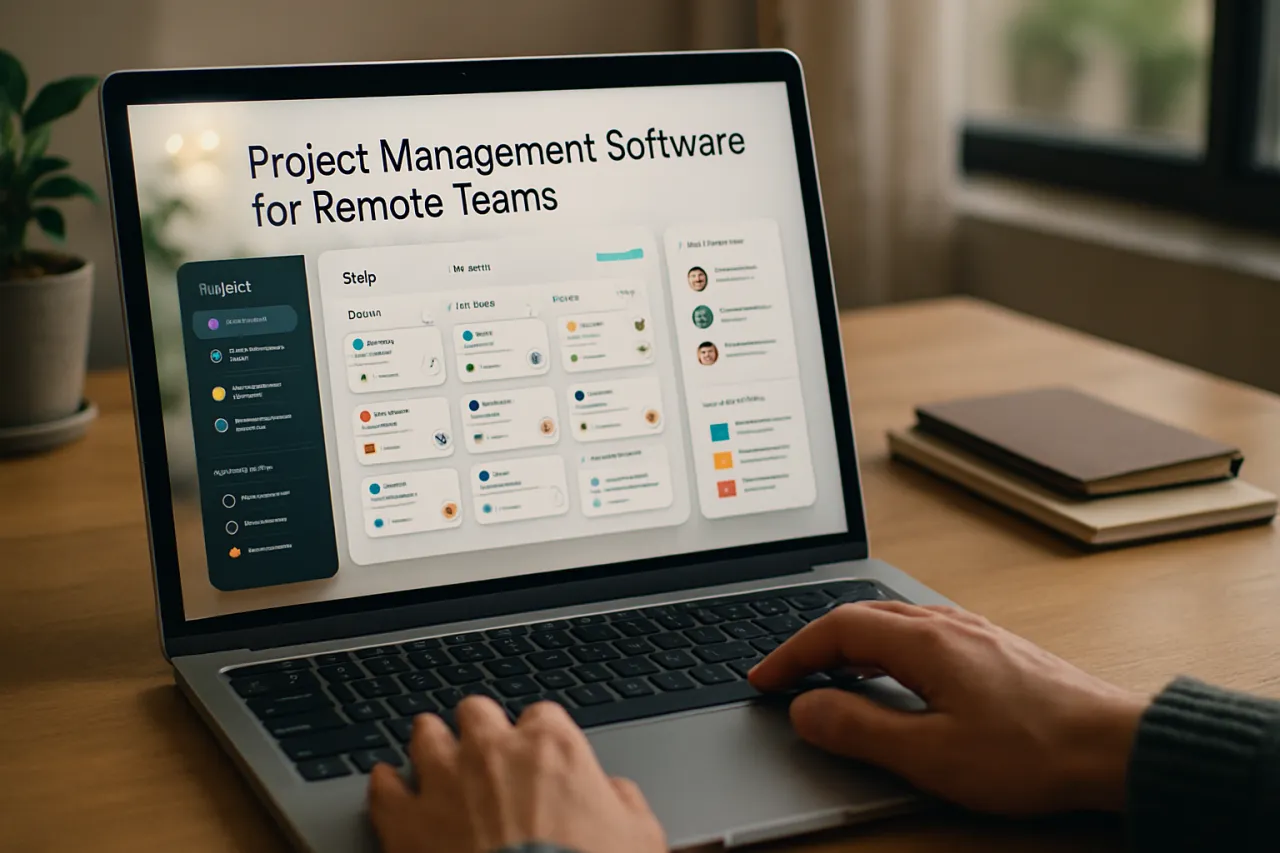
How to Choose the Right Project Management Software for Remote Teams
Introduction
In today’s digital world, remote teams are becoming the norm rather than the exception. As organizations adapt to this shift, selecting the right project management software has become crucial. With countless tools available, the challenge lies in identifying the one that meets your team's unique needs and enhances productivity.
This article will guide you through the process of choosing the most suitable project management software for remote teams. You’ll learn about essential features, common pitfalls to avoid, and effective implementation strategies. By the end, you’ll be equipped to make an informed decision that fosters collaboration and project success.
What Is Project Management Software?
Project management software is a tool that helps teams plan, organize, and manage workflows and tasks associated with a project. It provides functionalities such as task assignment, progress tracking, and resource allocation, all of which are crucial for keeping projects on schedule. For remote teams, this software becomes even more vital as it bridges the gap between team members who may be dispersed across different locations.
Why It Matters
Selecting the right project management software is essential for remote teams as it can significantly impact productivity and collaboration. The right tool not only streamlines communication but also provides clarity on project goals, deadlines, and responsibilities. Conversely, the wrong choice can lead to misunderstandings, missed deadlines, and frustration among team members. Thus, understanding the specific needs of your team is paramount in making an effective selection.
Best Software / Methods / Strategies
1. Asana
Overview
Asana is a versatile project management tool that supports task management, project tracking, and team collaboration. Its user-friendly interface makes it suitable for teams of all sizes.
Strengths
- Intuitive design
- Robust task assignment features
- Integration with numerous third-party apps
Limitations
- Can become overwhelming with complex projects
- Free version has limited features
Best for
Small to medium-sized teams looking for an easy-to-use tool.
Pricing overview
Free plan available; premium plans start at $10.99 per user per month.
2. Trello
Overview
Trello uses a visual board and card system to organize projects, making it ideal for teams that prefer a straightforward, visual approach to project management.
Strengths
- Highly visual and easy to use
- Flexible with customization options
- Great for smaller projects
Limitations
- Limited features in the free version
- May lack depth for large projects
Best for
Teams that thrive on visual organization and simple task management.
Pricing overview
Free plan available; business class starts at $12.50 per user per month.
3. Kissflow Digital Workplace
Overview
Kissflow Digital Workplace combines project management with workflow automation, making it perfect for remote teams looking to streamline processes.
Strengths
- Combines project management with workflow tools
- Excellent for process automation
- Good reporting and analytics features
Limitations
- Steeper learning curve for new users
- Can be more expensive than basic tools
Best for
Organizations needing advanced workflow capabilities alongside project management.
Pricing overview
Pricing starts at $15 per user per month.
How to Choose the Right Solution
When evaluating project management software for remote teams, consider the following criteria:
- User Experience: A simple, intuitive interface can reduce the learning curve and promote user adoption.
- Collaboration Features: Look for tools that facilitate communication, such as chat, comments, and file sharing.
- Task Management: The ability to assign, prioritize, and track tasks is crucial for keeping projects organized.
- Integration Capabilities: Ensure the tool can integrate with other software your team uses, such as communication tools or file storage solutions.
- Scalability: Choose a solution that can grow with your team’s needs as projects become more complex.
Common Mistakes
Here are some pitfalls to avoid when selecting project management software:
- Ignoring Team Feedback: Not involving team members in the selection process can lead to choosing a tool that doesn't meet their needs.
- Overlooking Training Needs: Failing to provide adequate training can hinder adoption and lead to frustration.
- Focusing Solely on Features: Prioritizing features over user experience can result in a tool that’s difficult to use.
Frequently Asked Questions
1. What features should I look for in project management software?
Look for task management, collaboration tools, integration capabilities, and reporting features.
2. How can I ensure successful implementation of the software?
Provide proper training, involve your team in the selection process, and set clear usage guidelines.
3. Are there free project management tools available?
Yes, many tools like Trello and Asana offer free versions with limited features.
4. How do I choose between multiple project management tools?
Evaluate each tool based on team needs, user experience, and integration capabilities before making a decision.
5. What if my team is not embracing the new software?
Gather feedback, provide additional training, and demonstrate the software's value in improving workflows.
Conclusion
Choosing the right project management software for remote teams is a critical decision that can enhance collaboration and productivity. By understanding your team's specific needs and evaluating essential features, you can avoid common pitfalls and select a tool that truly supports your goals. Remember, the best software is one that fits seamlessly into your team's workflow and fosters effective communication. With the right approach, your remote team can thrive in a digital environment, driving project success and achieving collective objectives.
About the Author
AI Tools Researcher
A seasoned ai tools researcher, Imran Akhtar focuses on making tech accessible to everyday users. He covers Video Editing tools, comparisons, and buying guides on Softedin.