How to Choose the Right Project Management Software for Startups
Introduction
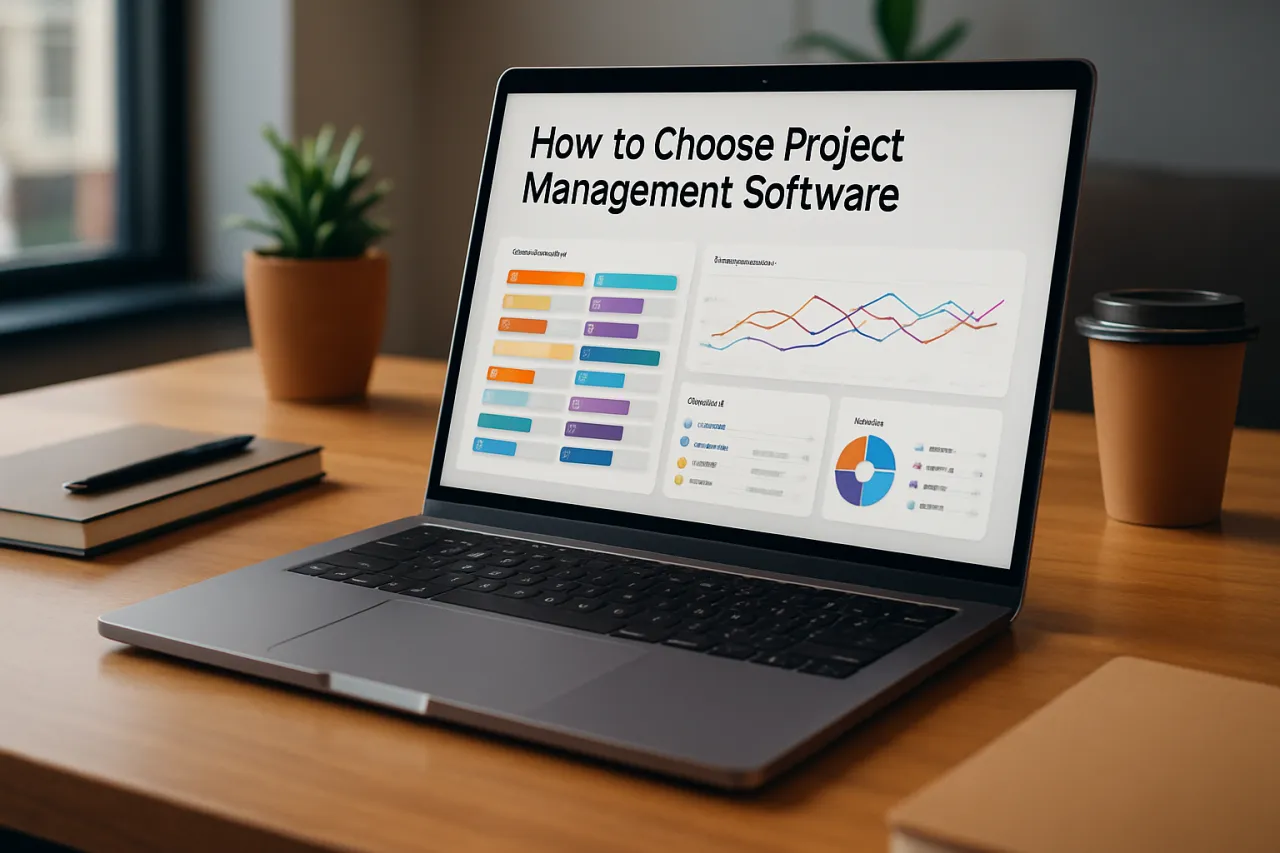
Startups often face unique challenges when it comes to managing projects effectively. With limited resources, small teams, and the need for fast-paced collaboration, choosing the right project management software becomes crucial for success. This guide will walk you through actionable tips for selecting the best tools tailored to your startup's needs, covering essential features, common pitfalls, and how to align software with your objectives.
By the end of this article, you will have a clearer understanding of what to look for in project management software and how to avoid common mistakes that could hinder your team's progress.
What Is Project Management Software?
Project management software encompasses a variety of tools designed to help teams plan, execute, and monitor projects efficiently. These tools facilitate collaboration among team members, streamline workflows, and provide visibility into project status and progress. From task assignments to progress tracking, project management software aids in ensuring that projects are completed on time and within budget.
Why It Matters
For startups, effective project management is vital not just for meeting deadlines but also for maximizing limited resources. The right software can enhance team collaboration, improve communication, and foster accountability. With the right tools in place, startups can navigate challenges more effectively, adapt to changes, and ultimately drive growth.
Best Software / Methods / Strategies
1. Trello
- Overview: Trello is a visual project management tool that uses boards, lists, and cards to organize tasks.
- Strengths: User-friendly interface, flexibility, strong collaboration features, and a variety of integrations.
- Limitations: May lack advanced features required for complex project tracking.
- Best for: Teams looking for a straightforward, visual way to manage tasks.
- Pricing overview: Free plan available; paid plans start at $10/month per user.
2. Asana
- Overview: Asana is a comprehensive project management tool that offers task management, project tracking, and reporting functionalities.
- Strengths: Robust feature set, excellent for team collaboration, and customizable workflows.
- Limitations: Can be overwhelming for new users due to its extensive features.
- Best for: Teams needing detailed project tracking and management tools.
- Pricing overview: Free plan available; premium plans start at $10.99/month per user.
3. Monday.com
- Overview: Monday.com is a versatile work operating system that enables teams to manage projects and workflows in one place.
- Strengths: Highly customizable, visually appealing interface, and strong automation capabilities.
- Limitations: Pricing can be on the higher side for small startups.
- Best for: Teams looking for customizable workflows and visual project management.
- Pricing overview: Plans start at $8/month per user with a minimum of three users.
4. ClickUp
- Overview: ClickUp is an all-in-one project management tool that combines tasks, docs, goals, and chat.
- Strengths: Feature-rich with multiple views (list, board, calendar), and strong integration capabilities.
- Limitations: The abundance of features can lead to a steep learning curve.
- Best for: Teams that require extensive features bundled into one platform.
- Pricing overview: Free plan available; unlimited plans start at $5/month per user.
5. Notion
- Overview: Notion combines notes, tasks, databases, and wikis in a single workspace, allowing for flexible project management.
- Strengths: Highly customizable, great for documentation, and collaborative workspace.
- Limitations: May lack some advanced project management features found in dedicated tools.
- Best for: Teams that prioritize documentation alongside project management.
- Pricing overview: Free plan available; personal pro plans start at $4/month.
How to Choose the Right Solution
When choosing project management software, consider the following criteria:
- Team Size: The ideal tool should accommodate your current and anticipated team size, with scalability in mind.
- Features: Identify which features are essential for your team's workflow, such as task assignments, timelines, and reporting.
- Ease of Use: Ensure the tool is user-friendly to avoid overwhelming your team, especially if they are new to project management software.
- Integration: Check if the software integrates with other tools your startup uses, like communication platforms or file storage.
- Cost: Consider your budget and the pricing structure of the software, including any hidden costs associated with scaling or additional features.
Common Mistakes
- Overcomplicating the Selection Process: Startups often get bogged down in feature comparisons. Focus on what your team needs rather than what looks impressive.
- Ignoring User Feedback: Involve your team in the decision-making process to ensure the chosen tool meets their needs and preferences.
- Neglecting Training: Underestimating the need for training can lead to poor adoption. Allocate time for your team to learn the software thoroughly.
- Choosing Based on Hype: Avoid selecting tools solely based on popularity. Assess their suitability for your specific use case first.
Frequently Asked Questions
1. What is the most important feature to look for in project management software?
The most important feature depends on your specific needs, but task management, collaboration tools, and reporting capabilities are generally essential.
2. Can I switch project management tools if I find one that suits my needs better?
Yes, most tools allow data export, and transitioning is a common practice as teams evolve.
3. Is free project management software as effective as paid options?
Free software can be effective for small teams and simple projects, but paid options often provide more features and better support.
4. How can I ensure my team adopts the new project management software?
Involve team members in the selection process, provide adequate training, and highlight how the software will benefit their daily tasks.
5. Are there project management tools specifically designed for startups?
Yes, many tools cater to startups, focusing on flexibility, scalability, and affordability to meet the unique needs of new businesses.
Conclusion
Choosing the right project management software is a critical decision for startups aiming for efficient workflow and collaboration. By understanding your team's specific requirements and evaluating software based on key features, ease of use, and budget, you can make an informed choice. Avoid common pitfalls like overcomplicating the selection process or neglecting user feedback. With the right tools in place, your startup can enhance productivity and drive successful project outcomes.
About the Author
Digital Marketing Expert
With a background in Design Tools, Tania Gondal brings hands-on expertise to evaluating the latest Design Tools tools. She has reviewed hundreds of SaaS products for startups and enterprises alike.