

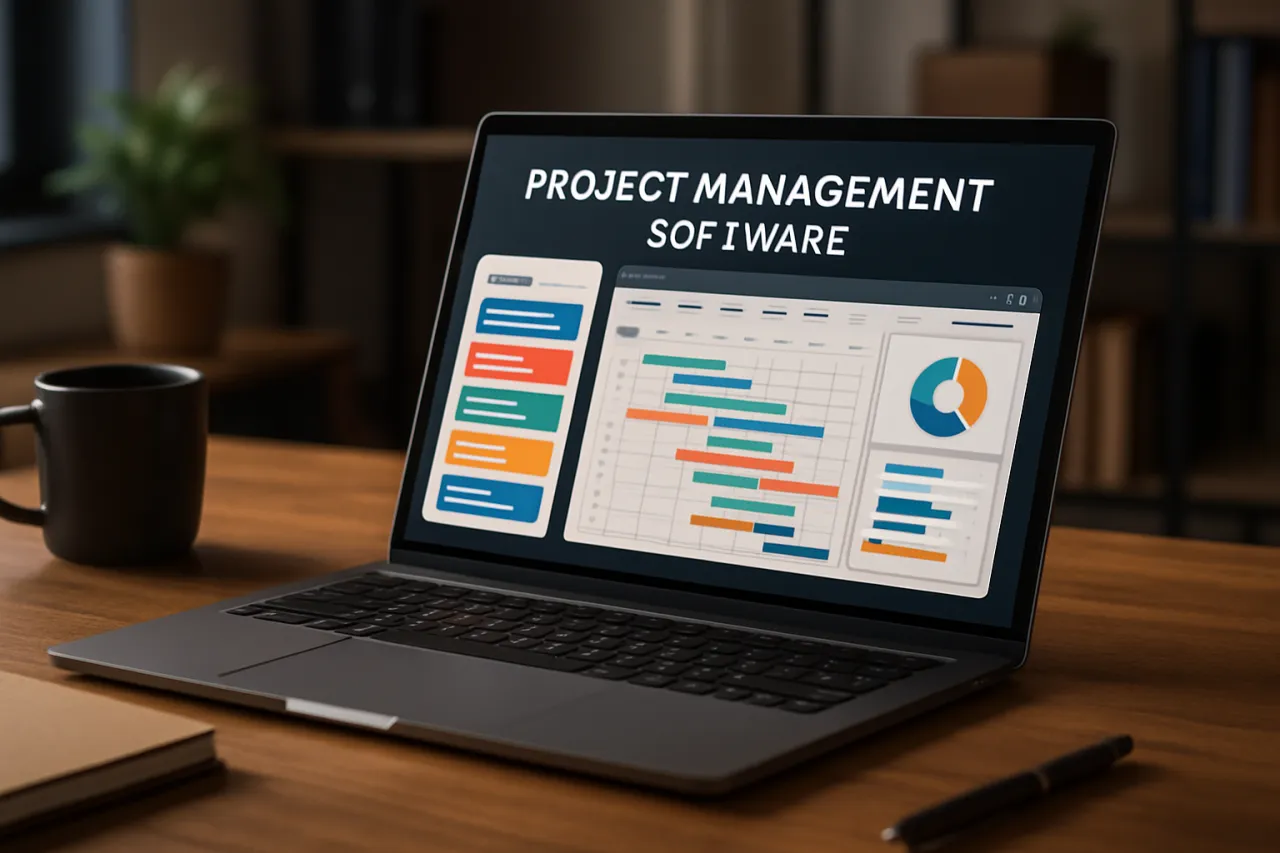
How to Choose the Right Project Management Software for Your Team
Introduction
Choosing the right project management software is a pivotal decision for any team. With the increasing complexity of projects and the need for efficient collaboration, the right tools can streamline workflows and enhance productivity. However, with a plethora of options available, making the right choice can feel overwhelming.
This guide will help you navigate the process of selecting project management software tailored to your team’s unique needs. We will explore essential features, compare pricing, and examine user testimonials to facilitate informed decision-making.
What Is Project Management Software
Project management software encompasses a variety of tools designed to assist teams in planning, executing, and monitoring project tasks. These platforms enable teams to collaborate efficiently, track progress, allocate resources, and manage budgets. By centralizing project-related information, these tools facilitate better communication and transparency among team members.
Why It Matters
Effective project management software not only helps in keeping projects on track but also boosts team morale and productivity. When teams have the right tools at their disposal, they can focus more on their core tasks rather than getting bogged down by administrative duties. The right software can also aid in integrating various processes, enhancing collaboration, and ultimately leading to successful project outcomes.
Best Software / Methods / Strategies
1. Asana
- Overview: A versatile project management tool that allows for task assignment, progress tracking, and team collaboration.
- Strengths: User-friendly interface, customizable dashboards, and integration with numerous third-party applications.
- Limitations: Can become overwhelming with too many features for smaller teams.
- Best for: Teams looking for a balance between simplicity and advanced features.
- Pricing overview: Offers a free version with premium plans starting at $10.99 per user/month.
2. Trello
- Overview: A visual task management tool that uses boards and cards for organizing projects.
- Strengths: Intuitive drag-and-drop interface, highly customizable workflows, and strong collaboration features.
- Limitations: Less suited for complex project management needs.
- Best for: Teams preferring a visual approach to project management.
- Pricing overview: Free tier available, with business plans starting at $12.50 per user/month.
3. Microsoft Project
- Overview: A comprehensive project management software that provides advanced project scheduling and resource management capabilities.
- Strengths: Powerful features for large projects, extensive reporting capabilities, and integration with Microsoft tools.
- Limitations: Steeper learning curve and higher cost compared to other options.
- Best for: Larger teams and organizations with complex project management needs.
- Pricing overview: Plans start at $10 per user/month.
4. Monday.com
- Overview: A highly customizable project management platform that allows for workflow automation and visual tracking.
- Strengths: Flexible and adaptable to various workflows, strong integration options.
- Limitations: May require time to set up for optimal use.
- Best for: Teams that require a high degree of customization.
- Pricing overview: Starts at $8 per user/month for the basic plan.
How to Choose the Right Solution
When selecting project management software, consider the following evaluation criteria:
- Team Size and Structure: Ensure the tool can accommodate your team's size and that its features align with how your team works.
- Specific Needs: Identify the specific functionalities your team requires, such as task management, time tracking, or communication features.
- Integration Capabilities: Check if the software integrates well with other tools your team uses, such as email, calendars, or CRM systems. For example, Microsoft Power Automate can enhance integration between various applications.
- User Experience: Look for software with a user-friendly interface that minimizes the learning curve for team members.
- Budget: Evaluate pricing structures to ensure they fit within your budget while meeting your team's needs.
Common Mistakes
When selecting project management software, avoid these common pitfalls:
- Overlooking User Training: Failing to provide adequate training can hinder adoption.
- Neglecting Team Input: Not involving team members in the decision-making process may lead to dissatisfaction with the chosen tool.
- Choosing Based Solely on Price: Opting for cheaper solutions without considering features may result in inadequate functionality.
- Ignoring Scalability: Selecting software that does not scale with your team's growth can lead to future headaches.
Frequently Asked Questions
- What features should I look for in project management software? Look for task assignment, progress tracking, reporting, and collaboration features.
- How important are integrations? Integrations can streamline workflows and enhance productivity by connecting different tools.
- Is free software a good option? Free software can be suitable for small teams or simple projects, but may lack advanced features.
- How can I ensure my team adopts new software? Provide training, involve team members in the selection process, and gather feedback regularly.
- What if my team is remote? Consider tools designed specifically for remote collaboration. Check out our guide on the Best Project Management Tools for Remote Teams for tailored recommendations.
Conclusion
Choosing the right project management software is essential for enhancing team collaboration and efficiency. By considering your team’s specific needs, evaluating key features, and avoiding common mistakes, you can make a well-informed decision. Remember, the best tool is one that not only meets your current requirements but also scales with your team as it grows.
About the Author
Digital Marketing Expert
Asad Latif brings 7 years of industry experience to every review. Specializing in Social Media, He cuts through the marketing noise to deliver honest, practical insights.


