How to Choose the Right Video Editing Software for Beginners
Introduction
Navigating the world of video editing software can be intimidating for beginners. With a vast array of options available, it's easy to feel overwhelmed by the features, pricing, and compatibility of different tools. Whether you're looking to edit videos for social media, educational content, or personal projects, the right software can make all the difference in your video creation journey.
In this guide, we'll break down essential features to consider when choosing video editing software, highlight common mistakes to avoid, and compare popular options tailored for beginners. By the end of this article, you'll have a clearer understanding of the tools that align with your goals and budget.
What Is Video Editing Software?
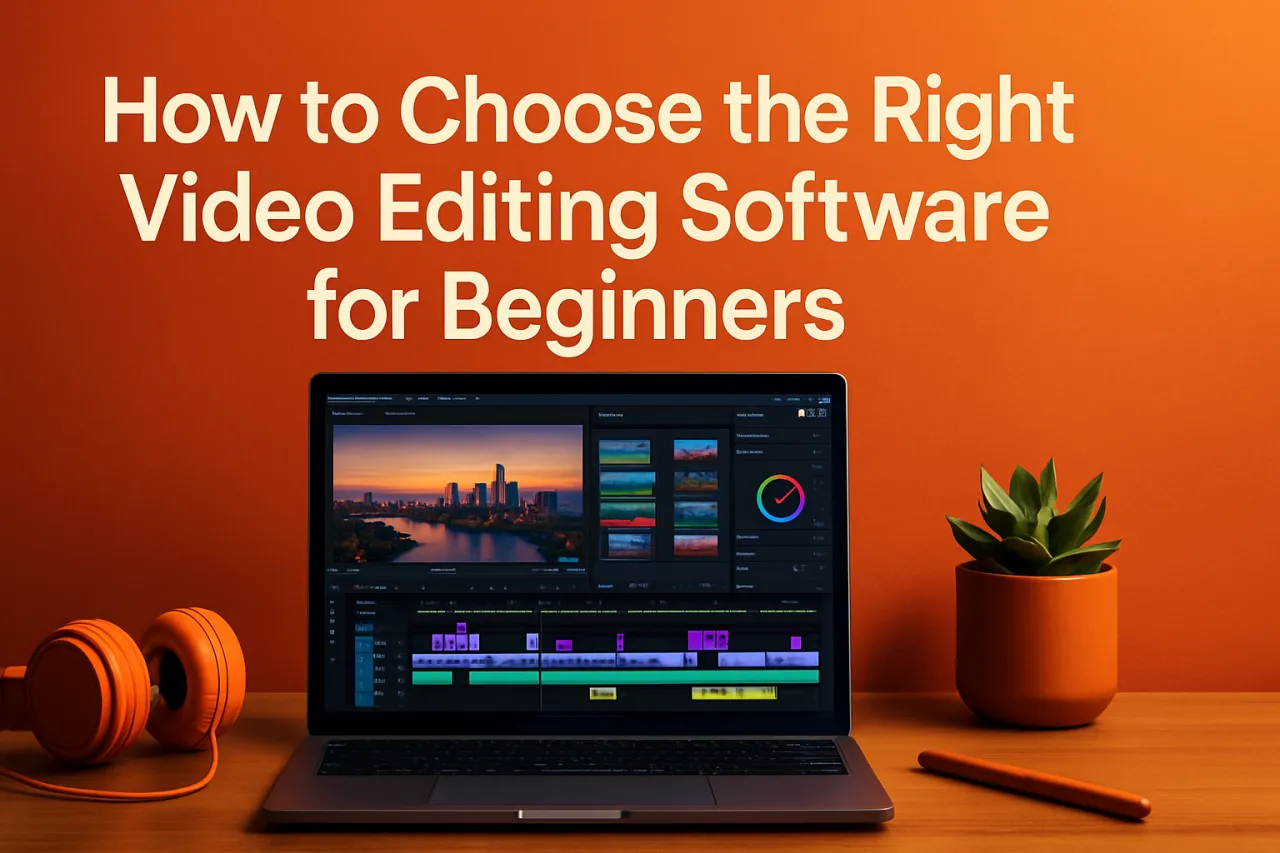
Video editing software is a program that allows users to manipulate and arrange video footage, audio tracks, and visual effects. These tools range from simple apps designed for quick edits to more complex software catering to professional filmmakers. For beginners, the focus should be on user-friendly interfaces, essential features, and tools that enable creativity without overwhelming complexity.
Why It Matters
Choosing the right video editing software is crucial for anyone looking to produce high-quality videos. Not only does it affect the final product's look and feel, but it also impacts your workflow. A suitable tool can streamline the editing process, allowing you to focus on storytelling and creativity rather than getting bogged down by technical difficulties. Moreover, understanding what features to prioritize can save you time and money, ensuring you invest in a tool that meets your specific needs.
Best Software for Beginners
1. iMovie
- Overview: iMovie is Apple's intuitive video editing software, perfect for Mac and iOS users. It offers a simple interface and essential editing features.
- Strengths: User-friendly design, seamless integration with Apple products, and good selection of themes and templates.
- Limitations: Limited to Apple devices, fewer advanced features compared to professional software.
- Best for: Beginners looking for straightforward video edits, especially those in the Apple ecosystem.
- Pricing overview: Free with Mac and iOS devices.
2. Adobe Premiere Rush
- Overview: Adobe Premiere Rush is a simplified version of Adobe's flagship Premiere Pro, designed for quick edits and social media sharing.
- Strengths: Cross-platform compatibility, cloud storage for projects, and easy sharing options.
- Limitations: Some advanced features are absent compared to Premiere Pro; subscription model might not suit everyone's budget.
- Best for: Creators focusing on social media content who need quick, polished edits.
- Pricing overview: Starts free with limitations; full version available through subscription.
3. OpenShot
- Overview: OpenShot is a free, open-source video editing software suitable for beginners. It provides a range of essential features to create professional-looking videos.
- Strengths: No cost, user-friendly interface, and support for various file formats.
- Limitations: Can be less stable than paid options; fewer advanced features.
- Best for: Beginners on a tight budget looking for an accessible editing solution.
- Pricing overview: Free.
4. Filmora
- Overview: Filmora is a popular video editing software known for its ease of use and rich library of effects and templates.
- Strengths: Intuitive interface, drag-and-drop functionality, and a variety of creative options.
- Limitations: Watermark on the free version; some features may require a learning curve.
- Best for: Users wanting to create engaging videos with minimal effort.
- Pricing overview: Free trial available; subscription options after that.
How to Choose the Right Solution
When selecting video editing software, consider the following criteria:
- Ease of Use: Opt for software with an intuitive interface, especially if you’re new to video editing.
- Features: Identify the features you need, such as transitions, effects, and audio editing capabilities.
- Budget: Determine how much you're willing to spend, keeping in mind that many excellent free options exist.
- Compatibility: Ensure the software is compatible with your operating system and the devices you plan to use.
- Support and Community: Look for software with strong customer support and a community where you can seek help.
Common Mistakes
Avoid these pitfalls when choosing video editing software:
- Overlooking Your Needs: Don’t choose software based solely on popularity; consider what you specifically need for your projects.
- Ignoring System Requirements: Ensure your device meets the software’s requirements to avoid performance issues.
- Not Trying Before Buying: Take advantage of free trials to test the software before committing to a purchase.
- Neglecting Tutorials: Many beginners overlook available tutorials, which can significantly ease the learning curve.
Frequently Asked Questions
1. What is the best free video editing software for beginners?
OpenShot and iMovie are excellent options for beginners looking for free tools.
2. Do I need a powerful computer for video editing?
While high-end hardware can enhance performance, many beginner-friendly software options run well on mid-range systems.
3. Can I edit videos on my smartphone?
Yes, many video editing apps like Adobe Premiere Rush and iMovie offer mobile versions suitable for editing on the go.
4. What features should I look for in beginner software?
Look for basic editing tools, user-friendly interfaces, templates, and good export options.
5. How much does video editing software typically cost?
Prices vary widely; many tools offer free versions, while premium software can cost from $10 to $50 per month.
Conclusion
Choosing the right video editing software can significantly impact your video creation experience, especially as a beginner. By focusing on ease of use, essential features, and compatibility with your goals, you can find a tool that facilitates your creative process rather than hindering it. Remember to avoid common mistakes and prioritize your unique needs when making your selection. With the right software in hand, you’ll be well on your way to producing engaging and polished videos.
About the Author
Tech Journalist
Kevin Young brings 3 years of industry experience to every review. Specializing in CRM, He cuts through the marketing noise to deliver honest, practical insights.