How to Choose the Right Video Editing Software for Beginners
Introduction
Choosing the right video editing software can be a daunting task for beginners. With so many options available, it’s easy to feel overwhelmed and unsure of where to start. This guide aims to break down the essential factors to consider when selecting video editing software, helping you transition into video production with confidence.
Video editing can open up creative avenues, whether you want to share your travel adventures, create engaging content for social media, or produce short films. However, without the right tools, this creative journey can quickly become frustrating. In this article, we’ll cover what to look for and briefly compare some beginner-friendly editing tools currently on the market.
What Is Video Editing Software?
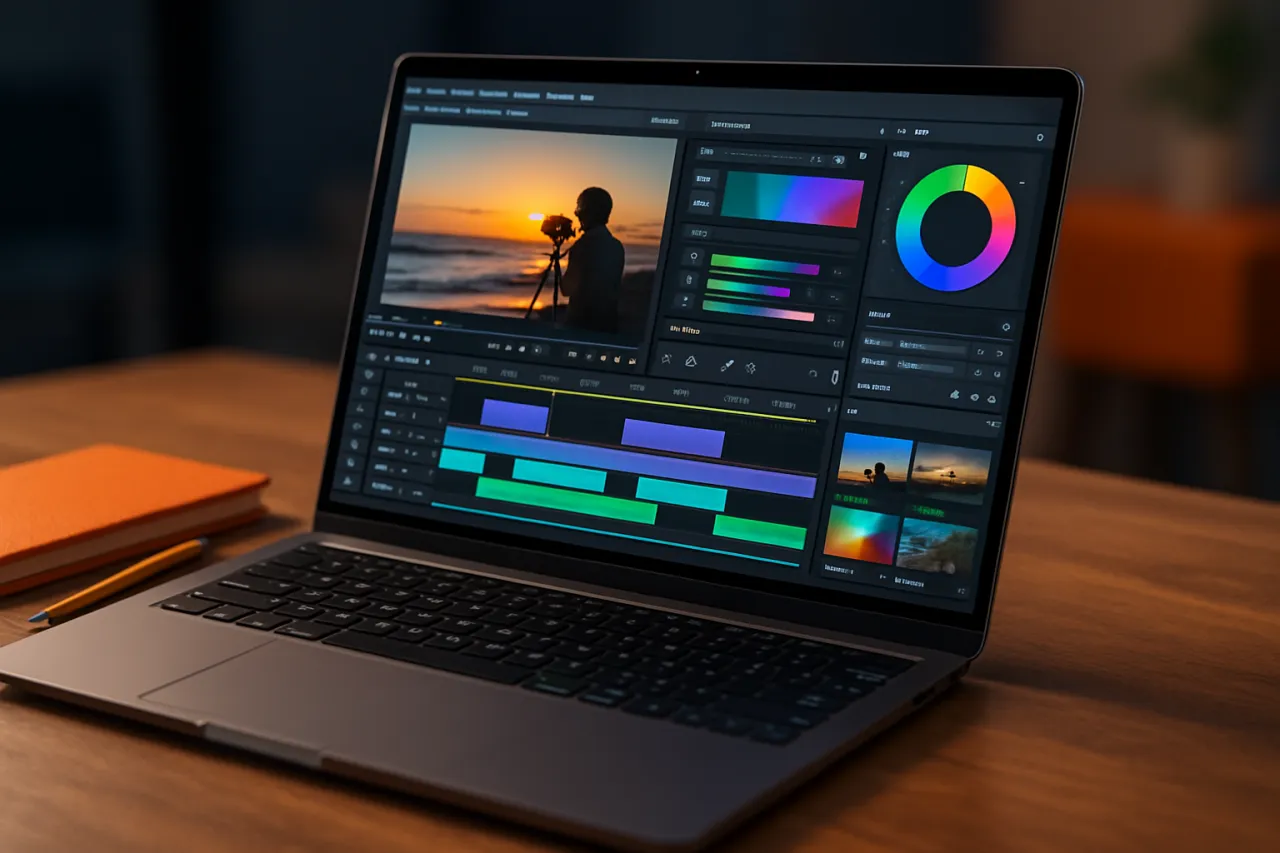
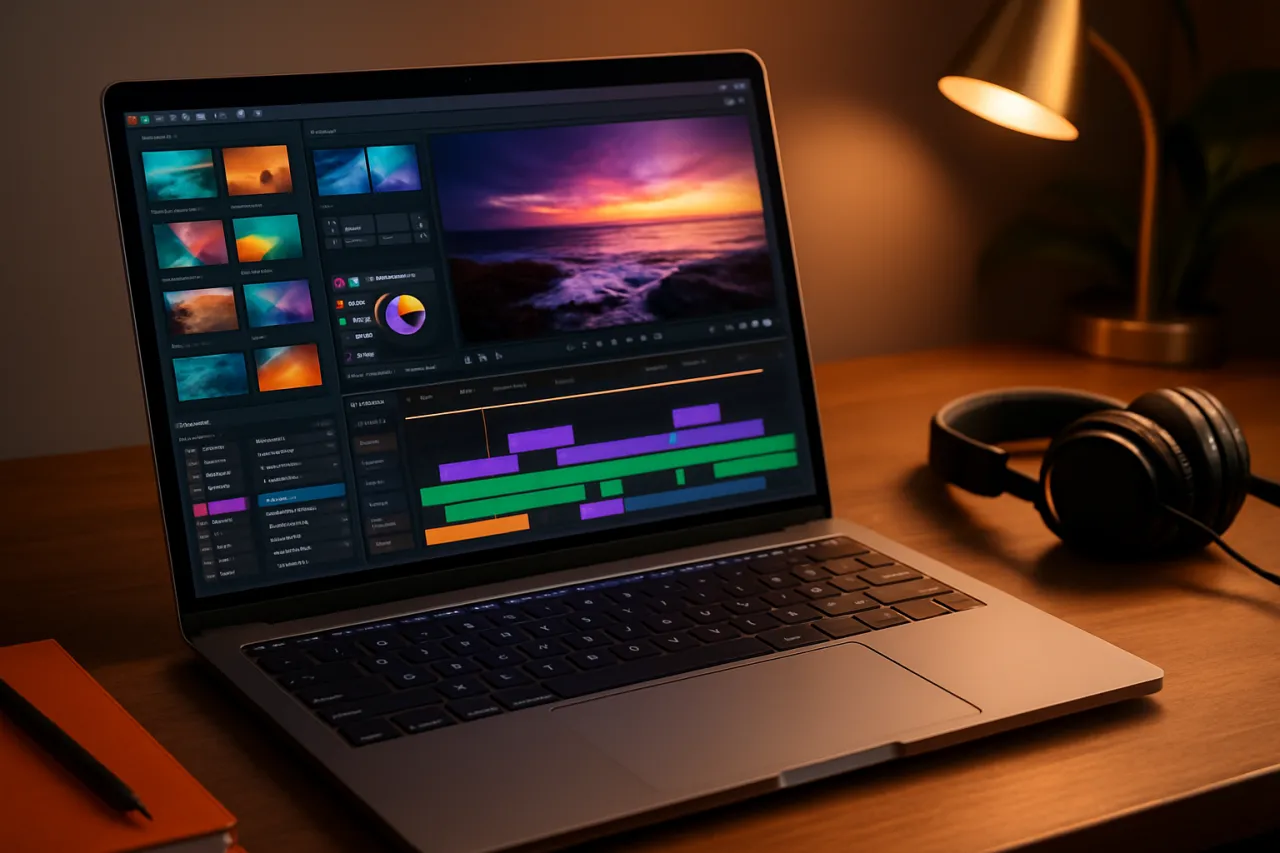
Video editing software allows users to manipulate and rearrange video clips to create a finished product. This software provides various features such as trimming, adding effects, and arranging clips into a cohesive storyline. For beginners, it's crucial to find a program that balances functionality and ease of use.
Why It Matters
Selecting the right video editing software can significantly impact your editing experience. The right tool can streamline your workflow, reduce frustration, and enhance your final product's quality. Beginners should prioritize user-friendly interfaces and essential features that align with their editing goals.
Best Software / Methods / Strategies
1. AIVeed
- Overview: AIVeed is an intuitive online video editor designed for ease of use. It allows beginners to edit videos quickly with minimal learning curve.
- Strengths: User-friendly interface, cloud-based, and offers AI-assisted features to streamline editing.
- Limitations: Limited advanced features compared to professional tools.
- Best for: Beginners looking for a straightforward editing tool.
- Pricing overview: Offers a free version with basic features and premium plans starting at $14.99/month.
2. Hydra
- Overview: Hydra is primarily an audio management tool, but it offers basic video editing features that are perfect for beginners.
- Strengths: Effective audio editing capabilities and a simple interface.
- Limitations: Not as feature-rich for video editing specifically compared to dedicated video software.
- Best for: Users who want to focus on both audio and video editing.
- Pricing overview: Free trial available; premium plans start around $29/month.
3. PixelMotion
- Overview: PixelMotion is an AI video creator that simplifies the video production process through automation and smart editing tools.
- Strengths: Fast video generation using AI, making it ideal for quick projects.
- Limitations: May not offer extensive manual editing features.
- Best for: Those needing to produce videos quickly without extensive editing knowledge.
- Pricing overview: Subscription options start at $19/month.
4. iMovie
- Overview: iMovie is a free editing tool available for Mac and iOS users, ideal for beginners.
- Strengths: User-friendly interface and seamless integration with Apple devices.
- Limitations: Limited to Apple users and lacks advanced features.
- Best for: Mac users seeking a solid entry-level editing tool.
- Pricing overview: Free with Apple devices.
How to Choose the Right Solution
When selecting video editing software, consider the following criteria:
- User-Friendliness: Look for software with a gentle learning curve that offers tutorials or community support.
- Features: Identify essential features you need, such as trimming, transitions, or audio editing.
- Budget: Determine how much you are willing to spend. Many beginner tools offer free versions or trials.
- Compatibility: Ensure the software works with your operating system and any devices you plan to use.
Common Mistakes
- Choosing Overly Complex Software: Beginners should avoid jumping into professional-grade software that may be too complicated.
- Ignoring System Requirements: Make sure your computer meets the software's specifications to avoid performance issues.
- Not Exploring Free Trials: Many programs offer trials; take advantage to find the best fit before committing.
Frequently Asked Questions
-
What should I look for in beginner video editing software?
Look for user-friendly interfaces, essential features, and compatibility with your devices. -
Is free software sufficient for basic video editing?
Yes, many free tools offer adequate features for beginners. -
Can I upgrade from beginner software later?
Absolutely, many programs allow you to upgrade to more advanced features as your skills grow. -
What if I need to edit videos for social media?
Consider tools specifically designed for social media content, such as those listed in our Best Video Editing Tools for Social Media Managers. -
How long does it take to learn video editing?
Learning curves vary, but many beginners can start editing basic videos within a few hours of practice.
Conclusion
Choosing the right video editing software can set the foundation for your video production journey. Prioritize ease of use, essential features, and your budget when making your selection. With the right tools, you can create engaging content and develop your skills without feeling overwhelmed. Remember to explore free trials and community support to enhance your editing experience.
About the Author

Software Architecture | Tech Blogger
Experienced Senior Software Engineer with a passion for building dynamic, scalable, and user-friendly web applications. With extensive experience in software development, I specialize in designing and...