

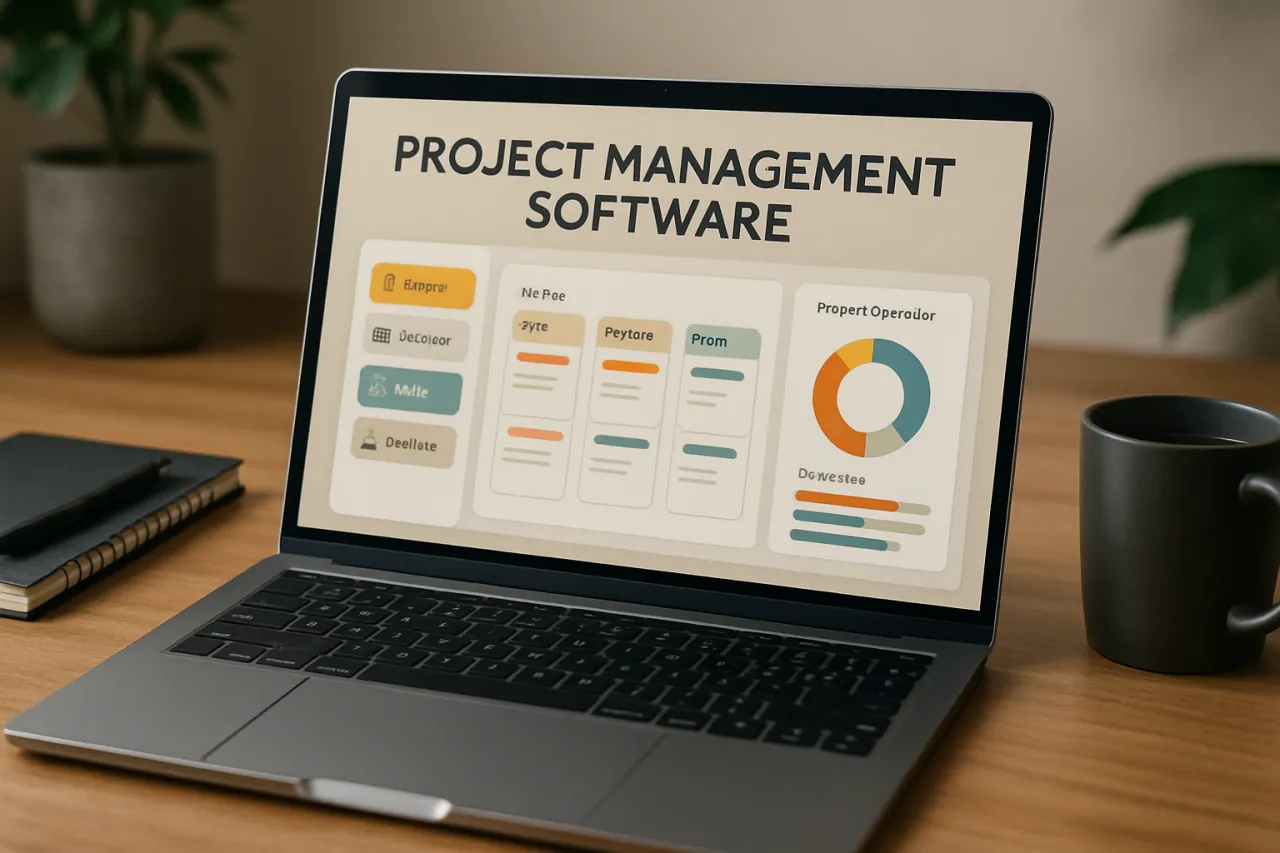
Guide to Choosing the Right Project Management Software for Your Team
Introduction
In today’s fast-paced work environment, selecting the right project management software can significantly impact your team's productivity and collaboration. With numerous options available, each boasting unique features and capabilities, knowing how to choose the right tool can be overwhelming. This guide aims to demystify the selection process, providing insights into essential features, costs, and usability aspects of popular project management solutions. By the end of this article, you will have a clearer understanding of how to enhance your team's collaboration and efficiency through effective software choices.
What Is Project Management Software
Project management software is a digital tool designed to assist teams in planning, executing, and managing projects efficiently. These platforms typically include features such as task assignment, timeline tracking, resource allocation, and communication channels, all aimed at streamlining project workflows. The right software not only ensures that tasks are completed on time but also fosters collaboration among team members, regardless of their location.
Why It Matters
Choosing the right project management software is crucial for several reasons. First, it can enhance transparency and accountability within the team, enabling members to track progress and responsibilities easily. Second, it improves communication, allowing for real-time updates and discussions, which is vital for remote teams. Lastly, a well-chosen tool can adapt to your unique workflow, helping to eliminate inefficiencies and improve overall productivity.
Best Software / Methods / Strategies
Trello
- Overview: Trello utilizes a board and card system to organize tasks visually, making it easy for teams to track project progress.
- Strengths: User-friendly interface, customizable boards, strong integration options.
- Limitations: Limited reporting features, can become cluttered with complex projects.
- Best for: Small to medium-sized teams looking for a simple, visual tool.
- Pricing overview: Free basic version, with Business Class starting at approximately $12.50 per user per month.
Asana
- Overview: Asana offers a more structured approach to project management with tasks, subtasks, and timelines.
- Strengths: Comprehensive project tracking, timeline view, and automation features.
- Limitations: Can be overwhelming for new users, requires time to set up effectively.
- Best for: Teams needing detailed project tracking and task management.
- Pricing overview: Basic plan is free; Premium starts around $10.99 per user per month.
Monday.com
- Overview: Monday.com provides a highly customizable platform that can be tailored to various workflows and project types.
- Strengths: Versatile templates, visual project tracking, and strong automation capabilities.
- Limitations: Pricing can escalate with advanced features, may be complex for some users.
- Best for: Teams looking for a customizable solution that can scale.
- Pricing overview: Plans start at $8 per user per month, with a free trial available.
ClickUp
- Overview: ClickUp is an all-in-one project management tool that combines tasks, documents, goals, and chat.
- Strengths: Extensive functionalities, such as time tracking and goal setting, all in one platform.
- Limitations: A steeper learning curve due to its many features, which may be excessive for smaller teams.
- Best for: Teams needing a comprehensive tool for various project aspects.
- Pricing overview: Free plan available; paid plans start at $5 per user per month.
Wrike
- Overview: Wrike is designed for larger teams, offering advanced project management features and reporting tools.
- Strengths: Robust reporting, time tracking, and resource management.
- Limitations: Higher learning curve, can be pricey for smaller teams.
- Best for: Large teams or enterprises needing detailed project oversight.
- Pricing overview: Plans start at $9.80 per user per month, with a free trial available.
How to Choose the Right Solution
When evaluating project management software, consider the following criteria:
- Team Size: The number of users can influence both functionality and pricing.
- Project Complexity: Assess whether your projects require simple task management or more advanced features like Gantt charts.
- Integration Needs: Ensure the software integrates well with the tools your team already uses.
- Usability: A user-friendly interface can significantly reduce the time needed for onboarding.
- Budget: Consider both upfront costs and ongoing subscription fees when assessing options.
Common Mistakes
Avoid these pitfalls to enhance your software selection process:
- Ignoring Team Input: Failing to involve team members in the decision can lead to resistance and low adoption rates.
- Underestimating Training Needs: New software may require training; neglecting this can hinder productivity.
- Overlooking Scalability: Choose software that can grow with your team’s needs to avoid switching later on.
Frequently Asked Questions
-
What features should I look for in project management software?
Key features include task management, collaboration tools, reporting capabilities, and integration options. -
How do I determine the right budget for project management software?
Consider your team's size, required features, and potential ROI when setting a budget. -
Can I try project management software before buying?
Most platforms offer free trials or basic versions to help you evaluate their suitability. -
What is the best project management software for remote teams?
Tools like Asana and Trello are popular for their collaborative features and ease of use. -
How do I ensure team adoption of new software?
Involve your team in the selection process and provide thorough training to improve adoption rates.
Conclusion
Choosing the right project management software can transform how your team collaborates, enhancing efficiency and productivity. By understanding your team’s unique needs and carefully evaluating the available options, you can select a tool that aligns with your goals. Remember to involve your team in the decision-making process, consider budget constraints, and prioritize user-friendliness to foster a successful implementation. With the right software, your projects can run more smoothly, and your team can achieve greater success together.
About the Author
Software Analyst
Rebecca Collins is a software analyst with 5+ years of experience reviewing and testing Productivity software. She helps businesses find the right digital tools to scale their operations.


