

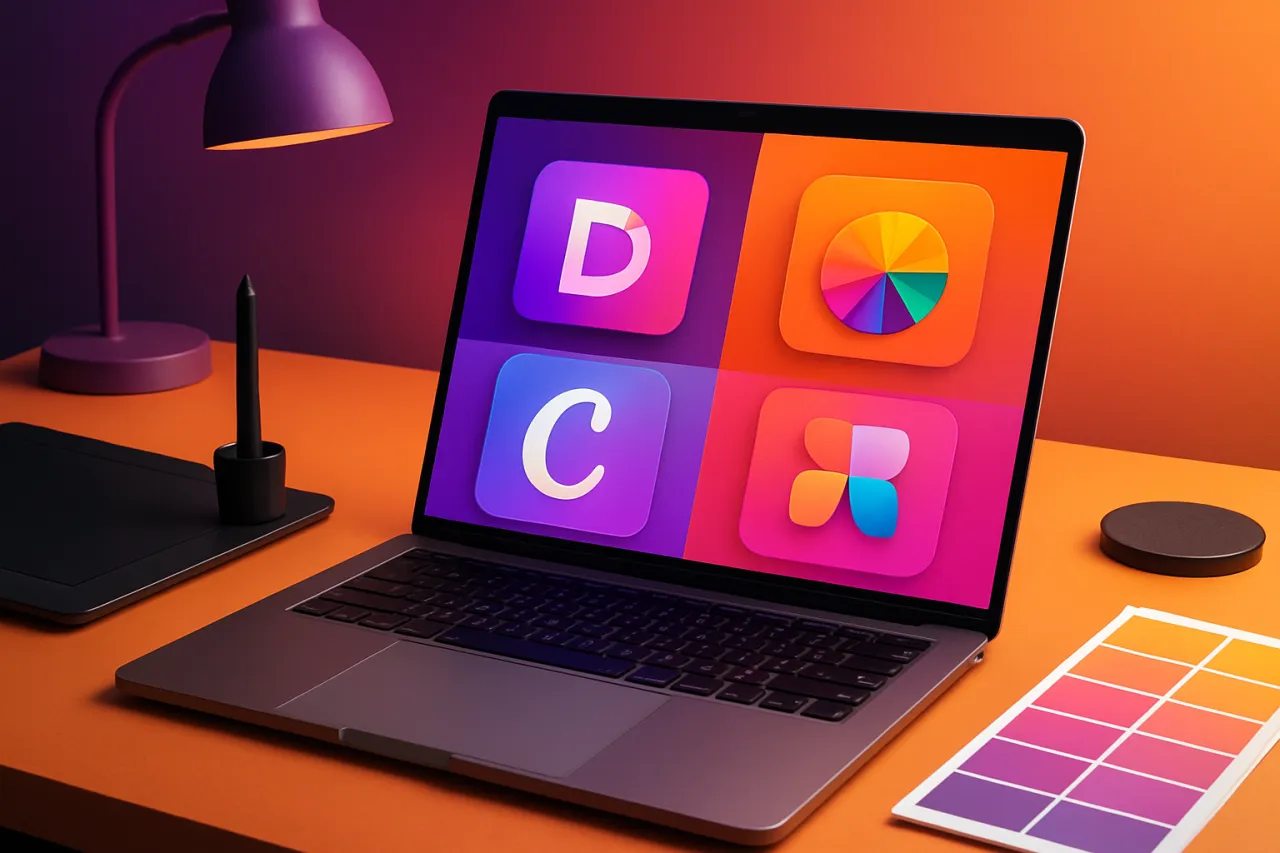
Comparing Top Graphic Design Tools for Beginners
Introduction
Graphic design is an essential skill in today’s digital landscape, whether you're creating social media posts, marketing materials, or personal projects. As a beginner, selecting the right graphic design tool can be overwhelming due to the plethora of options available. This article aims to help you navigate this terrain by comparing some of the best graphic design tools suited for beginners, focusing on usability, features, and affordability.
By examining various graphic design tools, you'll gain insight into their strengths and limitations, empowering you to make informed decisions. Whether you're looking to create stunning visuals, edit photos, or simply express your creativity, this guide will provide you with all the information you need.
What Is Graphic Design?
Graphic design involves creating visual content to communicate messages or ideas. This process combines art and technology, utilizing software to create designs that can range from logos to infographics. For beginners, finding user-friendly tools that provide basic functionalities without overwhelming complexity is crucial to kickstart their journey in graphic design.
Why It Matters
Choosing the right graphic design tool can significantly impact your learning curve and overall experience. Beginner design software should be intuitive, allowing you to focus on creativity rather than getting bogged down by complicated features. The right tool not only enhances your design skills but also boosts your confidence as you see your ideas come to life.
Best Software / Methods / Strategies
Canva
- Overview: Canva is a web-based design tool ideal for beginners, offering a simple drag-and-drop interface.
- Strengths: Extensive library of templates and design elements, easy-to-use interface, collaboration features.
- Limitations: Some advanced features require a paid subscription; limited customization for templates.
- Best for: Quick designs, social media graphics, and presentations.
- Pricing overview: Free version available; Pro version starts at $12.99/month.
Adobe Spark
- Overview: Adobe Spark is an entry-level design tool that allows users to create graphics, web pages, and video stories.
- Strengths: User-friendly, integration with Adobe Creative Cloud, high-quality templates.
- Limitations: Limited features compared to more advanced Adobe products; requires an Adobe account.
- Best for: Social media content and simple marketing materials.
- Pricing overview: Free tier available; Premium starts at $9.99/month.
Figma
- Overview: Figma is a design tool that supports collaborative design and prototyping.
- Strengths: Cloud-based collaboration, versatile design capabilities, robust community resources.
- Limitations: Steeper learning curve than other beginner tools; may be overkill for very simple projects.
- Best for: Collaborative projects and UI/UX design.
- Pricing overview: Free version available; Professional plan starts at $12/editor/month.
Gravit Designer
- Overview: Gravit Designer is a vector graphic design tool that works online and offline.
- Strengths: Flexible and powerful vector design capabilities, intuitive interface.
- Limitations: Requires internet access for full functionality; lesser-known compared to other tools.
- Best for: Vector illustrations and detailed graphic design work.
- Pricing overview: Free version available; Pro version is $49/year.
How to Choose the Right Solution
When selecting a graphic design tool, consider the following criteria:
- Usability: Look for intuitive interfaces that do not overwhelm.
- Features: Ensure the software provides the necessary tools for your design needs.
- Affordability: Evaluate the pricing structure and whether it fits your budget.
- Support Resources: Access to tutorials, forums, and customer support can enhance your learning experience.
Common Mistakes
Beginners often fall into the trap of:
- Overcomplicating designs with too many elements.
- Not utilizing available templates and resources effectively.
- Skipping tutorials that could enhance their understanding of the tools.
Frequently Asked Questions
-
What is the best graphic design tool for beginners?
- It depends on your needs, but tools like Canva and Adobe Spark are highly recommended for their ease of use.
-
Are there free graphic design tools available?
- Yes, many tools like Canva and Gravit Designer offer free versions.
-
Can I use these tools for commercial projects?
- Most tools allow commercial use under their terms; however, it’s wise to check specific licensing agreements.
-
What features should I look for in beginner design software?
- Look for user-friendly interfaces, templates, and basic editing tools.
-
How can I improve my graphic design skills?
- Practice regularly, take online courses, and explore design communities for feedback.
Conclusion
As a beginner in graphic design, the right tools can make a significant difference in your creative journey. By exploring options like Canva, Adobe Spark, Figma, and Gravit Designer, you can find software that meets your needs while enhancing your skills. Remember to focus on usability and affordability as you make your choice, and avoid common pitfalls to maximize your learning potential. Start designing and let your creativity flow!
About the Author
SaaS Analyst
A seasoned saas analyst, Tariq Mehmood focuses on making tech accessible to everyday users. He covers Design Tools tools, comparisons, and buying guides on Softedin.


