How to Create Engaging Videos for Your Online Courses
Introduction
Creating engaging videos for online courses is crucial in the digital learning landscape. With the rise of e-learning, educators must adapt to new methods to capture and maintain learners' attention. Engaging video content not only aids in knowledge retention but also enhances overall learning experiences. In this article, we will explore effective strategies and tools for creating compelling videos that resonate with your audience, helping you stand out in a competitive market.
What Is Video Creation for Courses?
Video creation for courses refers to the process of developing visual content specifically for educational purposes. This can include lectures, tutorials, demonstrations, or interactive sessions designed to facilitate learning. The goal is to present information in a visually appealing and comprehensible manner, catering to various learning styles. As online education grows, the demand for high-quality video content has increased, making it essential for educators to master this skill.
Why It Matters
Engaging videos are vital for maintaining learner interest and motivation. Research shows that learners are more likely to retain information presented in a dynamic and interactive format compared to traditional lecture methods. Furthermore, engaging video content fosters a sense of community and connection among learners, which is particularly important in online environments. By investing in quality video creation, educators can significantly enhance the effectiveness of their courses and improve student outcomes.
Best Software / Methods / Strategies
1. Script and Storyboard Your Videos
- Overview: Planning your video content through scripting and storyboarding is essential for clarity and coherence. It helps outline the structure and flow of the video.
- Strengths: Ensures that all key points are covered, reduces filming time, and simplifies the editing process.
- Limitations: Requires upfront time investment and may restrict spontaneity during filming.
- Best for: Educators who are new to video creation or those producing complex content.
- Pricing overview: Free tools like Google Docs or paid options like Celtx offer various features for scriptwriting.
2. Use Quality Recording Equipment
- Overview: Investing in good recording equipment significantly impacts video quality. This includes cameras, microphones, and lighting.
- Strengths: High-quality visuals and audio enhance viewer engagement and professionalism.
- Limitations: Can require a higher budget and may necessitate technical knowledge.
- Best for: Course creators aiming for a polished final product.
- Pricing overview: Basic setups can start at around $200 for a decent camera and microphone.
3. Edit with Purpose
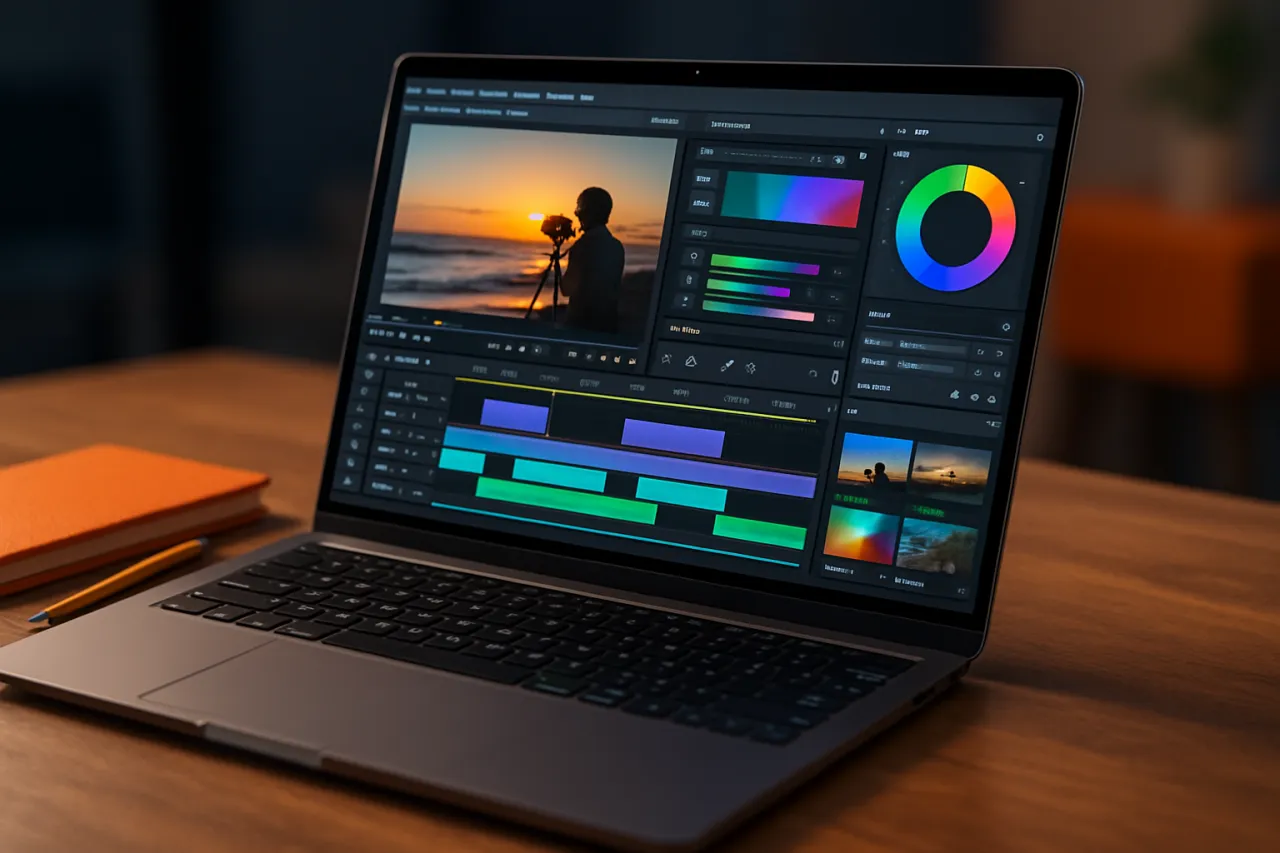
- Overview: Video editing is where you can add finishing touches, improve pacing, and enhance the overall narrative.
- Strengths: Allows for the inclusion of graphics, transitions, and effects that can make the content more engaging.
- Limitations: Can be time-consuming and may require learning new software tools.
- Best for: Educators looking to add a professional feel to their videos.
- Pricing overview: Software like Adobe Premiere Pro starts at $20.99 per month, while alternatives like DaVinci Resolve are free with optional paid features.
4. Incorporate Interactive Elements
- Overview: Adding interactive elements such as quizzes, polls, or clickable links can enhance viewer engagement.
- Strengths: Encourages active participation and can provide immediate feedback to learners.
- Limitations: May require additional tools or platforms that support interactivity.
- Best for: Online courses focused on engagement and assessment.
- Pricing overview: Tools like H5P offer free and premium plans for creating interactive content.
5. Optimize for Different Platforms
- Overview: Tailoring your video content for various platforms (e.g., YouTube, Vimeo, or course-specific LMS) is crucial for reaching your audience effectively.
- Strengths: Increases visibility and accessibility, catering to the preferences of different learners.
- Limitations: Each platform has its own technical requirements and audience expectations.
- Best for: Educators looking to maximize their reach and engagement.
- Pricing overview: Most platforms are free or offer tiered pricing based on storage and features.
How to Choose the Right Solution
When selecting tools and methods for video creation, consider the following criteria:
- Budget: Determine how much you are willing to spend on equipment and software.
- Skill Level: Assess your technical expertise and choose tools that match your comfort level.
- Content Type: Consider the type of course material and audience preferences to tailor your approach.
- Feedback Mechanisms: Look for tools that allow for audience interaction and feedback to refine your content.
Common Mistakes
- Neglecting Audio Quality: Poor audio can detract from even the best visuals. Always prioritize sound quality.
- Overloading Information: Keep videos concise and focused to avoid overwhelming learners. Aim for 5-10 minutes per video segment.
- Ignoring Audience Engagement: Failing to incorporate interactive elements can lead to disengaged viewers. Always seek ways to involve your audience.
- Skipping the Editing Process: Raw footage often lacks polish. Take the time to edit and refine your videos for clarity and professionalism.
Frequently Asked Questions
1. What is the ideal length for online course videos?
Aim for 5-10 minutes per video to maintain learner engagement. Break longer topics into shorter segments.
2. What tools are best for editing videos?
Popular options include Adobe Premiere Pro, Final Cut Pro, and DaVinci Resolve, depending on your budget and expertise.
3. How can I improve video engagement?
Incorporate storytelling, visuals, and interactive elements like quizzes or discussions to keep learners engaged.
4. Should I script my videos?
Yes, scripting can help maintain focus and ensure all key points are covered efficiently.
5. How do I promote my video content?
Use social media, email newsletters, and SEO strategies to increase visibility and drive traffic to your courses.
Conclusion
Creating engaging videos for online courses is a multifaceted process that requires careful planning, execution, and evaluation. By leveraging effective strategies and tools, educators can develop high-quality video content that enhances the learning experience. Remember to consider your audience's needs, incorporate interactive elements, and continually seek feedback to refine your approach. With these insights, you are well on your way to producing compelling videos that resonate with your learners.
About the Author
Software Reviewer
A seasoned software reviewer, Nathan Lee focuses on making tech accessible to everyday users. He covers Video Editing tools, comparisons, and buying guides on Softedin.