

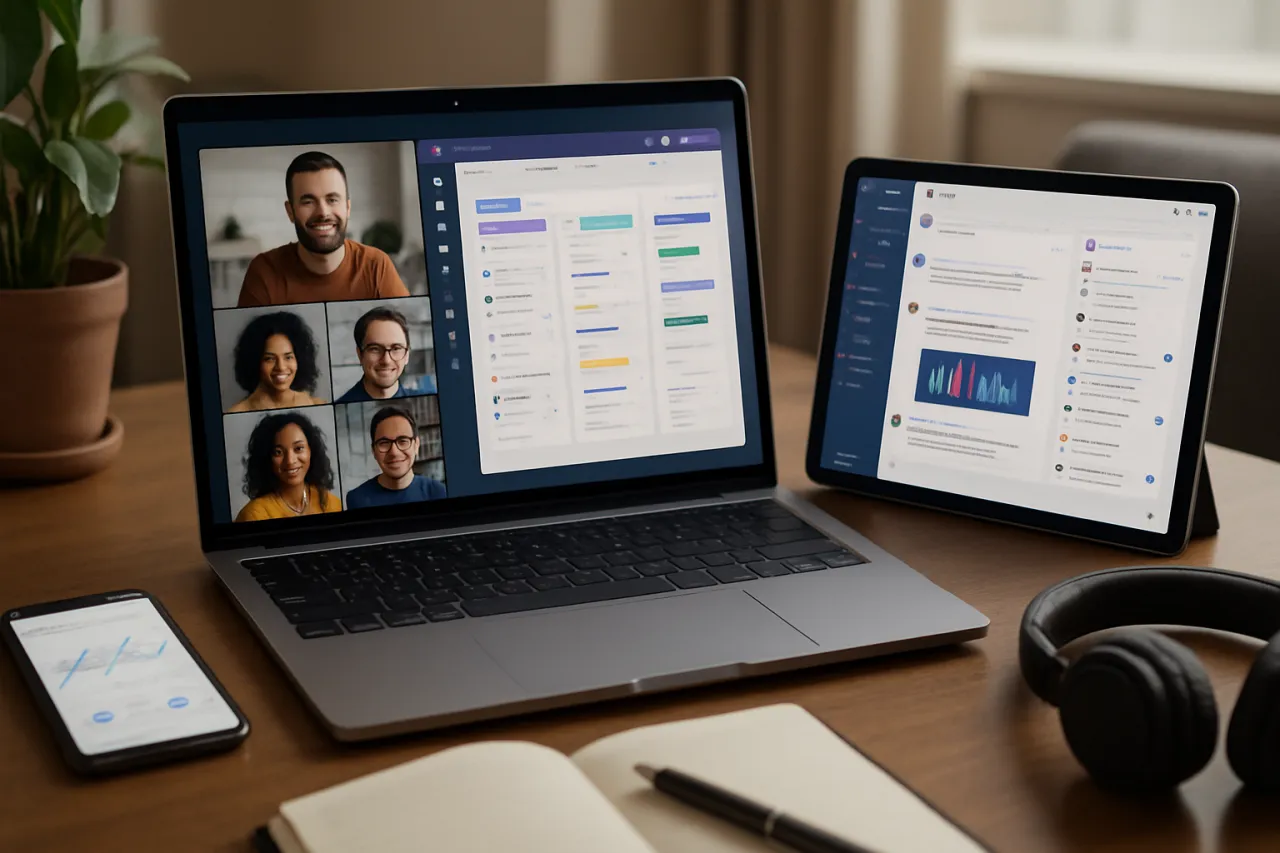
Enhance Team Collaboration with Remote Work Tools
Introduction
As remote work continues to gain traction, the dynamics of team collaboration have evolved significantly. Teams are no longer confined to a physical office, which presents both opportunities and challenges. While remote work allows for greater flexibility and access to a wider talent pool, it can also lead to feelings of isolation and communication hurdles. This article aims to provide practical insights on how to effectively utilize remote work tools to enhance teamwork and productivity.
By exploring the best software options and strategies, you’ll learn how to foster collaboration among your team members, no matter where they are located. We’ll dive into specific tools, best practices, and real-user testimonials so you can make informed decisions about the technology your team needs.
What Is Team Collaboration in Remote Work?
Team collaboration in remote work refers to the processes and tools that facilitate teamwork among individuals who are not physically present in the same location. It encompasses various activities, including communication, project management, and document sharing. Effective remote collaboration is essential for maintaining productivity and engagement among team members.
Why It Matters
With the increasing prevalence of remote work, understanding how to optimize team collaboration is crucial for organizational success. Poor communication and lack of collaboration can lead to misunderstandings, decreased morale, and ultimately, lower productivity. By leveraging the right tools, teams can overcome these challenges, ensuring that everyone remains connected and focused on shared goals.
Best Software / Methods / Strategies
1. Slack
- Overview: Slack is a messaging platform designed for teams, offering channels, direct messaging, and integrations with various tools.
- Strengths: Easy communication, organized channels, and extensive app integrations.
- Limitations: Can become overwhelming with notifications and require discipline to manage effectively.
- Best for: Teams seeking instant messaging and collaboration in real-time.
- Pricing overview: Offers a free version with limited features; paid plans start at $6.67/user/month.
2. Zoom
- Overview: Zoom is a video conferencing tool that allows for virtual meetings, webinars, and screen sharing.
- Strengths: High-quality video and audio, user-friendly interface, and breakout room functionality.
- Limitations: Requires a stable internet connection; free version limits meeting duration to 40 minutes.
- Best for: Teams needing reliable video communication for meetings and presentations.
- Pricing overview: Free tier available; paid plans start at $149.90/year per license.
3. Trello
- Overview: Trello is a project management tool that uses boards, lists, and cards to organize tasks.
- Strengths: Visual task management, easy to use, and collaboration features.
- Limitations: May lack advanced project management features for complex projects.
- Best for: Small to medium-sized teams looking for a simple way to manage tasks.
- Pricing overview: Free version available; Business Class plans start at $10/user/month.
4. Airtable
- Overview: Airtable combines the simplicity of a spreadsheet with the power of a database for project management and collaboration.
- Strengths: Highly customizable, visually appealing, and supports various data types.
- Limitations: Can be overwhelming for new users due to its flexibility.
- Best for: Teams that need a versatile tool for tracking projects and collaborating on shared data.
- Pricing overview: Free tier available; premium plans start at $10/user/month. Airtable AI enhances its functionalities even further.
How to Choose the Right Solution
When selecting remote work tools, consider the following criteria:
- Team Size: Ensure the tool can accommodate your team's number of users.
- Specific Needs: Identify what features are essential for your team's collaboration.
- Integration: Check if the tool integrates well with other software you use.
- User Experience: Look for tools that are intuitive and easy to navigate.
Common Mistakes
- Overcomplicating Tools: Using too many tools can lead to confusion; stick to a few that meet your team’s core needs.
- Neglecting Training: Failing to train your team on new tools can hinder adoption and productivity.
- Ignoring Feedback: Not considering team input when choosing tools can lead to dissatisfaction and reduced usage.
Frequently Asked Questions
- What are team collaboration tools?
Team collaboration tools are software designed to facilitate communication, project management, and information sharing among team members. - How can remote work tools increase productivity?
They streamline communication, reduce misunderstandings, and improve access to resources, allowing teams to work more efficiently. - Are free remote collaboration tools effective?
Yes, many free tools offer robust features suitable for small teams or specific use cases, though they may have limitations. - What features should I look for in collaboration tools?
Look for features like messaging, file sharing, video conferencing, and project management capabilities. - Can remote work tools help with team bonding?
Absolutely, many tools include features that encourage informal communication, which can help strengthen team relationships.
Conclusion
Enhancing team collaboration in a remote work environment requires thoughtful selection of tools and practices. By leveraging platforms like Slack, Zoom, Trello, and Airtable, you can foster a more connected and productive remote team. Remember to consider your team’s specific needs and avoid common pitfalls to ensure optimal collaboration. With the right approach, remote work can not only meet your organizational goals but also create a fulfilling work environment for all team members.
About the Author
Tech Journalist
Christopher Davis brings 8 years of industry experience to every review. Specializing in AI Tools, He cuts through the marketing noise to deliver honest, practical insights.


