Enhancing Online Teaching with Video Tools: Strategies and Insights
Introduction
In today's digital age, the demand for engaging and effective online education is at an all-time high. As educators strive to create immersive learning experiences, the integration of video tools has become a pivotal strategy. These tools not only enrich content but also foster deeper connections between instructors and students. However, with a plethora of options available, choosing the right video tools for teaching can be overwhelming.
This article explores how video tools can enhance your online teaching strategy. We’ll discuss various tools, engagement strategies, and best practices to help you create a captivating online learning environment.
What Is Online Teaching with Video Tools?
Online teaching with video tools refers to the use of multimedia resources to deliver educational content through video formats. This can include live streaming lectures, recorded tutorials, or interactive video presentations. The objective is to improve the learning experience, making it more dynamic and engaging for students.
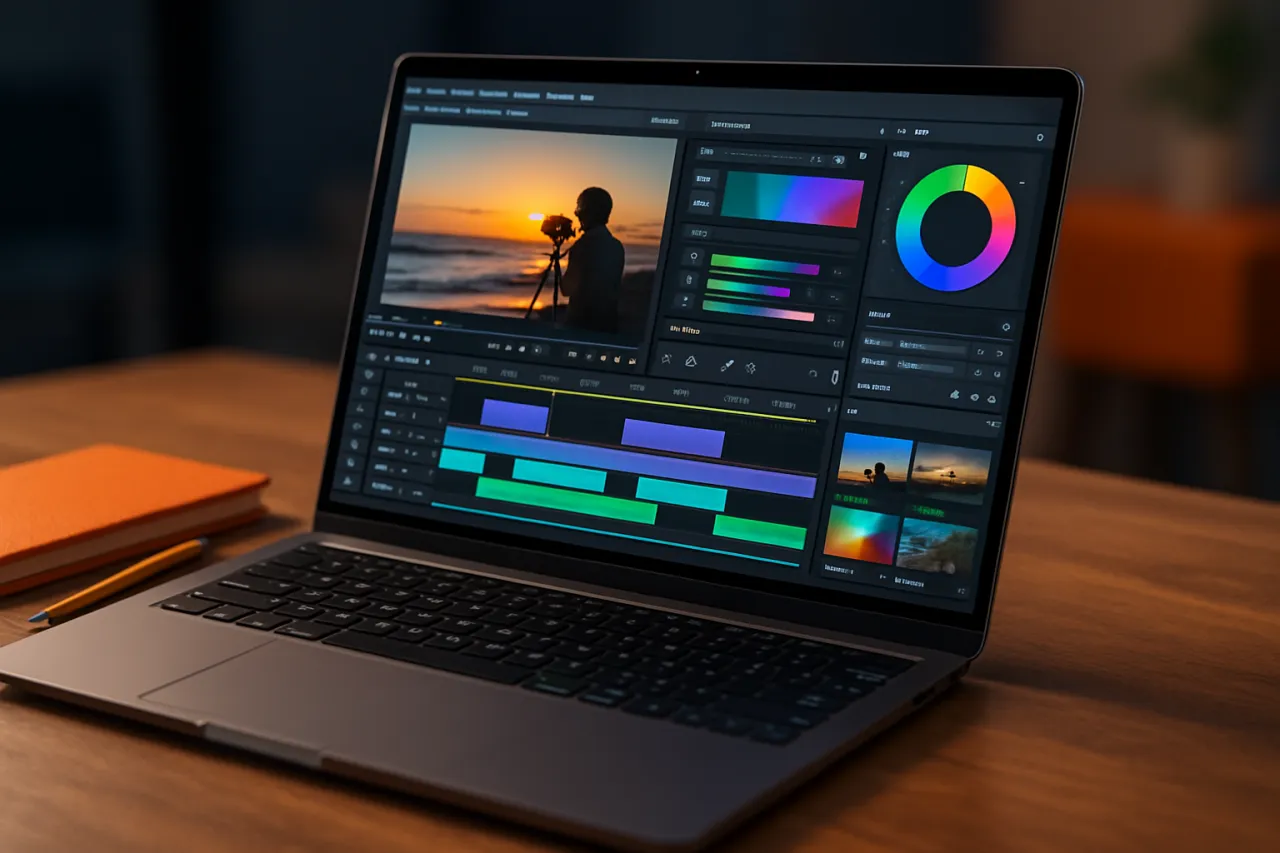
Video tools for teaching can range from simple recording software to sophisticated platforms that allow for real-time interaction and feedback. By incorporating these tools, educators can address different learning styles, maintain student interest, and encourage participation.
Why It Matters
The significance of integrating video tools in online education cannot be overstated. Studies show that students retain information more effectively when it is presented visually. Video tools also enable educators to demonstrate complex concepts, enhancing understanding through visual aids. Furthermore, in a world increasingly reliant on digital communication, mastering these tools equips both educators and students with essential skills for the future.
Best Software / Methods / Strategies
1. Zoom
- Overview: Zoom is a widely-used video conferencing tool that offers features like breakout rooms and screen sharing, making it ideal for interactive online classes.
- Strengths: Real-time engagement, easy-to-use interface, and extensive features for collaboration.
- Limitations: Requires a stable internet connection; free version has time limits on meetings.
- Best for: Live classes, group discussions, and interactive workshops.
- Pricing overview: Free basic plan; paid plans start at $149.90 per year.
2. Loom
- Overview: Loom is a video messaging tool that allows educators to record lectures, tutorials, and feedback videos quickly.
- Strengths: Simple to use, quick sharing capabilities, and allows for asynchronous learning.
- Limitations: Limited editing features compared to full video editing software.
- Best for: Recording lessons and providing feedback.
- Pricing overview: Free plan available; premium plans start at $8 per month.
3. Edpuzzle
- Overview: Edpuzzle allows educators to create interactive video lessons by embedding questions and comments directly into videos.
- Strengths: Enhances engagement through interactive elements; analytics on student performance.
- Limitations: Limited to the videos you upload or link; may require more preparation time.
- Best for: Flipped classrooms and self-paced learning.
- Pricing overview: Free basic plan; advanced features available in paid plans.
4. ShortMake
- Overview: ShortMake is an AI-driven video creation tool that simplifies the process of producing engaging video content.
- Strengths: Quick and easy video generation, customizable templates, and high-quality output.
- Limitations: May lack advanced editing features for professional-grade videos.
- Best for: Creating quick instructional videos and promotional content.
- Pricing overview: Various plans available; starting from $10 per month.
How to Choose the Right Solution
When selecting video tools for teaching, consider the following criteria:
- Ease of Use: Choose tools that are user-friendly to minimize the learning curve.
- Interactivity Features: Look for tools that enable student interaction, such as polls or quizzes.
- Integration Capabilities: Ensure the tool can integrate with your existing learning management system (LMS).
- Support and Resources: Opt for platforms that provide comprehensive support and educational resources.
Common Mistakes
Avoid these common pitfalls when integrating video tools into your online teaching strategy:
- Neglecting Planning: Failing to plan your video content can lead to disorganized lessons.
- Overloading with Information: Too much information in a single video can overwhelm students; keep videos concise.
- Ignoring Feedback: Not seeking student feedback on video content can hinder improvement and engagement.
Frequently Asked Questions
-
What are video tools for teaching?
Video tools for teaching are software applications that facilitate the creation, distribution, and engagement with video content in an educational setting. -
How can video tools enhance online education?
They improve retention, cater to various learning styles, and provide a platform for interactive learning experiences. -
What types of video content can I create?
You can create lectures, tutorials, feedback videos, and interactive lessons using video tools. -
Are there free video tools available?
Yes, many tools offer free versions or trials, including Zoom and Loom, with options for upgraded features. -
How can I measure student engagement with video content?
Most video tools provide analytics to track student interactions, completion rates, and performance on embedded quizzes.
Conclusion
Incorporating video tools into your online teaching strategy is not just an enhancement; it is a necessity in today’s educational landscape. By leveraging the right tools, educators can create engaging, interactive, and effective learning experiences that cater to their students' needs. Remember to assess your options carefully, avoid common pitfalls, and continuously seek ways to improve your approach. With the right video tools at your disposal, you can transform your online teaching and foster a more engaging learning environment.
About the Author
Software Reviewer
A seasoned software reviewer, Nathan Lee focuses on making tech accessible to everyday users. He covers Video Editing tools, comparisons, and buying guides on Softedin.