

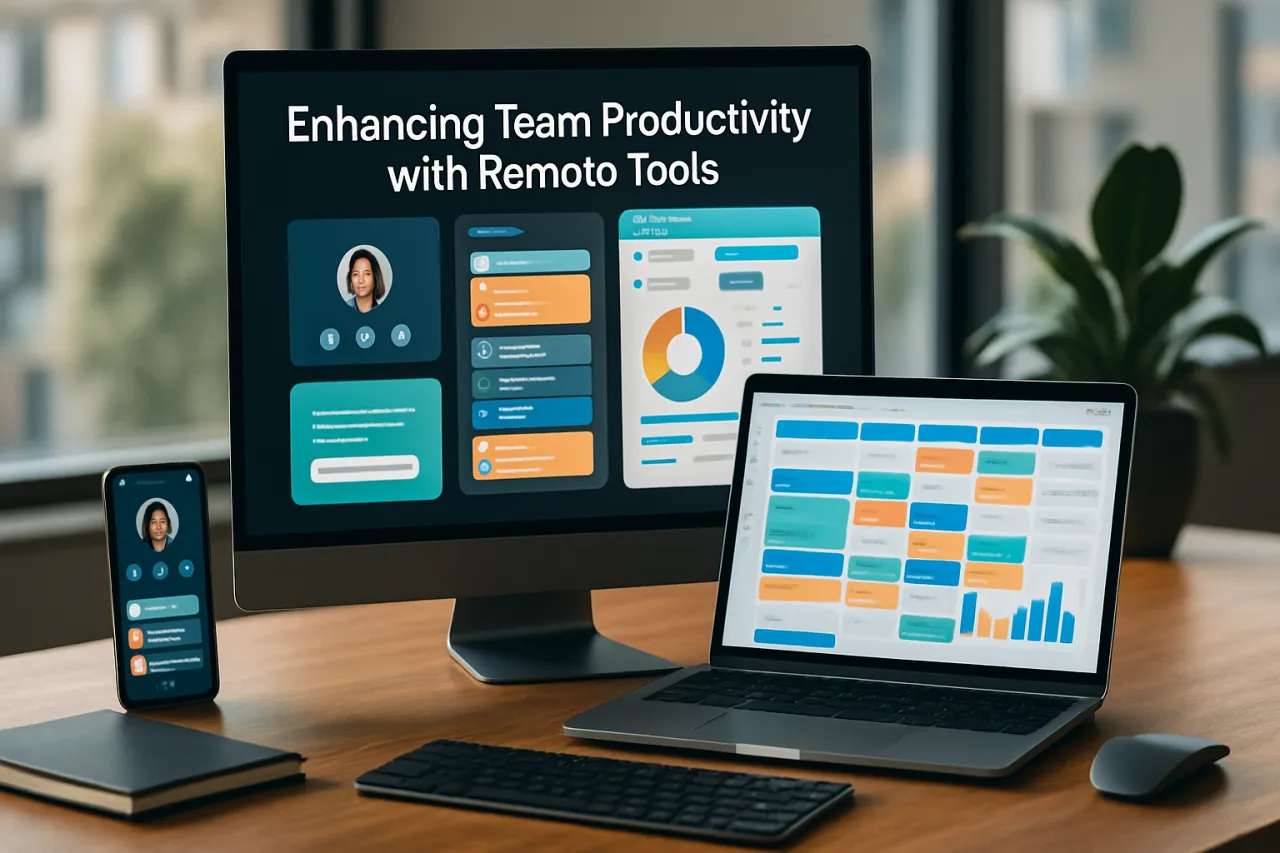
Enhancing Team Productivity with Remote Tools
Introduction
In the fast-evolving landscape of remote work, maintaining high levels of productivity can be challenging. Teams often face hurdles such as communication barriers, lack of collaboration, and difficulties in tracking progress. However, integrating the right remote tools can significantly enhance efficiency and streamline workflows. This article will explore various productivity tools tailored for remote teams, offering insights into their functionalities, benefits, and potential drawbacks.
As organizations continue to embrace flexible work arrangements, understanding how to leverage technology effectively is crucial. Readers will learn about essential tools, strategies for implementation, and common pitfalls to avoid, equipping them to make informed decisions for their teams.
What Is Remote Work?
Remote work refers to a working style that allows professionals to work outside of a traditional office environment. This setup can include working from home, coworking spaces, or any location with internet access. The rise of remote work has been accelerated by technological advancements and, more recently, global events that necessitated flexible work arrangements.
Remote work relies heavily on digital tools for collaboration, communication, and project management, making the selection of appropriate productivity tools vital for success.
Why It Matters
With remote work becoming a norm rather than an exception, the ability to maintain productivity is paramount for businesses seeking to thrive in a competitive market. Effective remote tools can help teams overcome common challenges such as isolation, miscommunication, and project mismanagement. By adopting these tools, organizations can foster a culture of collaboration and innovation, ultimately leading to improved performance and job satisfaction.
Best Software / Methods / Strategies
1. Project Management Tools
Overview
Project management tools provide a centralized platform for teams to plan, execute, and monitor their projects. They facilitate task assignments, deadlines, and progress tracking, ensuring everyone is aligned.
Strengths
- Enhances visibility into project status
- Facilitates collaboration through shared tasks
- Improves accountability with clear responsibilities
Limitations
- Can be overwhelming if not tailored to team needs
- Some tools require extensive training to use effectively
Best for
Teams managing multiple projects or requiring detailed oversight.
Pricing overview
Most project management tools offer tiered pricing based on features and team size, typically ranging from free versions to premium plans costing $10-$30 per user per month.
2. Communication Platforms
Overview
Communication platforms are essential for remote teams to stay connected. These tools support instant messaging, video conferencing, and file sharing, allowing for real-time collaboration.
Strengths
- Instant communication fosters quick decision-making
- Video calls enhance personal connections
- File sharing simplifies information exchange
Limitations
- Potential for information overload with constant notifications
- Reliance on internet connectivity can hinder access
Best for
Teams that prioritize real-time communication and collaboration.
Pricing overview
Popular communication tools often provide a free tier, with premium features available at $5-$20 per user per month.
3. Time Tracking Software
Overview
Time tracking software helps teams monitor how time is spent on various tasks and projects. This insight can inform productivity assessments and project management adjustments.
Strengths
- Provides data-driven insights into team productivity
- Helps identify time-wasting activities
- Supports accurate billing for client work
Limitations
- Can be perceived as intrusive by team members
- May require manual input, leading to inaccuracies
Best for
Teams that need to optimize time management or bill clients based on actual hours worked.
Pricing overview
Prices typically range from $10-$40 per user per month, depending on the features offered.
4. Document Collaboration Tools
Overview
Document collaboration tools enable teams to create, edit, and share documents in real time. These tools minimize version control issues and streamline content creation processes.
Strengths
- Enables simultaneous editing by multiple users
- Ensures everyone has access to the latest versions
- Integrates with other tools for seamless workflows
Limitations
- May require stable internet access for optimal performance
- Security concerns if sensitive data is shared
Best for
Teams engaged in content creation or requiring frequent document updates.
Pricing overview
Most document collaboration tools offer both free and premium plans, with paid versions typically costing $5-$15 per user per month.
How to Choose the Right Solution
When selecting remote productivity tools, consider the following criteria:
- Team Size and Structure: Some tools are better suited for larger teams or specific organizational structures.
- Specific Needs: Identify the unique challenges your team faces and select tools that address these issues.
- Integration Capabilities: Ensure the chosen tools can integrate with existing software to create a cohesive workflow.
- Budget: Evaluate the cost of tools against your budget constraints while considering long-term ROI.
Common Mistakes
- Overloading on Tools: Using too many tools can lead to confusion and decreased productivity.
- Neglecting Training: Failing to provide adequate training can hinder effective tool usage.
- Ignoring Feedback: Not considering team input when selecting tools can result in low adoption rates.
Frequently Asked Questions
1. What are productivity tools?
Productivity tools are software applications designed to enhance efficiency, streamline workflows, and facilitate collaboration among team members.
2. How can I improve my team's remote work experience?
By adopting the right tools, fostering open communication, and encouraging regular check-ins, you can enhance your team's remote work experience.
3. Are there free remote productivity tools available?
Yes, many remote productivity tools offer free versions with basic functionalities, suitable for small teams or limited use.
4. How do I measure productivity in a remote team?
Productivity can be measured through output quality, project completion rates, and time tracking data.
5. What are the best practices for remote team management?
Establish clear communication channels, set realistic goals, and prioritize team well-being to foster a productive remote work environment.
Conclusion
Improving team productivity in a remote setting hinges on selecting the right tools and fostering a collaborative culture. By understanding the strengths and limitations of various productivity solutions, teams can make informed decisions that enhance efficiency. Remember to involve team members in the selection process and continuously assess the effectiveness of the tools in use. The right combination will not only boost productivity but also contribute to a positive remote work experience for all.
About the Author
SaaS Analyst
A seasoned saas analyst, Danielle Sanchez focuses on making tech accessible to everyday users. She covers Cloud Computing tools, comparisons, and buying guides on Softedin.


