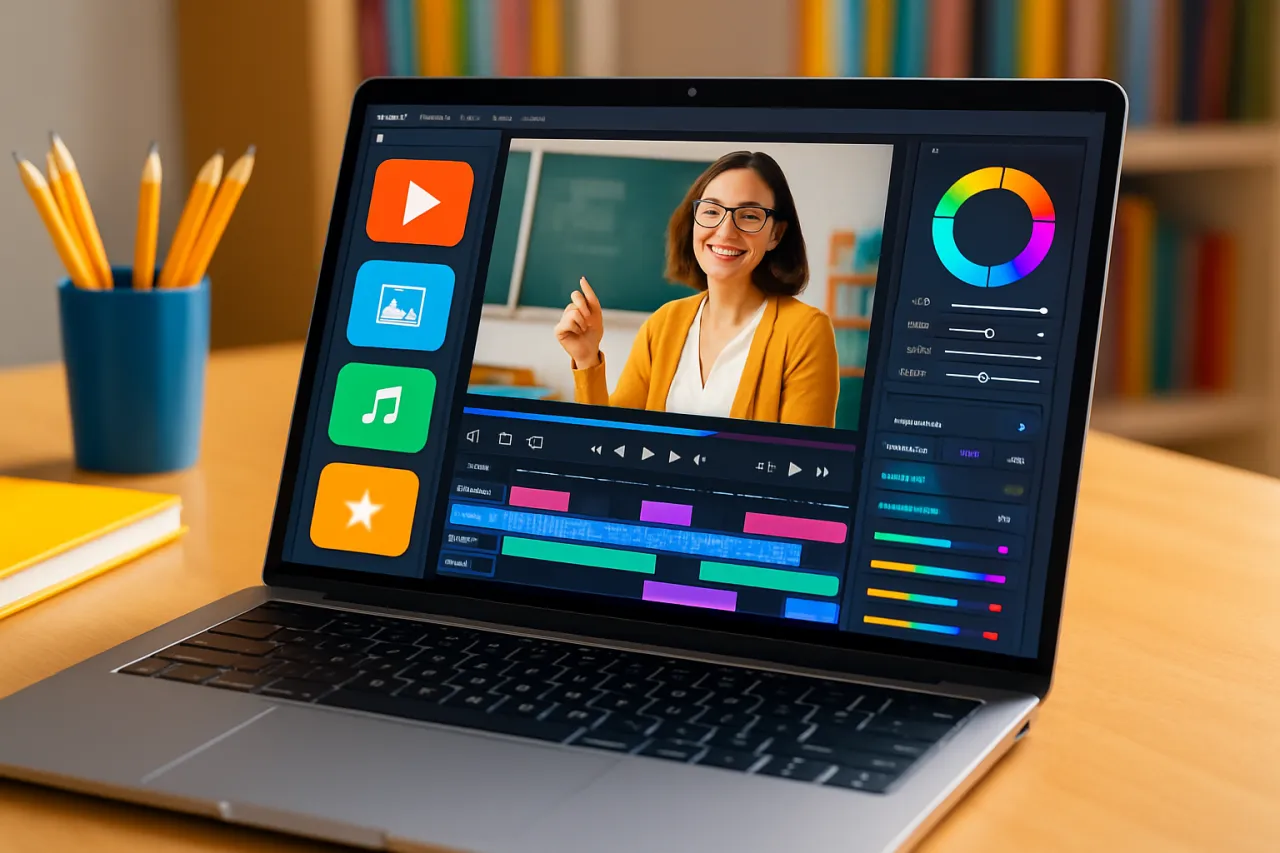
Essential Video Editing Tools for Educators: A 2024 Overview
Introduction
In the ever-evolving landscape of online education, video content has become a pivotal tool for educators. Whether it’s for crafting engaging lectures, creating instructional videos, or enhancing classroom experiences, having the right video editing tools can make all the difference. This article dives into the essential video editing tools for educators in 2024, exploring their features, benefits, and how to leverage them for maximum student engagement.
As more educators turn to video to enhance their teaching methods, the challenge is not just about creating content, but creating quality content that resonates with students. The right tools can help you elevate your teaching style, making your lessons more interactive and accessible. In this guide, you will learn about various video editing software options tailored for educators, along with practical tips and success stories from your peers.
What Is Video Editing for Educators?
Video editing for educators encompasses the use of software tools to create, modify, and enhance video content specifically for educational purposes. This could involve anything from simple cuts and edits to more complex features like adding annotations, transitions, and effects. The goal is to produce high-quality, engaging videos that facilitate learning and keep students interested.
Why It Matters
With the shift towards remote and hybrid learning, video content has taken center stage in education. Engaging videos can help clarify complex subjects, cater to different learning styles, and provide a more immersive learning experience. Tools that simplify video editing make it easier for educators to produce professional-looking content without requiring advanced technical skills. By understanding and utilizing these tools, educators can significantly enhance the learning experience for their students.
Best Software / Methods / Strategies
1. Pixo
Overview: Pixo is a user-friendly video editing tool designed for educators. It offers a straightforward interface that allows users to easily trim, merge, and annotate videos.
Strengths:
- Intuitive design, making it accessible for beginners.
- Built-in templates for educational content.
- Supports various video formats.
Limitations:
- Limited advanced editing features compared to professional software.
- May lack some integrations with other educational tools.
Best for: Educators who need a simple, effective solution for creating instructional videos without a steep learning curve.
Pricing overview: Pixo offers a free version with basic features, while the premium plan starts at around $10 per month.
2. Adobe Premiere Rush
Overview: Adobe Premiere Rush is a powerful video editing software that combines professional-grade features with ease of use. It allows educators to create polished videos quickly.
Strengths:
- Robust editing features including multi-track editing.
- Cross-platform functionality (desktop and mobile).
- Great for creating high-quality content on the go.
Limitations:
- Requires a subscription, which may be a barrier for some educators.
- The learning curve can be steep for complete novices.
Best for: Educators looking for a comprehensive tool that offers more creative control.
Pricing overview: The software starts at $9.99 per month, with a free trial available.
3. Canva Video Editor
Overview: Canva has expanded its capabilities by including a video editor that allows educators to create engaging videos from scratch or using templates.
Strengths:
- Easy drag-and-drop interface.
- Extensive library of templates and graphics.
- Ideal for creating visually appealing content.
Limitations:
- Limited advanced editing features.
- Primarily focused on design rather than video effects.
Best for: Teachers who want to create visually stunning videos without deep editing knowledge.
Pricing overview: Canva offers a free version, with a Pro plan starting at $12.99 per month.
4. Camtasia
Overview: Camtasia is a versatile video editing software particularly suited for creating educational videos, screen recordings, and tutorials.
Strengths:
- Extensive features for screen recording and video editing.
- Strong support for creating instructional videos.
- Interactive quizzes and annotations.
Limitations:
- Higher price point compared to other options.
- Requires some time to learn effectively.
Best for: Educators focused on producing high-quality tutorials and instructional videos.
Pricing overview: Camtasia is available for a one-time fee of approximately $249.00.
How to Choose the Right Solution
Choosing the right video editing tool depends on several factors:
- User Experience: Consider your comfort level with technology. Beginners may prefer simpler tools like Pixo, while more advanced users might opt for Adobe Premiere Rush.
- Features Needed: Identify what features are essential for your content. Do you need advanced editing, screen recording, or design capabilities?
- Budget: Determine your budget for video editing software. Free versions can be a great start, but premium features may be necessary for more complex projects.
- Integration: Ensure the tool integrates well with your existing teaching platforms or LMS for a seamless experience.
Common Mistakes
- Ignoring the Audience: Always tailor your content to your students' needs. Understand their learning preferences and create videos accordingly.
- Overcomplicating Videos: Simplicity often leads to clarity. Avoid overly complex edits that may distract from the message.
- Neglecting Accessibility: Ensure your videos are accessible to all students, including those with disabilities. Consider adding subtitles or transcripts.
Frequently Asked Questions
1. What are the best video editing tools for educators?
Some of the best tools include Pixo, Adobe Premiere Rush, Canva Video Editor, and Camtasia, each offering unique features suited for different needs.
2. How can I enhance student engagement with video?
Use clear visuals, engaging narratives, and interactivity in your videos to capture students' interest and cater to various learning styles.
3. Do I need advanced skills to use video editing software?
Not necessarily. Many tools are designed with educators in mind and offer user-friendly interfaces that require minimal technical knowledge.
4. Can I use free video editing software effectively?
Yes, many free tools provide sufficient features for basic video editing. However, premium options may offer more advanced functionalities if needed.
5. How do I decide on a video editing tool?
Consider your specific needs, budget, and the level of complexity you're comfortable with when selecting a video editing tool.
Conclusion
Video editing is a powerful skill for educators seeking to enrich their teaching methods. By choosing the right tools, you can create engaging, professional-quality content that enhances student learning. Whether you opt for something simple like Pixo or a more robust platform like Camtasia, the key is to find a solution that fits your style and needs. Remember to keep your audience in mind, avoid common pitfalls, and continuously experiment to find what works best for your educational content.
About the Author
Startup Advisor
Eric Lopez is passionate about helping teams discover the right software. As a startup advisor, He specializes in Developer Tools solutions and has been featured in multiple tech publications.