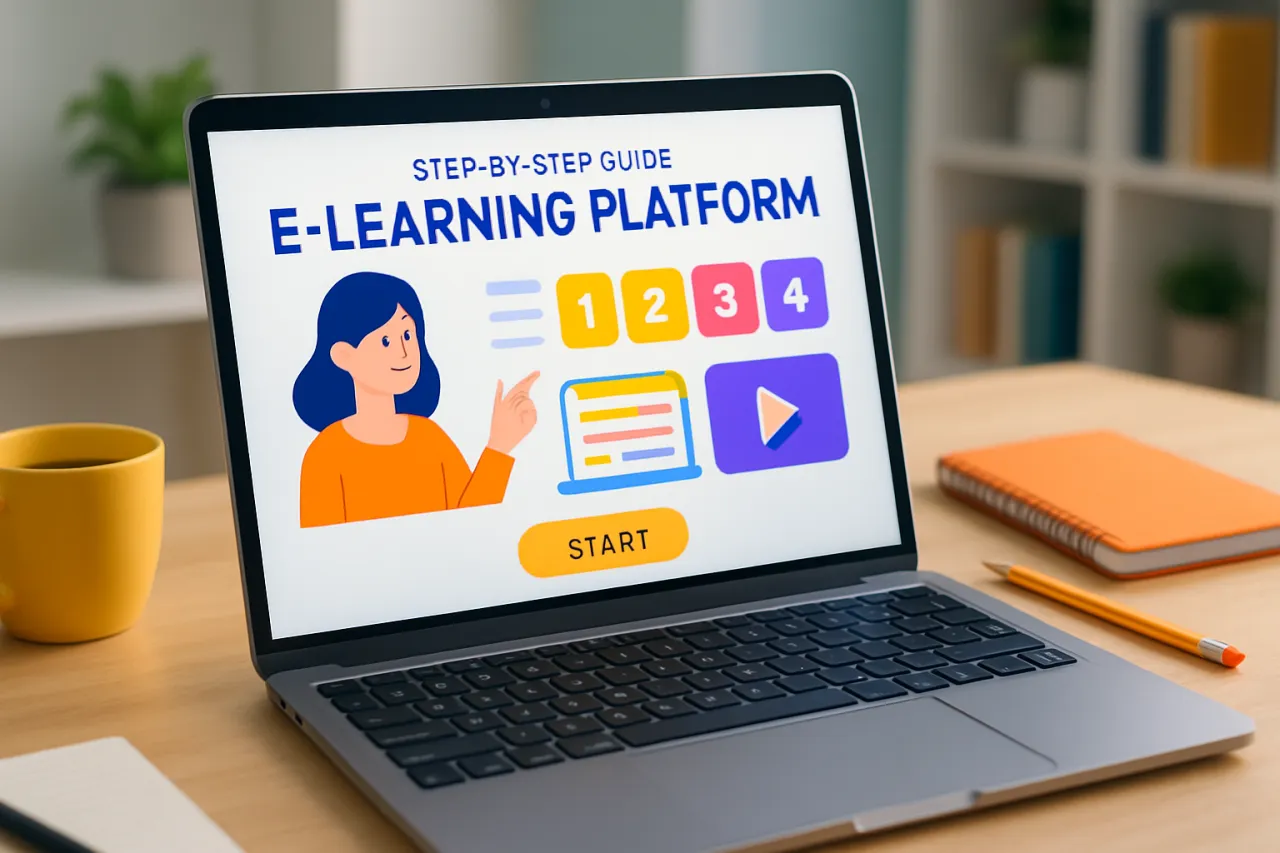
Step-by-Step Guide to Setting Up Your E-learning Platform
Introduction
In today's digital world, e-learning platforms have become essential tools for educators and learners alike. The rise of online education has transformed traditional teaching methods, making it easier for students to access information and learn at their own pace. However, setting up an effective e-learning platform can seem overwhelming, especially for those new to online education.
This guide aims to simplify the process of establishing your own e-learning platform, addressing common concerns and requirements educators face. By the end of this article, you will have a clear understanding of how to select the right platform, develop engaging content, and implement strategies to enhance student engagement.
What Is an E-learning Platform?
An e-learning platform is a digital space that facilitates online education and training. These platforms allow educators to create, manage, and deliver courses while providing students with access to educational resources, assessments, and interactive learning experiences. They come in various forms, from Learning Management Systems (LMS) to more straightforward course creation tools and marketplaces.
Why It Matters
With the growing demand for online education, having a well-structured e-learning platform can significantly impact your teaching effectiveness and reach. A successful platform not only enhances the learning experience for students but also streamlines administrative tasks for educators, making it easier to track progress and manage content.
Best Software / Methods / Strategies
1. Choosing the Right E-learning Platform
Overview
Selecting the right e-learning platform is crucial for your success. Popular options include Moodle, Teachable, and Thinkific. Each of these platforms has unique features tailored to different needs.
Strengths
- Diverse functionalities
- User-friendly interfaces
- Integration options with other tools
Limitations
- Costs can vary widely
- Some platforms may have a steeper learning curve
Best for
- Educators looking for robust features: Moodle
- Individual course creators: Teachable
- Businesses needing a branded experience: Thinkific
Pricing overview
Pricing can range from free basic plans to premium subscriptions costing hundreds per month, depending on the features you choose.
2. Developing Course Content
Overview
Content development is where you can shine as an educator. Use a mix of videos, readings, quizzes, and assignments to engage students effectively.
Strengths
- Flexibility in format
- Ability to reach various learning styles
- Enhanced engagement through multimedia
Limitations
- Time-consuming to create quality content
- Requires ongoing updates and revisions
Best for
- Beginners wanting to offer comprehensive courses
- Experienced educators looking to diversify content delivery
Pricing overview
While content creation itself can be free, consider budget for tools like video editing software or graphic design programs.
3. Implementing Student Engagement Strategies
Overview
Engagement strategies are essential to keep students motivated and involved in their learning. Techniques such as gamification, peer reviews, and interactive discussions can enhance the educational experience.
Strengths
- Increased retention rates
- Fosters a sense of community
- Encourages active participation
Limitations
- May require additional training for educators
- Can be challenging to implement effectively
Best for
- Courses aiming for high interaction
- Instructors who want to create a community feel
Pricing overview
Engagement tools can vary in price, often included in platform subscriptions or offered as separate purchases.
How to Choose the Right Solution
When selecting an e-learning platform, consider these evaluation criteria:
- Usability: Ensure the platform is user-friendly for both you and your students.
- Features: Identify which tools you need, such as content creation, assessments, and analytics.
- Cost: Analyze your budget and choose a platform that offers the best value without compromising essential features.
- Support: Look for platforms with robust customer service and community support.
Common Mistakes
- Neglecting Audience Needs: Failing to consider your target audience can lead to poor content engagement.
- Overcomplicating the Platform: A complex interface can frustrate users. Aim for simplicity and ease of navigation.
- Ignoring Feedback: Not seeking student feedback can hinder improvements and engagement.
Frequently Asked Questions
Q1: What type of e-learning platform should I use for my courses?
A1: The best platform depends on your needs. For comprehensive features, consider LMS platforms like Moodle. If you want to create and sell courses easily, look at Teachable or Thinkific.
Q2: How do I create engaging content for my e-learning courses?
A2: Use a variety of content formats including videos, quizzes, and interactive assignments to cater to different learning styles.
Q3: What are some effective student engagement strategies?
A3: Techniques like gamification, discussion forums, and peer reviews can enhance student participation and motivation.
Q4: How much should I budget for an e-learning platform?
A4: Costs vary widely, but expect to pay anywhere from free to a few hundred dollars monthly depending on the platform and features.
Q5: Can I integrate other tools with my e-learning platform?
A5: Most modern e-learning platforms support integrations with tools like Zoom, Google Drive, and various assessment tools.
Conclusion
Setting up an e-learning platform can be a rewarding journey when approached with the right knowledge and tools. By choosing the appropriate platform, developing quality content, and implementing effective engagement strategies, you can create a successful online education experience. Remember to stay adaptable, seek feedback, and continually improve your platform to meet the evolving needs of your students.
About the Author
SaaS Analyst
A seasoned saas analyst, Danielle Sanchez focuses on making tech accessible to everyday users. She covers Cloud Computing tools, comparisons, and buying guides on Softedin.