

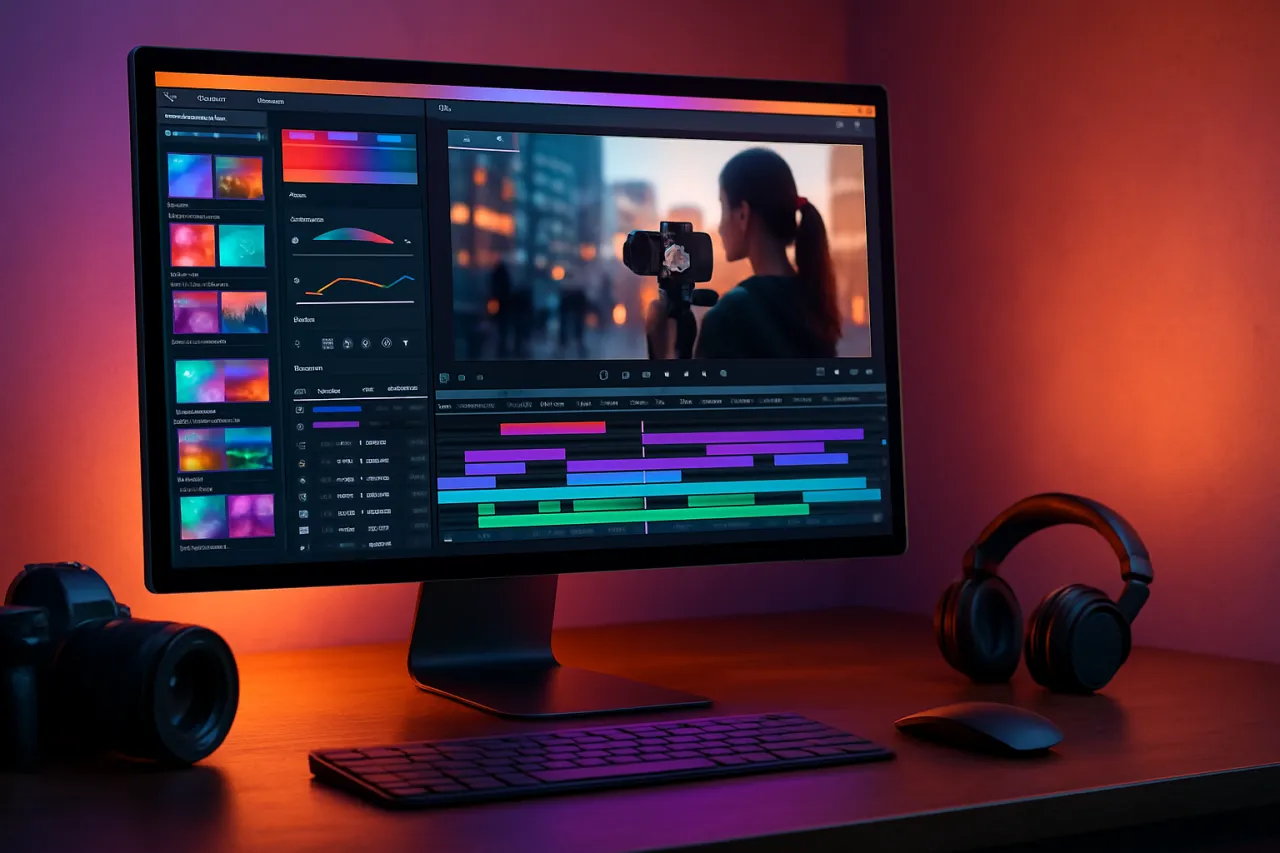
Top 5 Video Editing Tools for Content Creators
Introduction
In the fast-paced world of content creation, having the right video editing tools can make all the difference. Whether you're a seasoned professional or just starting out, finding software that meets your needs can be overwhelming. In this article, we'll explore five of the best video editing tools available in 2026, diving into their features, pricing, and real user testimonials to help you make an informed decision.
What Are Video Editing Tools?
Video editing tools are software applications designed to help users create, modify, and enhance video content. These tools can range from basic applications for beginners to advanced software used by professionals in the film and media industry. They typically allow users to cut and arrange video clips, add transitions and effects, and adjust audio levels, among other features.
Why It Matters
With the rise of video content on platforms like YouTube, TikTok, and Instagram, high-quality video editing has become crucial for content creators. The right editing tool can streamline your workflow, enhance the visual appeal of your videos, and ultimately help you engage better with your audience. As you navigate through our recommendations, consider what features are essential for your creative process.
Best Video Editing Tools for Content Creators
1. Adobe Premiere Pro
- Overview: A leading video editing software used by professionals around the world, Adobe Premiere Pro offers a comprehensive suite of editing tools.
- Strengths: Extensive features, integration with other Adobe products, and high-quality output.
- Limitations: Can be overwhelming for beginners and comes with a subscription cost.
- Best for: Professional video editors and those who need advanced features.
- Pricing: Starts at $20.99/month.
2. Final Cut Pro
- Overview: This macOS-exclusive software is known for its powerful editing capabilities and optimized performance on Apple hardware.
- Strengths: User-friendly interface, magnetic timeline, and robust performance.
- Limitations: Only available for Mac users, with a steep learning curve for new users.
- Best for: Mac users looking for professional-grade software.
- Pricing: One-time purchase of $299.99.
3. DaVinci Resolve
- Overview: Known for its advanced color correction and audio post-production features, DaVinci Resolve is a favorite among video professionals.
- Strengths: Free version available, powerful editing and color grading tools.
- Limitations: High system requirements and less intuitive for beginners.
- Best for: Users focusing on color grading and audio editing.
- Pricing: Free version available; paid version starts at $295.
4. Filmora
- Overview: A user-friendly video editing tool that caters to both amateurs and professionals, Filmora offers a range of creative options.
- Strengths: Easy to use, a large library of effects, and regular updates.
- Limitations: Limited advanced features compared to professional software.
- Best for: Beginners and casual content creators.
- Pricing: Starts at $39.99/year.
5. Akool
- Overview: Akool is a versatile video editing platform that combines AI technology with user-friendly features.
- Strengths: Quick editing capabilities, AI-assisted features, and great for social media content.
- Limitations: May lack some advanced tools found in professional software.
- Best for: Social media managers and quick edits.
- Pricing: Free version available; premium features at $19.99/month.
How to Choose the Right Solution
When evaluating video editing tools, consider the following criteria:
- Ease of Use: How intuitive is the software?
- Features: Does it have the specific tools you need?
- Performance: Is it compatible with your hardware?
- Pricing: Does it fit within your budget?
Common Mistakes
- Neglecting System Requirements: Always check if your computer meets the software's requirements.
- Overlooking Tutorials: Many tools have tutorials that can significantly boost your editing skills.
- Ignoring Updates: Keep your software updated to access the latest features and improvements.
Frequently Asked Questions
- What should I consider when choosing video editing software?
- Are there free video editing tools available?
- What are the best video editing tools for beginners?
- Can I use video editing software on multiple devices?
- Do I need a powerful computer for video editing?
Conclusion
Choosing the right video editing tool can significantly impact your content creation process. From professional-grade software like Adobe Premiere Pro to user-friendly options like Filmora, there's something for every creator. Evaluate your needs, consider your budget, and don't hesitate to try out free trials to find the perfect fit for your workflow.
About the Author
Software Analyst
Usman Chaudhry brings 12 years of industry experience to every review. Specializing in Automation, He cuts through the marketing noise to deliver honest, practical insights.


