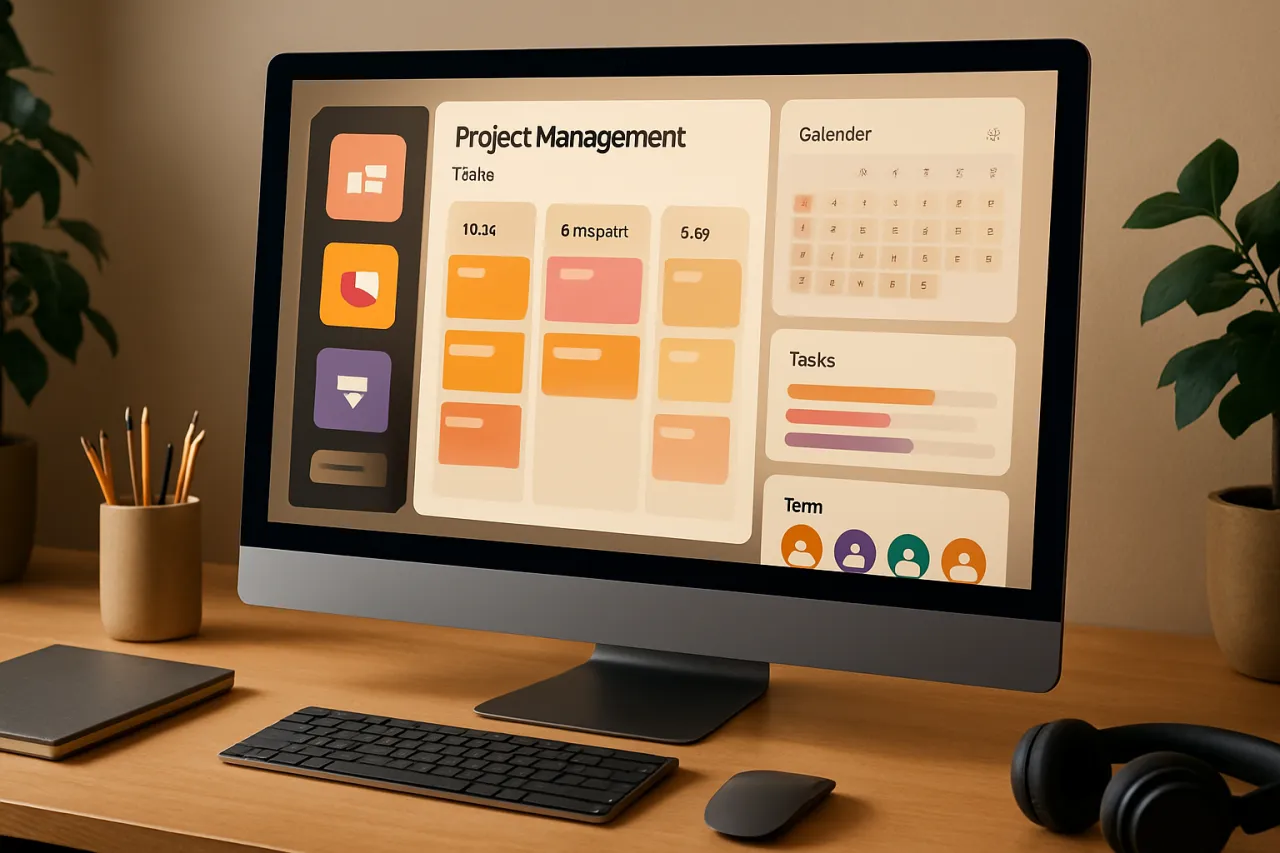
Top Project Management Tools for Creative Teams
Introduction
In the fast-paced world of creative projects, effective collaboration and streamlined workflows are essential. Creative teams often juggle multiple tasks, making it crucial to have the right tools to manage projects efficiently. This article will explore the top project management tools specifically tailored for creative teams, highlighting features that foster collaboration and enhance productivity.
When working in creative fields, teams must overcome challenges such as differing opinions, tight deadlines, and the need for constant communication. The right project management tools can bridge these gaps, ensuring that everyone is aligned and focused on their goals. Readers will learn about various tools that can help improve workflow efficiency, enabling creative teams to deliver high-quality work on time.
What Is Project Management?
Project management involves planning, organizing, and managing resources to achieve specific goals within a defined timeline. In the context of creative teams, it means coordinating various elements of a project, from brainstorming and designing to feedback and revisions. Effective project management is vital for maintaining productivity and ensuring that creative output meets client or stakeholder expectations.
Why It Matters
For creative teams, project management tools are not just about tracking tasks; they play a significant role in facilitating communication, idea sharing, and collaborative efforts. By utilizing these tools, teams can enhance their creativity, streamline their processes, and ultimately deliver better results. Thus, understanding the landscape of available tools is essential for making informed choices that align with specific team needs.
Best Software / Methods / Strategies
1. Trello
Overview
Trello is a visual project management tool that uses boards, lists, and cards to help teams organize tasks and workflows. It is particularly popular among creative teams for its intuitive interface and flexibility.
Strengths
- Visual task management enhances clarity.
- Customizable boards and templates to fit various projects.
- Integrations with numerous third-party apps, including Slack and Google Drive.
Limitations
- Limited reporting features for larger projects.
- Can become cluttered with too many cards or lists.
Best for
Small to medium-sized creative teams looking for an easy-to-use project management solution.
Pricing overview
Offers a free tier with basic features, while paid plans start at $10 per user per month.
2. Asana
Overview
Asana is a robust project management platform that provides tools for task assignments, project timelines, and workflow templates. Its versatility makes it suitable for various types of creative projects.
Strengths
- Comprehensive project tracking with timeline and calendar views.
- Easy task assignment and progress tracking.
- Integrates with tools like Dropbox and Zapier.
Limitations
- Can be overwhelming for new users due to its extensive features.
- Higher-tier plans may be necessary for advanced features, increasing costs.
Best for
Creative teams managing multiple projects simultaneously, requiring detailed tracking and reporting.
Pricing overview
Free version available; premium plans start at $10.99 per user per month.
3. Monday.com
Overview
Monday.com is a highly customizable project management tool that allows teams to create workflows and track progress visually. It is designed for flexibility and adaptability.
Strengths
- Highly visual interface with customizable dashboards.
- Automation features to reduce repetitive tasks.
- Strong collaboration tools, including comment threads on tasks.
Limitations
- Some users may find the customization options overwhelming.
- Can be pricey compared to competitors.
Best for
Larger creative teams needing a tailored project management solution with advanced features.
Pricing overview
Plans start at $8 per user per month, with a free trial available.
4. ClickUp
Overview
ClickUp is an all-in-one project management tool that offers a wide range of features including task management, time tracking, and goal setting. Its flexibility caters to various creative processes.
Strengths
- Extensive features in one platform, reducing the need for multiple tools.
- Custom views and templates to suit different projects.
- Affordable pricing plans.
Limitations
- The abundance of features may lead to a steeper learning curve.
- Some users report performance issues with larger teams.
Best for
Creative teams seeking a comprehensive tool that consolidates multiple project management needs.
Pricing overview
Offers a free version; paid plans begin at $5 per user per month.
How to Choose the Right Solution
When selecting a project management tool for creative teams, consider the following criteria:
- Ease of Use: The tool should have an intuitive interface that all team members can navigate easily.
- Collaboration Features: Look for tools that enhance communication and idea sharing among team members.
- Customization: The ability to tailor the tool to fit specific workflows is crucial for accommodating different creative processes.
- Integrations: Ensure the tool can integrate with other software your team uses, such as design tools or communication platforms.
- Pricing: Evaluate your budget and the pricing models of different tools to find one that offers the best value for your needs.
Common Mistakes
Avoid these common pitfalls when implementing project management tools:
- Overcomplicating Processes: Don't add unnecessary steps or features that could hinder productivity.
- Neglecting Training: Ensure all team members understand how to use the tool effectively.
- Ignoring Feedback: Regularly gather input from team members to optimize the chosen tool and approach.
Frequently Asked Questions
- What features should I look for in a project management tool for creative teams?
Focus on collaboration features, customization options, and ease of use. - How can project management tools improve creativity?
By streamlining workflows and enhancing communication, tools can create a more conducive environment for creativity. - Are project management tools suitable for small creative teams?
Yes, many tools offer features tailored for small teams, providing essential functionality without overwhelming complexity. - What is the average cost of project management tools?
Costs vary widely; many tools offer free tiers, while paid plans typically range from $5 to $15 per user per month. - Can I integrate these tools with other software?
Most modern project management tools offer integrations with common applications like Google Workspace, Slack, and design software.
Conclusion
Selecting the right project management tool can significantly enhance the efficiency and creativity of your team. Tools like Trello, Asana, Monday.com, and ClickUp each offer unique features that cater to different needs and preferences. By understanding your team's specific requirements and evaluating these options carefully, you can make an informed decision that supports creativity and productivity without overselling the potential of any one solution. As you explore these tools, consider not only their capabilities but also how they fit into your creative workflow and team dynamics.
About the Author
Tech Journalist
Aqib Naqvi is a tech journalist with 9+ years of experience reviewing and testing E-commerce software. He helps businesses find the right digital tools to scale their operations.