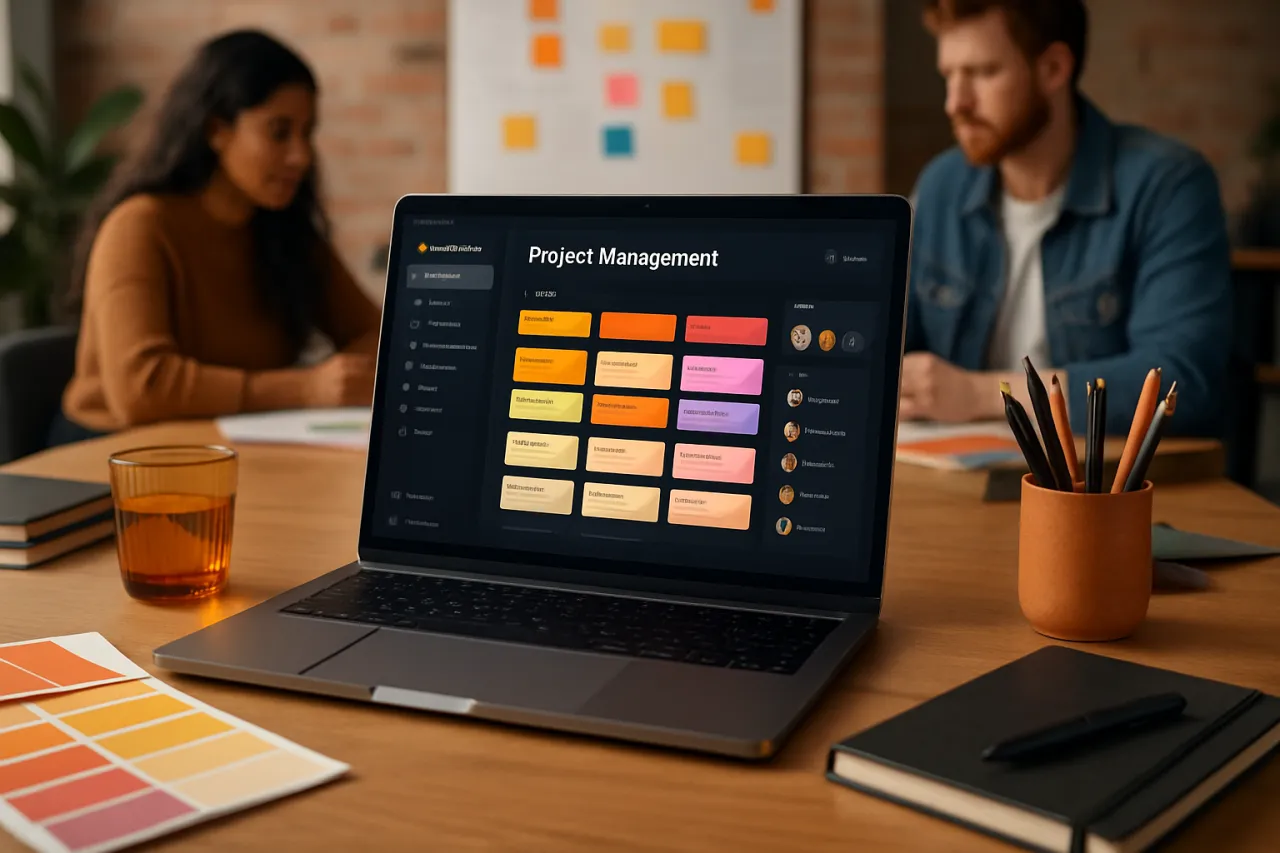
Top Project Management Tools for Creative Teams to Boost Collaboration
Introduction
Creative teams play a pivotal role in driving innovation and generating fresh ideas. However, they often face unique challenges when it comes to collaboration and project management. Whether it’s juggling multiple creative projects, ensuring alignment among team members, or managing deadlines, the right project management tools can significantly enhance productivity and streamline workflows. In this article, we will explore the top project management tools tailored specifically for creative teams, addressing their unique workflow needs.
By focusing on features, user testimonials, and practical use cases, we will provide insights to help you choose the best collaboration software for your creative team. You will learn about the essential tools that can foster better communication, encourage creativity, and enhance overall project execution.
What Is Project Management Software?
Project management software is a digital solution designed to help teams plan, execute, and monitor projects effectively. These tools provide functionalities such as task assignment, scheduling, resource allocation, and collaboration features that streamline workflows. For creative teams, the right project management software not only helps in managing projects but also enhances creativity by providing a structured environment where ideas can flourish.
Why It Matters
For creative teams, effective collaboration is crucial for producing high-quality work. The right project management tool can help mitigate common challenges such as miscommunication, missed deadlines, and lack of visibility into project statuses. By utilizing specialized project management tools, creative teams can enhance their workflow, improve productivity, and ultimately deliver better results. In a competitive landscape, leveraging these tools can set your team apart and lead to greater success.
Best Software for Creative Teams
Trello
- Overview: Trello is a visual project management tool that uses boards, lists, and cards to help teams organize their projects. It is particularly useful for creative teams due to its flexibility.
- Strengths: Trello’s drag-and-drop interface is intuitive, making it easy for team members to update the status of tasks. It supports various integrations, allowing teams to connect with other tools they use.
- Limitations: While Trello is highly visual, it may lack advanced features required for larger projects, such as time tracking or resource management.
- Best for: Small to medium-sized creative teams looking for a simple yet effective tool for collaboration.
- Pricing overview: Trello offers a free plan with basic features, while its business class plan starts at $12.50 per user per month.
Asana
- Overview: Asana is a robust project management tool that provides detailed project tracking options, including timelines and workload management.
- Strengths: Its comprehensive features allow teams to manage complex projects efficiently. Asana also offers a user-friendly interface and numerous integrations, making it adaptable for various workflows.
- Limitations: The extensive features can sometimes overwhelm new users, requiring a learning curve to fully utilize the platform.
- Best for: Medium to large creative teams that manage multiple projects simultaneously.
- Pricing overview: Asana has a free tier with essential features, with premium plans starting at $10.99 per user per month.
ClickUp
- Overview: ClickUp is a versatile project management tool that combines features for tasks, docs, goals, and chat in one platform.
- Strengths: Its all-in-one approach allows creative teams to manage every aspect of a project in one place. Customization options cater to different workflows, enhancing efficiency.
- Limitations: The breadth of features can make it complex, potentially leading to confusion for some users.
- Best for: Creative teams looking for a comprehensive tool that integrates various aspects of project management.
- Pricing overview: ClickUp offers a free plan, with paid options starting at $5 per user per month.
Monday.com
- Overview: Monday.com is a flexible project management tool that uses a visual approach to project tracking, with customizable workflows tailored for creative processes.
- Strengths: Its visual dashboards and automation features simplify project monitoring. The platform is also highly customizable, allowing teams to design workflows that fit their needs.
- Limitations: Costs can add up quickly with additional features, making it less budget-friendly for smaller teams.
- Best for: Creative teams that value visual project management and customization.
- Pricing overview: Monday.com offers a free trial, with plans starting at $8 per user per month.
Wrike
- Overview: Wrike is a powerful project management tool that offers features like Gantt charts, time tracking, and advanced reporting.
- Strengths: Its comprehensive reporting capabilities provide insight into project performance, making it ideal for teams with complex project requirements.
- Limitations: The advanced features may be more than what smaller teams need, potentially complicating the user experience.
- Best for: Large creative teams or agencies managing multiple clients and projects.
- Pricing overview: Wrike's pricing starts at $9.80 per user per month for the professional plan.
How to Choose the Right Solution
When selecting project management tools for your creative team, consider the following criteria:
- Team size: The size of your team can influence the complexity and features you need.
- Project type: Different tools cater to different types of projects; assess your team’s primary workflows.
- Budget: Determine how much you can allocate to project management software and look for options that fit your budget.
- Integrations: Ensure the tools you choose can integrate with other software your team uses.
- User experience: Consider how intuitive the software is, as a user-friendly interface can significantly enhance team adoption.
Common Mistakes
- Neglecting team input: Involve team members in the decision-making process to ensure buy-in and that the chosen tool meets their needs.
- Overcomplicating workflows: Avoid selecting a tool that is too complex for your team’s requirements; simplicity can often lead to better productivity.
- Ignoring training: Provide adequate training for all team members to ensure they can utilize the software effectively.
- Failing to adapt: Be open to revisiting and adjusting your project management practices as your team evolves.
Frequently Asked Questions
1. What features should I look for in project management software for creative teams?
Look for features that support collaboration, such as task assignment, file sharing, and communication tools, as well as visual project tracking options.
2. Are there any free project management tools for creative teams?
Yes, many tools like Trello, ClickUp, and Asana offer free plans with essential features that can be beneficial for small creative teams.
3. How can project management tools improve collaboration in creative teams?
Project management tools provide a centralized platform for communication, task management, and project visibility, reducing the chances of miscommunication and enhancing teamwork.
4. What are the common challenges creative teams face when using project management software?
Common challenges include tool complexity, lack of user adoption, and inadequate training. Selecting the right tool and providing proper onboarding can help mitigate these issues.
5. Can project management tools help with remote collaboration?
Absolutely! Many project management tools are designed to enhance remote collaboration by providing features that facilitate communication, file sharing, and project tracking regardless of location.
Conclusion
Choosing the right project management tools for creative teams is crucial for fostering collaboration and enhancing productivity. By evaluating the features, strengths, and limitations of various tools, you can select the one that best meets your team's specific needs. Remember to involve your team in the decision-making process to ensure the chosen software aligns with their workflows and preferences. With the right tools in place, your creative team can thrive and produce outstanding results.
About the Author
Content Strategist
With a background in Video Editing, Amber Walker brings hands-on expertise to evaluating the latest Video Editing tools. She has reviewed hundreds of SaaS products for startups and enterprises alike.