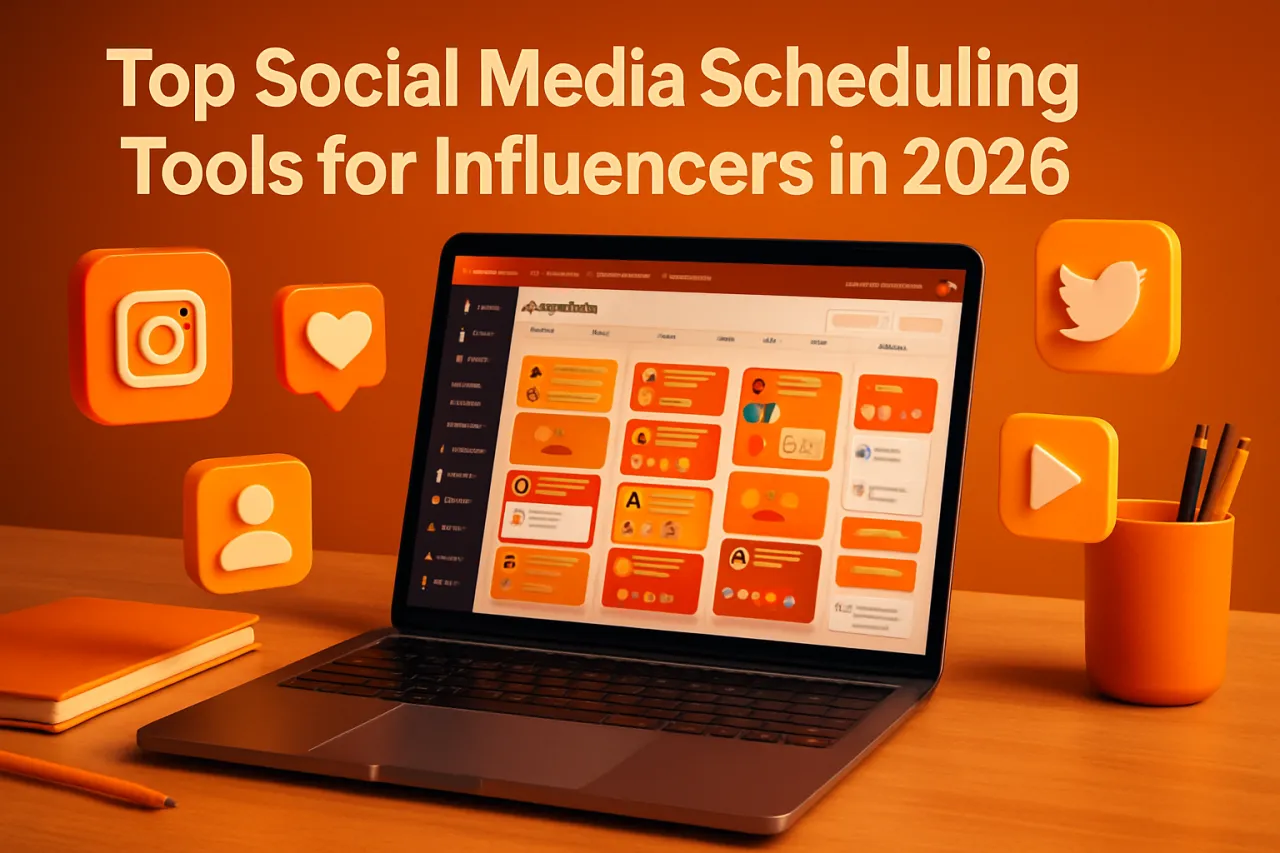
Top Social Media Scheduling Tools for Influencers in 2026
Introduction
Managing multiple social media profiles can feel like a daunting task for influencers. With various platforms to juggle, creating a consistent and engaging content strategy is essential yet challenging. Enter social media scheduling tools — these handy applications allow influencers to plan, automate, and optimize their posts, freeing up valuable time for creativity and engagement with their audience. In this article, we will highlight the best social media scheduling tools available in 2026, focusing on their features, strengths, and potential limitations.
What Is a Social Media Scheduling Tool?
Social media scheduling tools are applications that enable users to plan and automate their content across various platforms like Instagram, Twitter, and Facebook. By allowing users to schedule posts in advance, these tools help maintain a consistent posting rhythm and ensure that content reaches the intended audience at optimal times.
Why It Matters
For influencers, having a solid content strategy is crucial for maintaining engagement and growing their audience. Social media scheduling tools simplify this process by providing insights into the best times to post, analytics on audience engagement, and the ability to manage multiple accounts from one dashboard. With the right tool, influencers can focus more on content creation and less on the logistics of posting.
Best Software / Methods / Strategies
1. Buffer
Overview
Buffer is a widely recognized social media scheduling tool that offers a user-friendly interface and robust features for content management.
Strengths
- Supports multiple platforms, including Twitter, Instagram, and Facebook.
- Provides analytical insights to track engagement and optimize posting times.
Limitations - Limited customization options for visuals in posts.
Best for
Influencers looking for an easy-to-use tool with strong analytics capabilities.
Pricing overview
Buffer offers a free plan for basic features, while premium plans start at $15 per month.
2. Hootsuite
Overview
Hootsuite is a comprehensive social media management tool that not only allows scheduling but also facilitates social listening and engagement.
Strengths
- Offers a centralized dashboard for managing multiple accounts.
- Features analytics tools to assess performance across different platforms.
Limitations - The interface can be overwhelming for beginners.
Best for
Influencers who need an all-in-one solution for management and analytics.
Pricing overview
Plans start at $19 per month, with a free trial available.
3. Later
Overview
Later focuses primarily on visual content, making it ideal for image-driven platforms like Instagram.
Strengths
- Drag-and-drop interface for easy scheduling.
- Visual content calendar for planning posts.
Limitations - Limited support for non-visual platforms.
Best for
Influencers heavily invested in Instagram and visual storytelling.
Pricing overview
Later offers a free plan with basic features, while paid plans start at $12.50 per month.
4. BlitzBear
Overview
BlitzBear is a newer entrant that combines email marketing with social media scheduling, making it unique in its approach.
Strengths
- Integration with email campaigns for cohesive marketing strategies.
- User-friendly interface tailored for influencers.
Limitations - Fewer features compared to larger competitors.
Best for
Influencers wanting to integrate email with social media for a unified content strategy.
Pricing overview
BlitzBear offers a free trial, with monthly plans starting at $10.
How to Choose the Right Solution
When selecting a social media scheduling tool, consider factors such as:
- The specific social media platforms you use.
- Your budget and pricing preferences.
- Required features (analytics, visual planning, etc.).
- User experience and ease of navigation.
Common Mistakes
Avoid these pitfalls when using social media scheduling tools:
- Over-scheduling: Posting too frequently can overwhelm your audience.
- Ignoring analytics: Failing to analyze performance can hinder growth.
- Neglecting engagement: Automation should not replace genuine interaction with followers.
Frequently Asked Questions
1. Can I schedule posts for multiple social media platforms?
Yes, most scheduling tools like Buffer and Hootsuite allow you to manage multiple accounts across different platforms.
2. Do these tools provide analytics?
Yes, tools like Hootsuite and Buffer offer analytics features to help you track engagement and optimize your strategy.
3. Are there free options available?
Yes, many tools provide free plans with limited features, including Buffer and Later.
4. How do I integrate my scheduling tool with other marketing platforms?
Check the tool’s integrations section for compatibility with email marketing or CRM systems.
5. What is the best tool for Instagram?
Later is highly recommended for Instagram due to its visual content calendar and scheduling features.
Conclusion
Choosing the right social media scheduling tool can significantly impact an influencer's content strategy and audience engagement. By considering factors like functionality, ease of use, and specific needs, influencers can streamline their processes and focus on what they do best: creating engaging content. Whether you opt for Buffer's analytics prowess or Later's visual focus, the right tool can make all the difference in your social media management journey.
About the Author
Digital Marketing Expert
A seasoned digital marketing expert, Junaid Bajwa focuses on making tech accessible to everyday users. He covers E-commerce tools, comparisons, and buying guides on Softedin.