

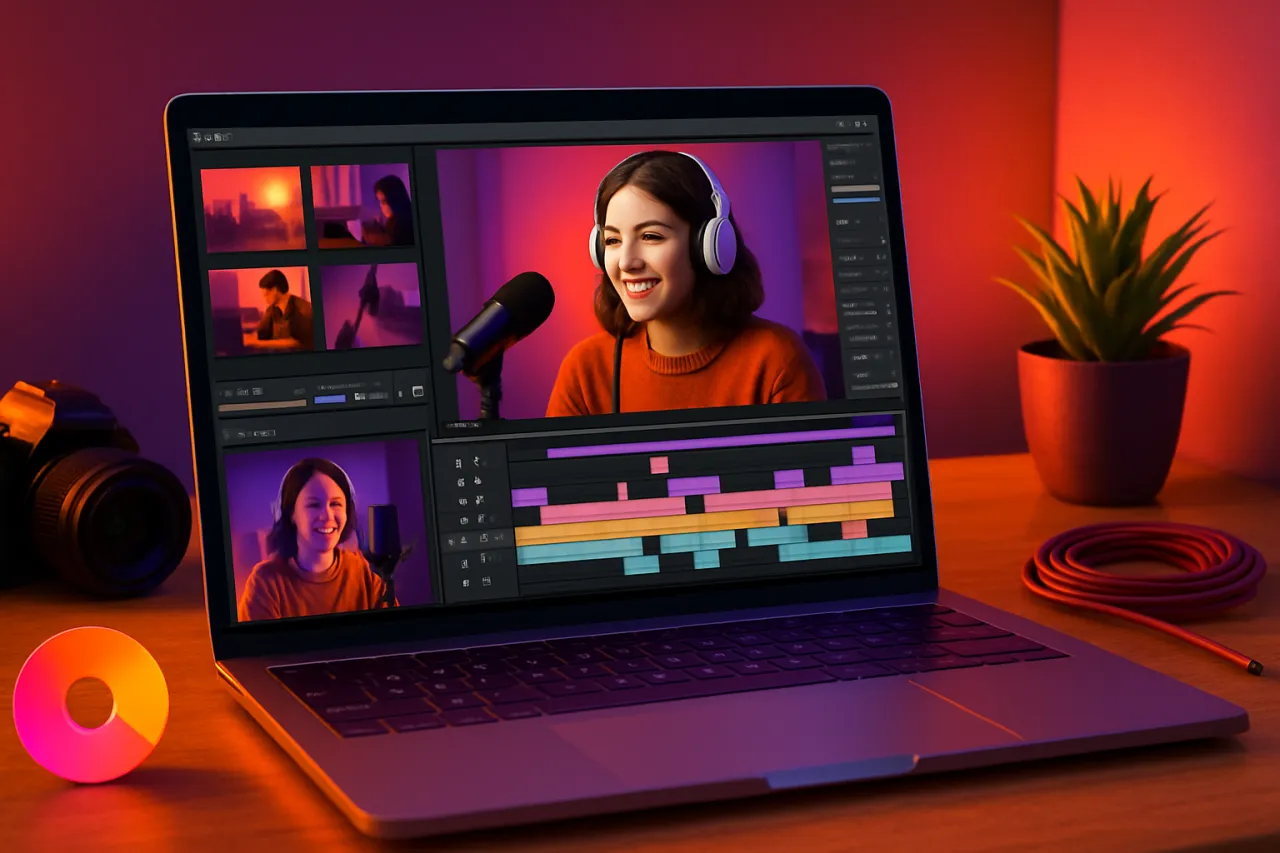
Top Video Editing Software for Beginner Content Creators
Introduction
In today’s digital landscape, video content is king. From YouTube channels to social media posts, creating engaging videos can significantly impact your audience engagement and brand visibility. For beginner content creators, however, the prospect of video editing can be daunting. The right video editing software can make all the difference, providing intuitive tools that simplify the editing process without overwhelming users.
This article covers the top video editing software options that cater specifically to beginners. We will discuss key features to look for, how to select software based on your content type, and provide insights into affordability and ease of use. By the end, you will be equipped to make an informed decision that enhances your content creation journey.
What Is Video Editing Software?
Video editing software is a tool that allows users to manipulate and rearrange video footage. It provides functionalities to trim clips, add transitions, apply effects, and integrate audio, all while giving creators the ability to tell compelling stories through their visuals. For beginners, the focus should be on software that is user-friendly and packed with features that facilitate learning and exploration of video editing.
Why It Matters
Choosing the right video editing software is crucial for new content creators. Not only does it streamline the editing process, but it also enhances the quality of the final product. Depending on the type of content—be it vlogs, tutorials, or promotional videos—specific software may better suit your needs. With so many options available, understanding what features to prioritize can save time and reduce frustration.
Best Software for Beginner Content Creators
CapCut
- Overview: CapCut is a popular mobile and desktop video editing app designed with simplicity in mind.
- Strengths: Offers a wide range of effects, stickers, and filters, alongside a user-friendly interface.
- Limitations: Lacks some advanced features found in desktop counterparts.
- Best for: Social media content creators looking for quick edits.
- Pricing overview: Free with optional in-app purchases for premium features.
Magic Studio
- Overview: Magic Studio focuses on AI-driven editing, making it an excellent choice for beginners.
- Strengths: Smart editing suggestions and automated features simplify complex tasks.
- Limitations: Some users may find the AI-driven approach limiting for creative control.
- Best for: Beginners wanting to automate the editing process.
- Pricing overview: Free tier available, with premium subscriptions offering additional features.
iMovie (Mac)
- Overview: Apple’s iMovie is a classic choice for Mac users, providing a robust set of editing tools.
- Strengths: Intuitive design, easy transitions, and seamless integration with other Apple products.
- Limitations: Only available on Apple devices; lacks some advanced features of professional software.
- Best for: Apple users looking for a straightforward editing experience.
- Pricing overview: Free for all Apple devices.
OpenShot
- Overview: OpenShot is an open-source video editor perfect for beginners and advanced users alike.
- Strengths: Cross-platform compatibility and a rich set of features including 3D animations.
- Limitations: Occasional bugs and performance issues reported by users.
- Best for: Users looking for a free, versatile editing tool.
- Pricing overview: Completely free to download and use.
How to Choose the Right Solution
When evaluating video editing software, consider the following:
- Usability: Look for intuitive interfaces that require minimal learning.
- Features: Identify specific features you need based on your content type—such as special effects or audio integration.
- Platform Compatibility: Ensure the software works on your device, whether it’s a desktop, tablet, or mobile.
- Budget: Consider what you’re willing to spend, balancing cost against necessary features.
Common Mistakes
- Overlooking system requirements: Always check if your hardware can support the software you choose.
- Choosing complex software too early: Start with basic tools before moving on to more advanced options.
- Neglecting tutorials: Many software options offer tutorials; take advantage of these to speed up your learning curve.
Frequently Asked Questions
- What is the best free video editing software for beginners?
CapCut and OpenShot are excellent free options with user-friendly interfaces. - Do I need an expensive computer for video editing?
Not necessarily; many beginner-friendly software options run well on standard computers. - Can I edit videos on my phone?
Yes, apps like CapCut and iMovie allow for effective mobile editing. - What features should I look for in video editing software?
Focus on usability, essential editing tools, and export options suited to your needs. - Is it worth investing in paid software?
If you plan to create videos regularly, paid software can offer enhanced features and support.
Conclusion
Selecting the right video editing software is a pivotal step for any beginner content creator. By prioritizing ease of use, essential features, and affordability, you can quickly start producing high-quality videos that resonate with your audience. Whether you choose a free solution like CapCut or opt for more feature-rich software like Magic Studio, the key is to find a tool that fits your unique content creation style and needs.
About the Author
Product Reviewer
Amy Green is a product reviewer with 9+ years of experience reviewing and testing CRM software. She helps businesses find the right digital tools to scale their operations.


