Top Video Editing Software for Fitness Instructors
Introduction
In the digital age, video content is essential for fitness instructors looking to engage their audience and grow their brand. Whether you’re producing workout tutorials, promotional videos, or live-streaming classes, high-quality video editing can make a significant difference in how users perceive your content. However, with a plethora of video editing software available, it can be overwhelming to choose the right one that aligns with your needs as a fitness instructor.
This article explores tailored video editing software solutions designed specifically for fitness professionals. You will learn about their unique features, pricing, and how they can enhance your video content quality, ensuring your fitness message resonates effectively with your target audience.
What Is Video Editing Software?
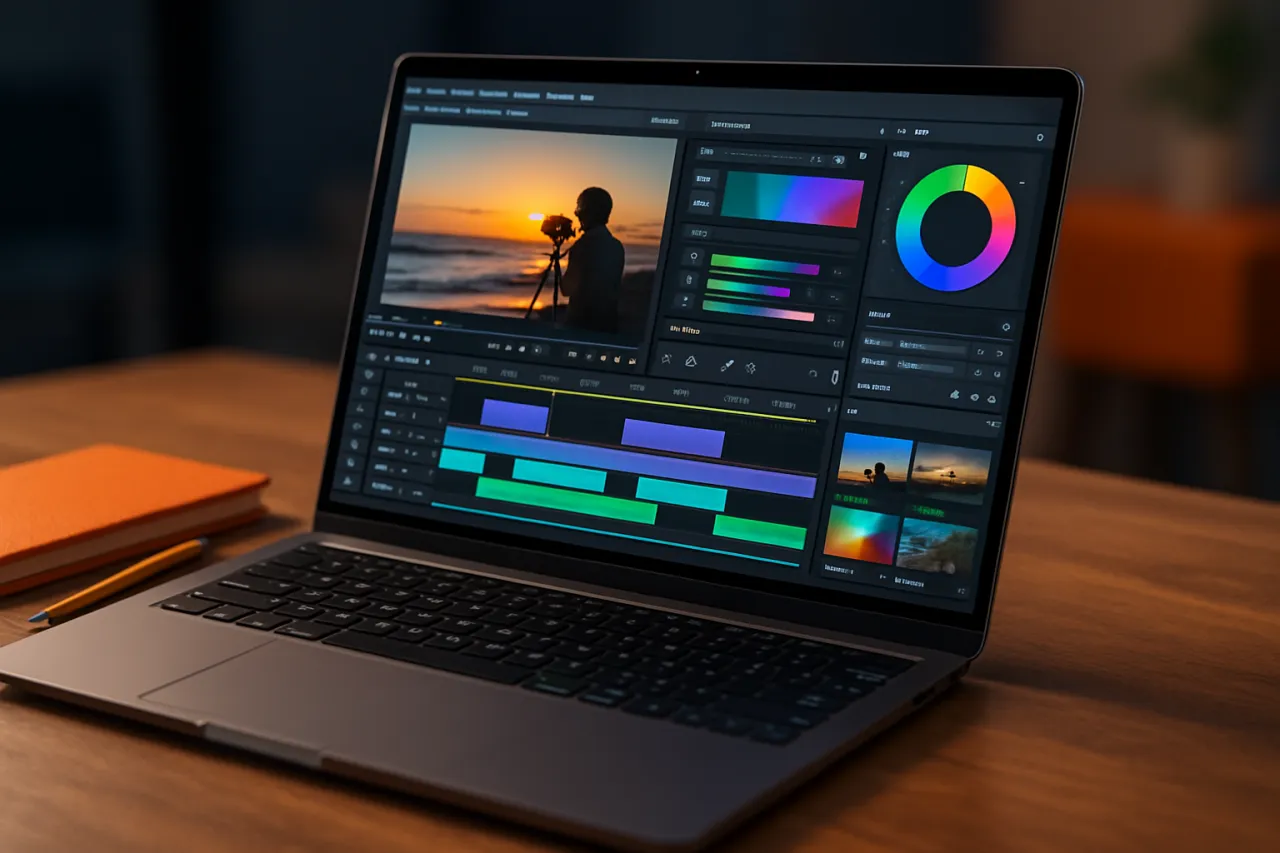
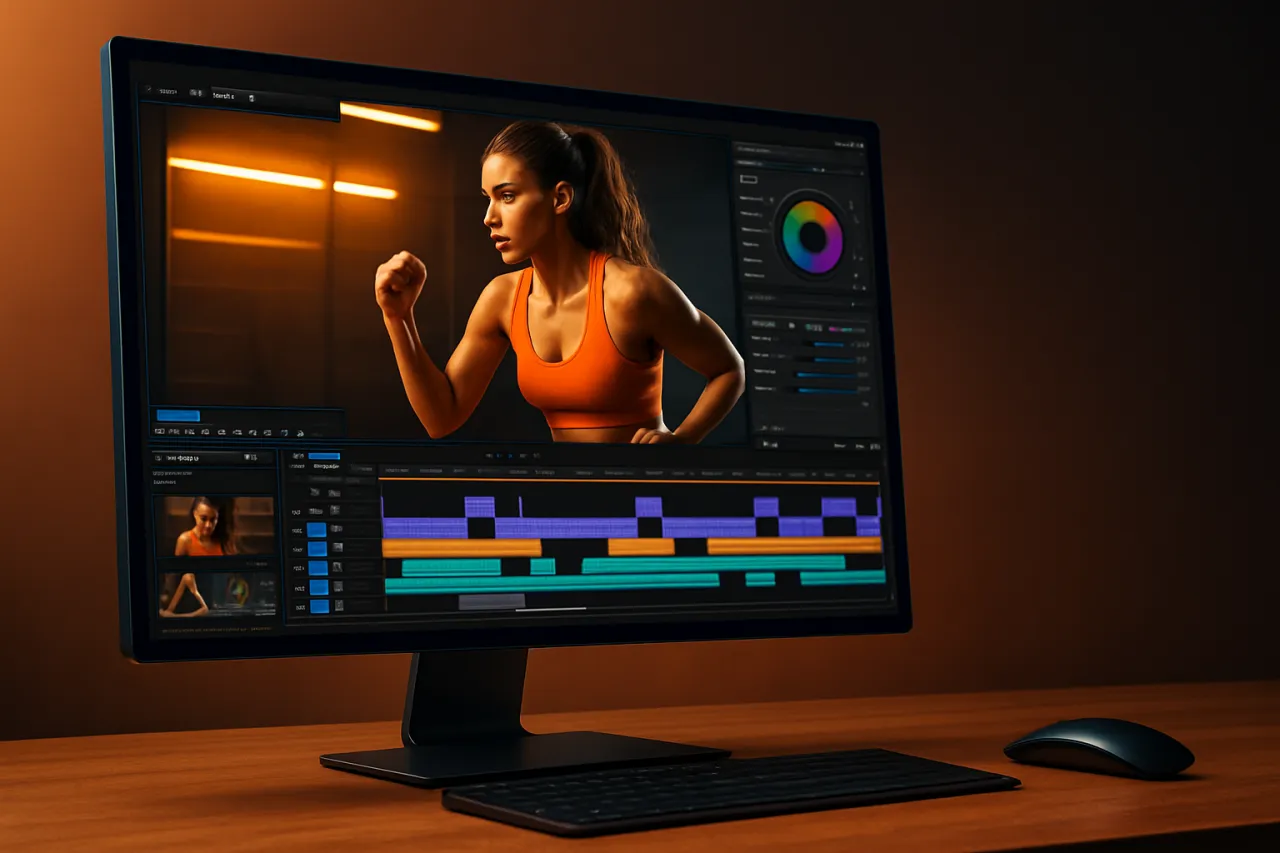
Video editing software allows users to manipulate and rearrange video footage, adding effects, transitions, and audio to create polished, professional-looking videos. These tools enable instructors to cut unnecessary scenes, combine multiple clips, and add visual enhancements that can clarify their instructions or showcase their fitness routines.
As a fitness instructor, using the right video editing software can streamline your workflow and improve the quality of your fitness content, helping you stand out in a crowded market.
Why It Matters
In the fitness industry, visual appeal is crucial. High-quality video content not only attracts viewers but also helps in retaining them. The right video editing software can enhance your videos by making them more engaging and informative. Effective editing can highlight your fitness techniques, build your brand, and connect with your audience on a deeper level. Thus, selecting the right tool is essential for enhancing your online presence.
Best Software for Fitness Video Editing
1. Adobe Premiere Pro
Overview
Adobe Premiere Pro is a leading professional video editing software that offers a robust set of features suitable for both beginners and experienced editors.
Strengths
- Extensive editing tools and effects
- Support for various video formats
- Integrates well with other Adobe products
- Tutorials and community support available
Limitations
- Can be complex for beginners
- Subscription-based pricing may not suit everyone
Best for
Instructors looking for a comprehensive editing tool who are willing to invest time in learning.
Pricing overview
Pricing starts at approximately $20.99/month with access to all features.
2. Rokoko Video
Overview
Rokoko Video focuses on motion capture and animation, making it ideal for fitness instructors who want to incorporate animated characters or elements into their videos.
Strengths
- User-friendly interface
- Excellent for creating animated fitness content
- Integrates motion capture features for dynamic movement
Limitations
- Limited traditional editing features compared to other software
- Best suited for specific creative projects
Best for
Instructors aiming to create captivating, animated fitness videos.
Pricing overview
Plans start at $15/month for basic features.
3. Spikes Studio
Overview
Spikes Studio is tailored specifically for fitness creators, offering features that are easy to use and designed to streamline the editing process.
Strengths
- Fitness-specific templates and effects
- Intuitive drag-and-drop functionality
- Built-in music and sound effects library
- Affordable pricing options
Limitations
- Advanced features might be limited compared to professional tools
- Less customization for experienced editors
Best for
Beginners or those looking for a quick and efficient way to produce fitness videos.
Pricing overview
Basic plans start at $10/month with a free trial available.
4. Final Cut Pro
Overview
Final Cut Pro is an advanced video editing software exclusive to Mac users, known for its high-quality output and professional features.
Strengths
- Magnetic Timeline allows easy editing
- Supports 360-degree video editing and HDR
- Optimized for Mac hardware for faster performance
Limitations
- Only available for Mac users
- Higher one-time purchase cost
Best for
Fitness instructors using Macs who require professional-grade editing capabilities.
Pricing overview
Available for a one-time purchase of $299.99.
5. DaVinci Resolve
Overview
DaVinci Resolve combines professional 8K editing, color correction, visual effects, motion graphics, and audio post-production all in one software.
Strengths
- Comprehensive free version available
- Advanced color grading tools
- Ideal for instructors wanting to focus on high production quality
Limitations
- Steeper learning curve for beginners
- Requires powerful hardware for optimal performance
Best for
Fitness instructors focused on high-quality video production and color grading.
Pricing overview
Free version available; the studio version is $295.
How to Choose the Right Solution
When selecting video editing software, consider the following criteria:
- Ease of use: Look for software with an intuitive interface and accessible tutorials.
- Features: Identify what specific features you need, such as templates, effects, or music libraries.
- Pricing: Determine your budget and explore options that offer the best value for your needs.
- Compatibility: Ensure the software works on your computer or device.
- Support: Check for community forums, customer service, and learning resources.
Common Mistakes
- Overlooking system requirements: Ensure your device meets the software’s specifications.
- Not leveraging templates: Utilize pre-made templates to save time and improve quality.
- Ignoring audio quality: Video is only half the equation; good audio enhances overall quality.
- Neglecting to practice: Familiarize yourself with the software features to maximize its potential.
Frequently Asked Questions
1. What features should I look for in fitness video editing software?
Look for templates specific to fitness, audio editing capabilities, and easy-to-use effects.
2. Can I use free video editing software for my fitness videos?
Yes, there are several free options that can meet your needs, though they may have limited features.
3. How can I improve my video quality as a fitness instructor?
Focus on good lighting, clear audio, and effective editing to enhance your videos.
4. Is it worth investing in professional video editing software?
If you’re serious about your brand and content quality, investing in professional software can yield significant benefits.
5. How frequently should I update my video editing software?
Keep your software updated to utilize the latest features and improvements, which can enhance your editing workflow.
Conclusion
Choosing the right video editing software can elevate your fitness content, making it more professional and engaging. Whether you’re a beginner or an experienced editor, there are tools available to meet your needs. Evaluate each option based on ease of use, features, and budget to find the best fit for your fitness video projects. With the right software, you can effectively communicate your fitness expertise and connect with your audience.
About the Author
Content Creator
Jason Scott brings 6 years of industry experience to every review. Specializing in No-Code Tools, He cuts through the marketing noise to deliver honest, practical insights.